















































- November 9, 2021
A brief tutorial on how to connect Kinomap (@Kinomap) to a larger remote display to enhance your training experience and immersion.
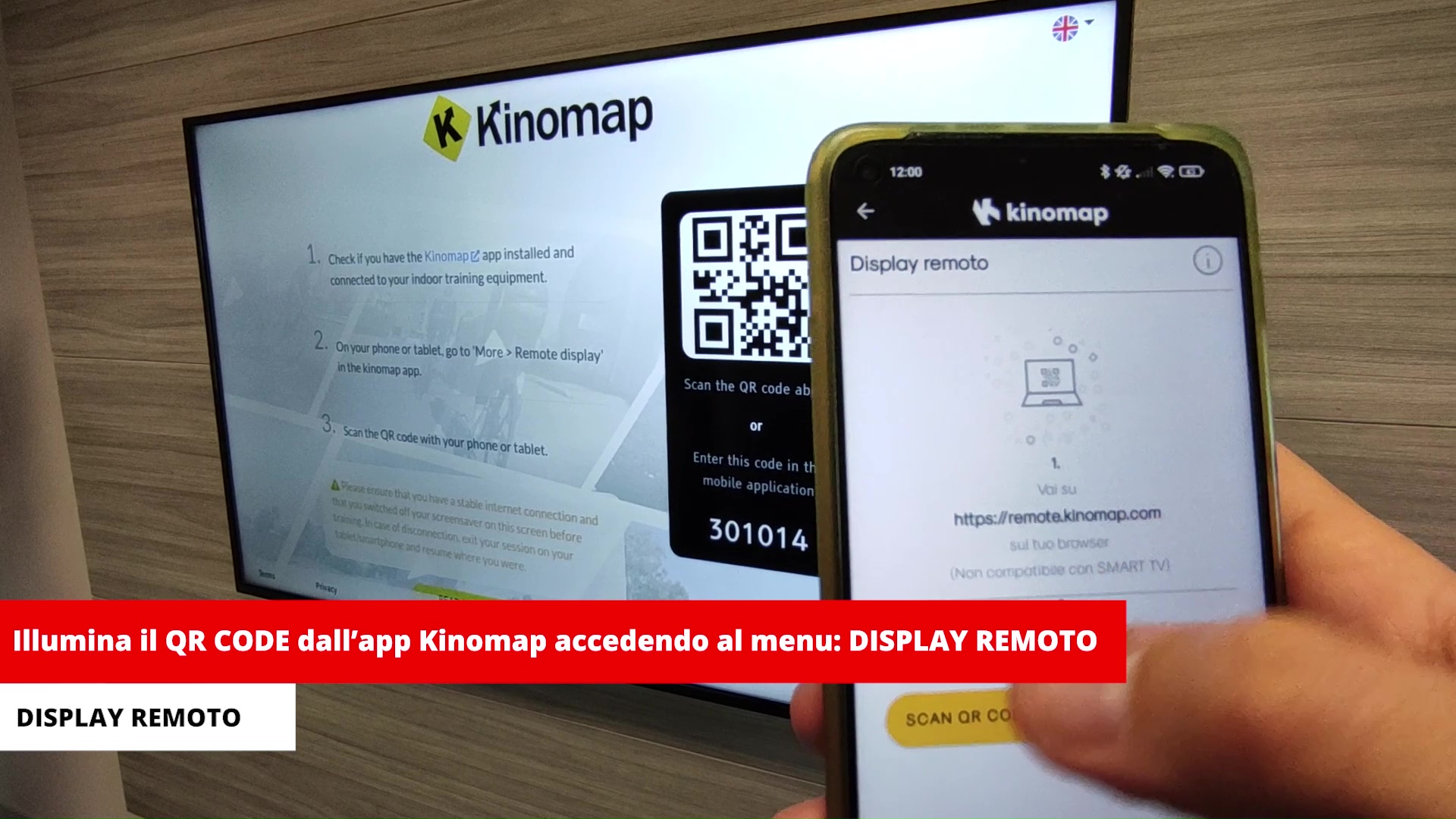
Open a browser (Chrome, Firefox, or other compatible browsers) and enter the address https://remote.kinomap.com. The page will open showing a QR code and a code. Open the Kinomap app on your smartphone/tablet, tap the menu icon in the top right corner, and tap Remote Display. Tap Scan QR CODE and scan the QR code (alternatively, you can enter the numeric code).
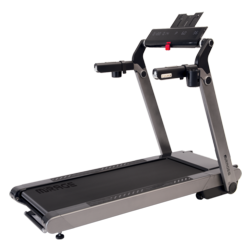
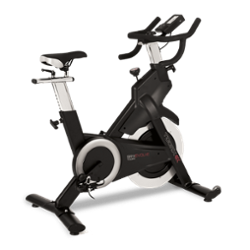
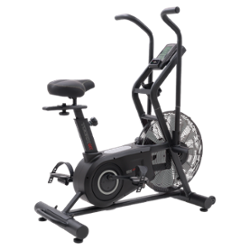
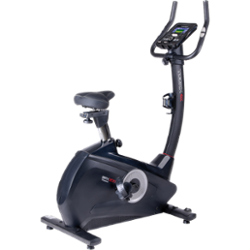
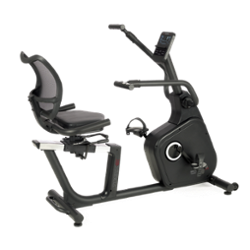
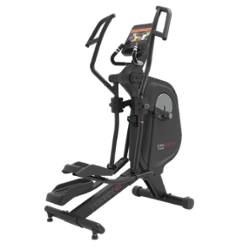
Once the procedure is complete, the two components will be connected. Now, simply select the video you want to train with, press START on the treadmill (or start pedaling on the bike or elliptical trainer), and enjoy your workout! Your phone will serve as a remote control to operate the app and view all the information about the training session you are performing.
PLEASE NOTE: in some limited cases, it is also possible to do this via a SMART TV, but not all of them have a compatible browser, so you must check that the on-board browser allows remote connection!!!!
PROMOTIONAL CODE FOR A FREE ONE-MONTH subscription to Kinomap: TOORXITA http://toorx.local/kinomap/kinomap-toorxita/
Music: Spark Of Inspiration by Shane Ivers - https://www.silvermansound.com
#toorx
Tag your photos and videos with #toorx #fitnessinmotion and join the TOORX community!!


NEWSLETTER
Subscribe to the newsletter to receive updates from Toorx


 MIRAGE TFT
 MIRAGE
 MIRAGE
 MIRAGE TFT
 MIRAGE
 MIRAGE
 MIRAGE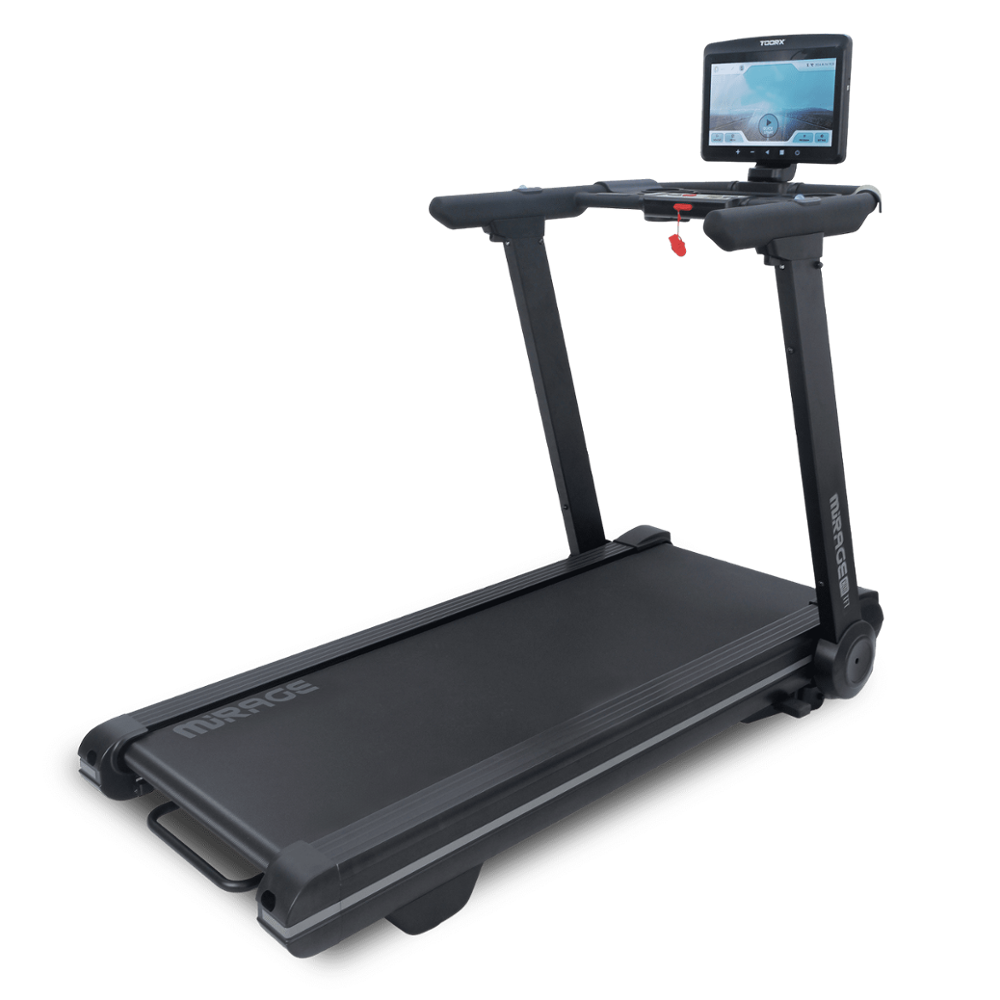
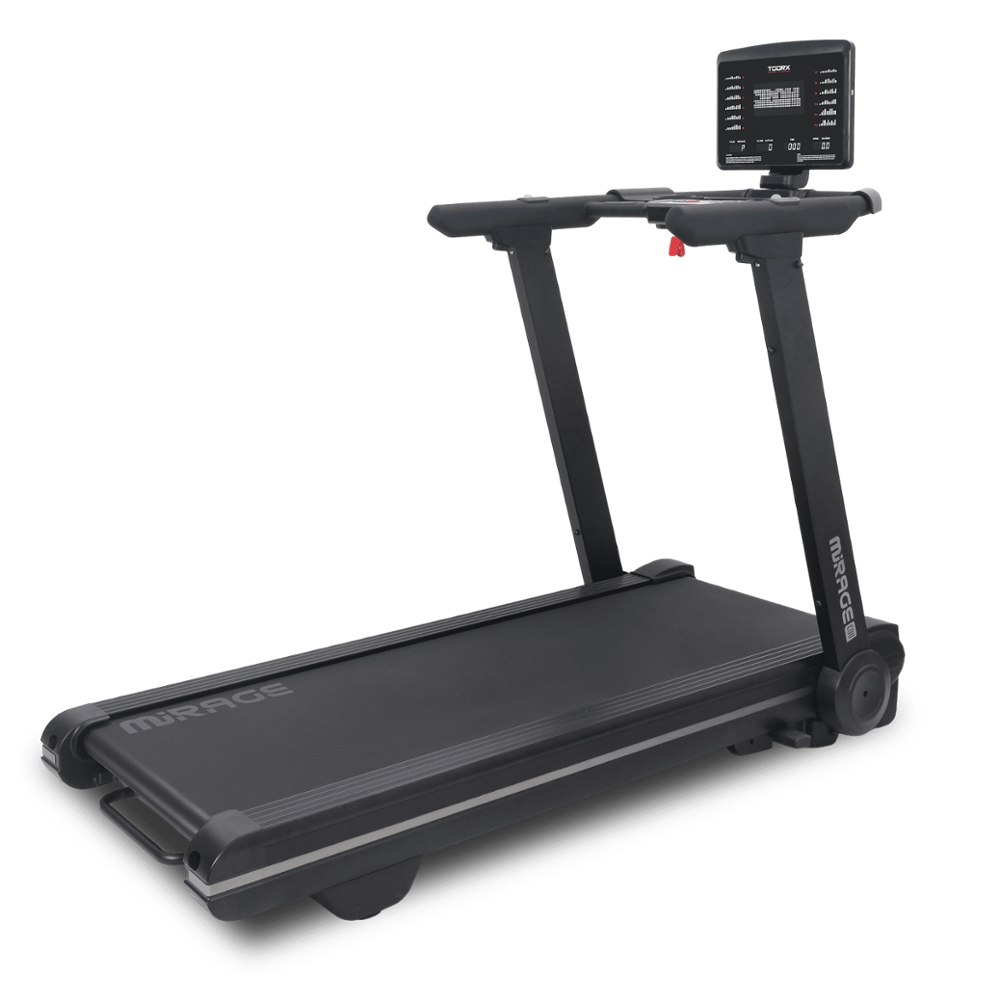
 MIRAGE
 MIRAGE
 TRX-100-3.0
 TRX MARATHON-3.0
 EXPERIENCE PLUS AC
 TOURING-3.0
 EXPERIENCE PLUS TFT
 TRX POWER COMPACT S
 EXPERIENCE PLUS
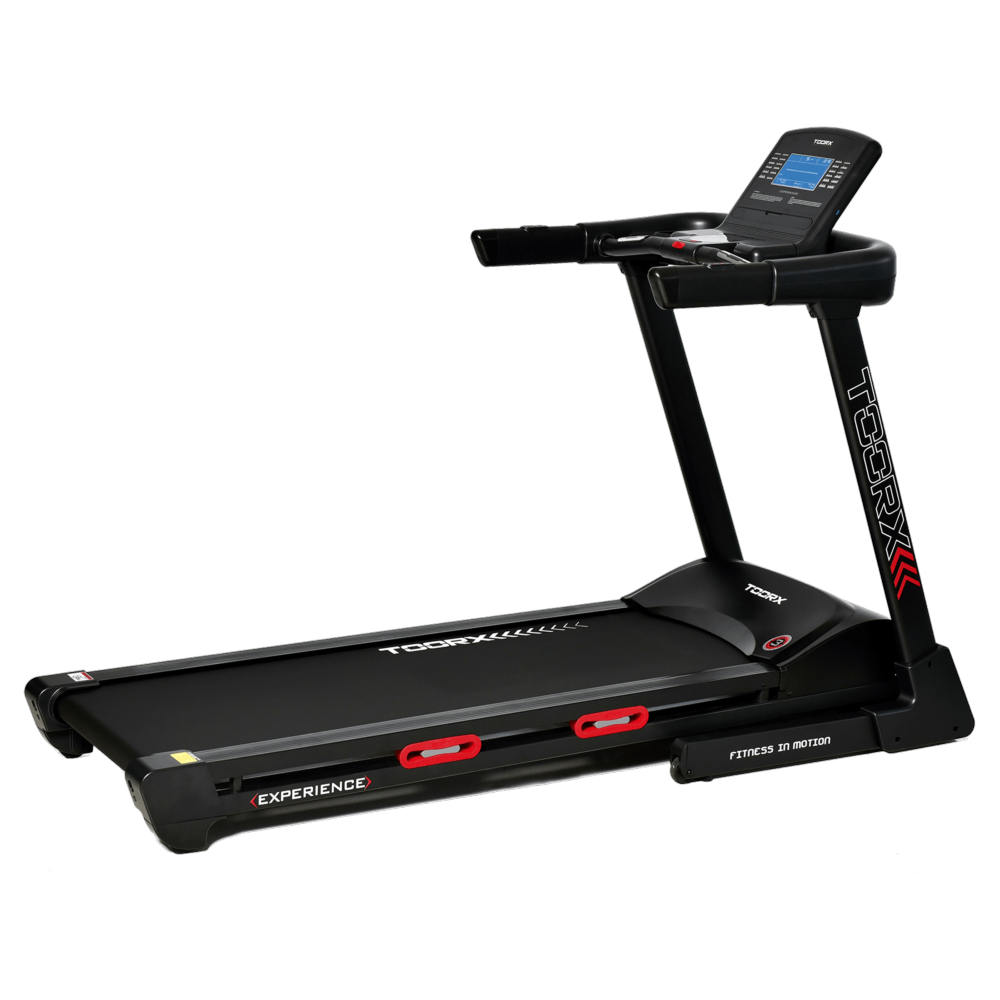 EXPERIENCE
 VOYAGER PLUS
 VOYAGER
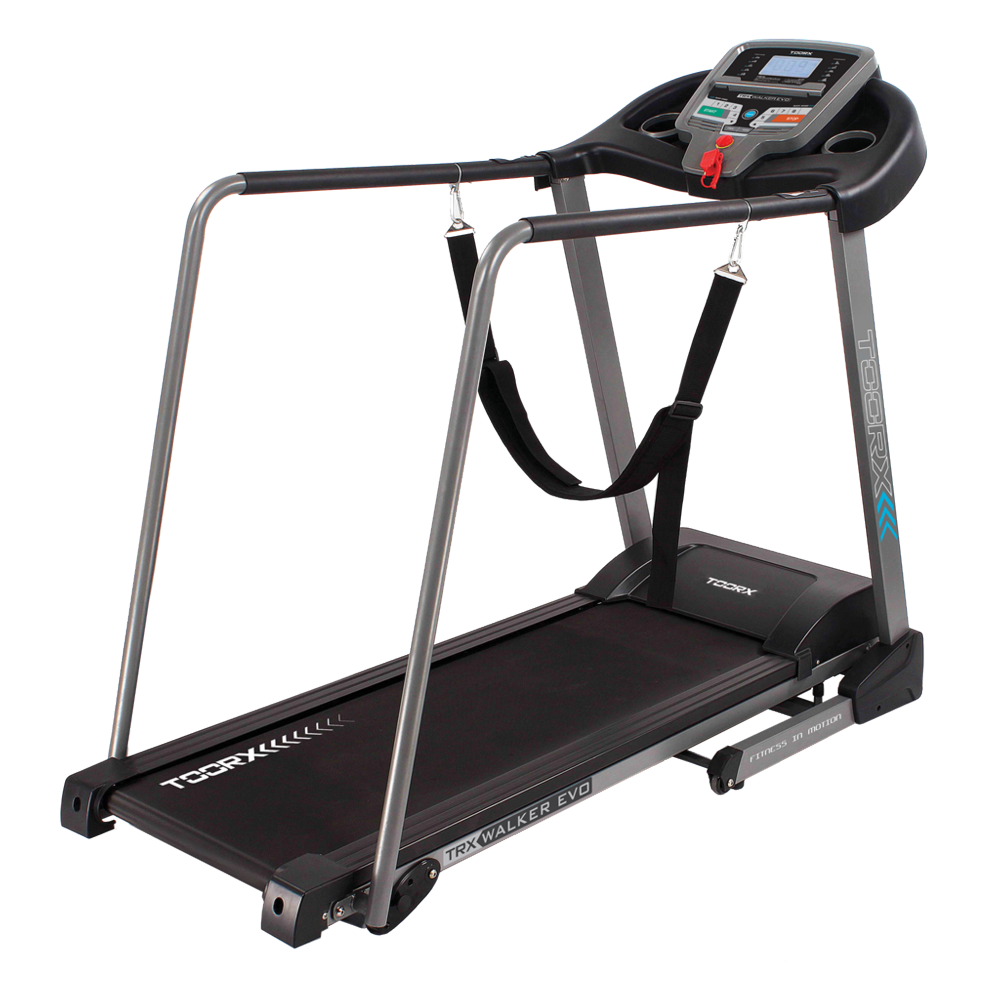 TRX WALKER EVO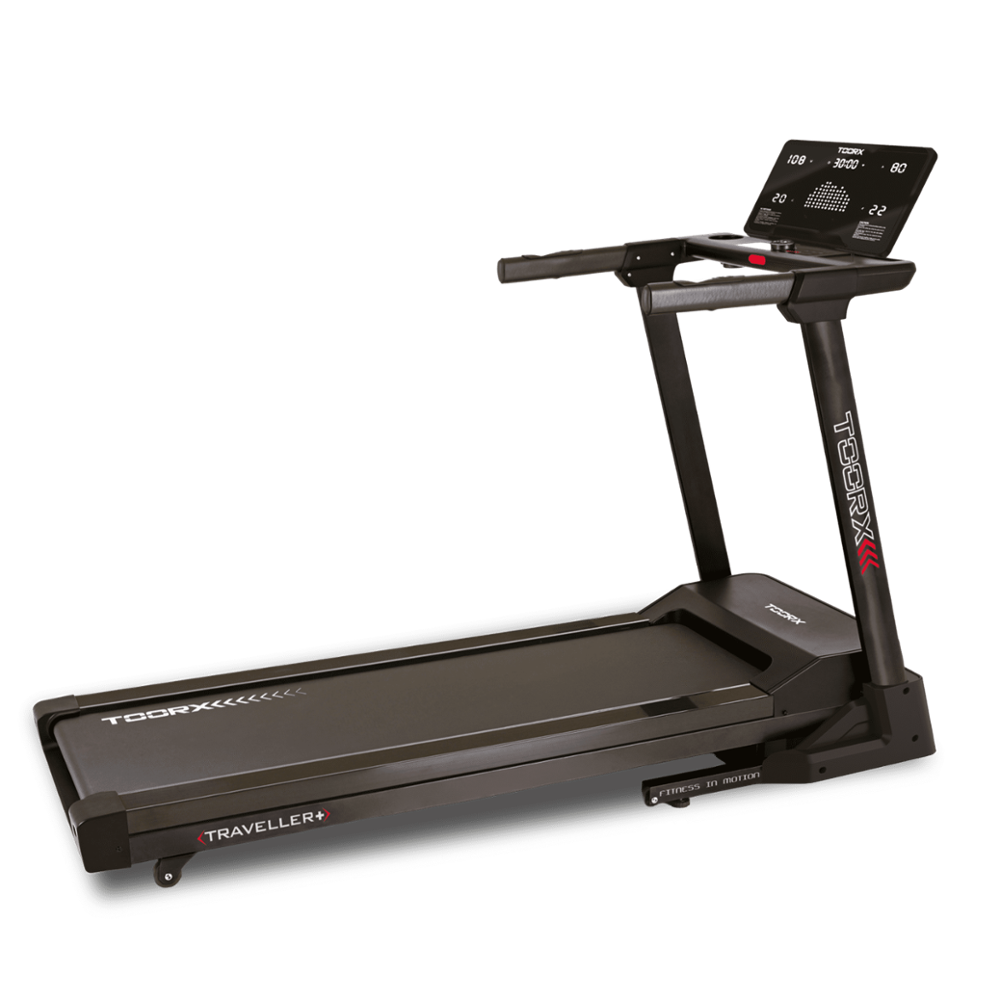
 TRAVELLER
 RAMBLER
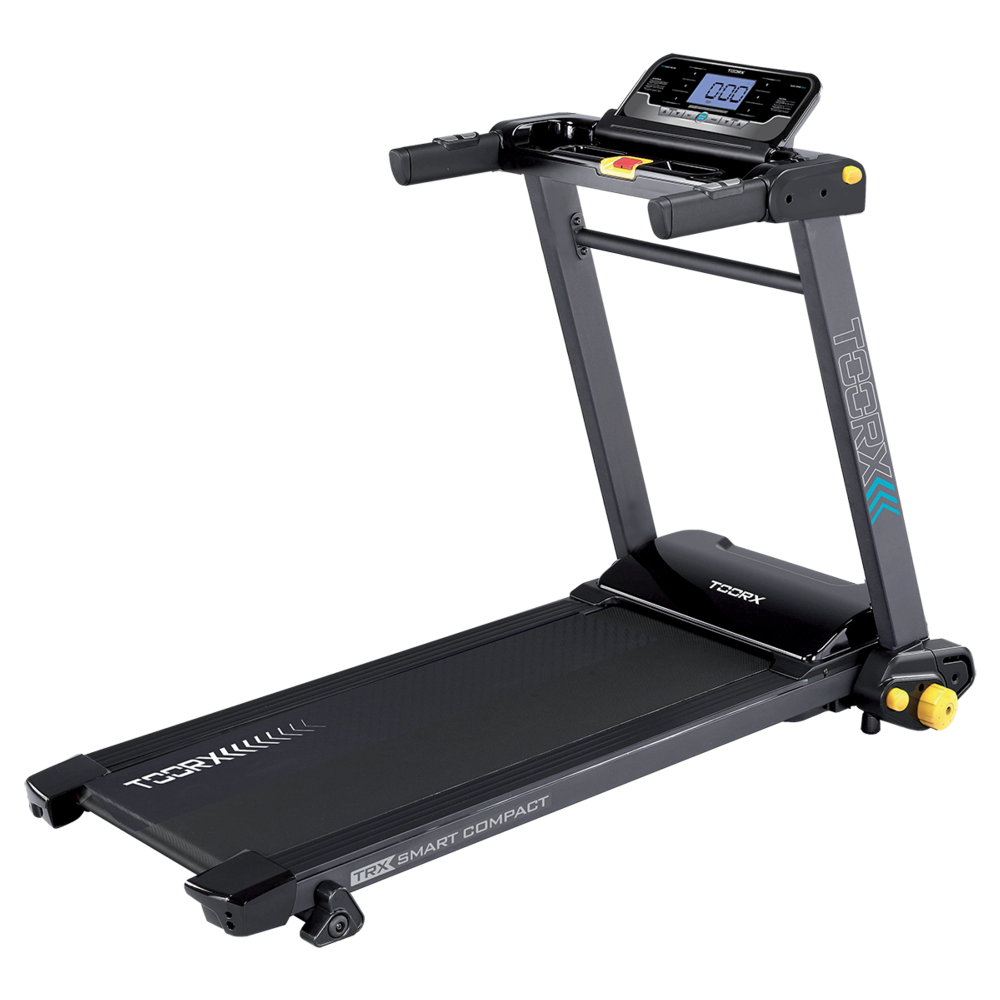 TRX SMART COMPACT
 MOTION
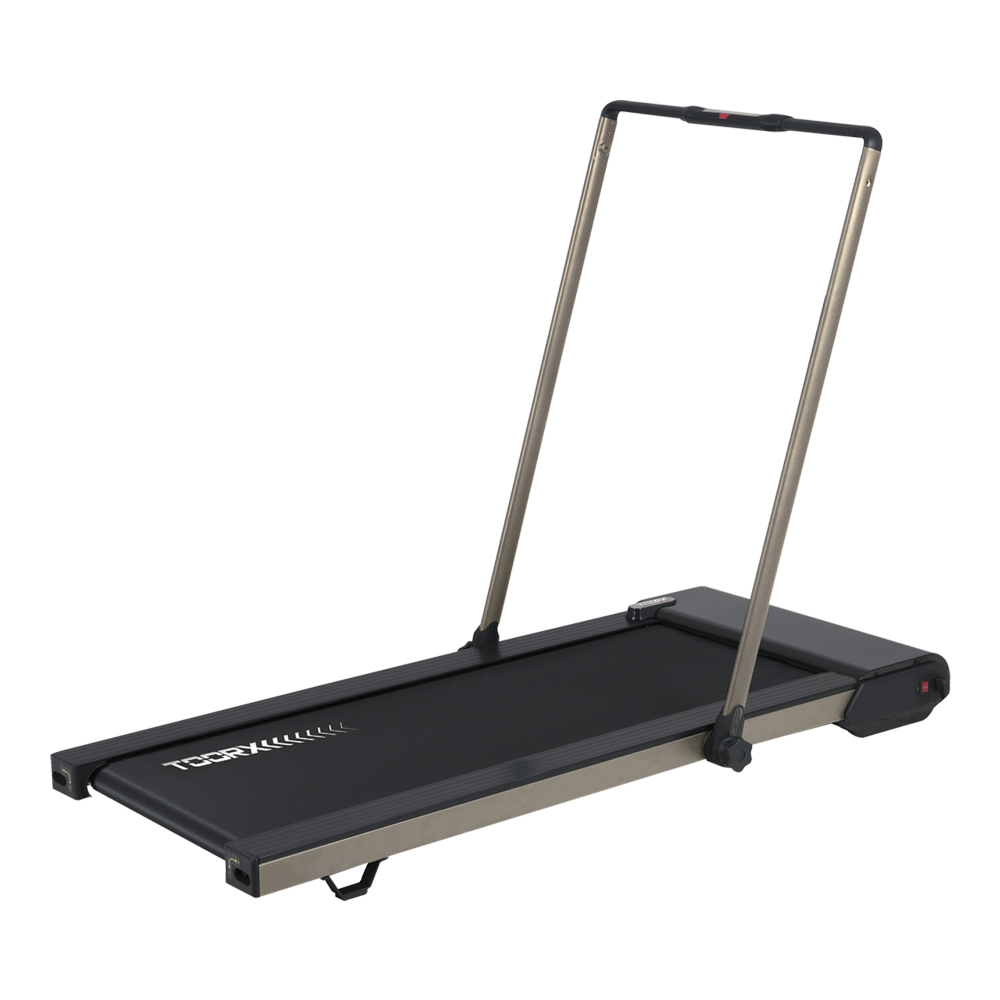 CITY COMPACT
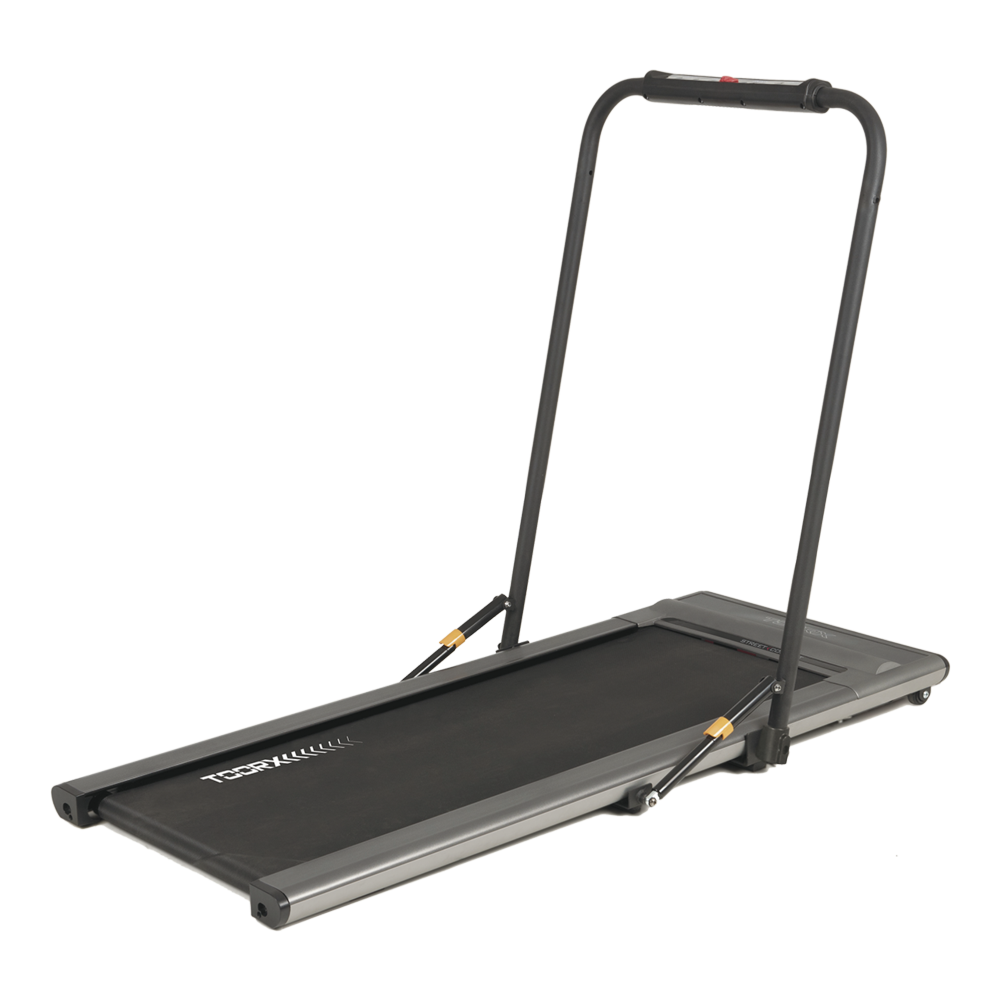 STREET COMPACT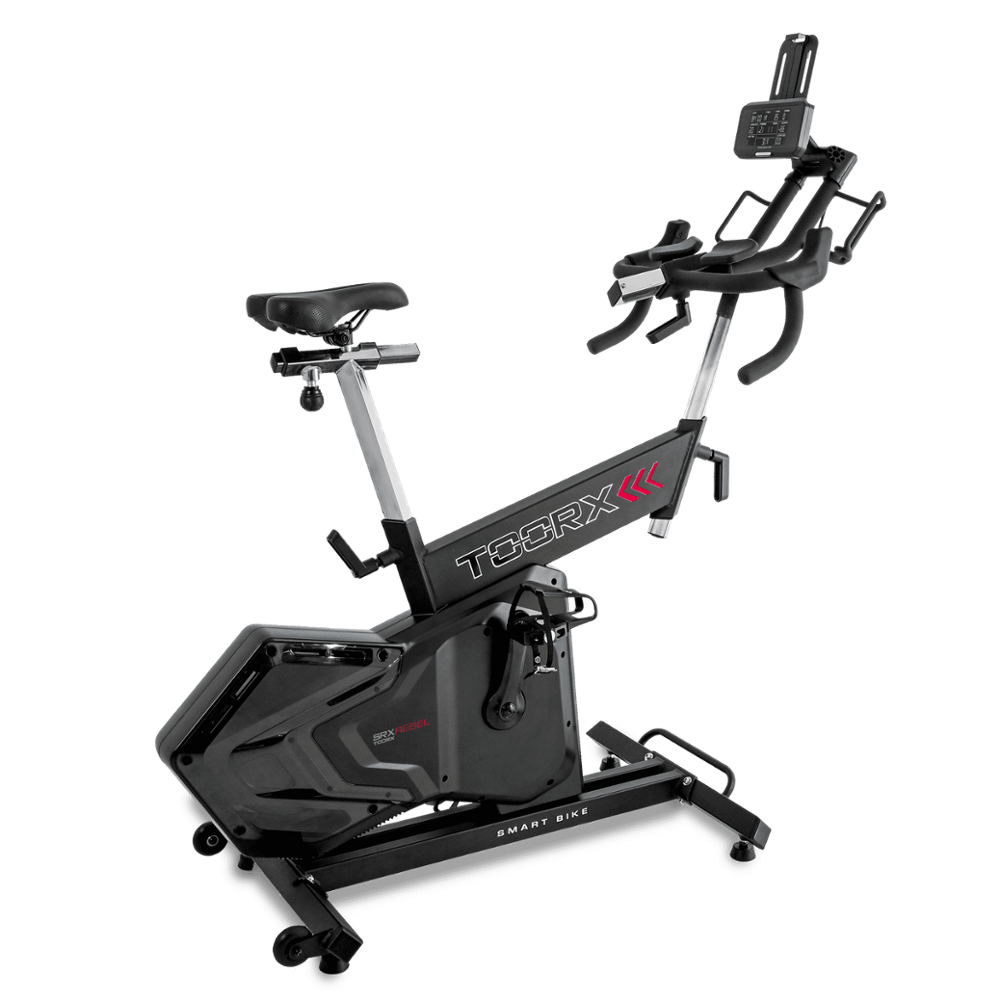
 SRX-500
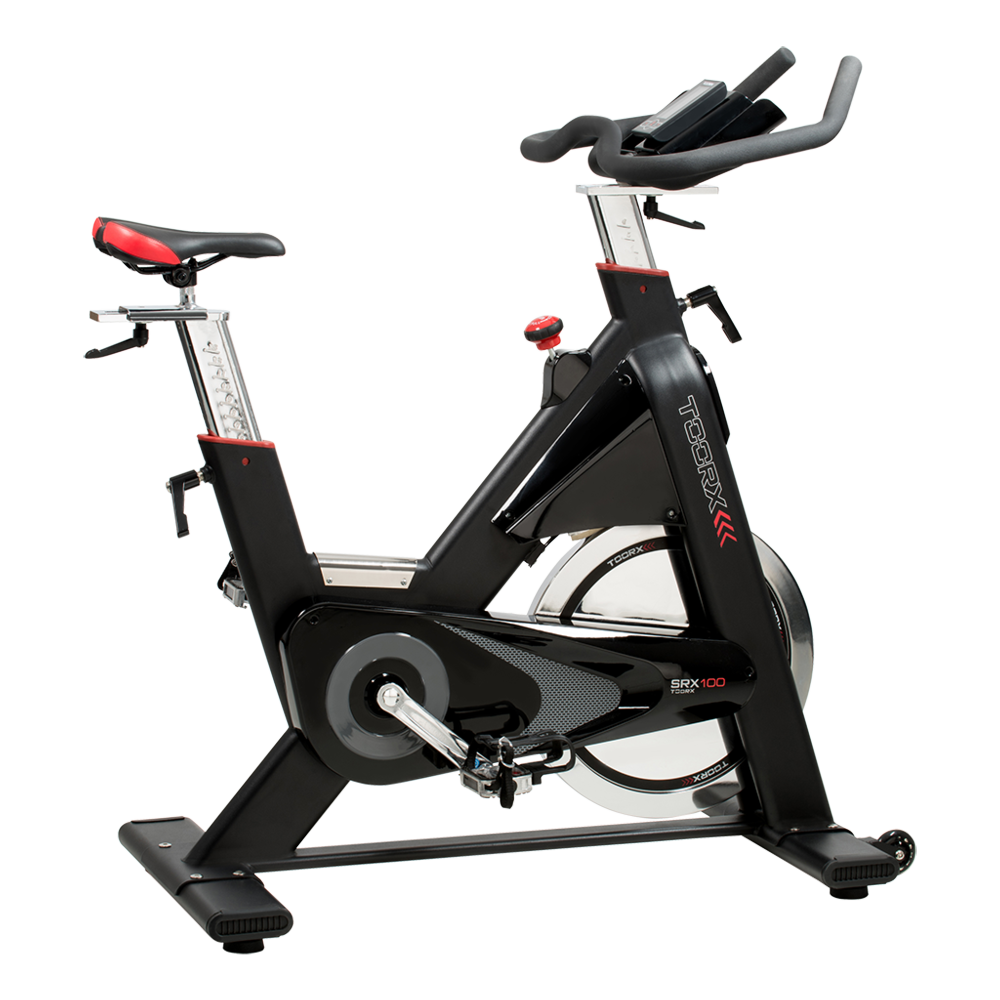 SRX-100
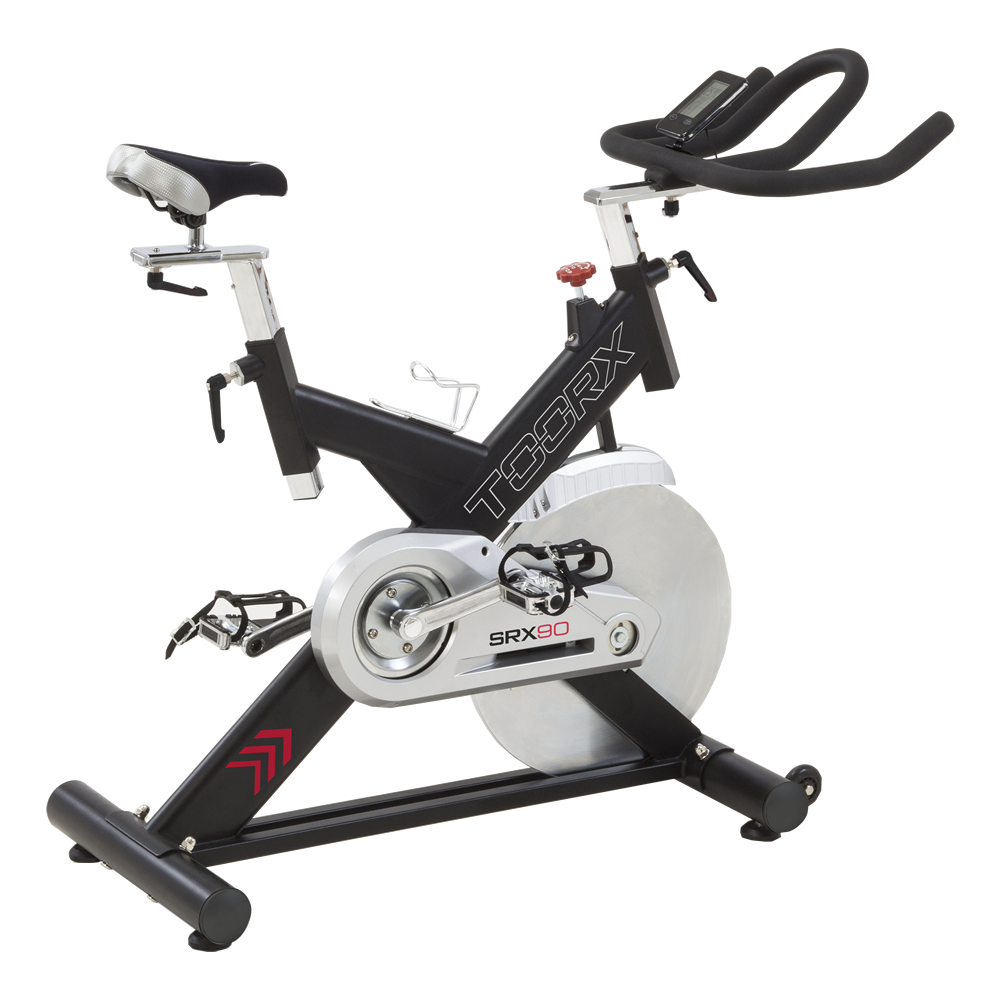 SRX-90
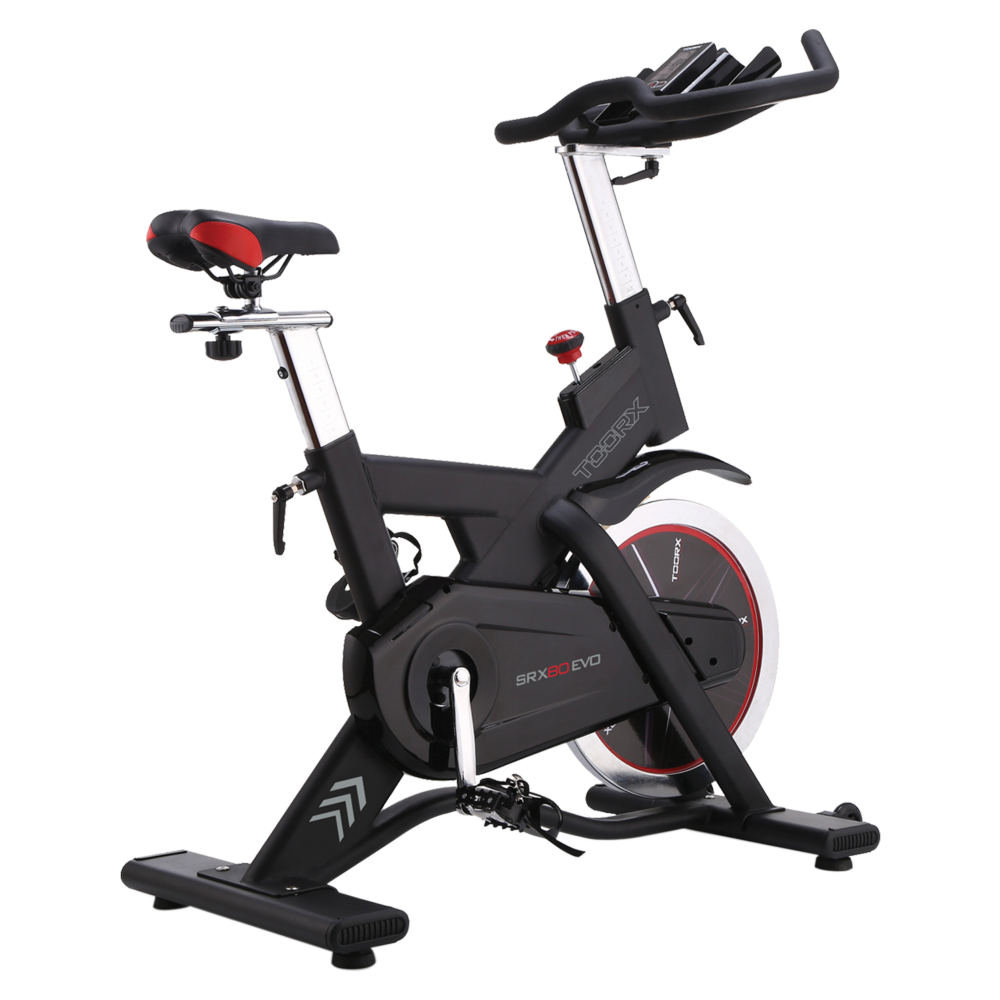 SRX-80 EVO
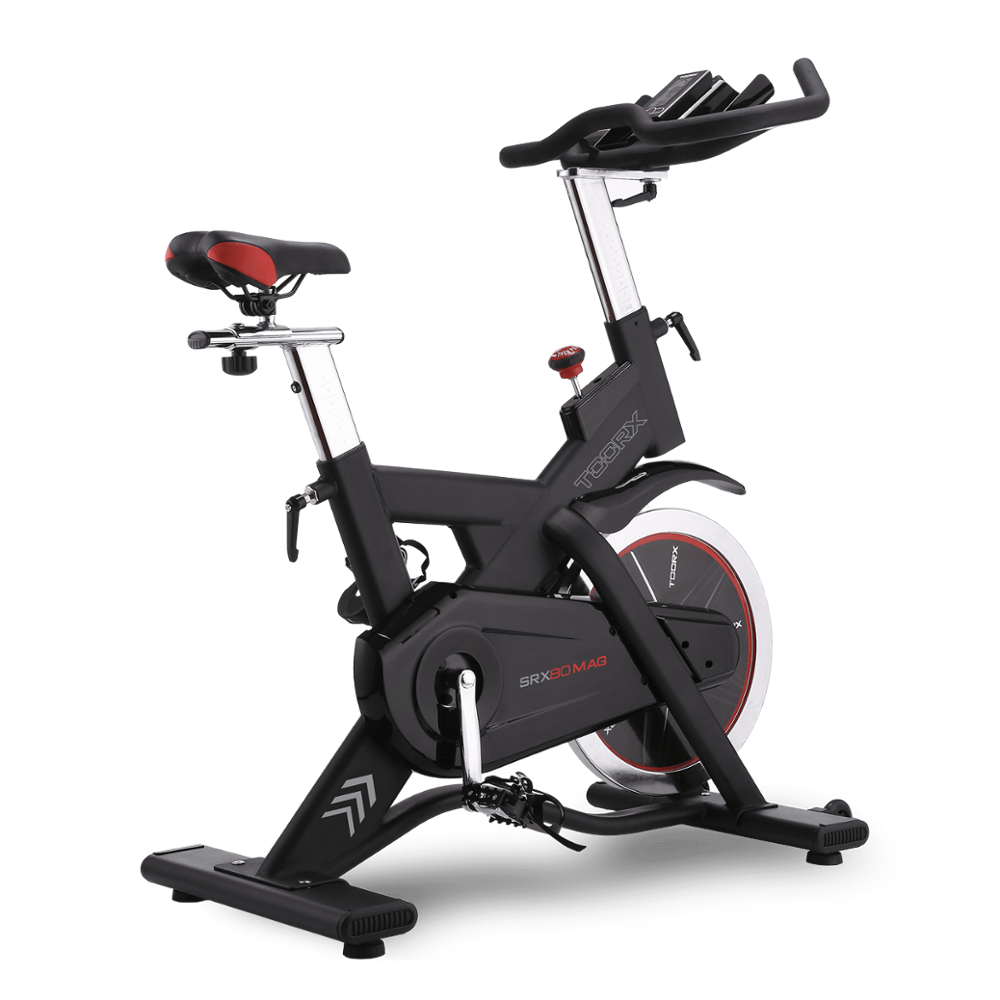 SRX 80 MAG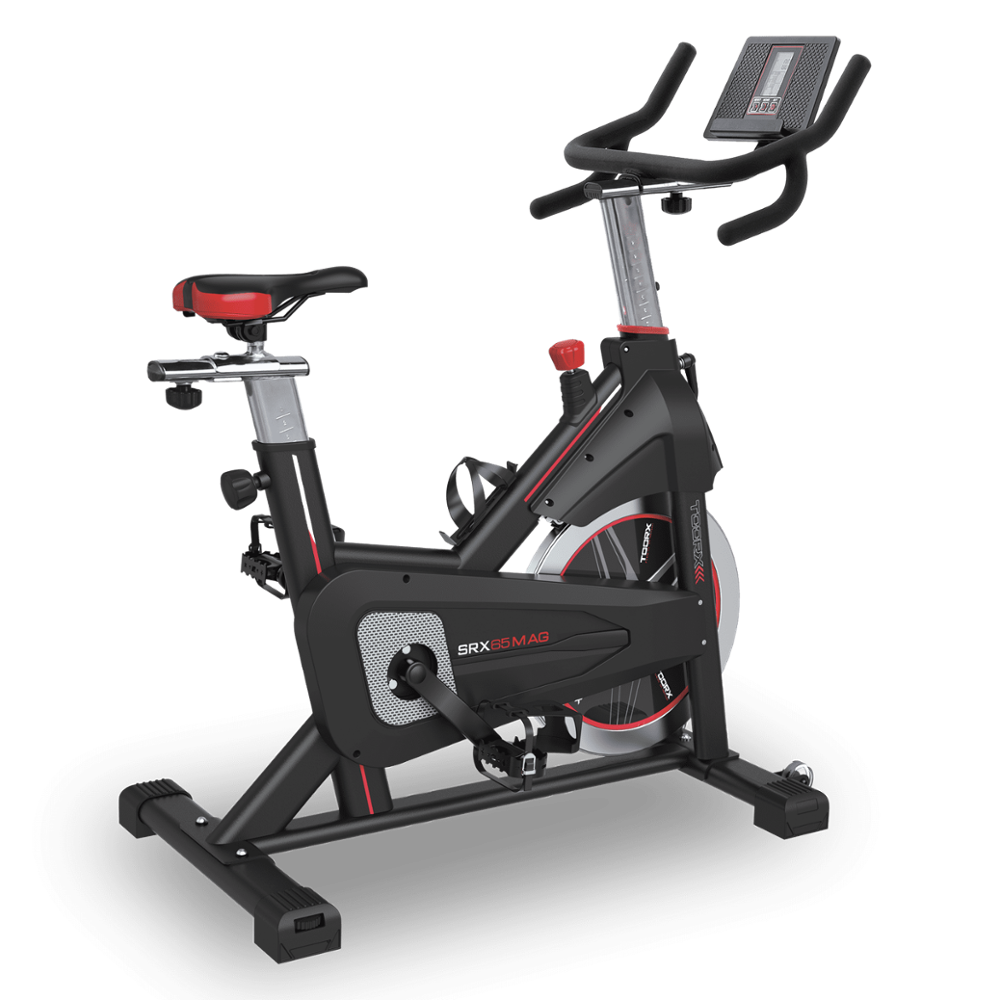
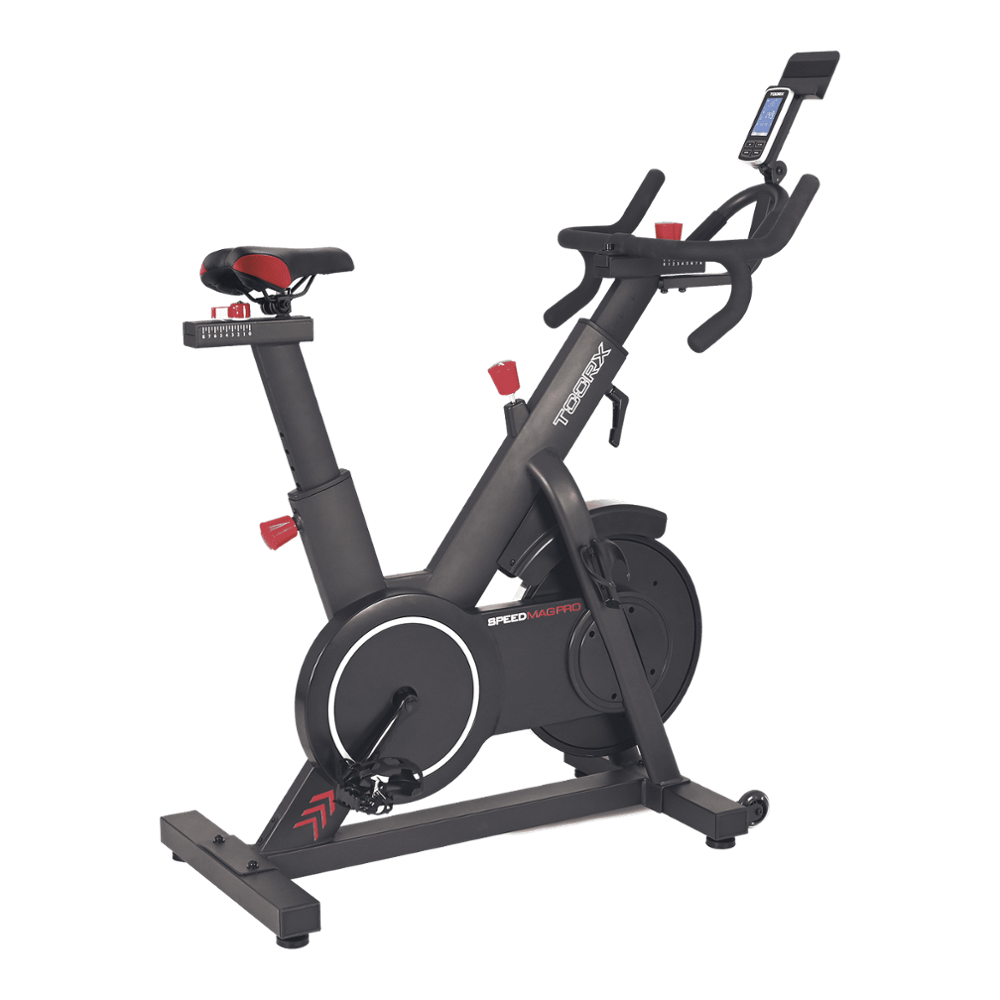 SRX SPEED MAG PRO
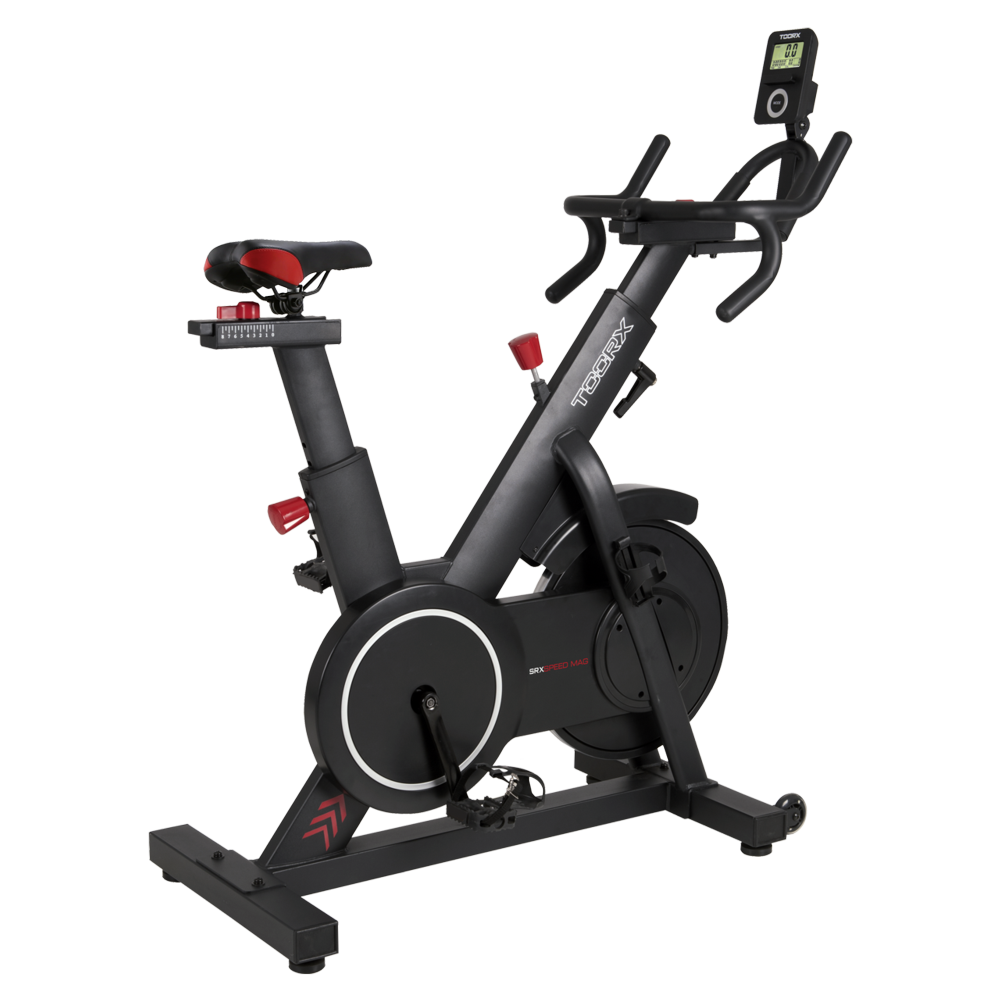 SRX SPEED MAG
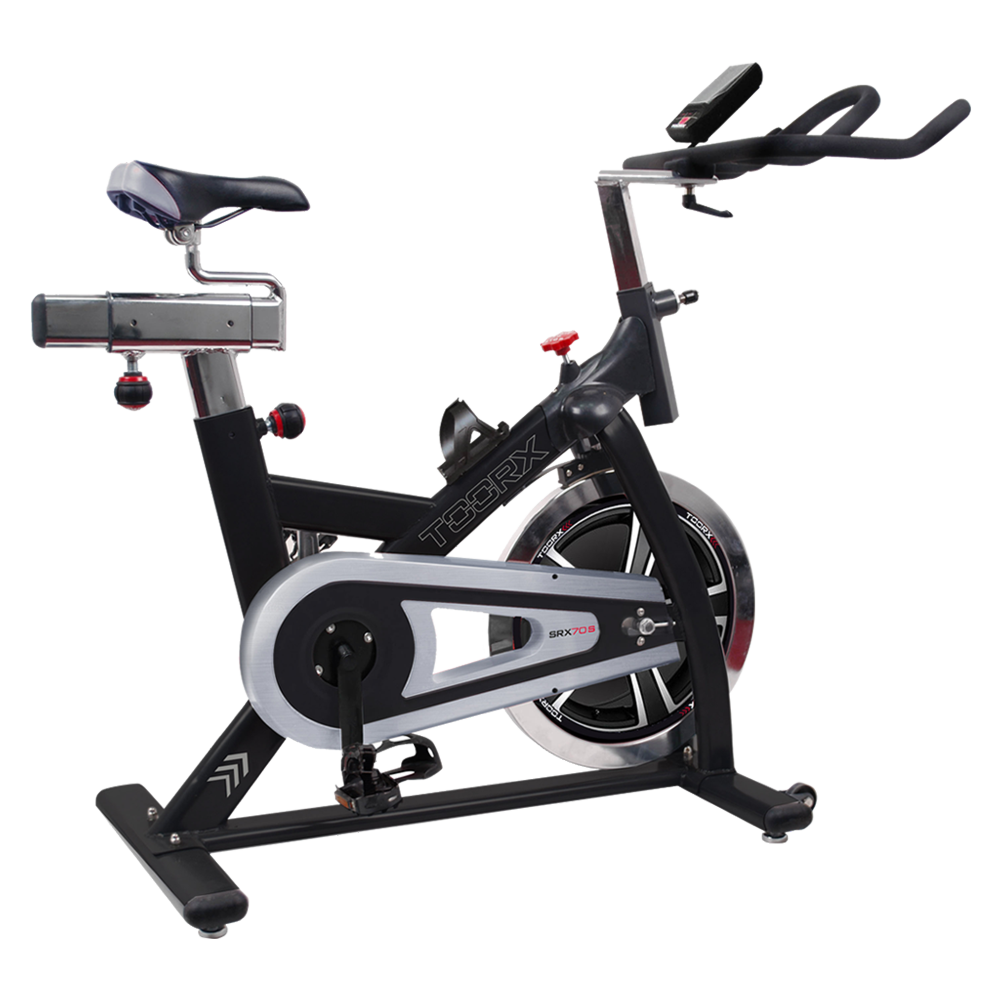 SRX-70 S
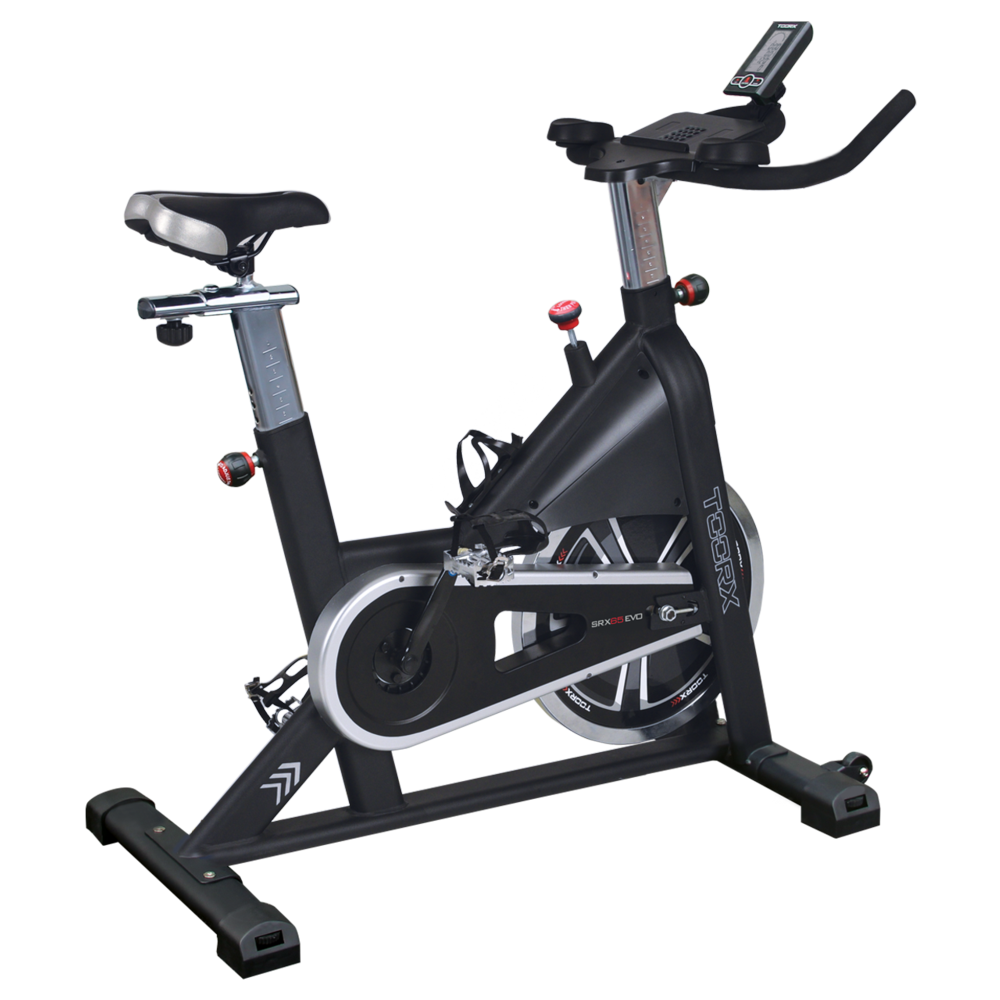 SRX-65 EVO
 SRX-60 EVO
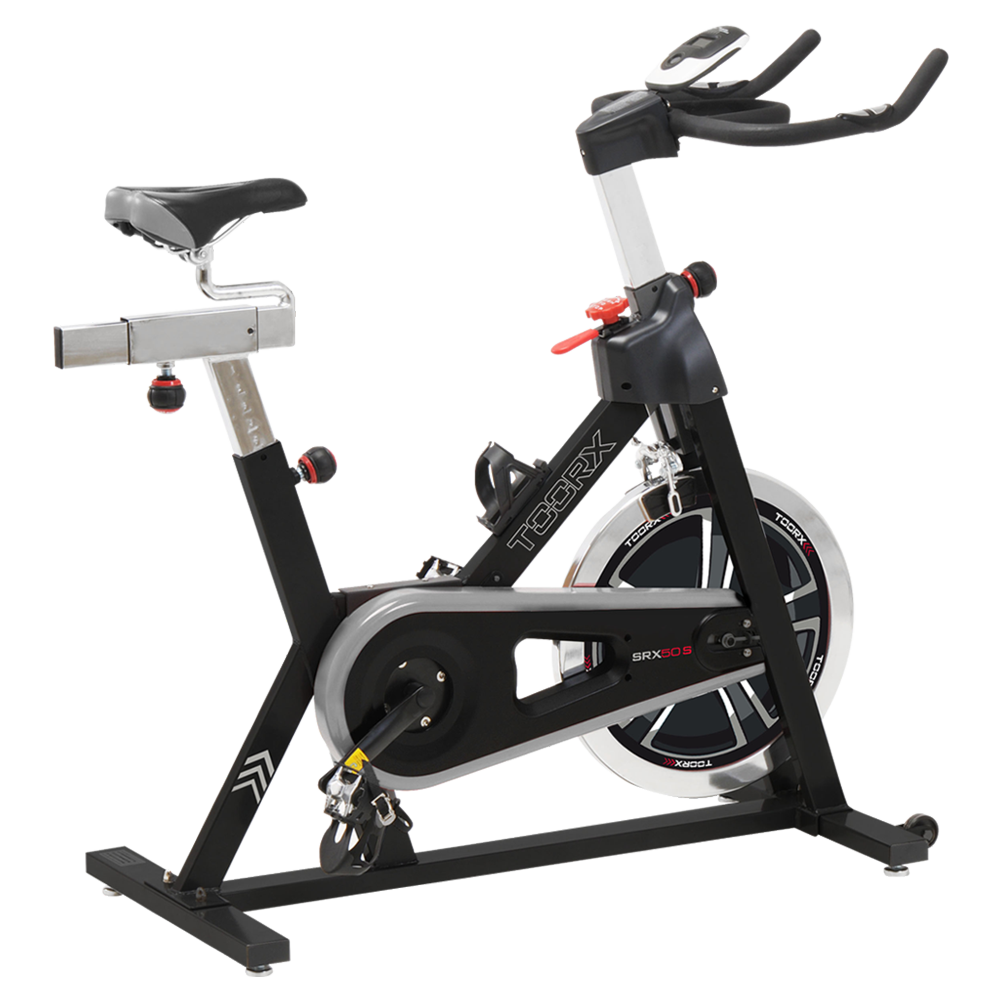 SRX-50 S
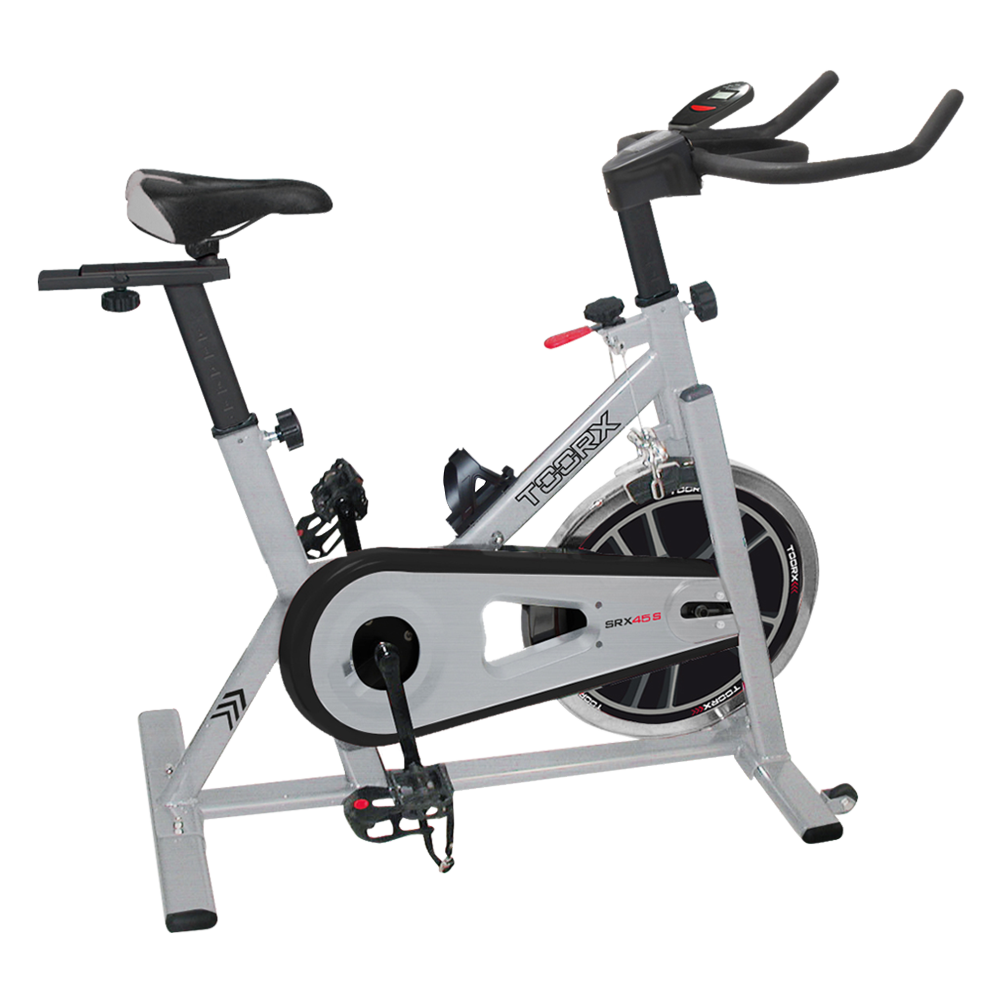 SRX-45 S
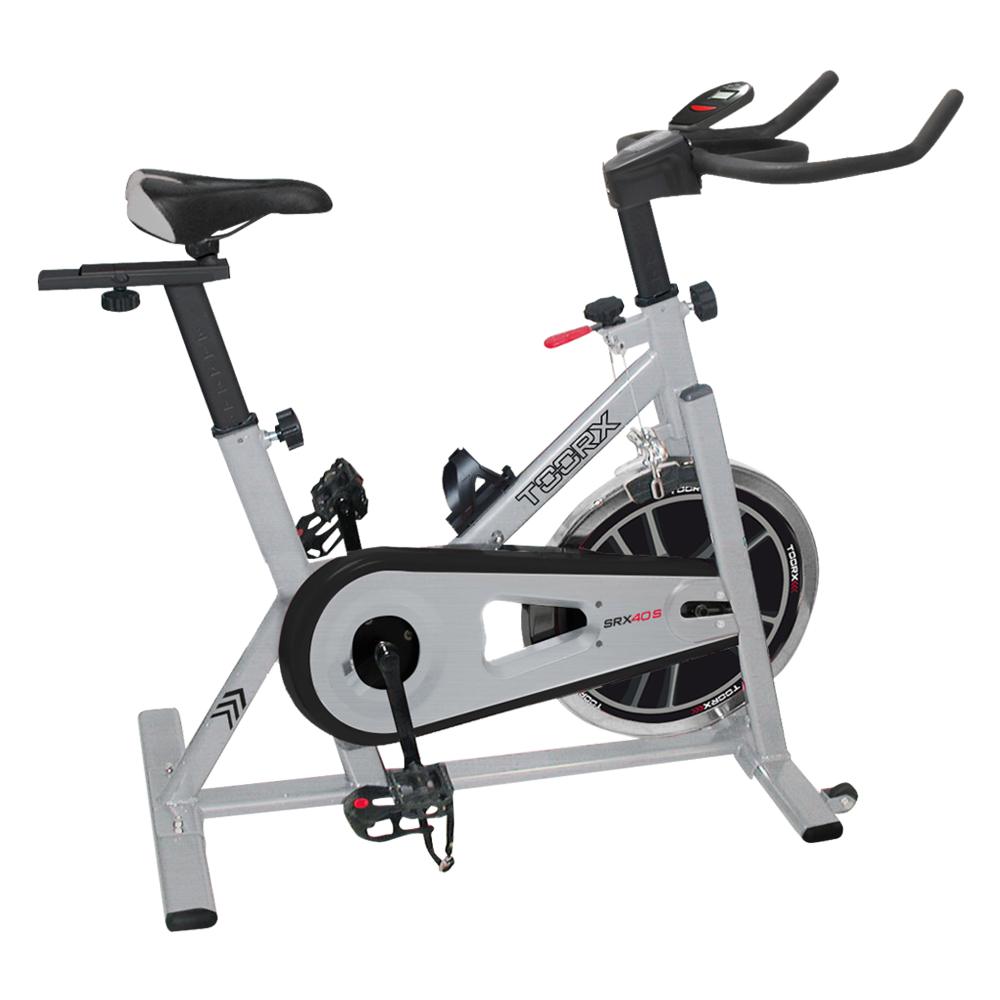 SRX-40 S

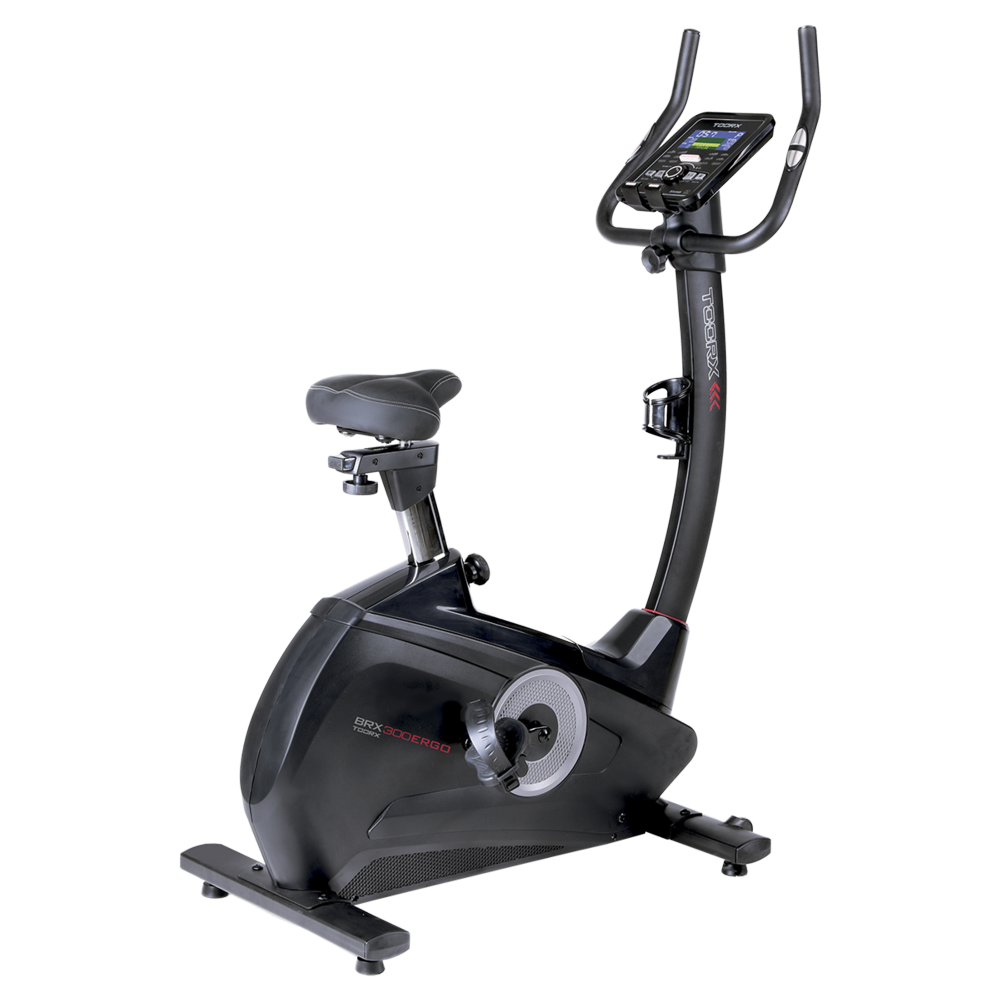 BRX-300 ERGO
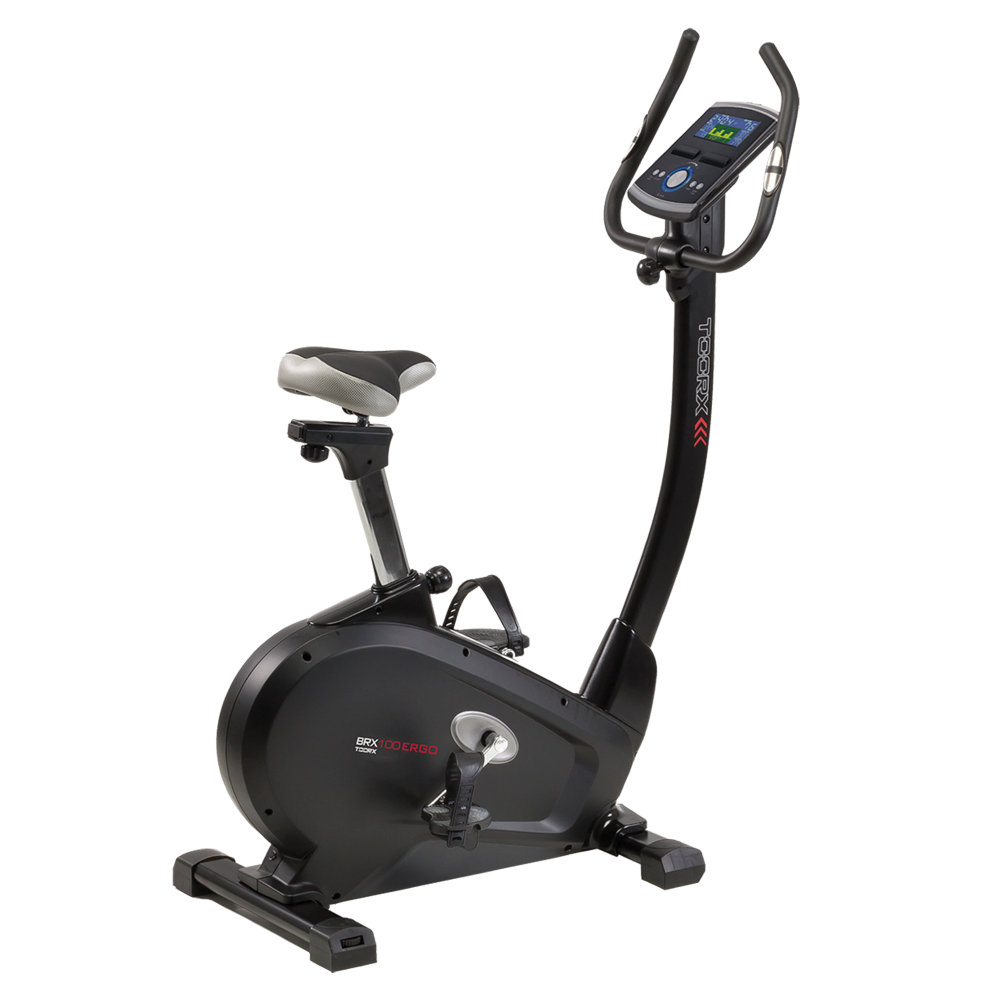 BRX-100 ERGO
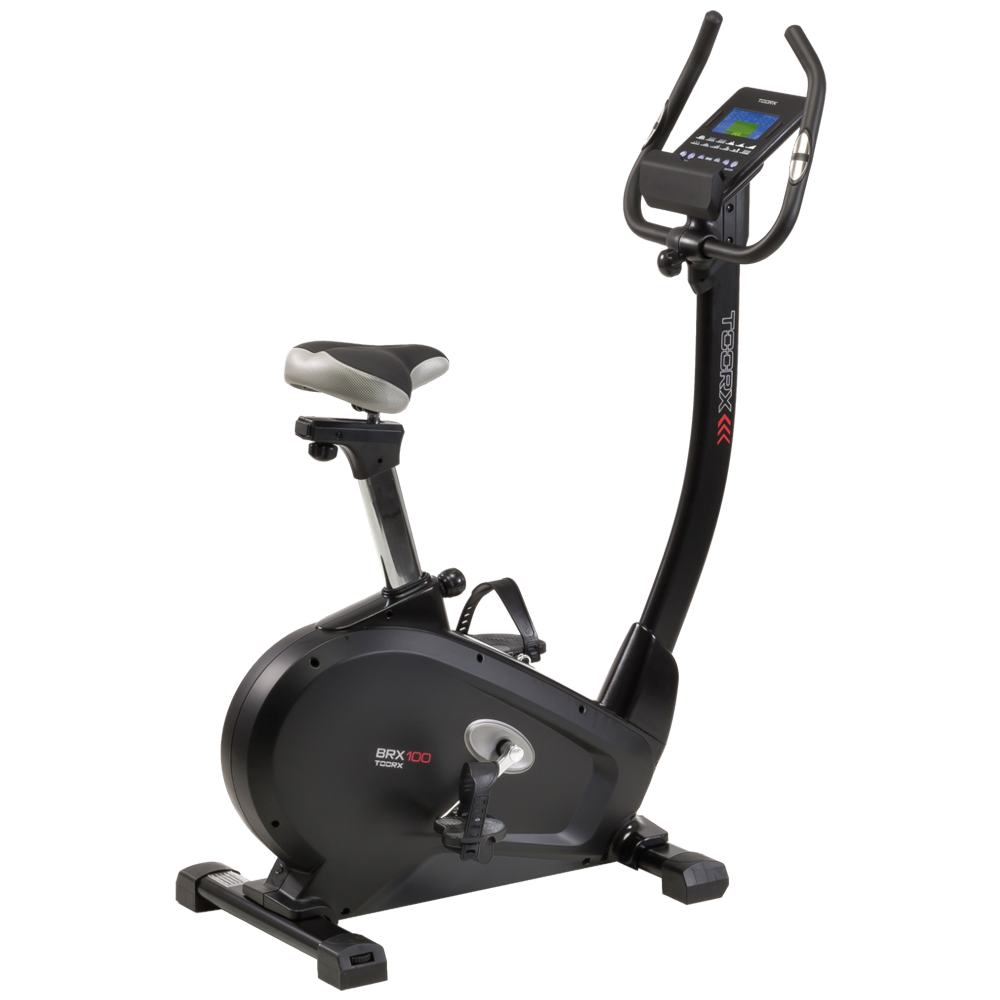 BRX-100
 BRX-90 EVO
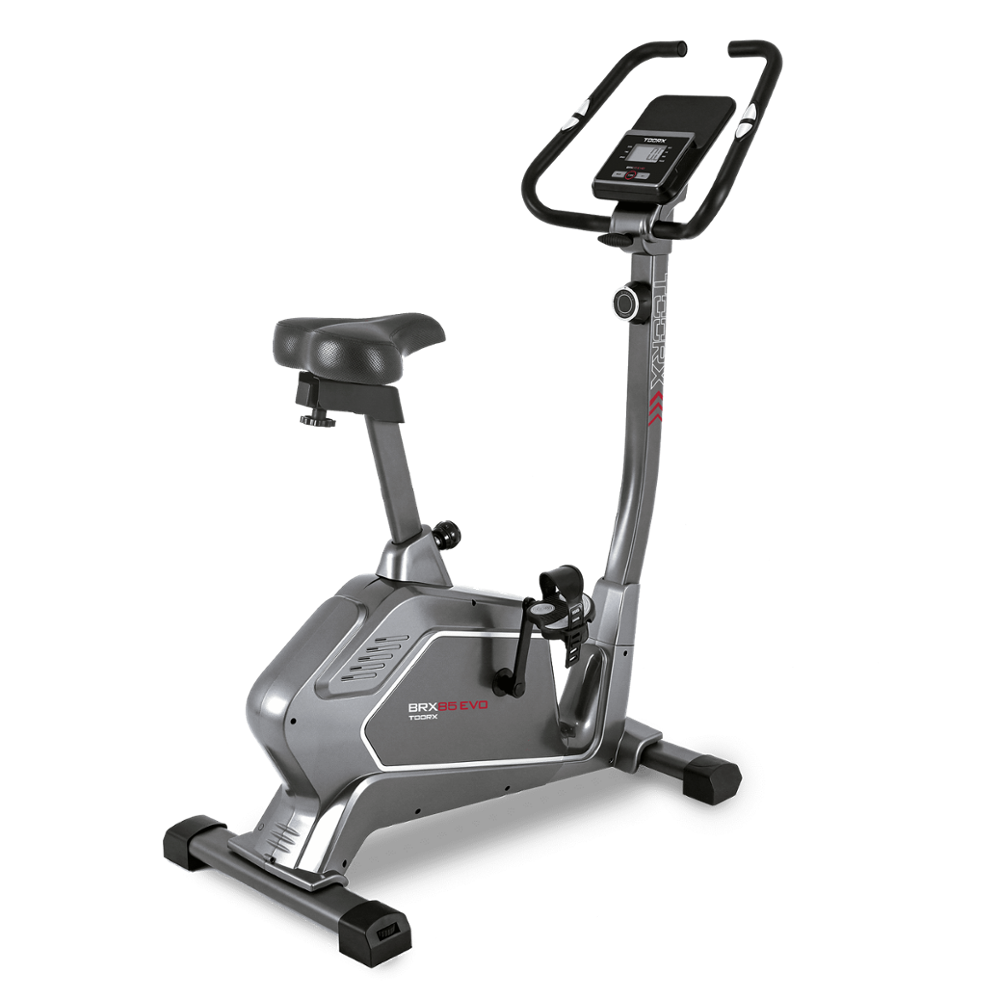 BRX-85 EVO
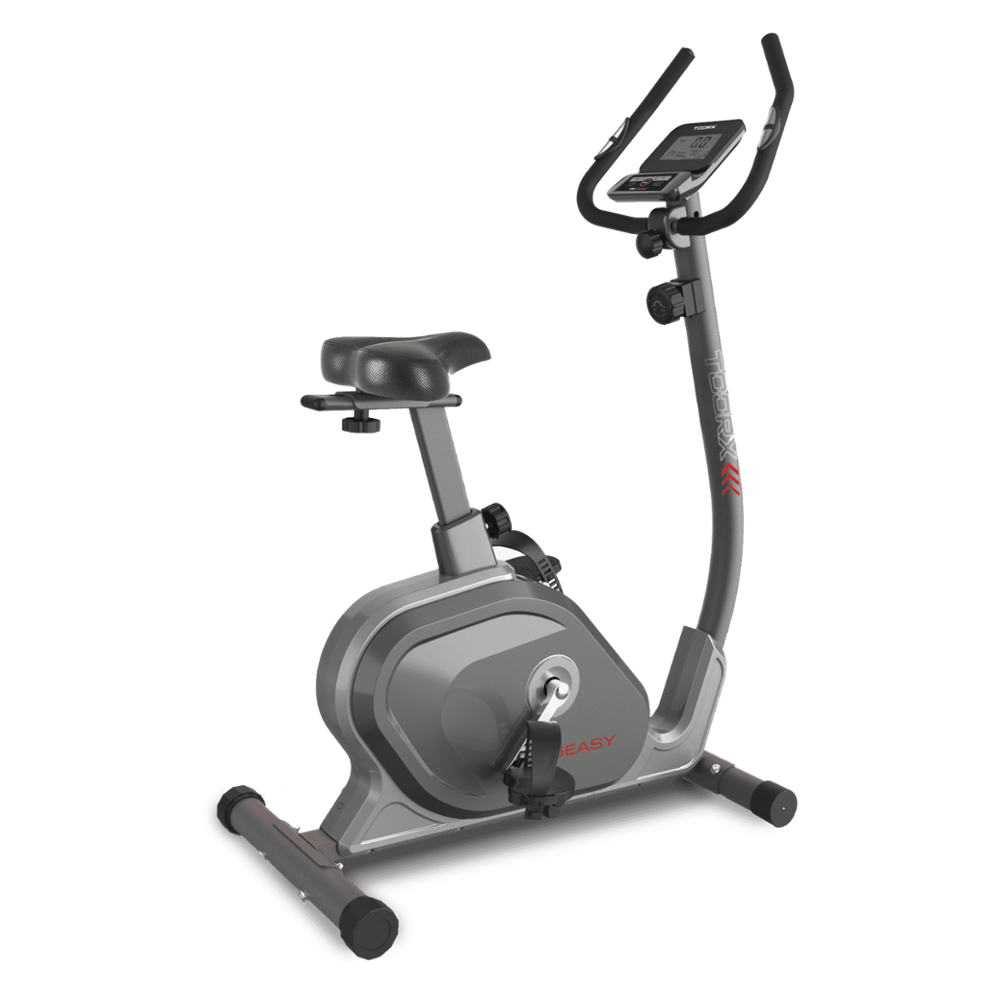 BRX-75 EASY
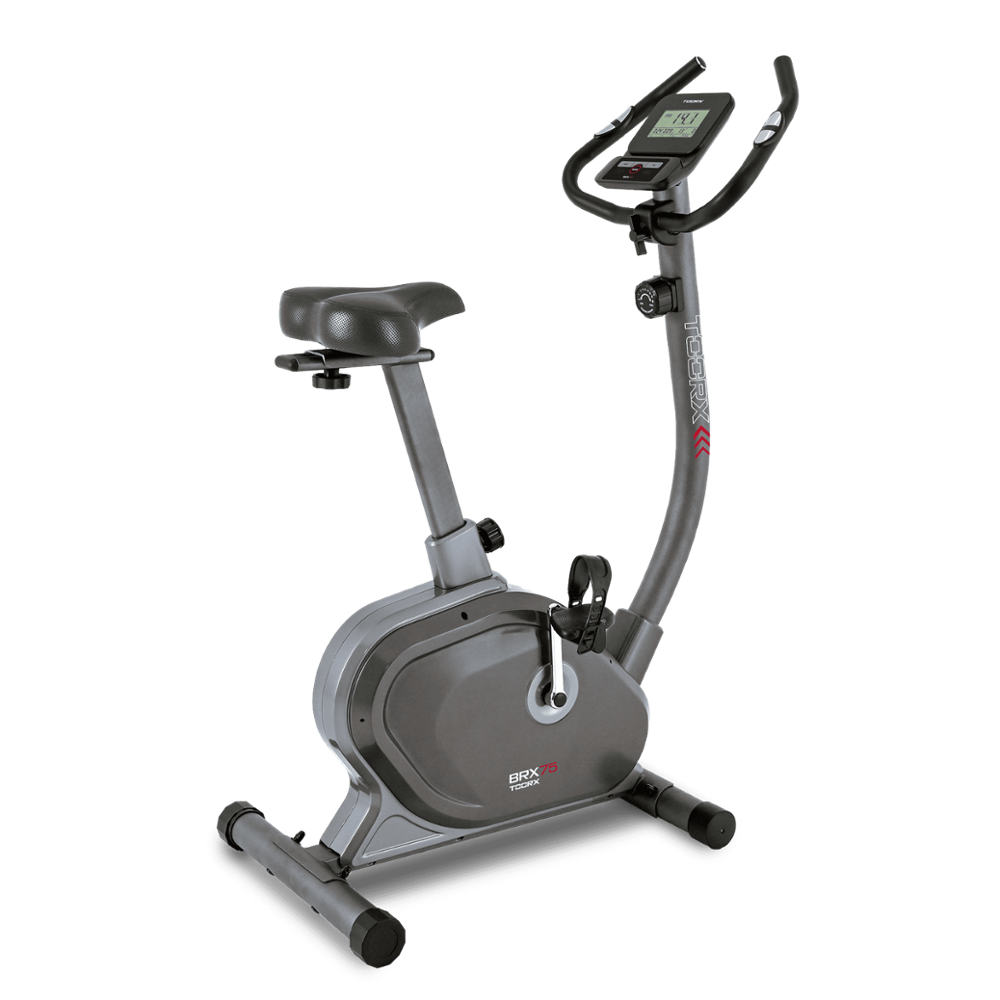 BRX-75
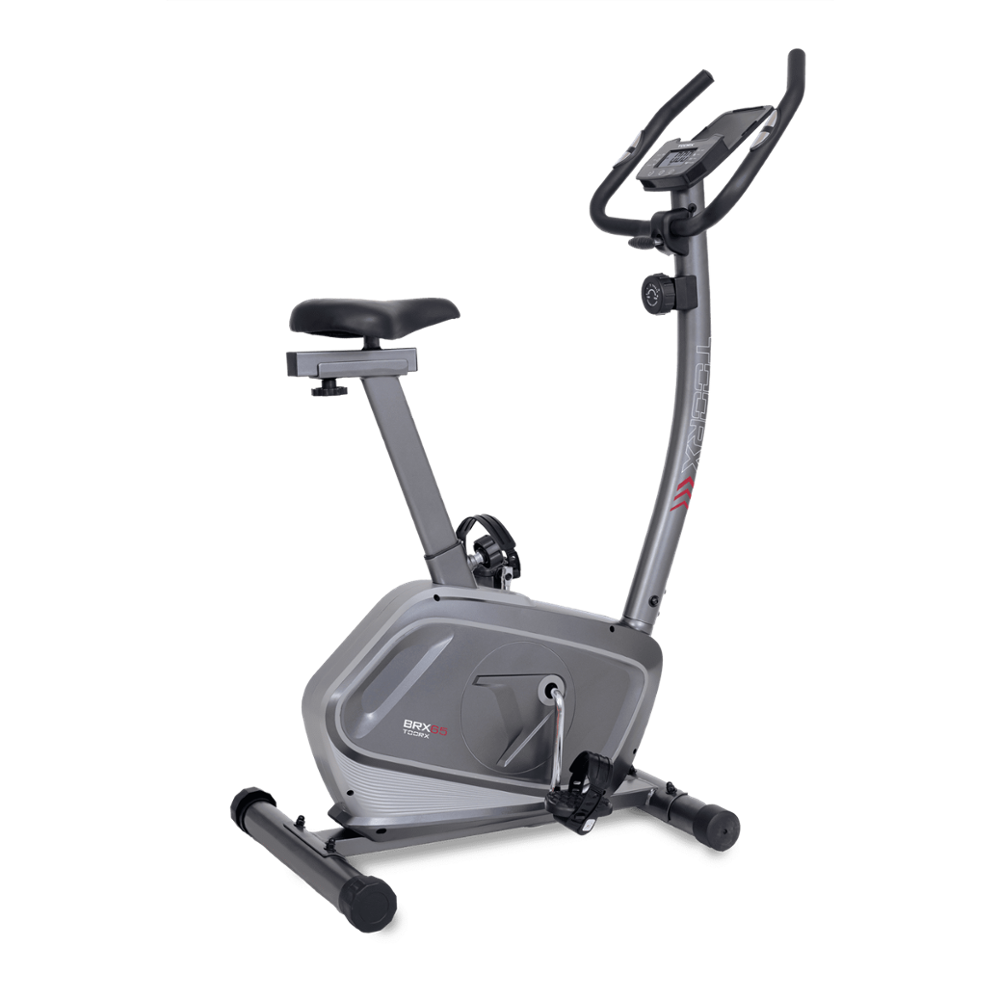 BRX-65
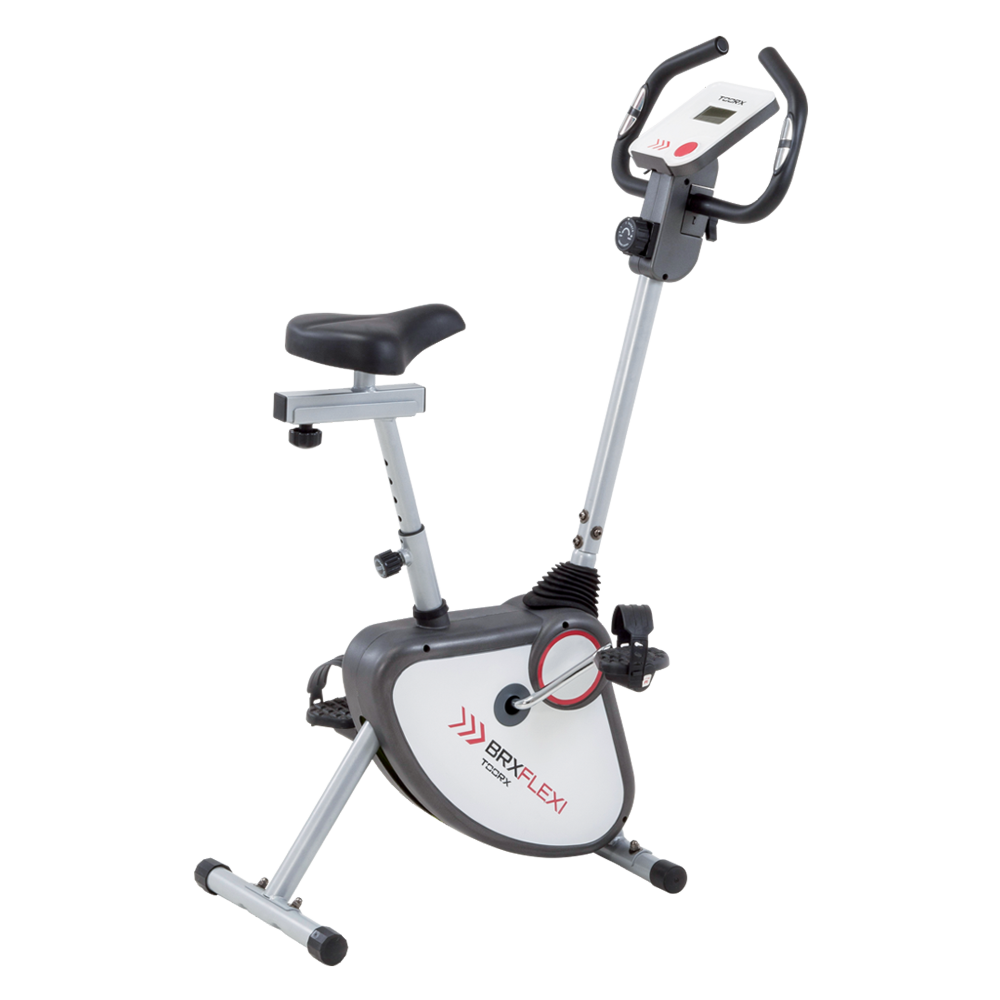 BRX FLEXI
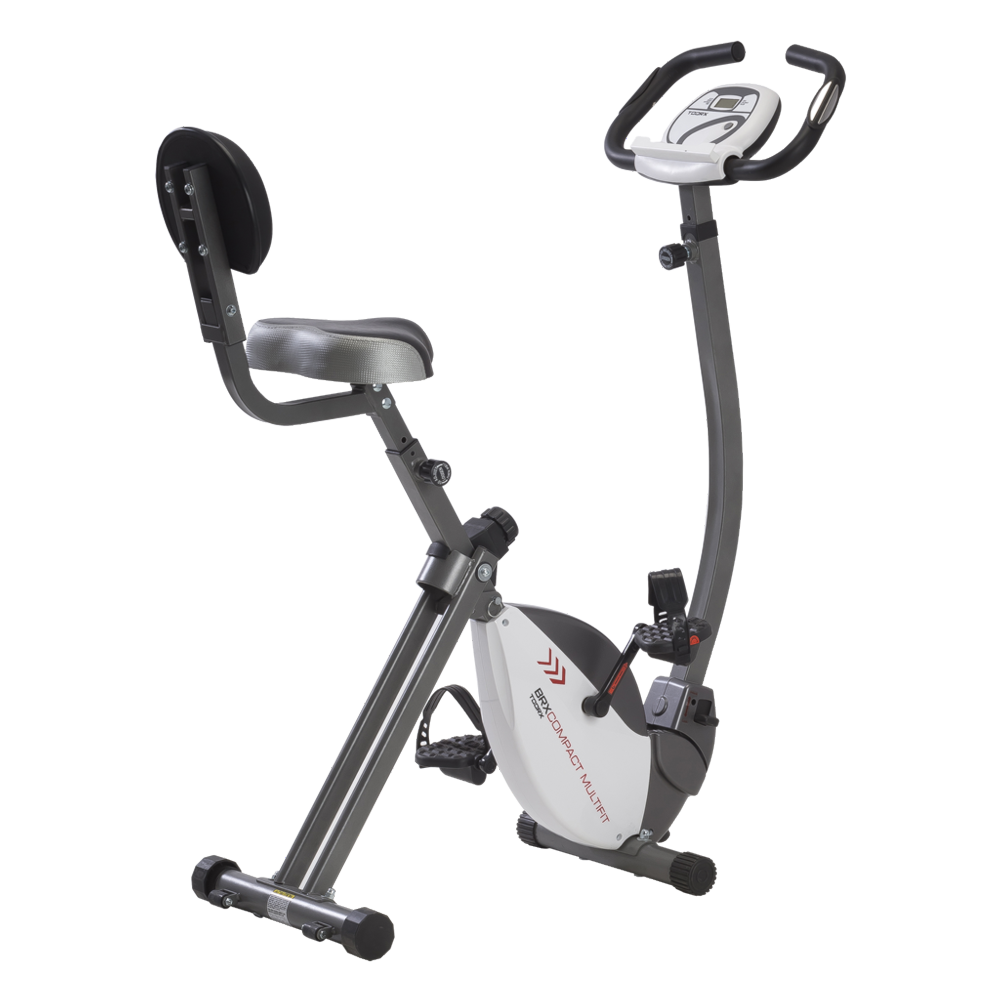 BRX COMPACT MULTIFIT
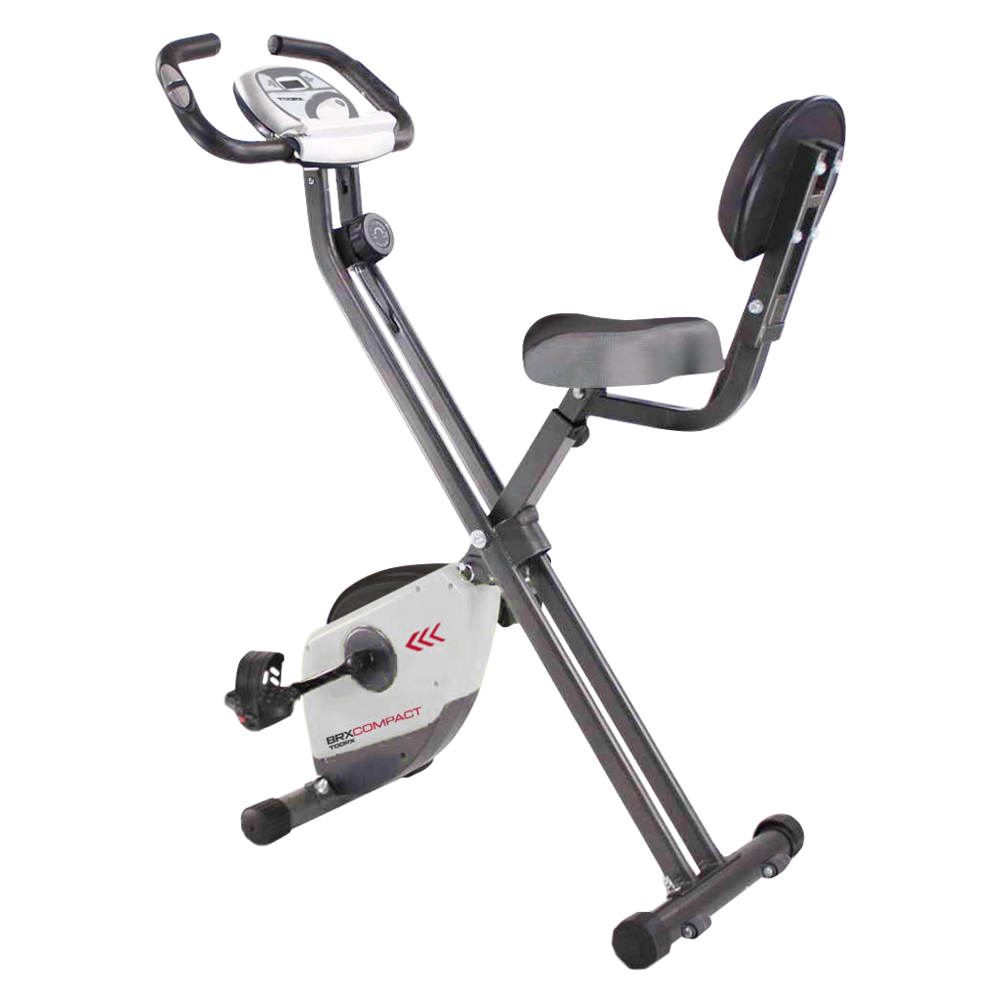 BRX COMPACT
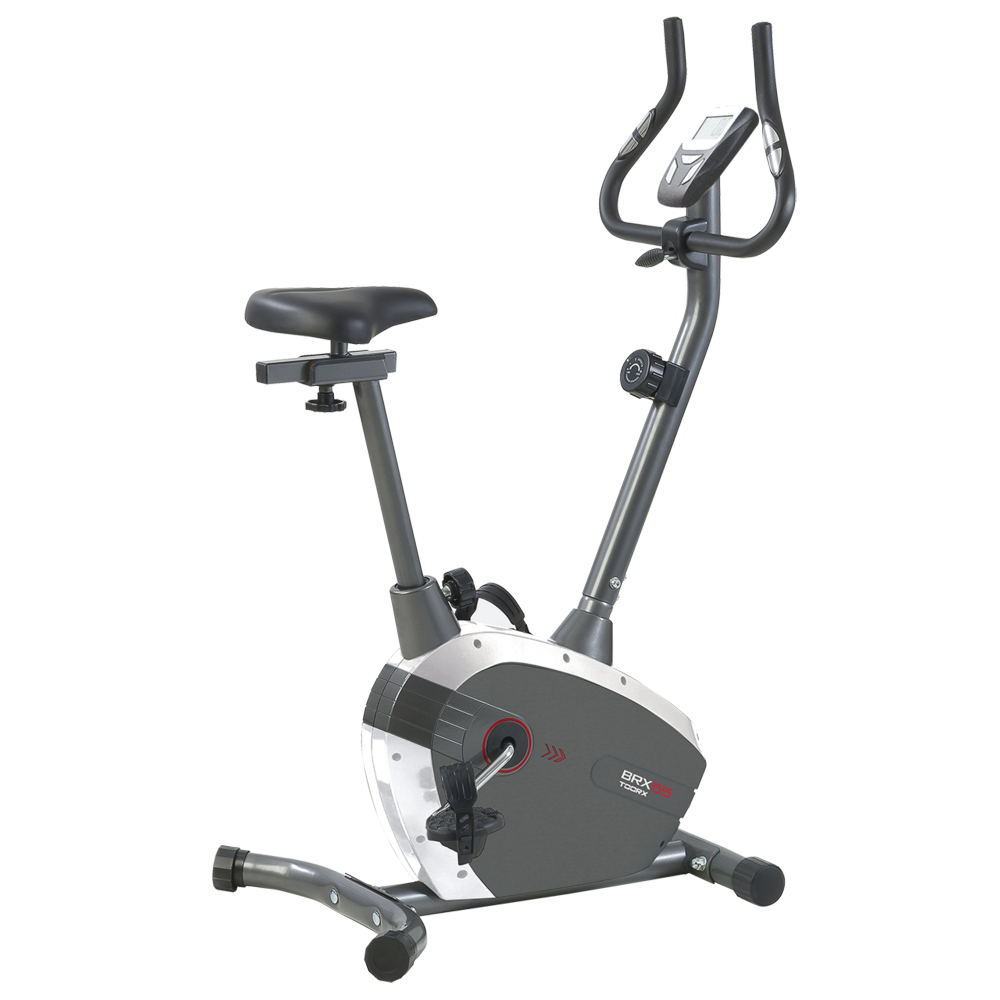 BRX-55
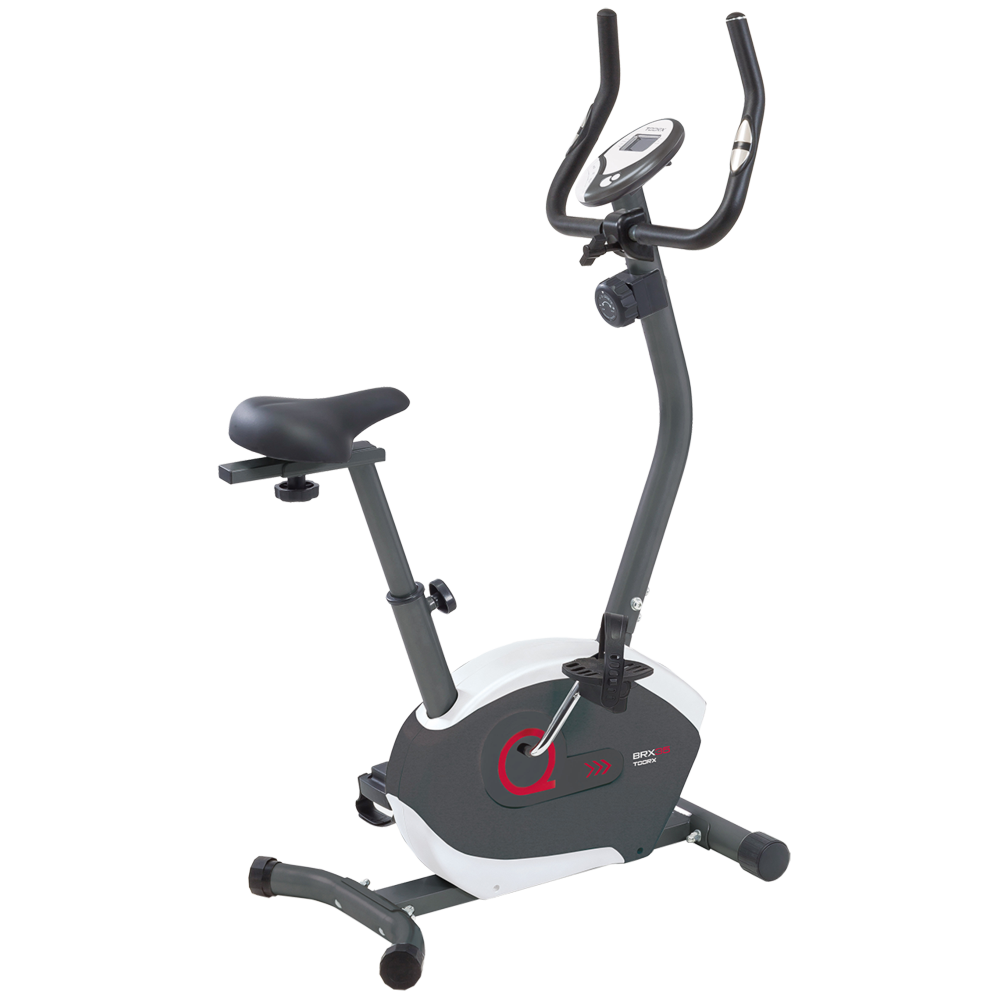 BRX-35
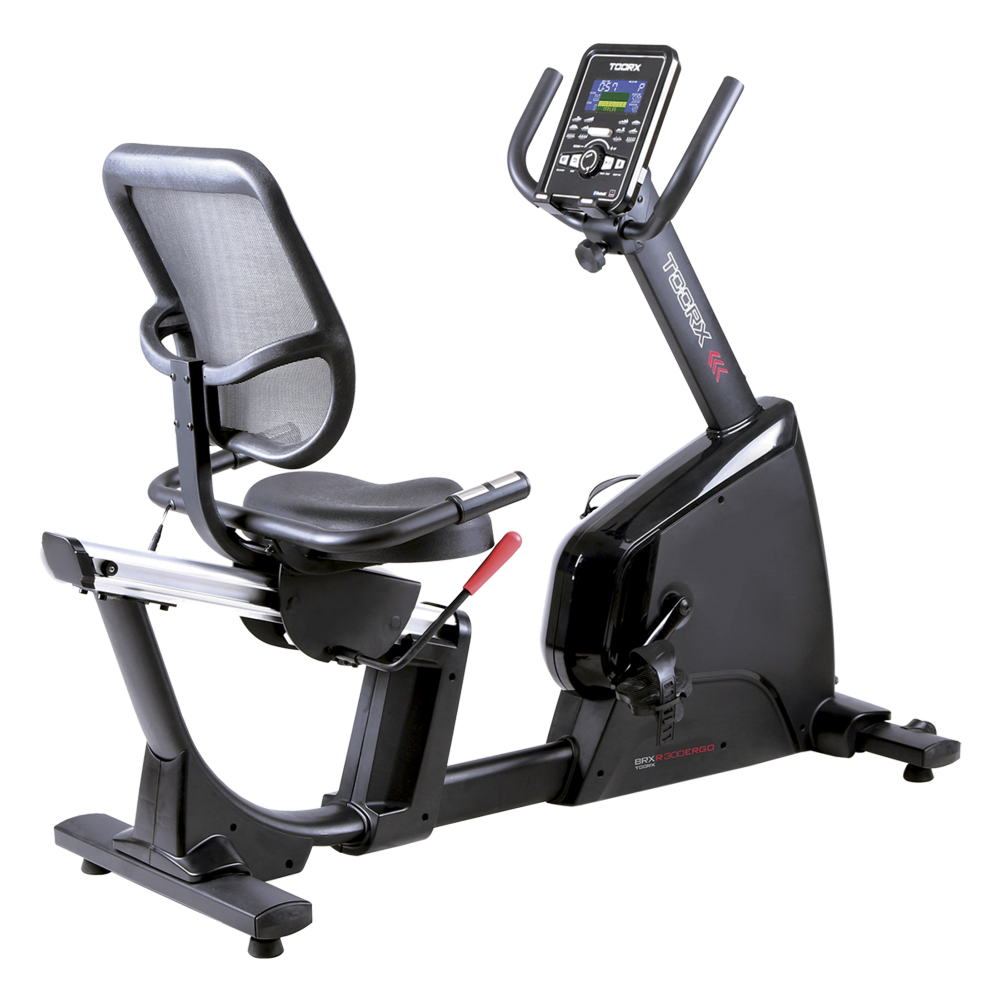 BRX RECUMBENT 300 ERGO
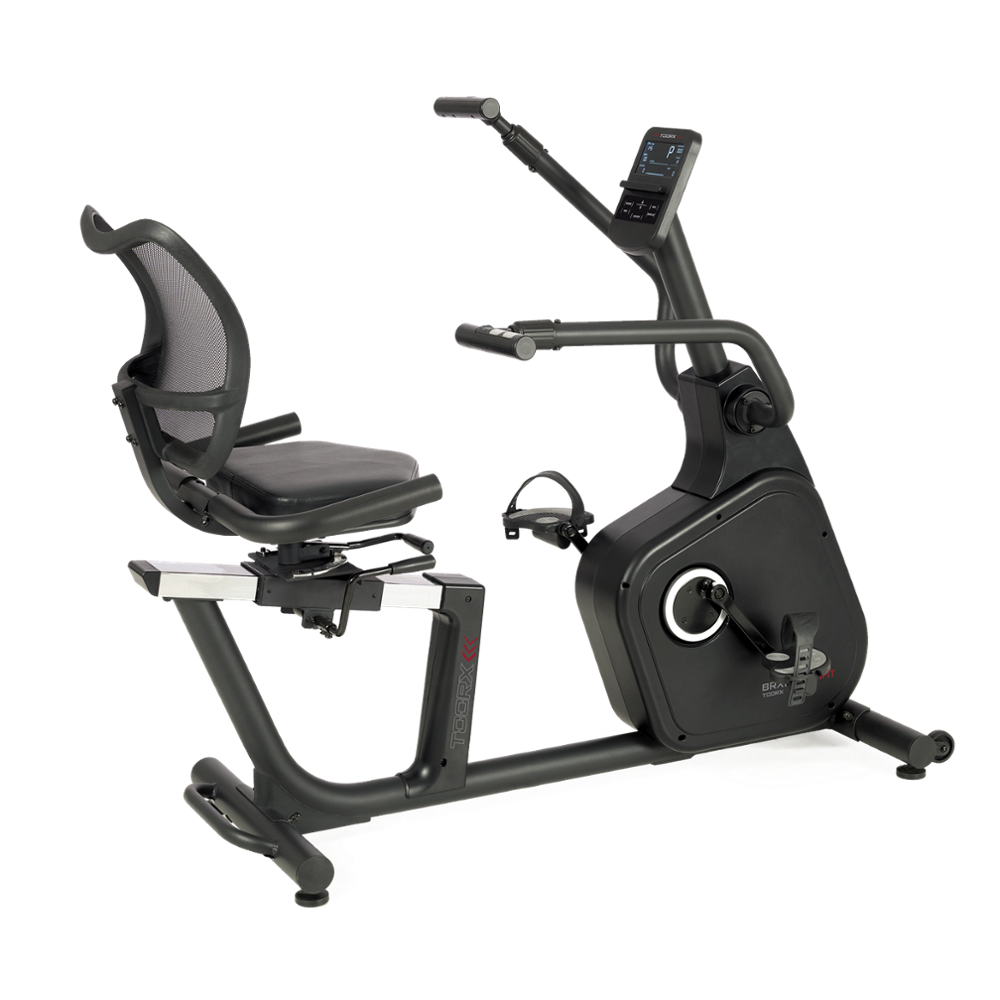 BRX RECUMBENT MULTIFIT
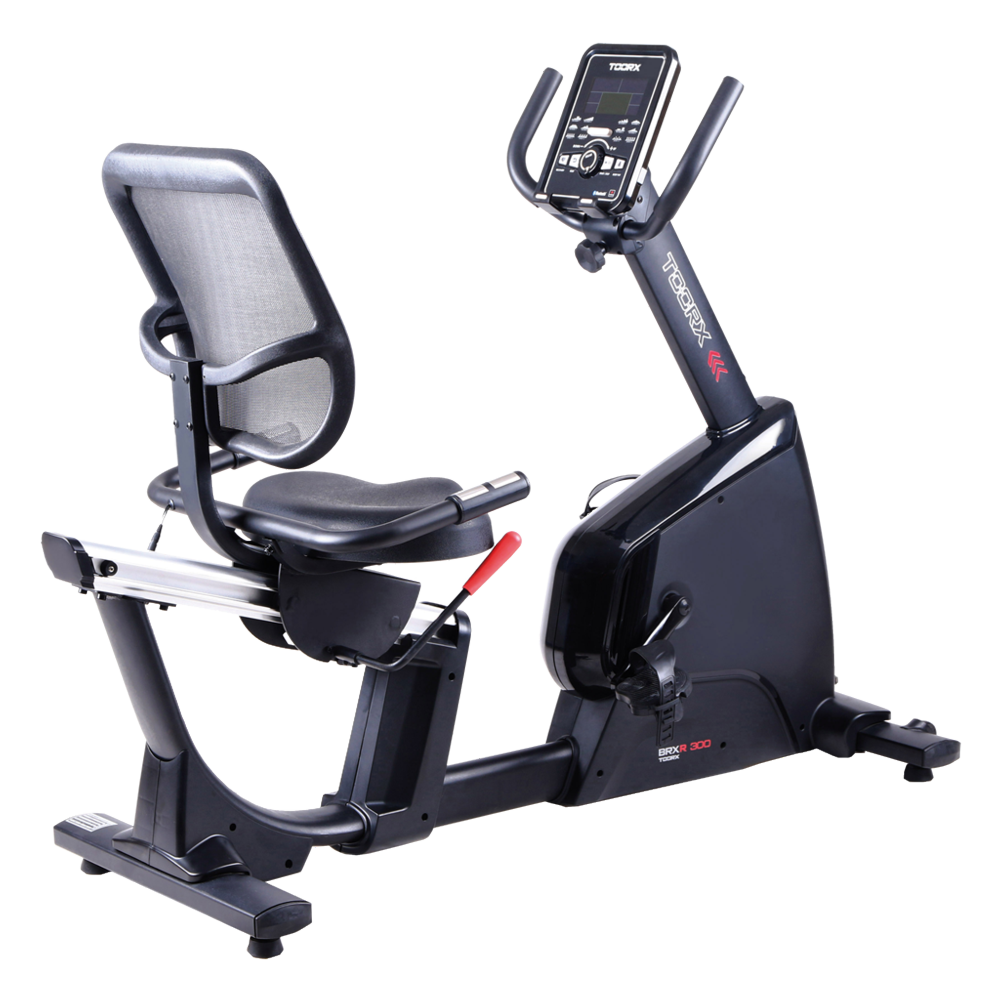 BRX RECUMBENT 300
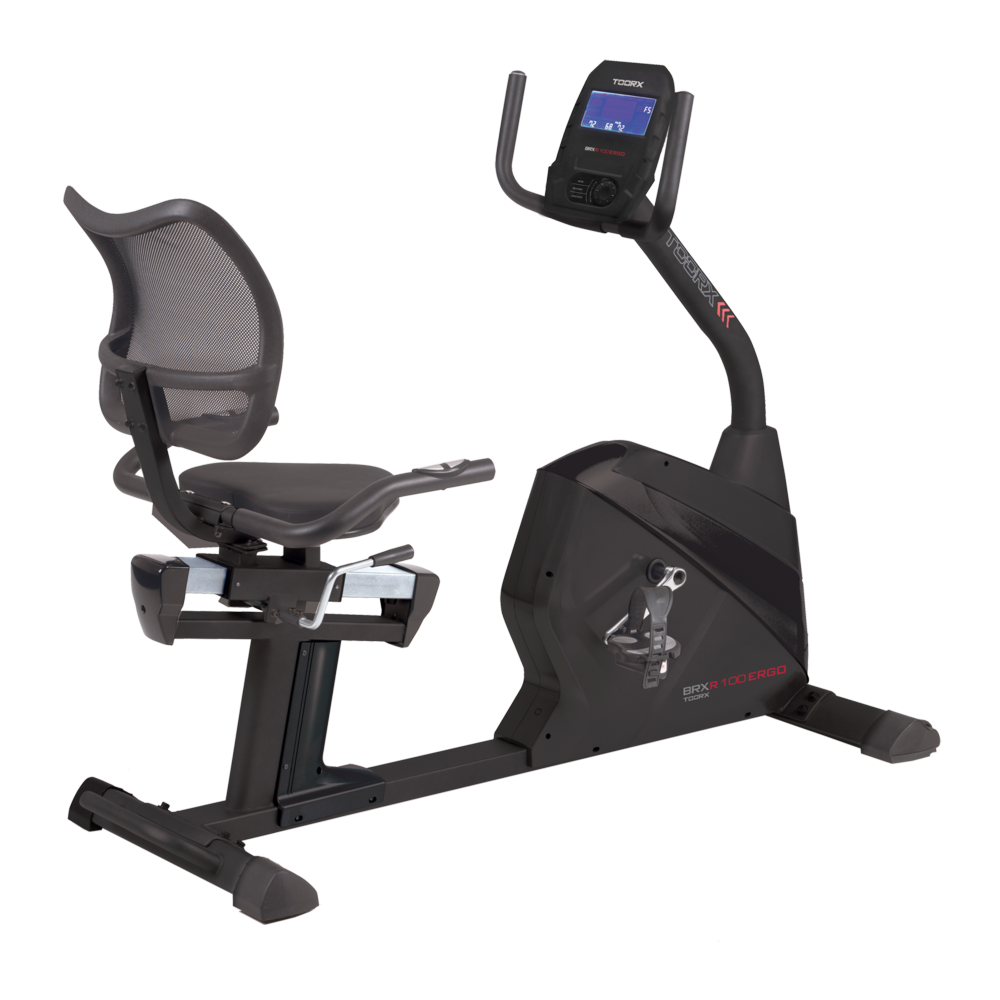 BRX RECUMBENT 100 ERGO
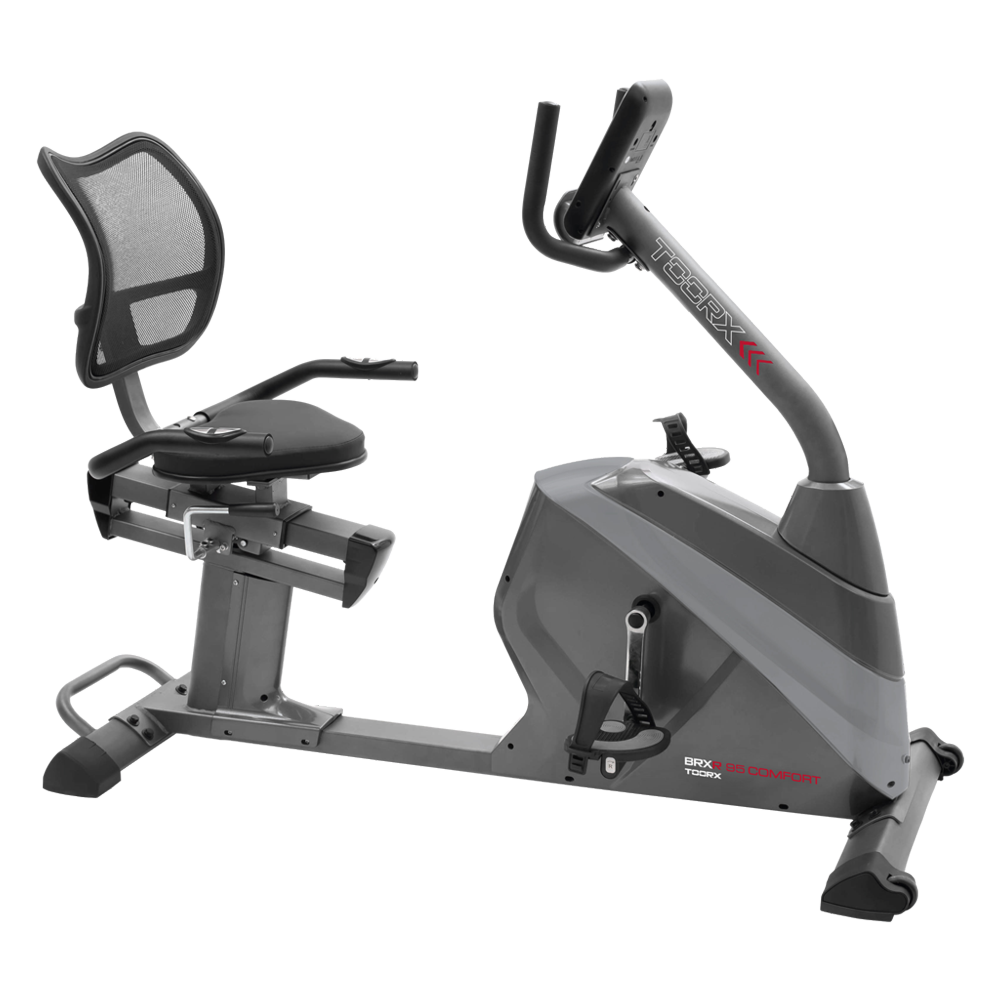 BRX RECUMBENT 95 COMFORT
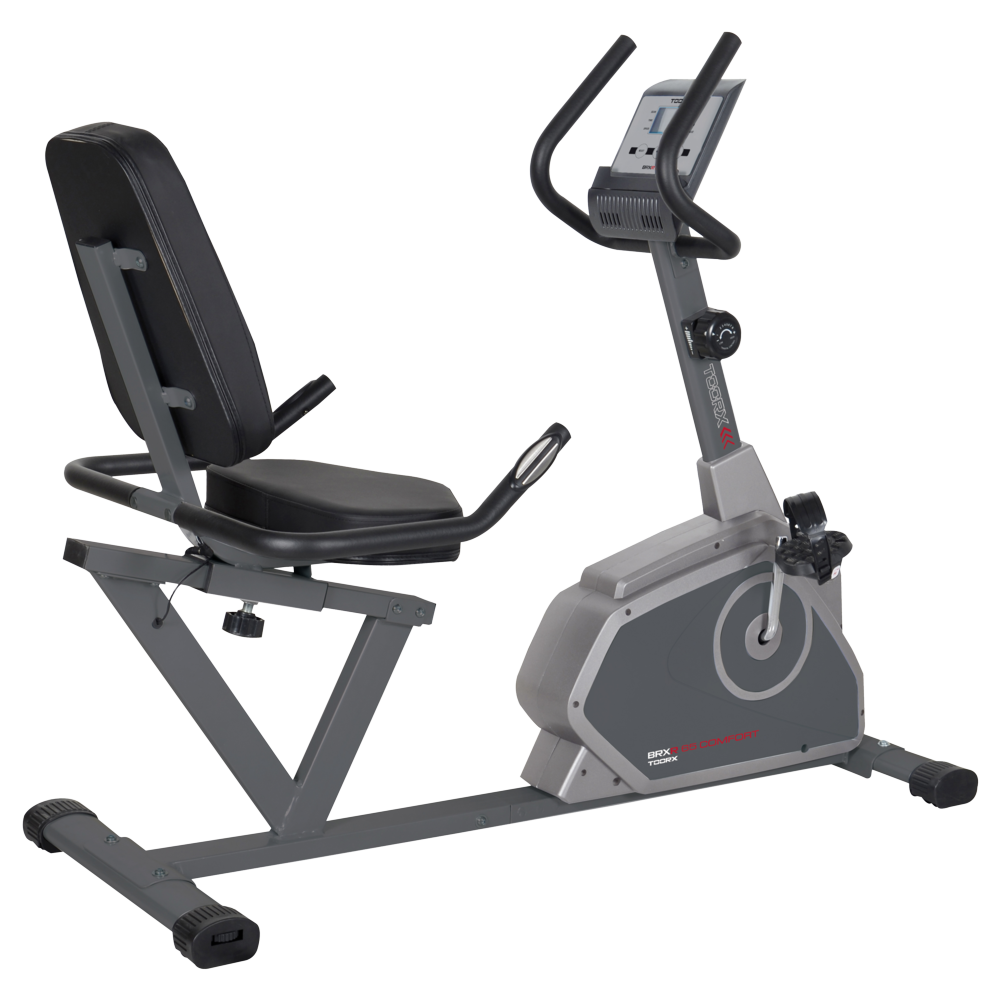 BRX RECUMBENT 65 COMFORT
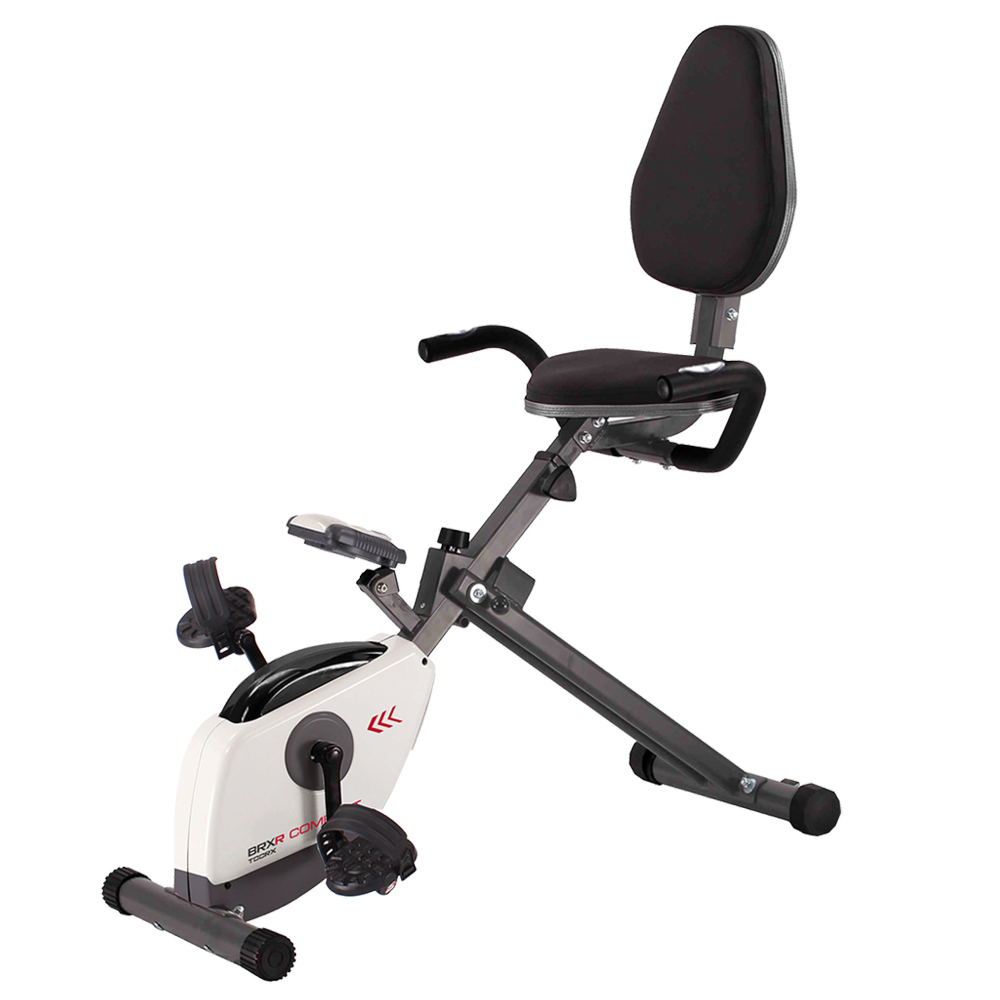 BRX RECUMBENT COMPACT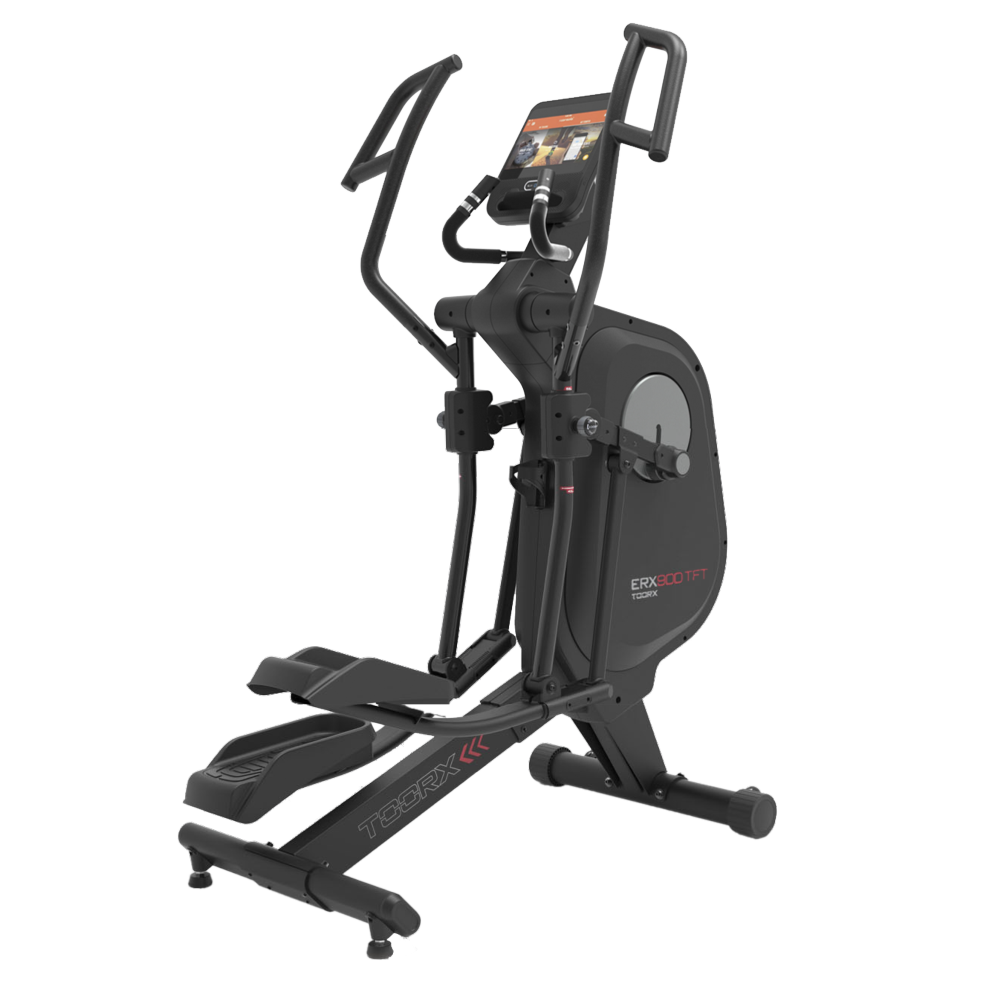
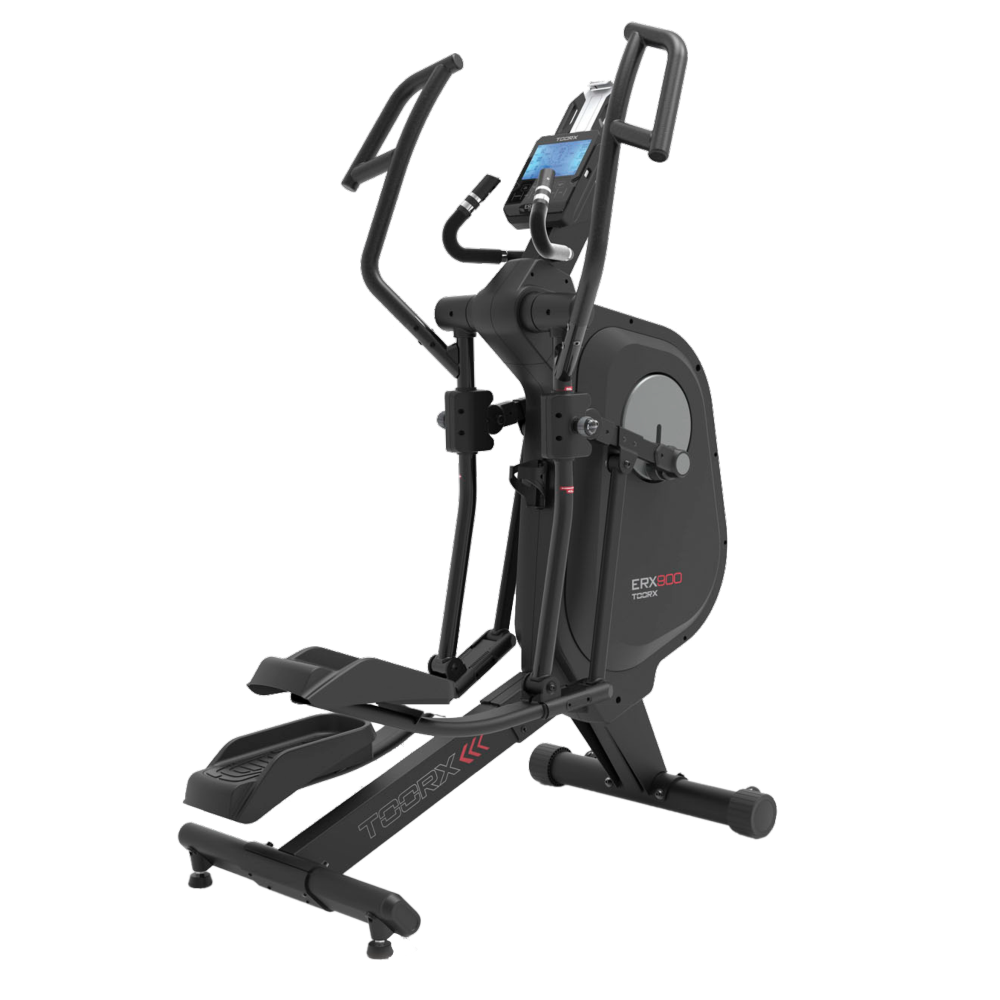 ERX-900
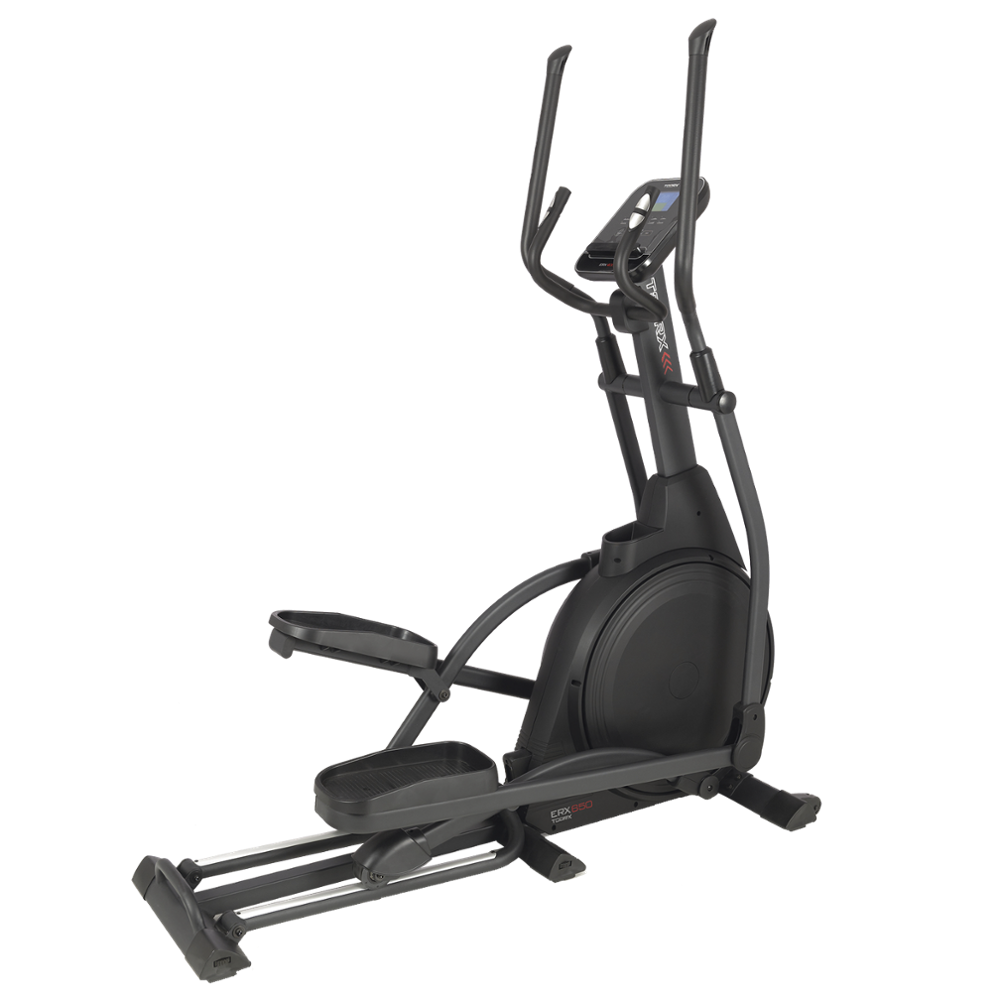 ERX-650
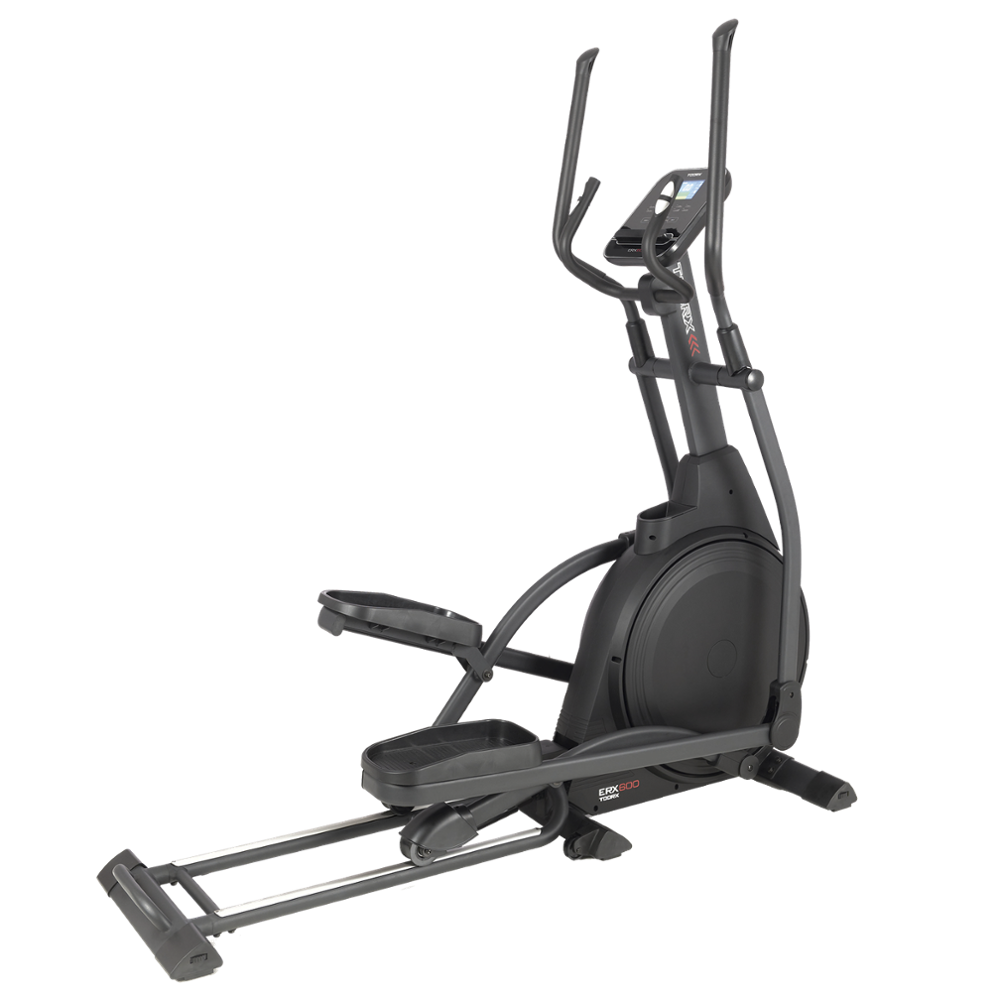 ERX-600
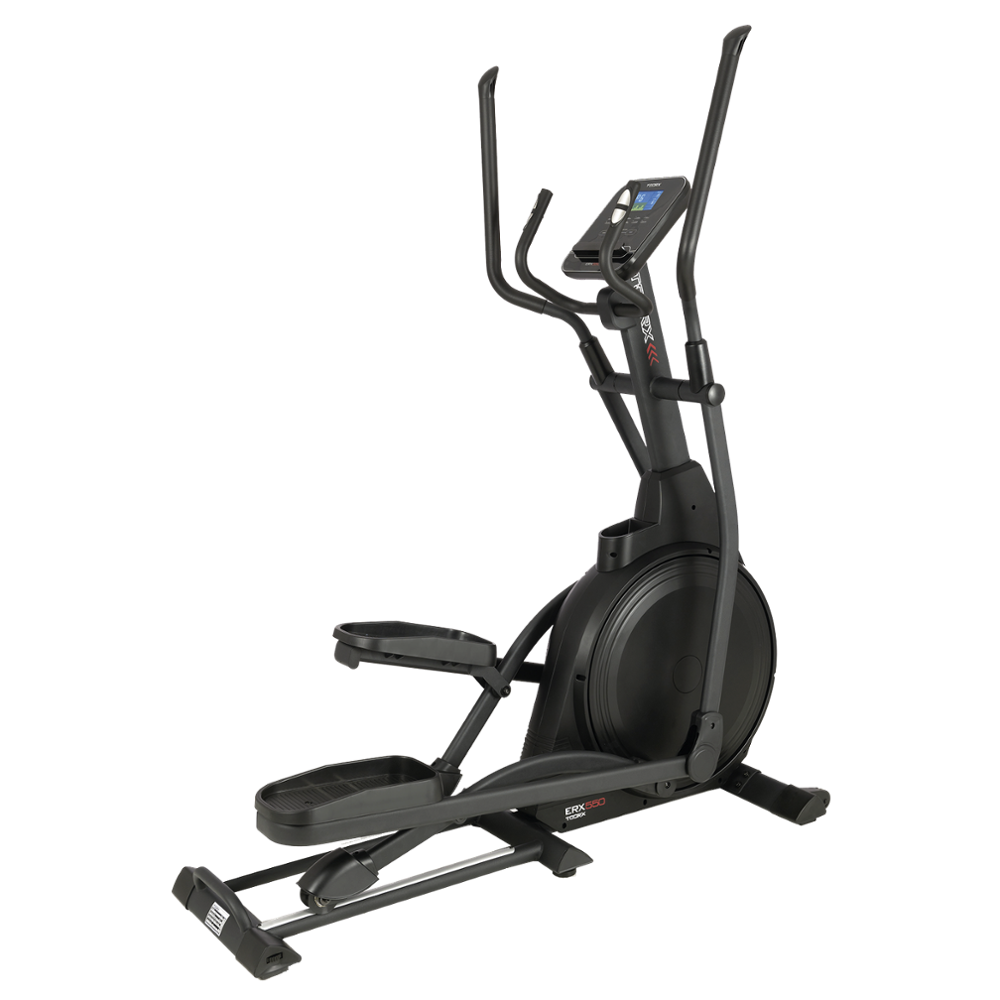 ERX-550
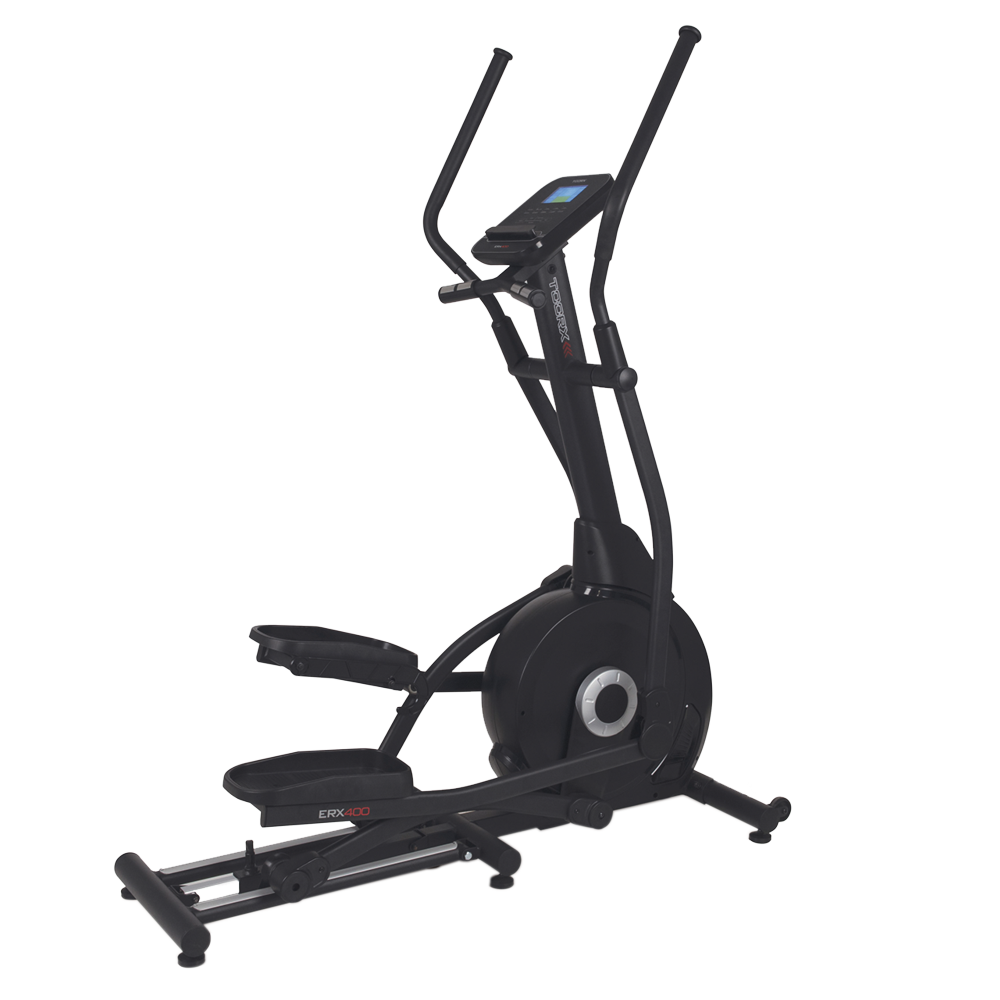 ERX-400
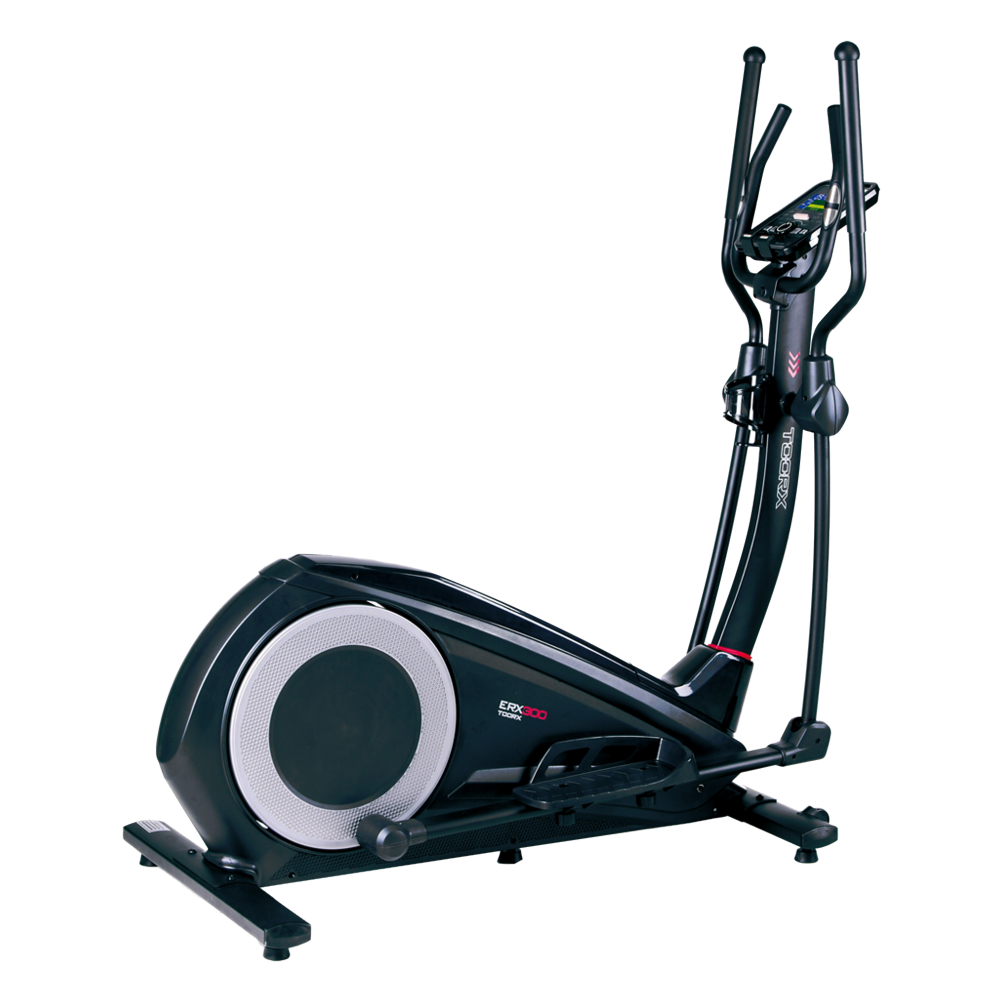 ERX-300
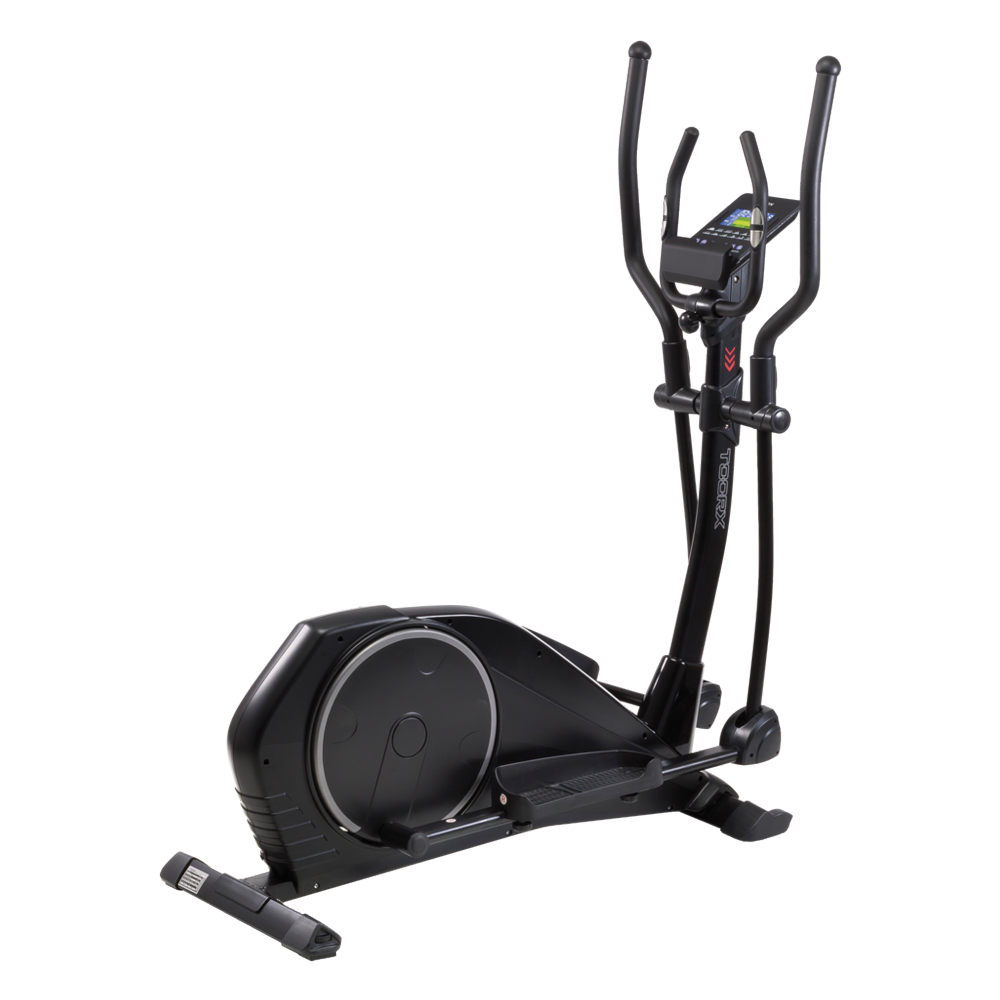 ERX-100
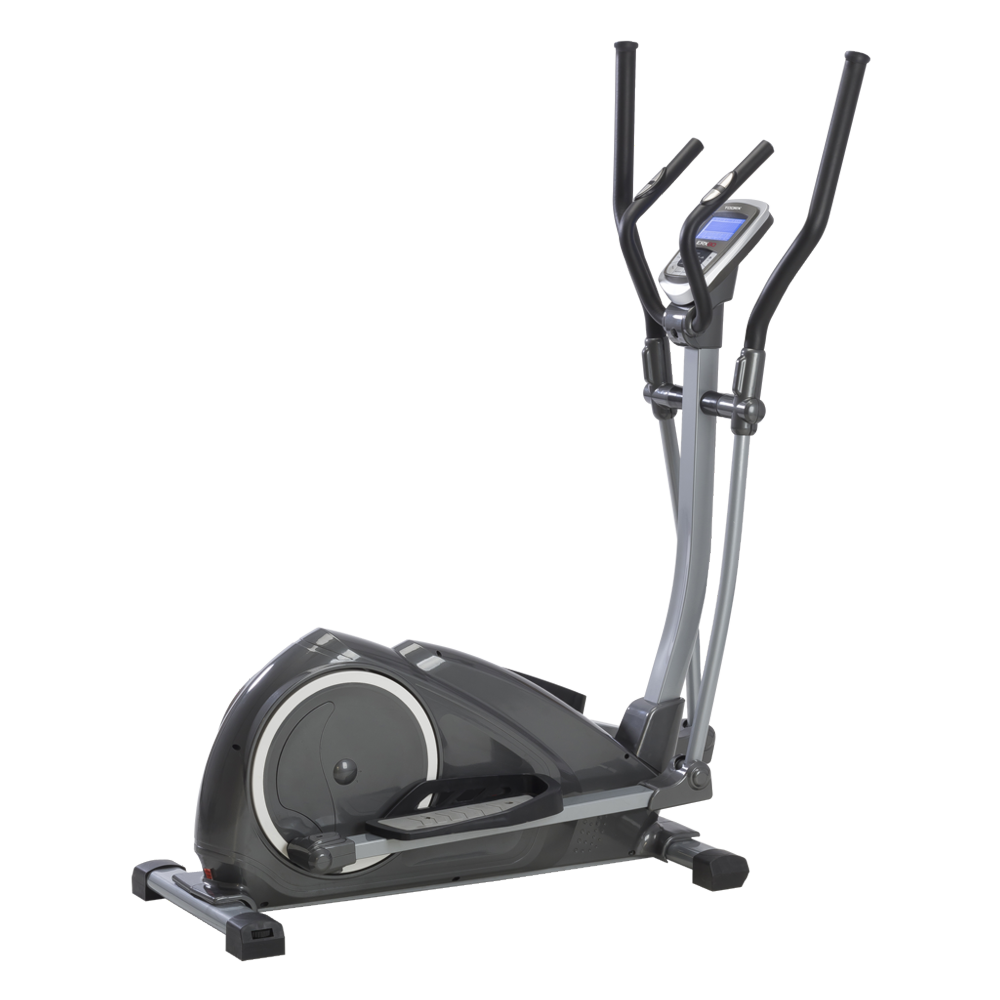 ERX-90
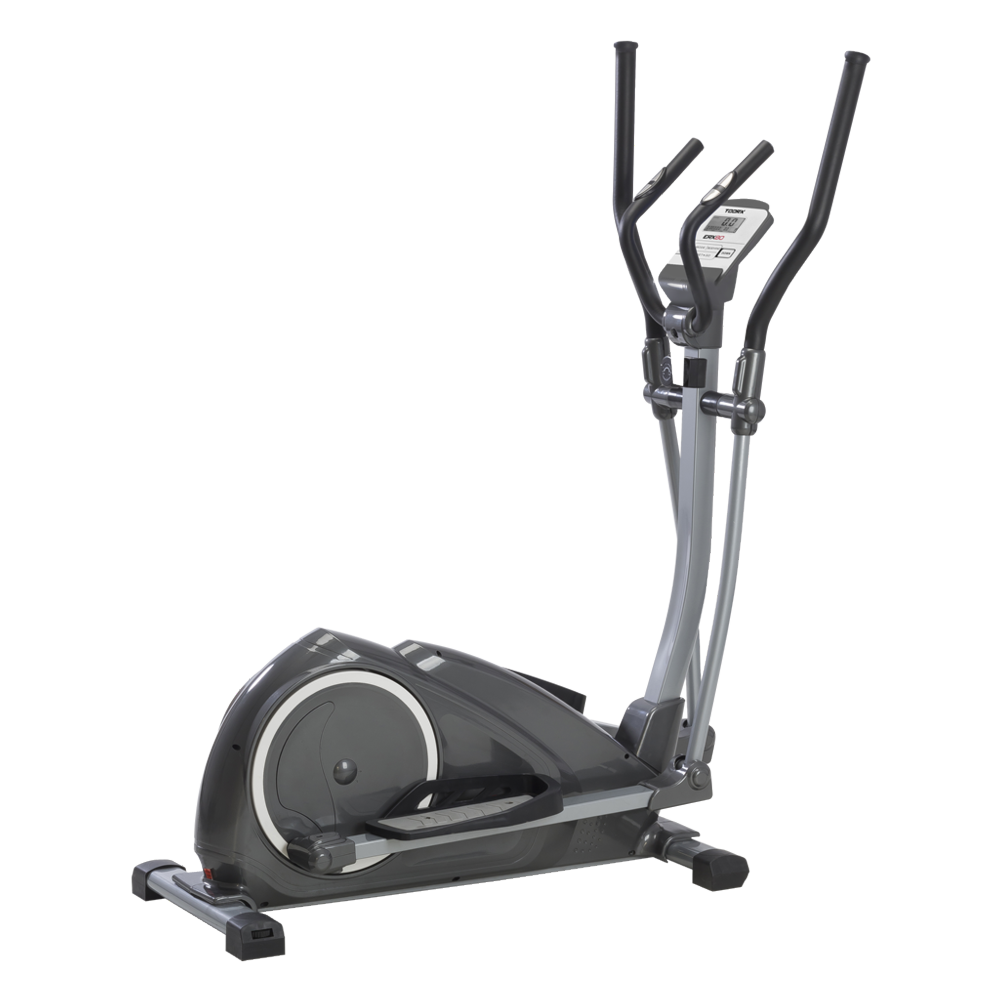 ERX-80
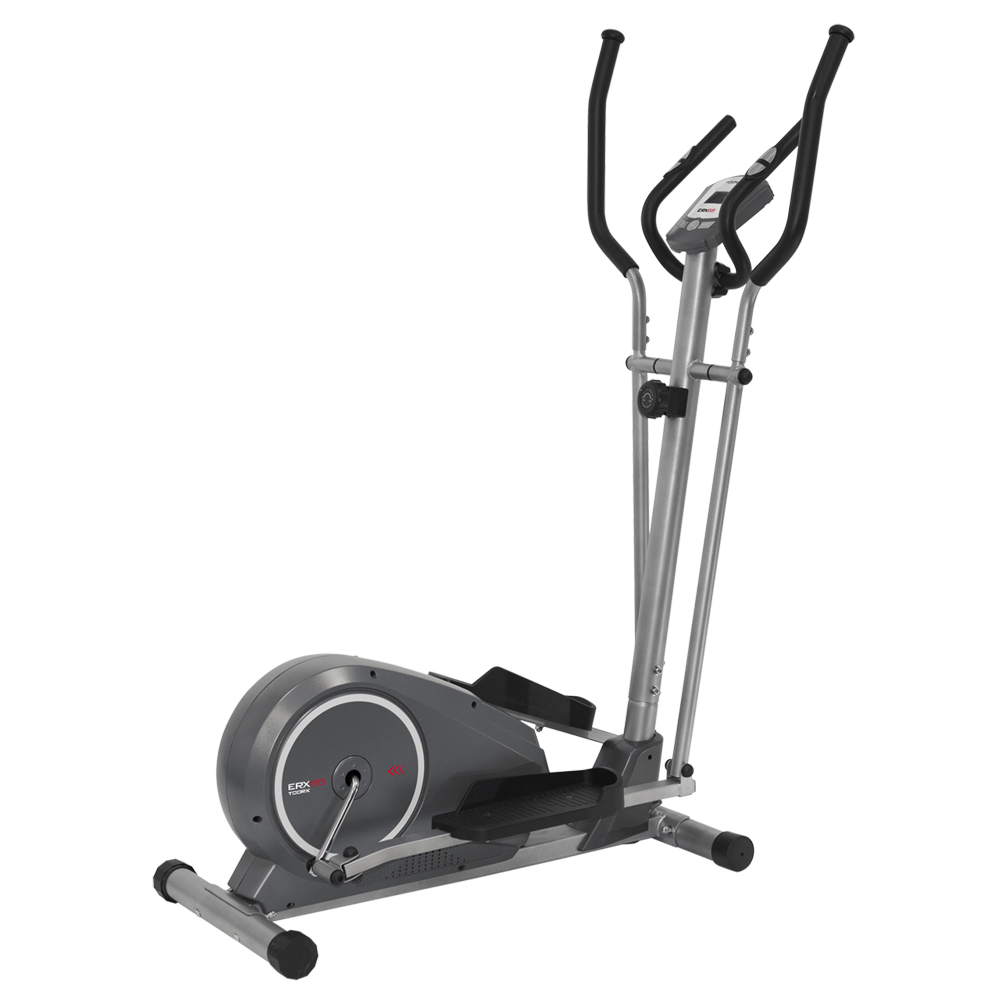 ERX-75
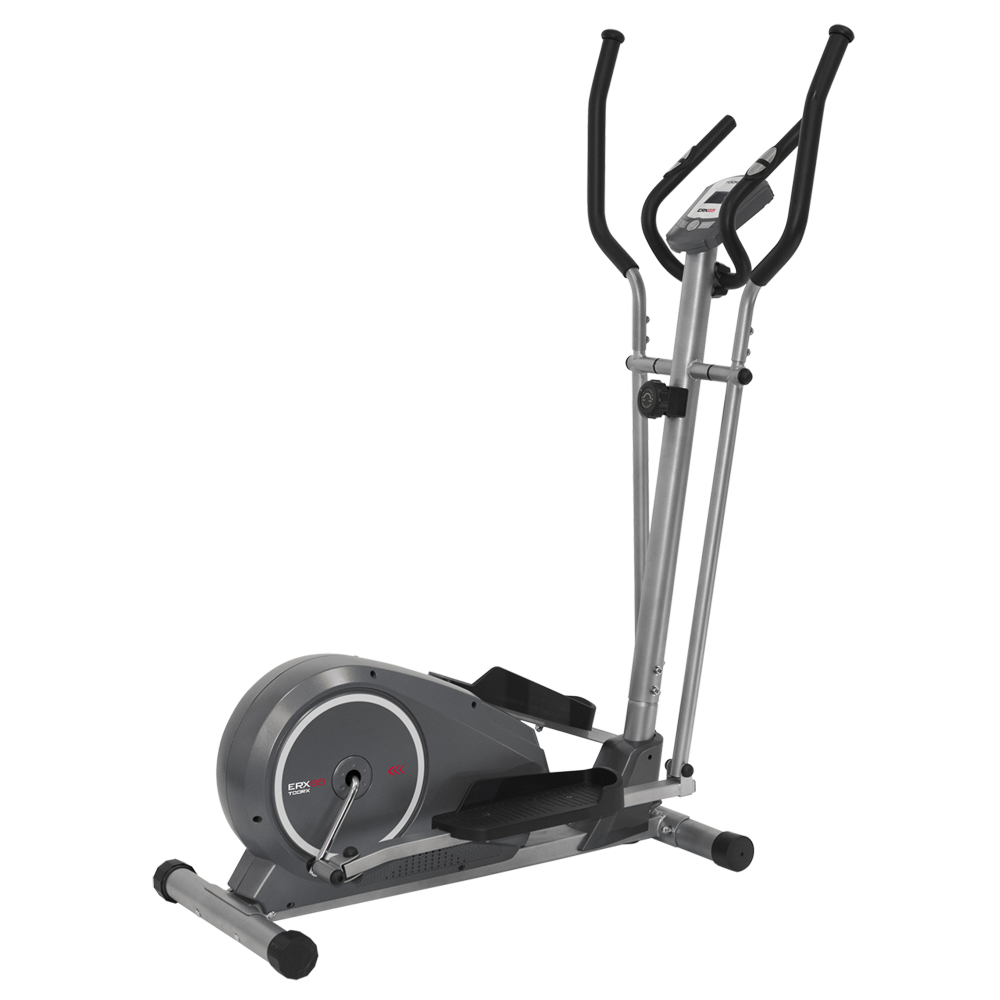 ERX-65

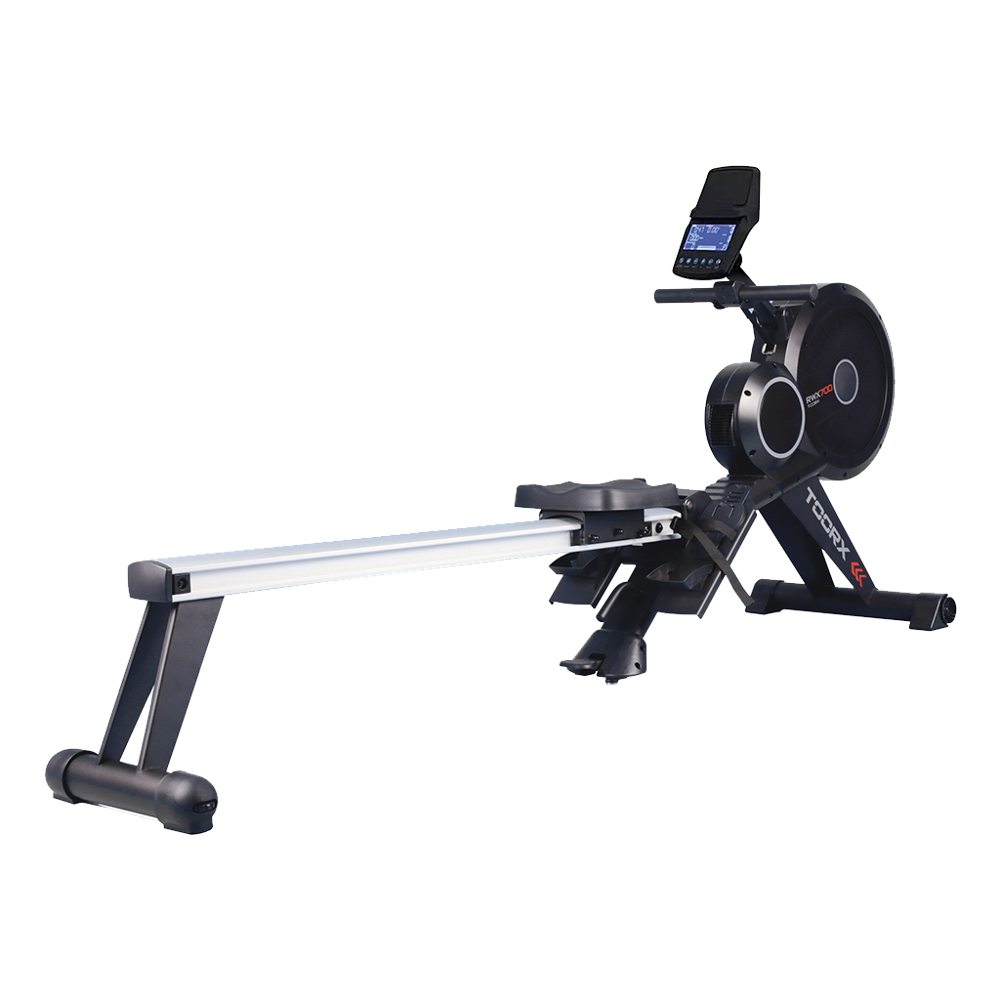 RWX 700
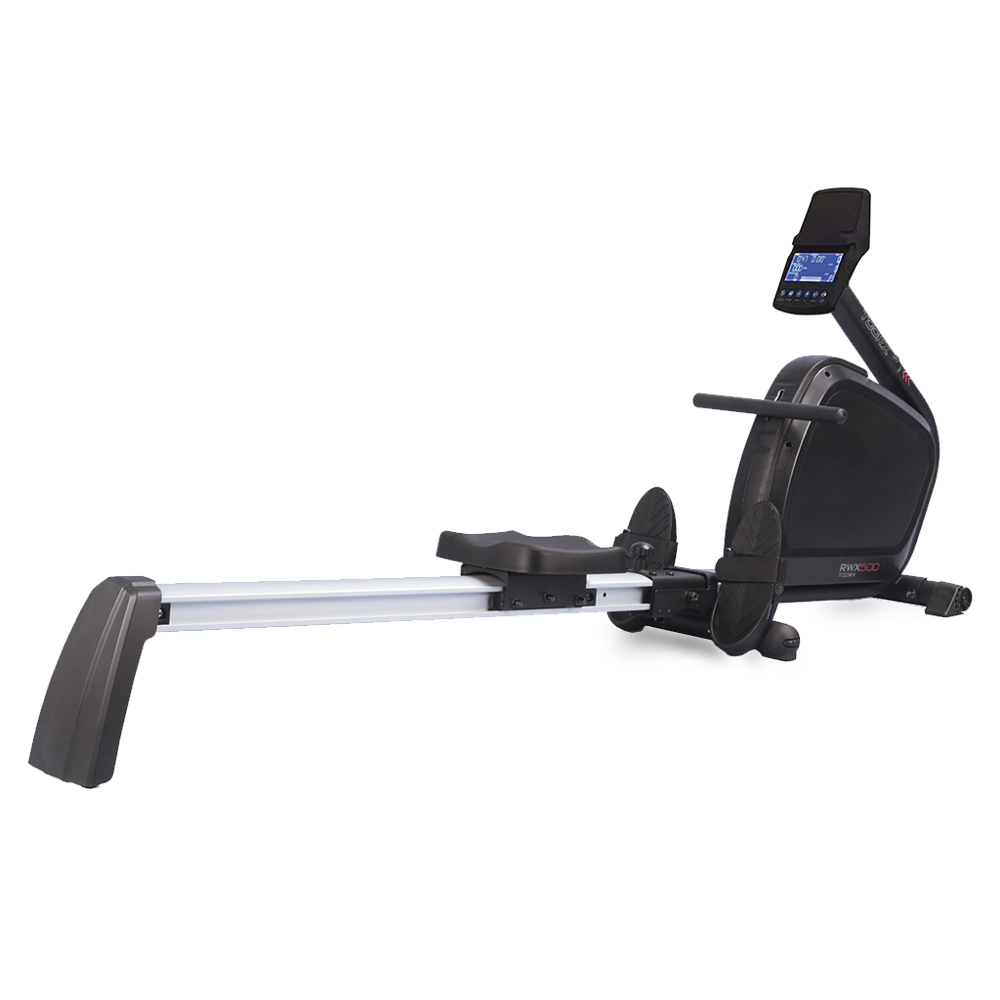 RWX 500
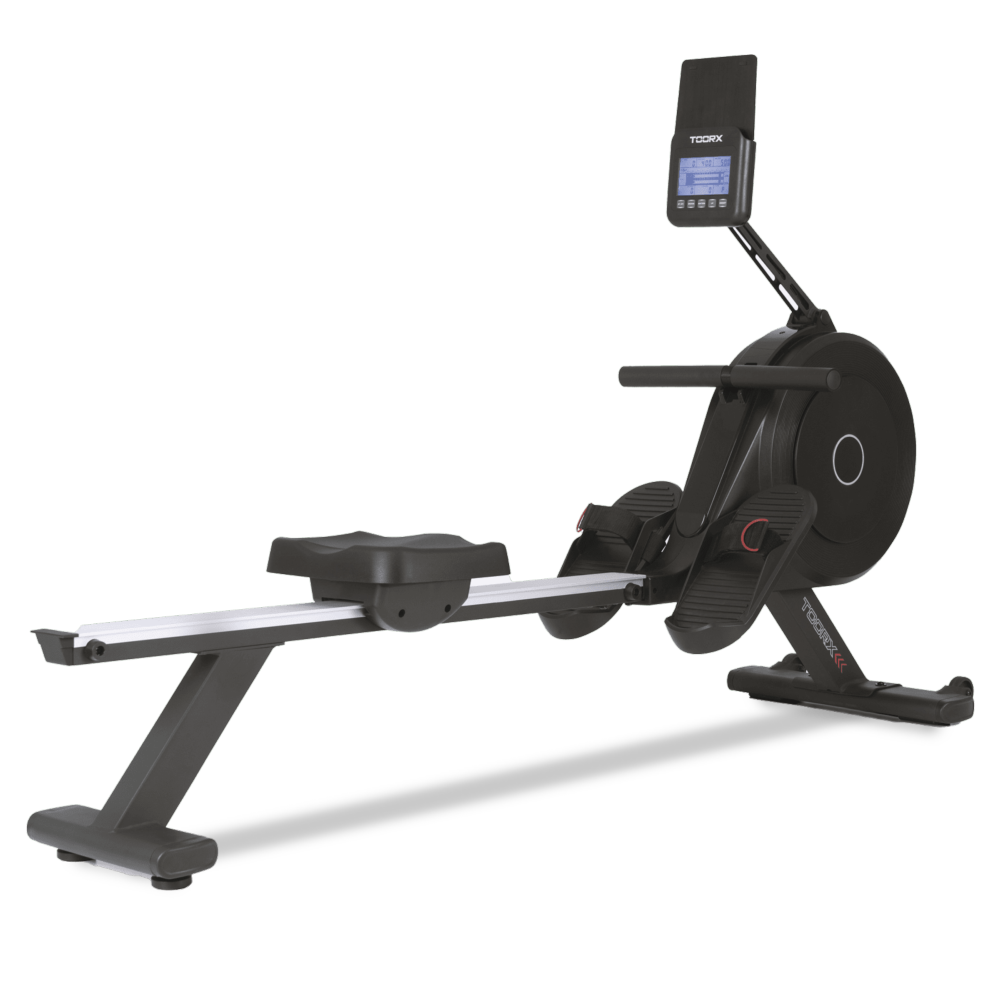 RWX 300
 RWX 200
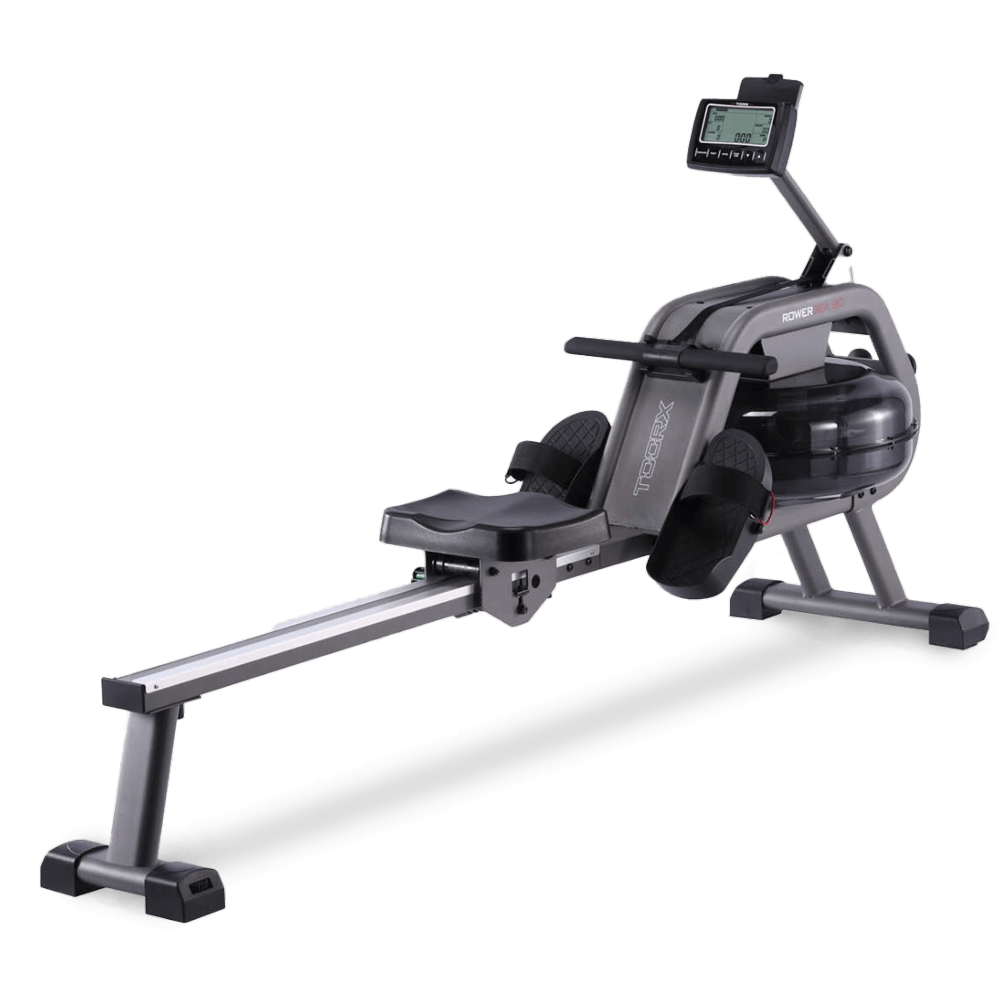 ROWER SEA 90
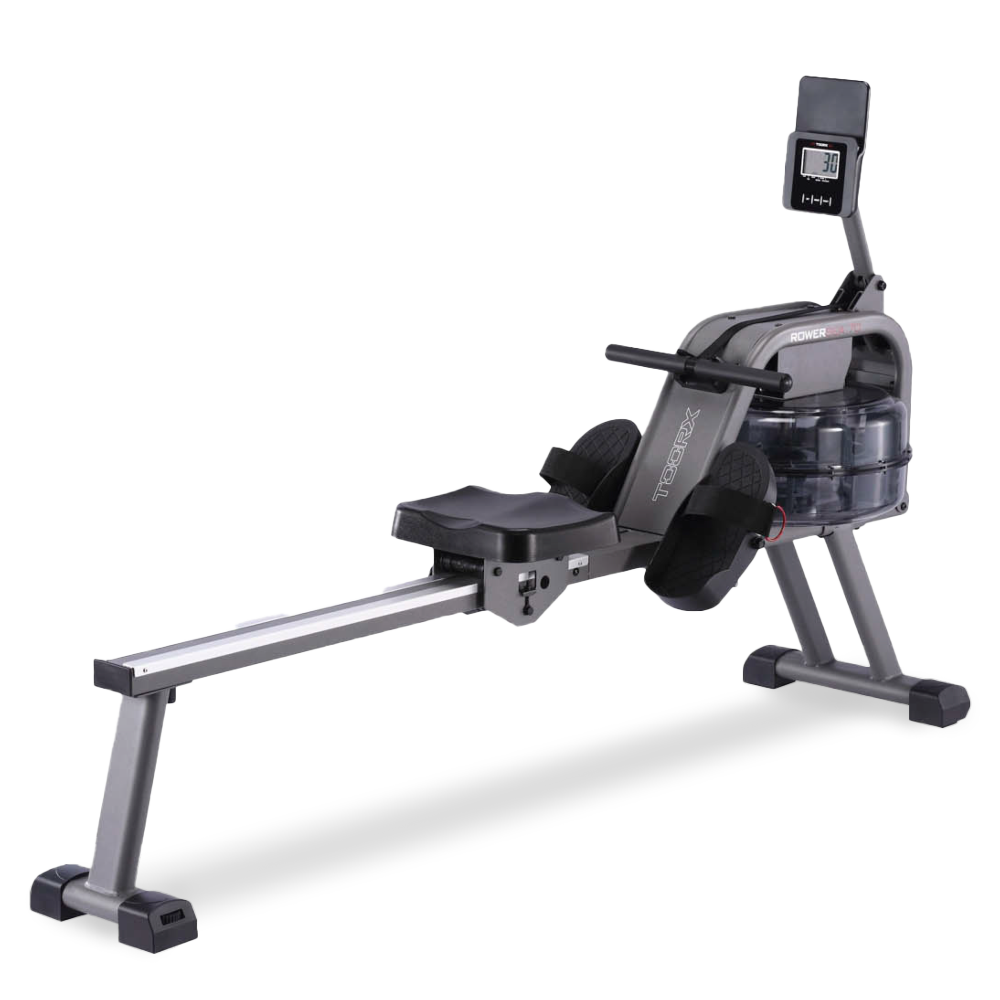 ROWER SEA 70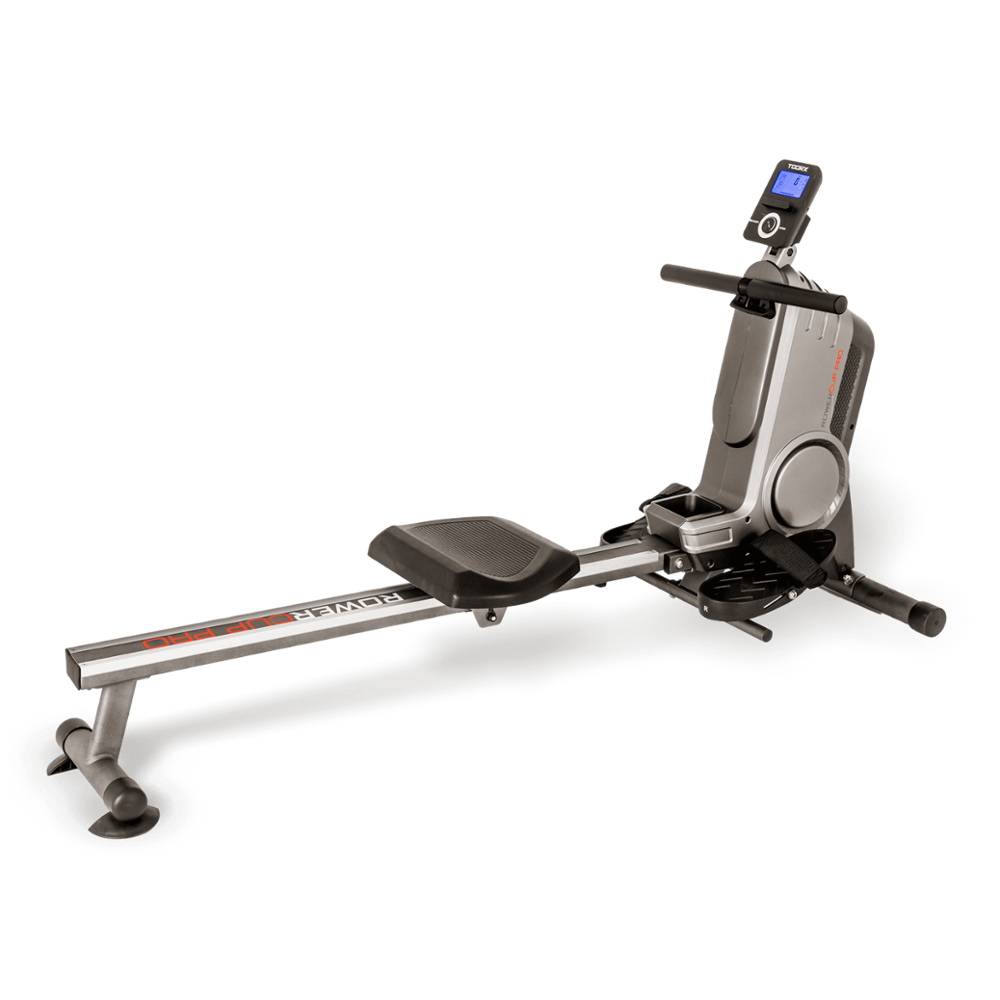
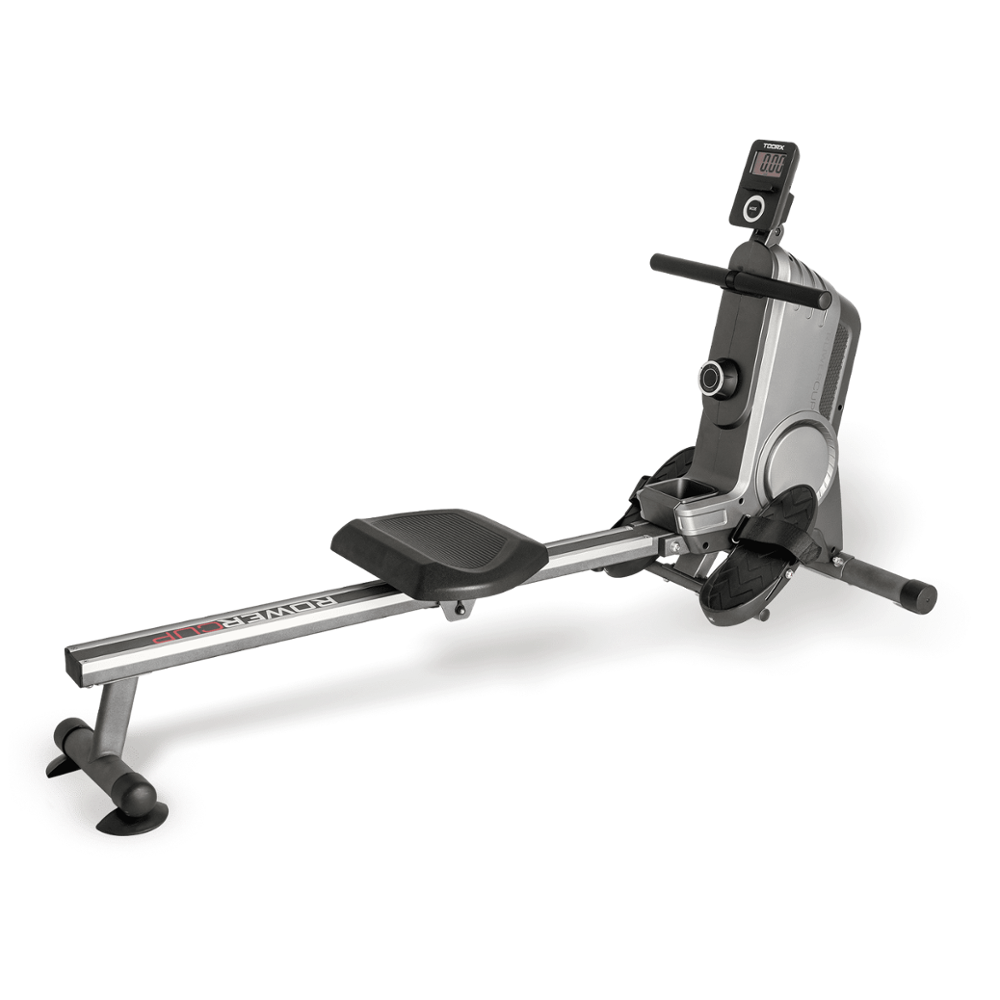
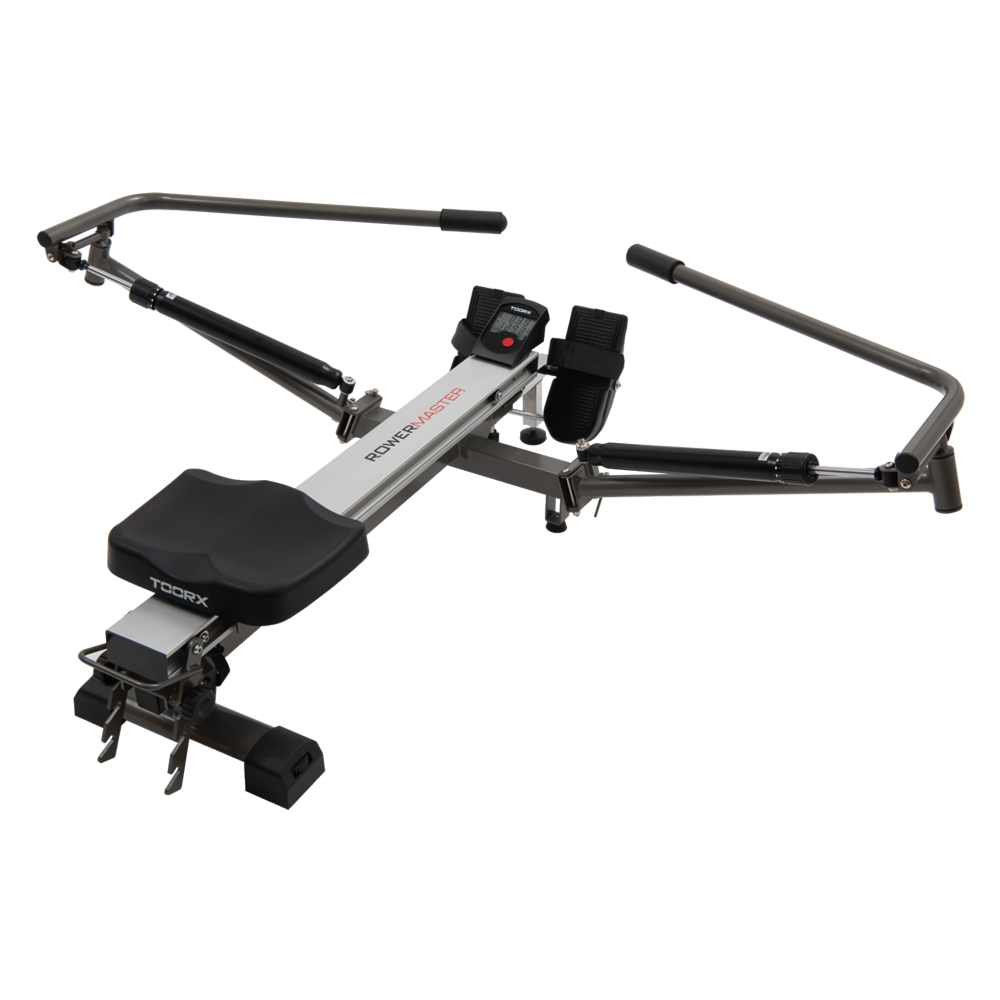 ROWER MASTER
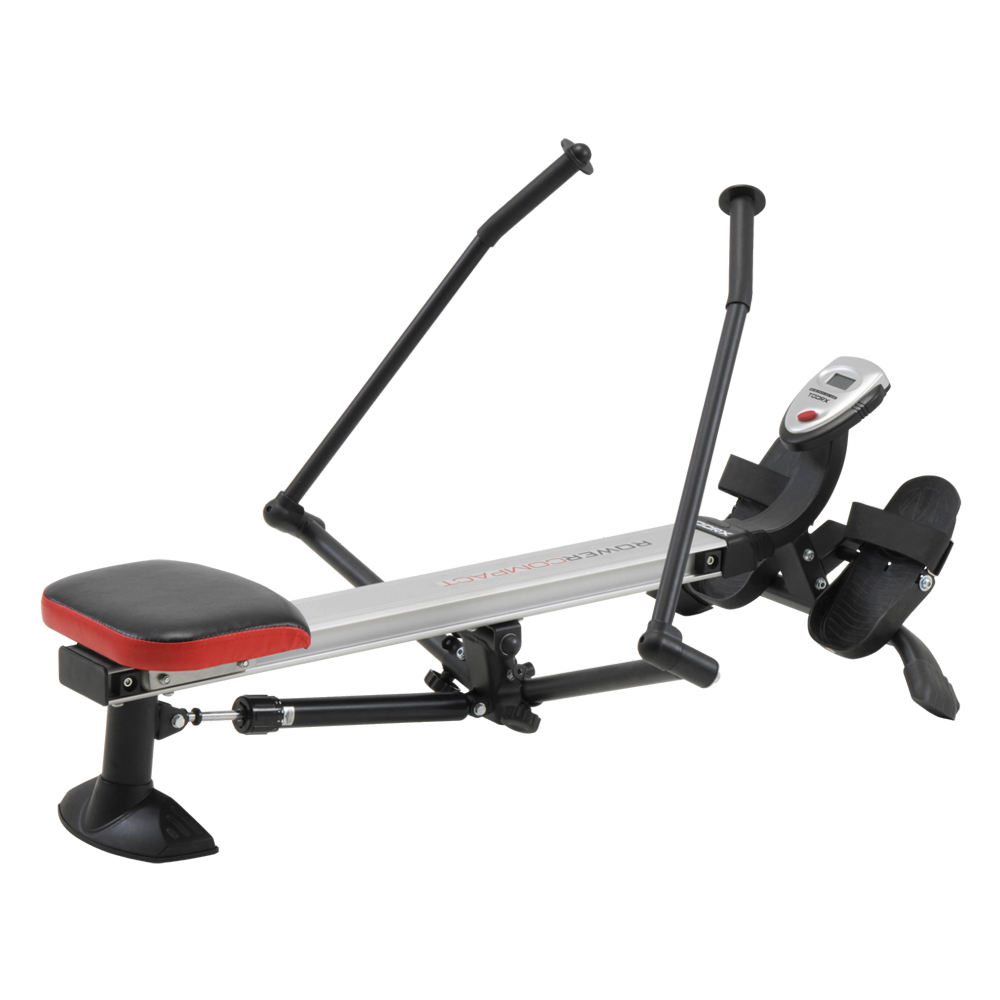 ROWER COMPACT

 WLX-90
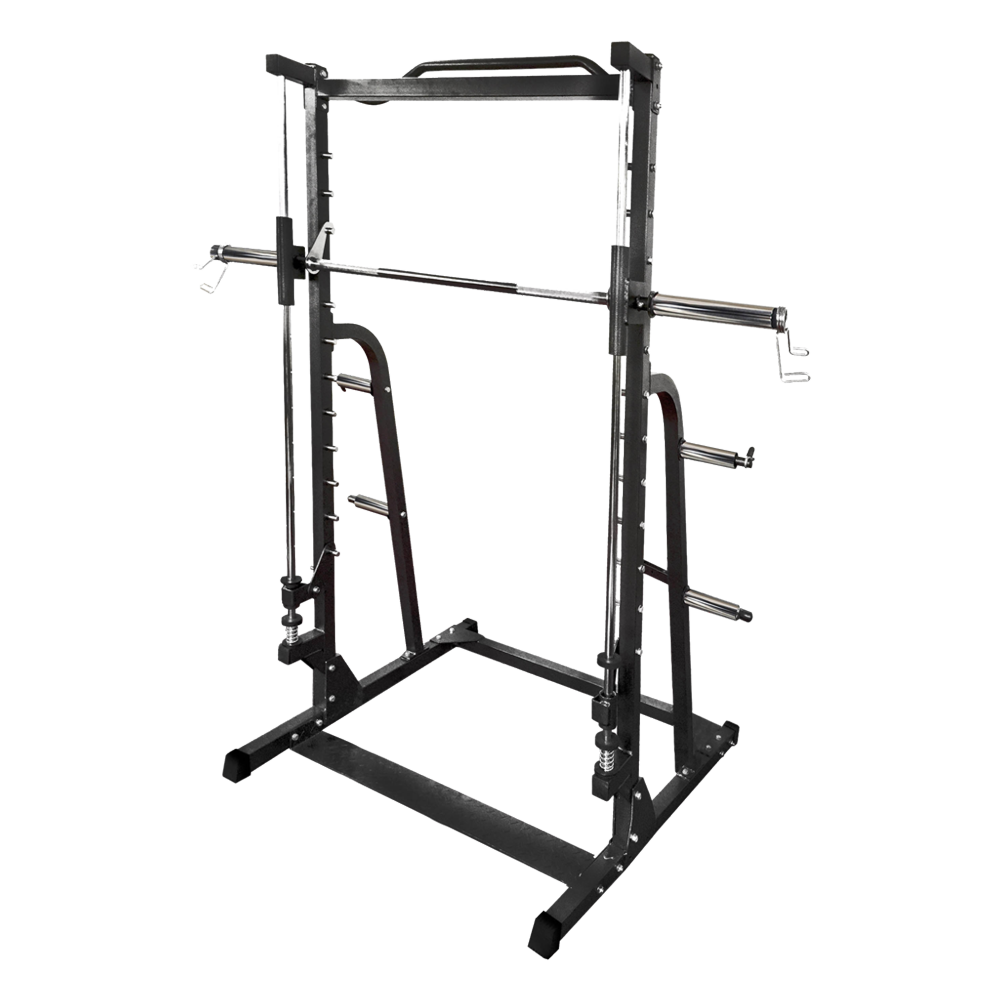 WLX-70
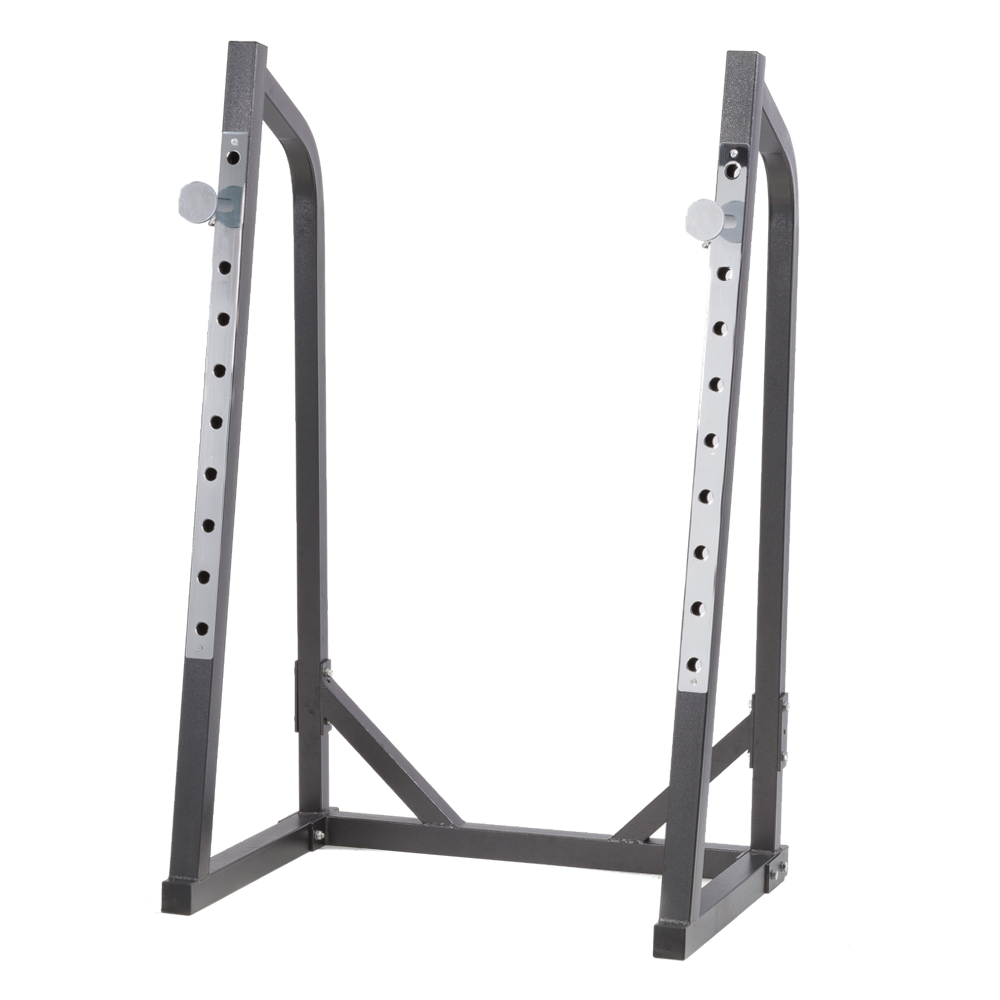 WLX-50
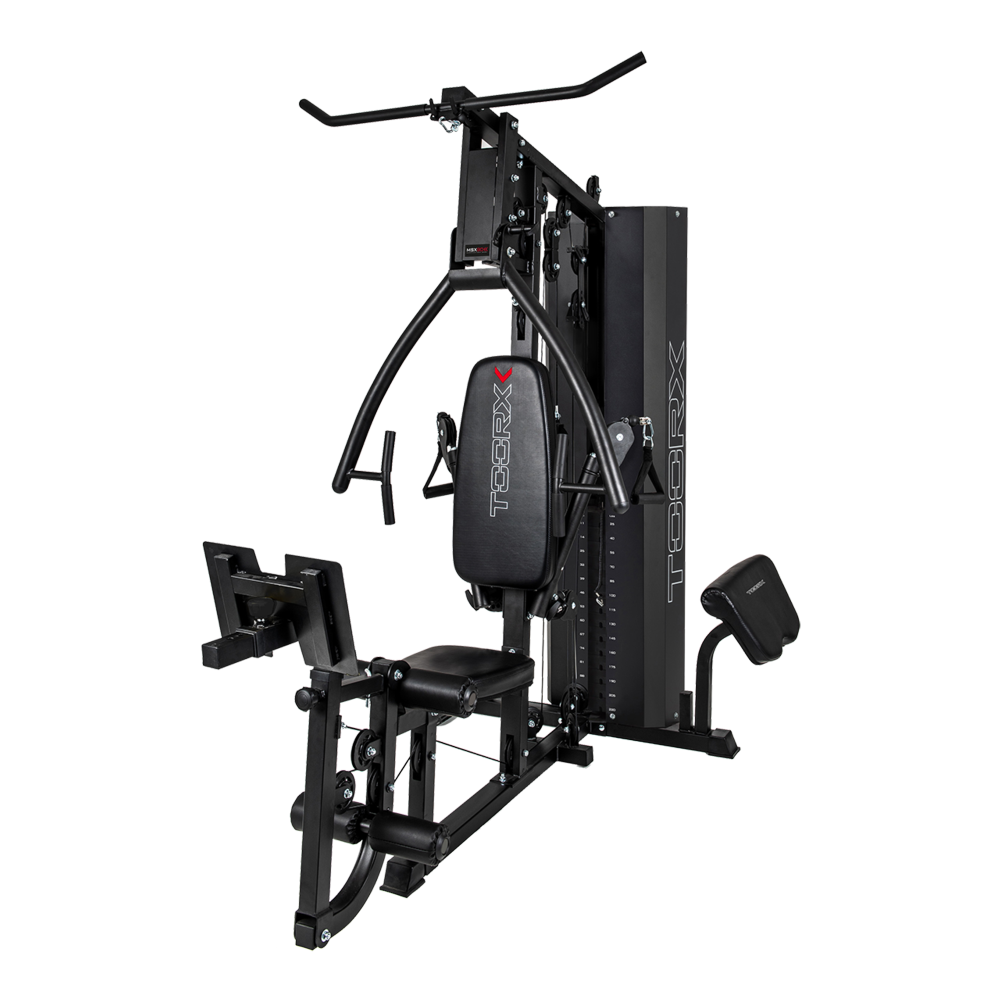 MSX-90
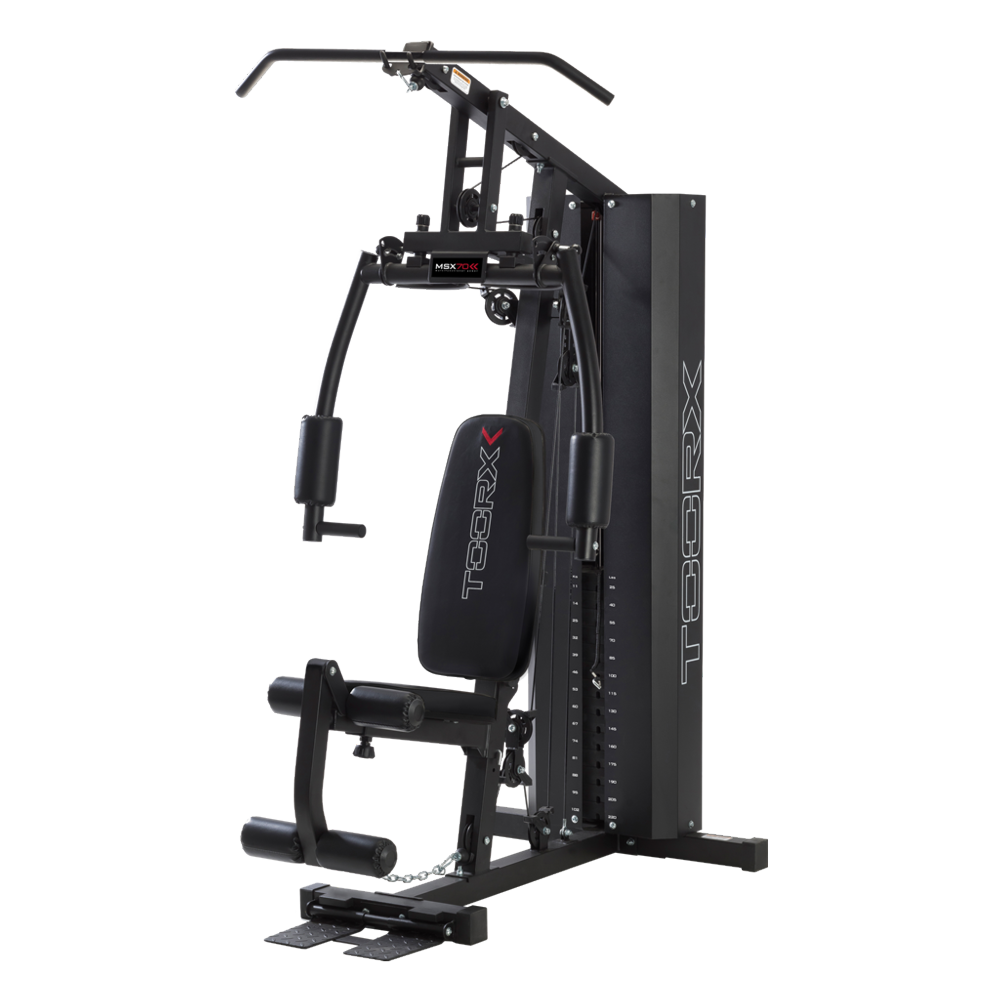 MSX-70
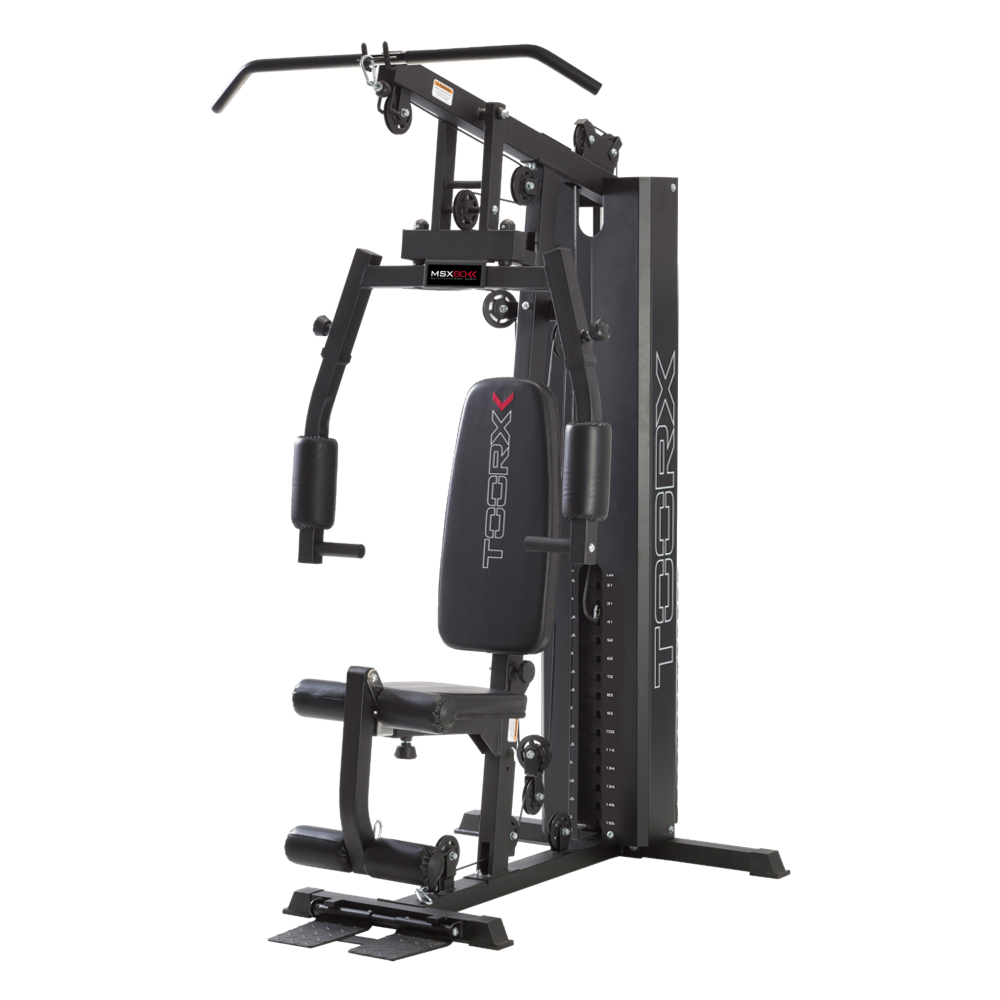 MSX-60
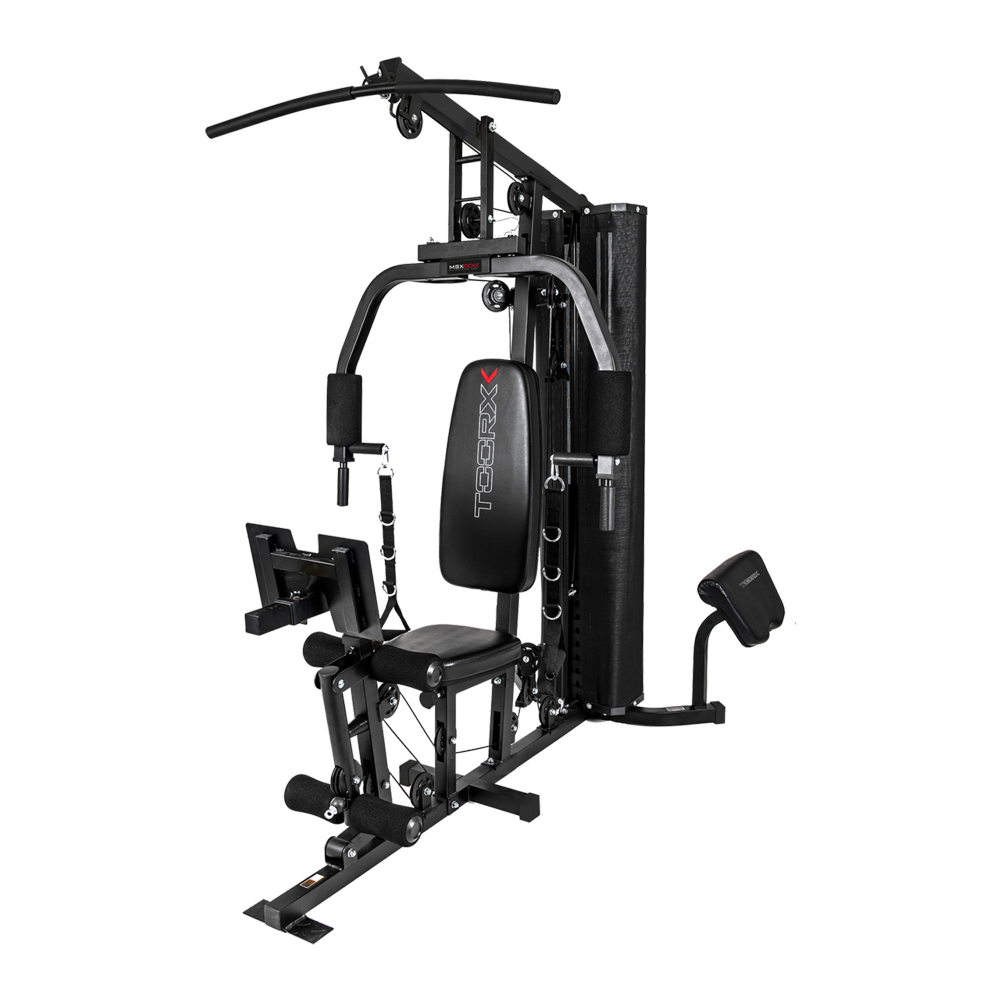 MSX-50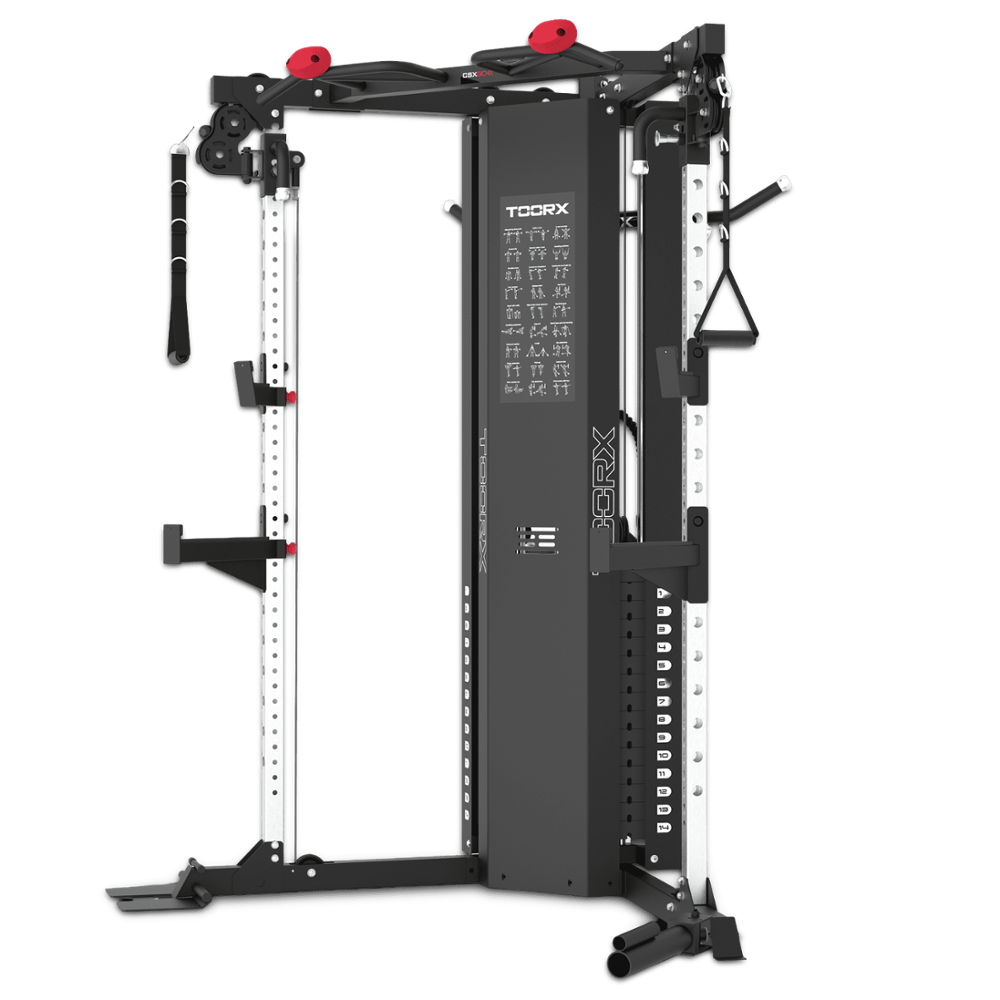
 CSX-70
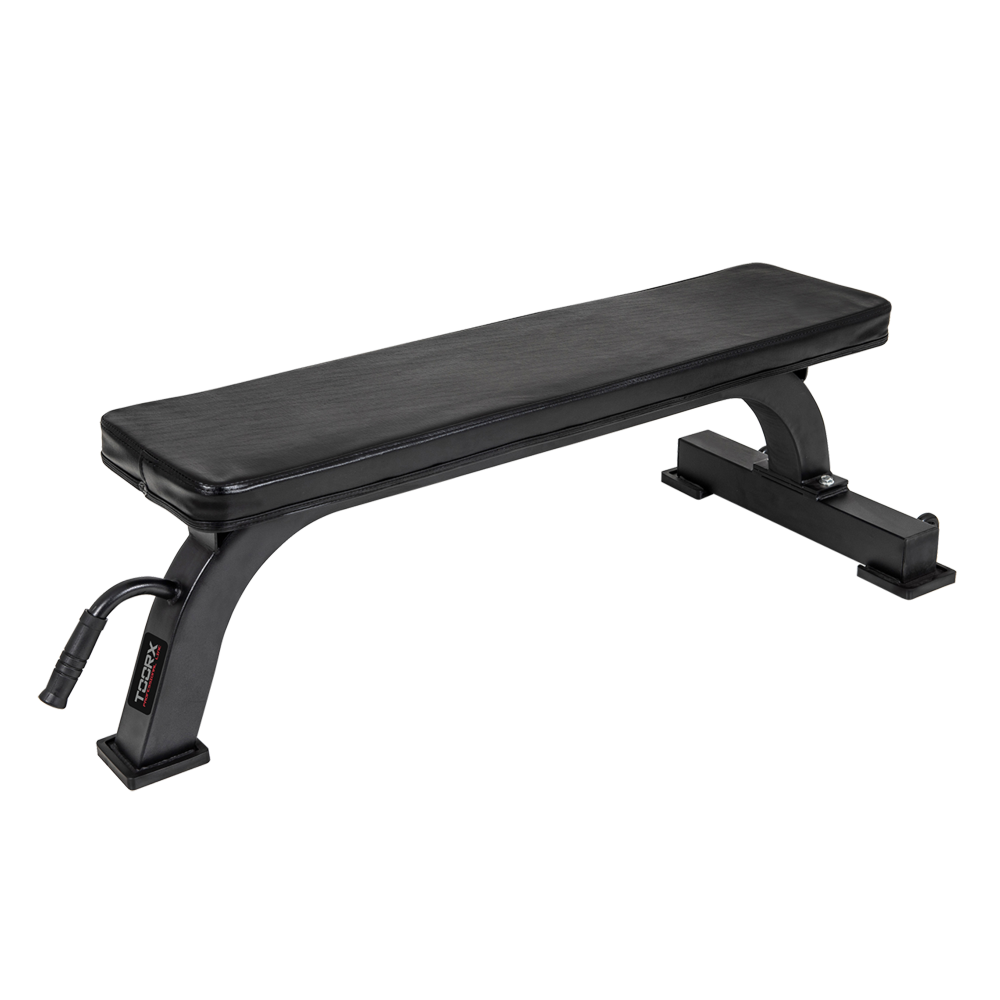 Flat benches
 WBX-100
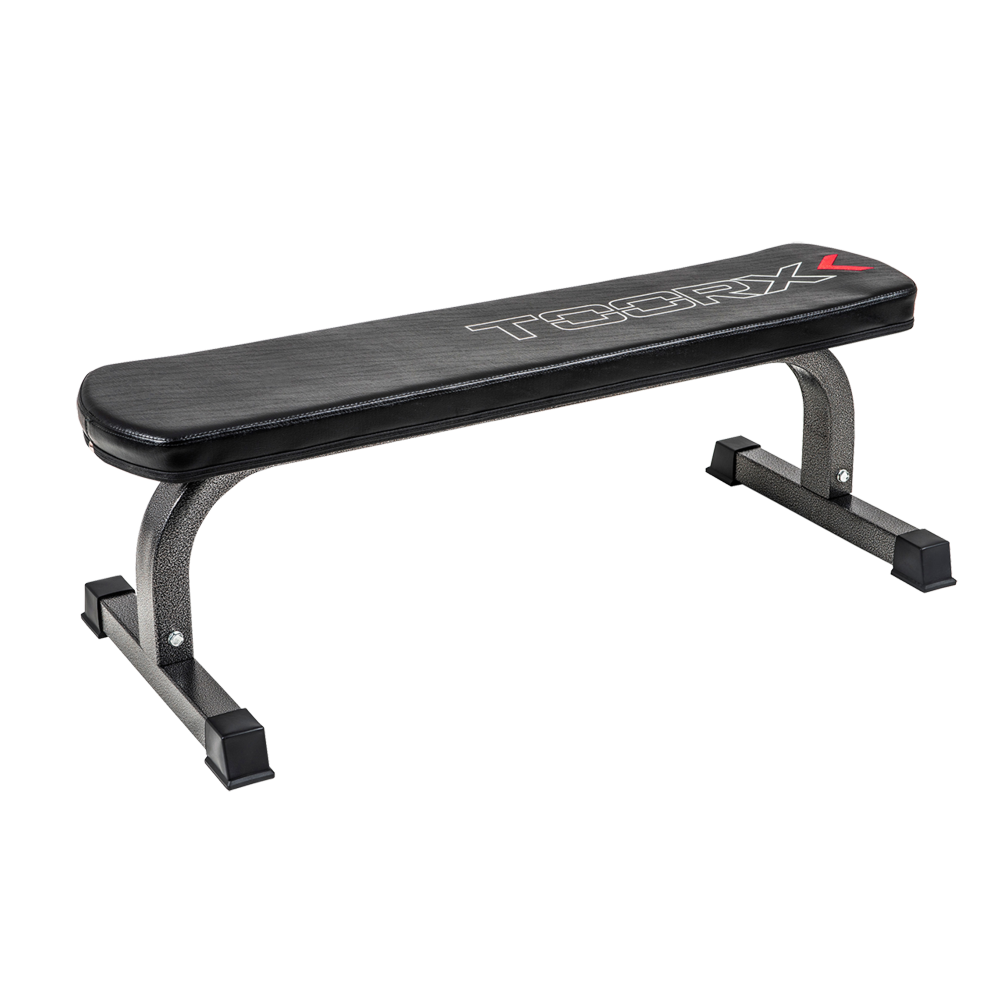 WBX-65
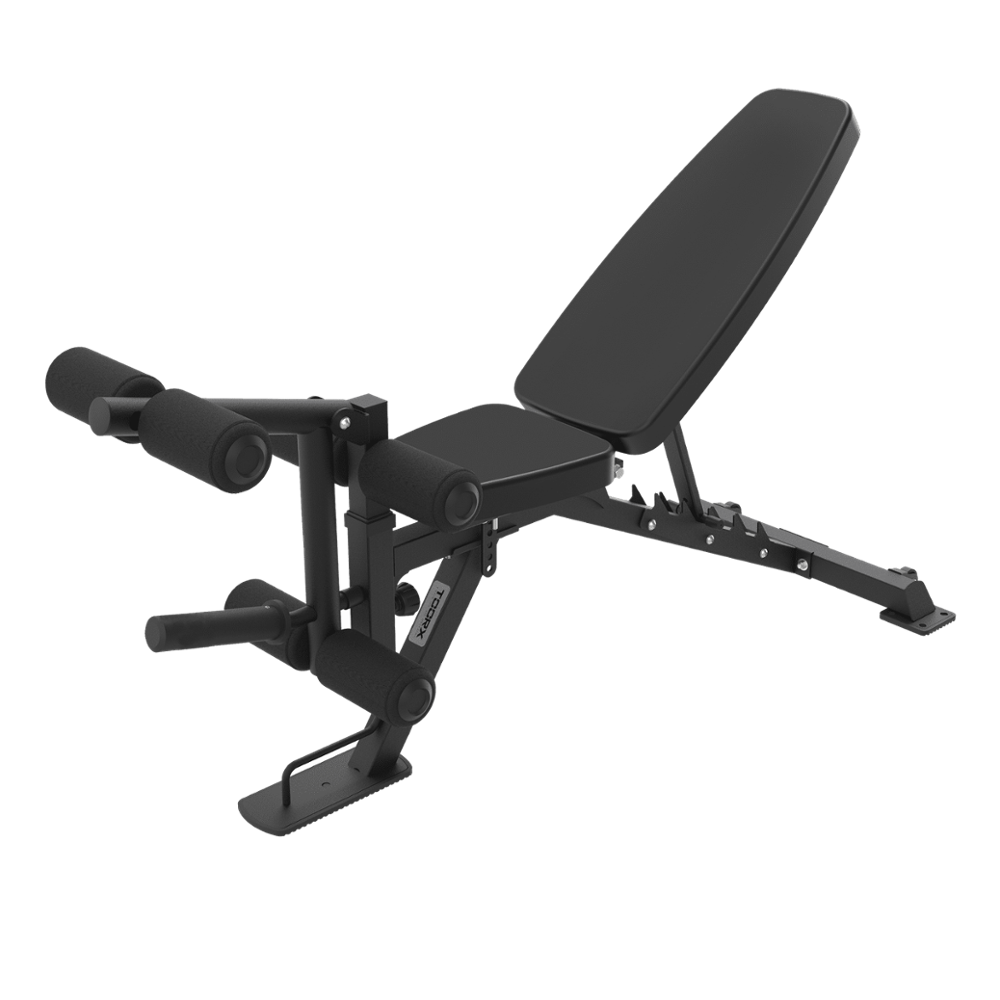 Multi-purpose benches
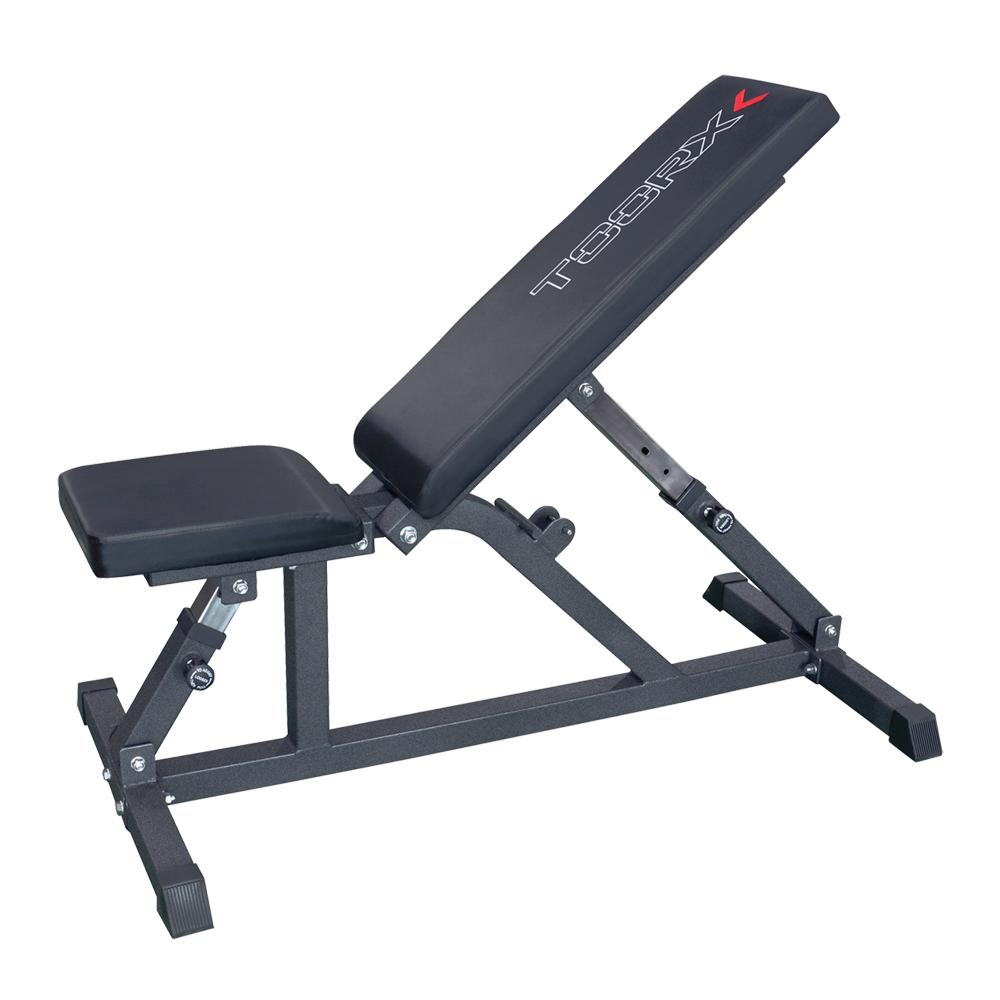 WBX-85
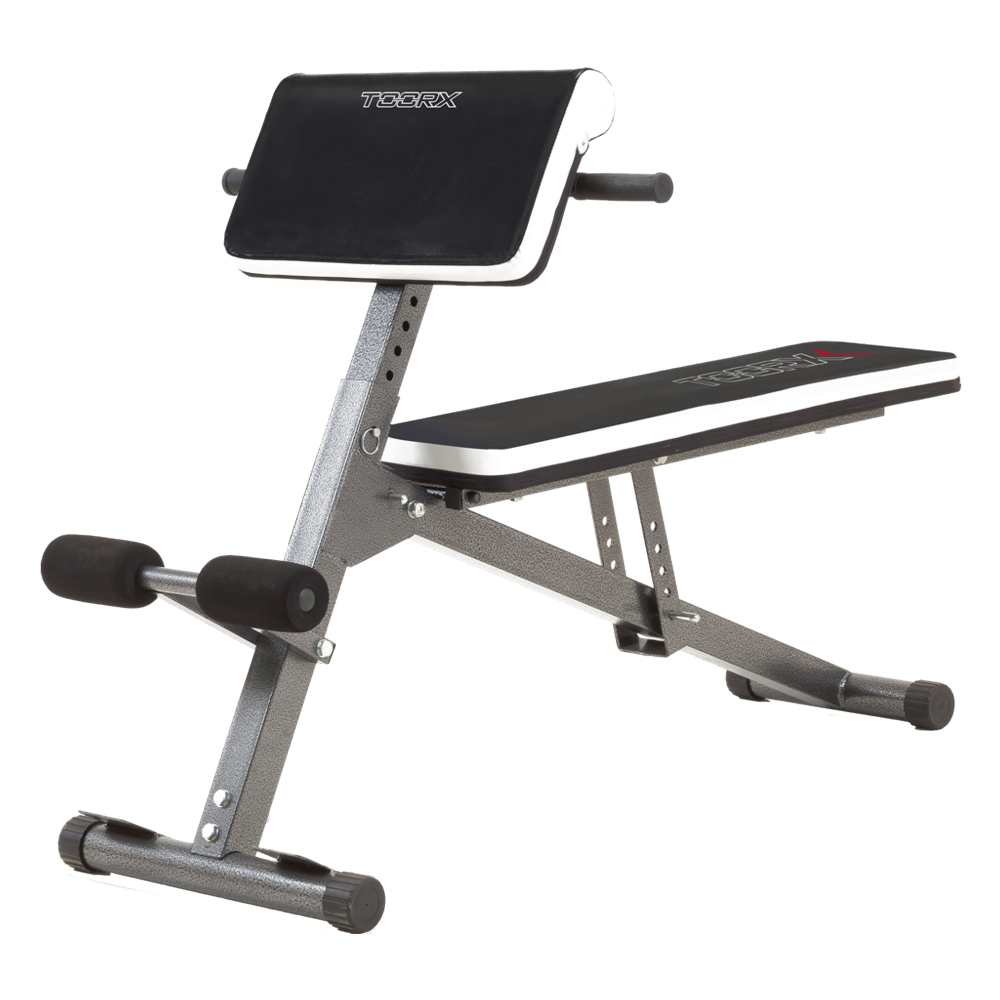 WBX-40 MULTI FIT
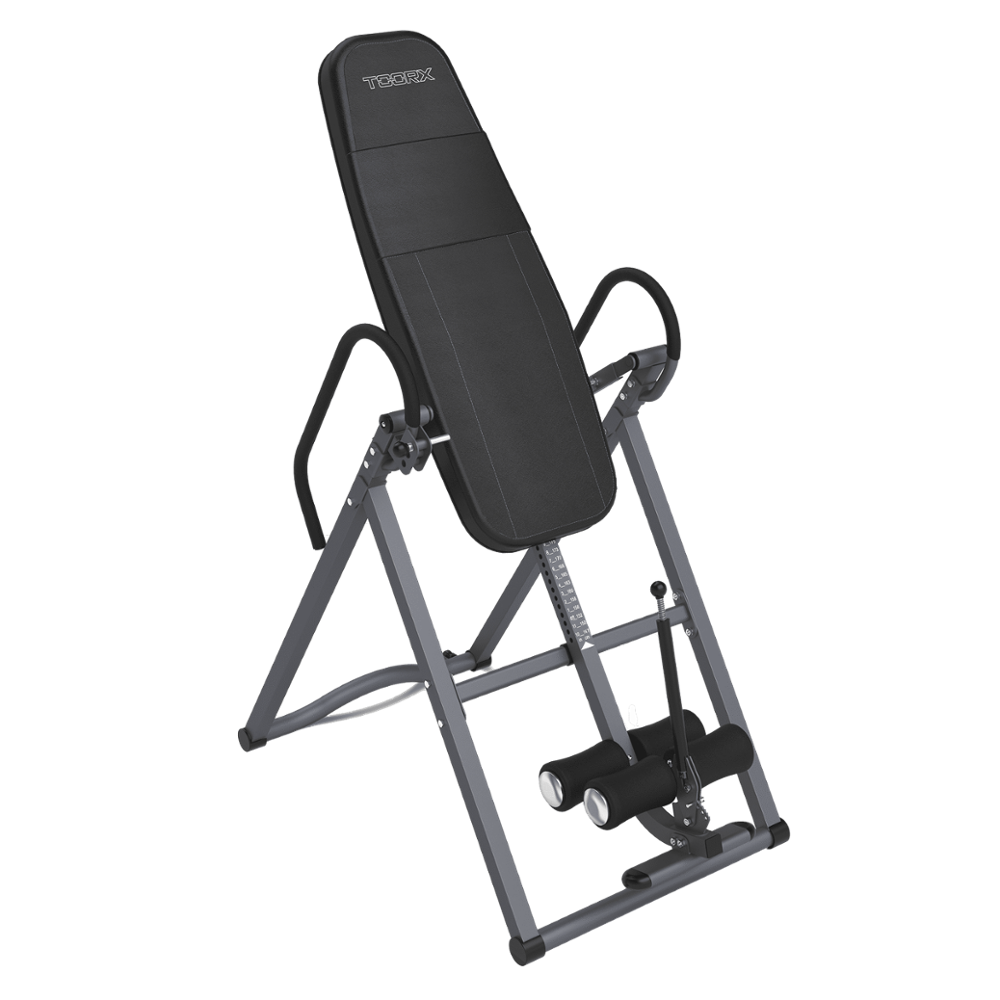 Inversion benches
 Benches with barbell support
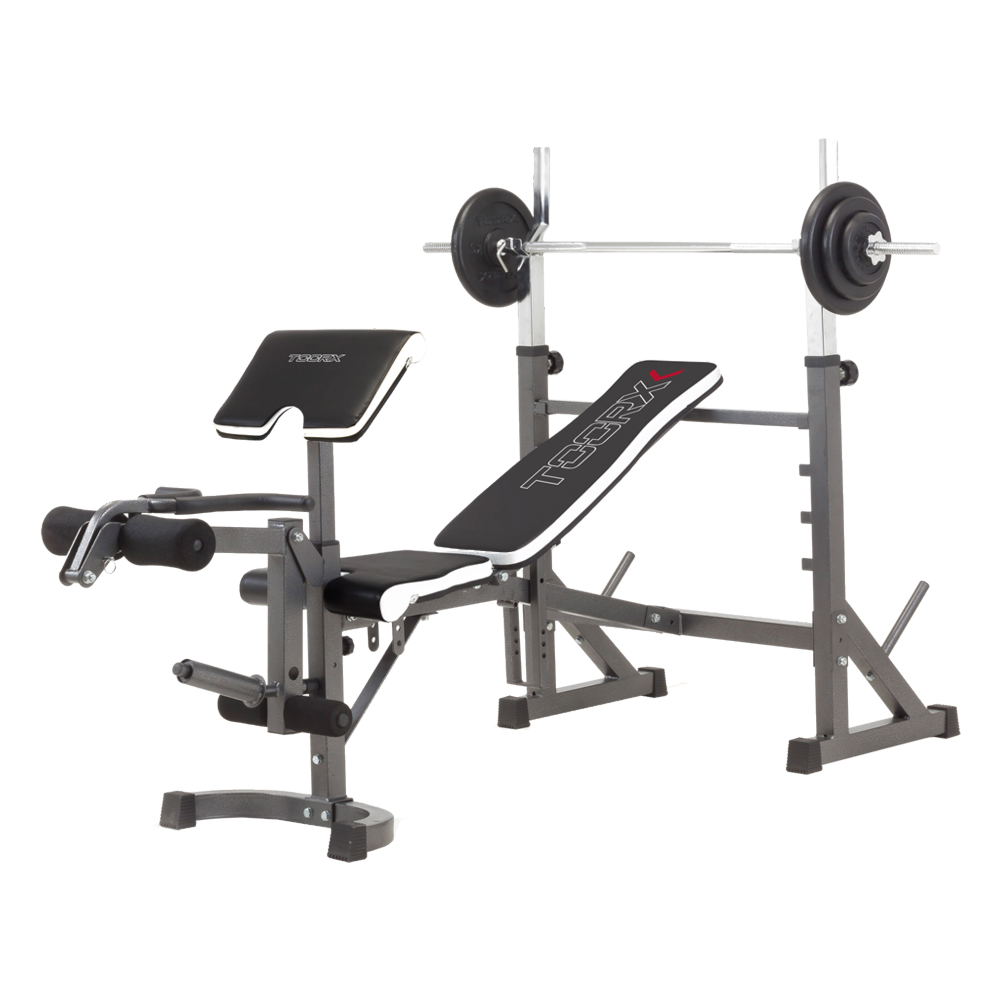 WBX-90
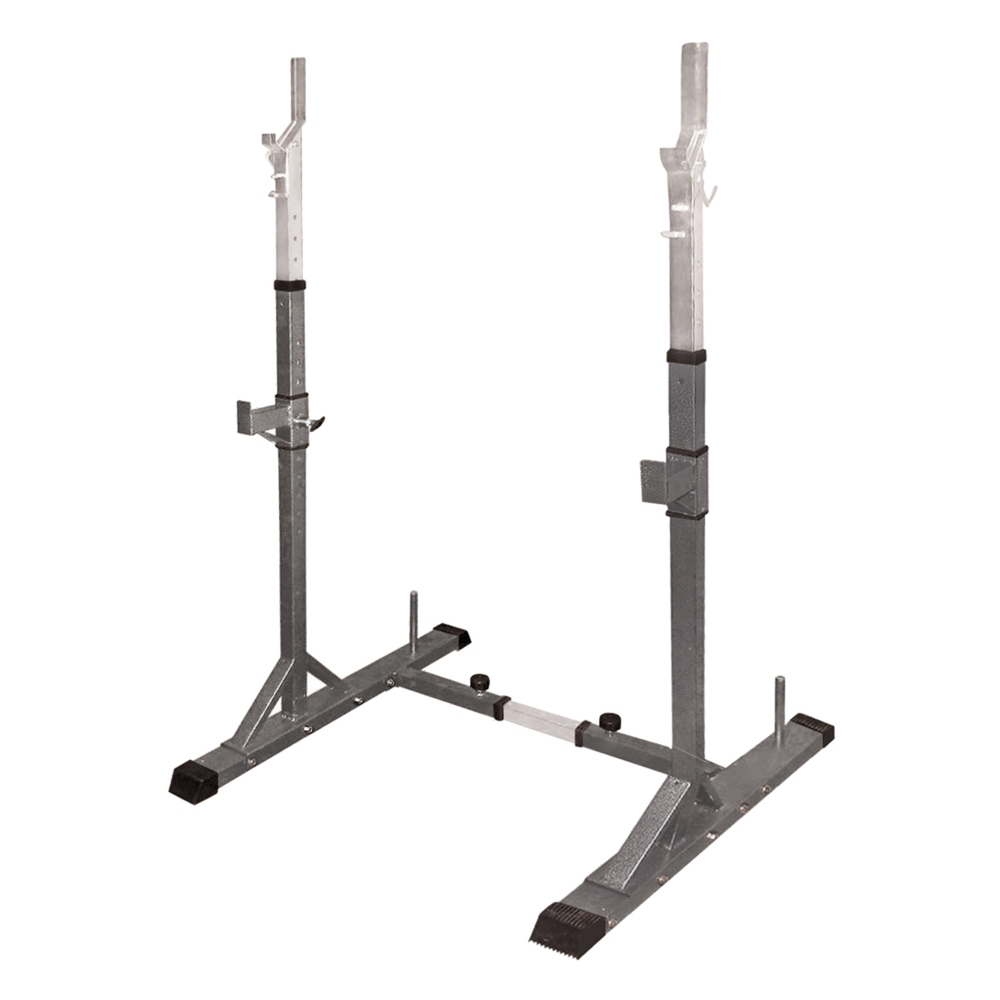 Barbell supports
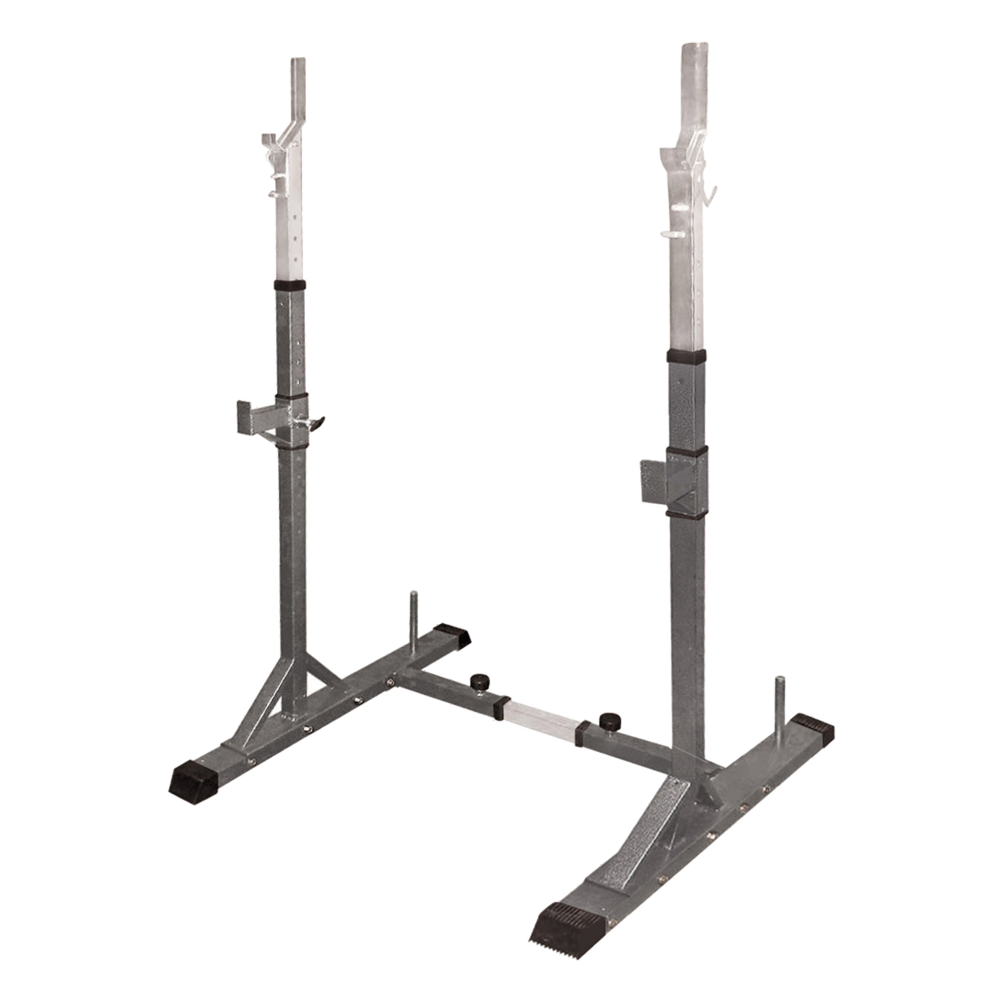 WBX-50
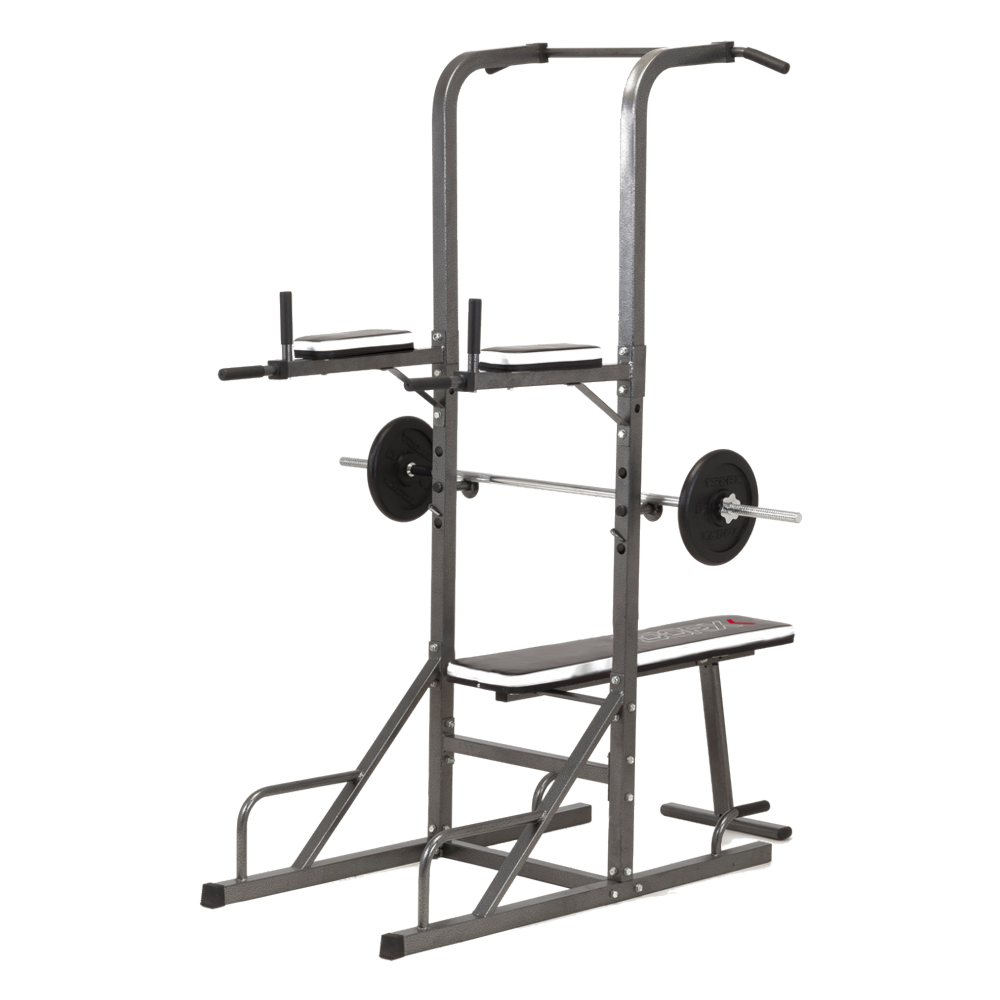 Power Tower
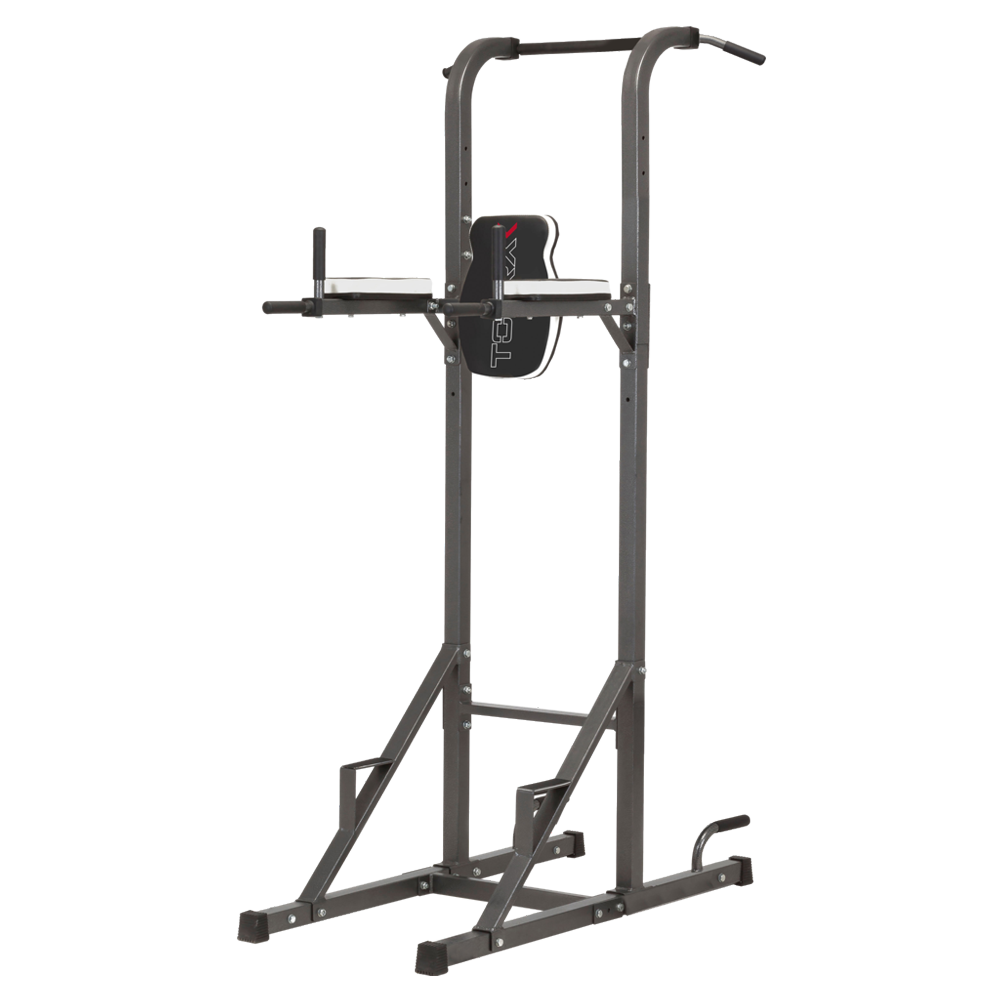 WBX-70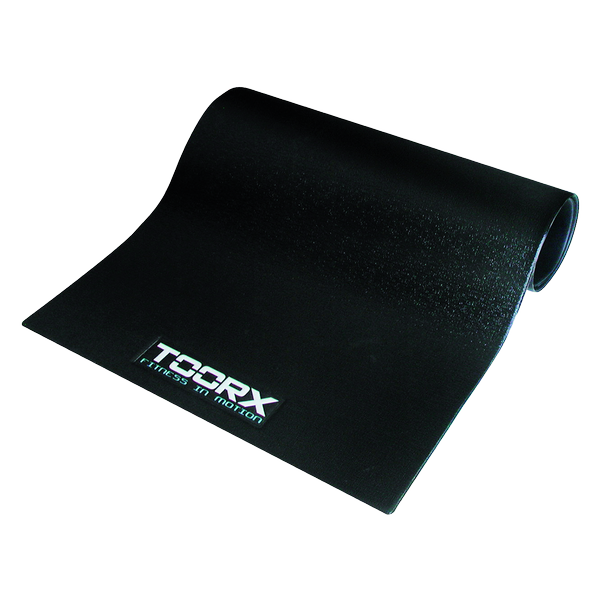
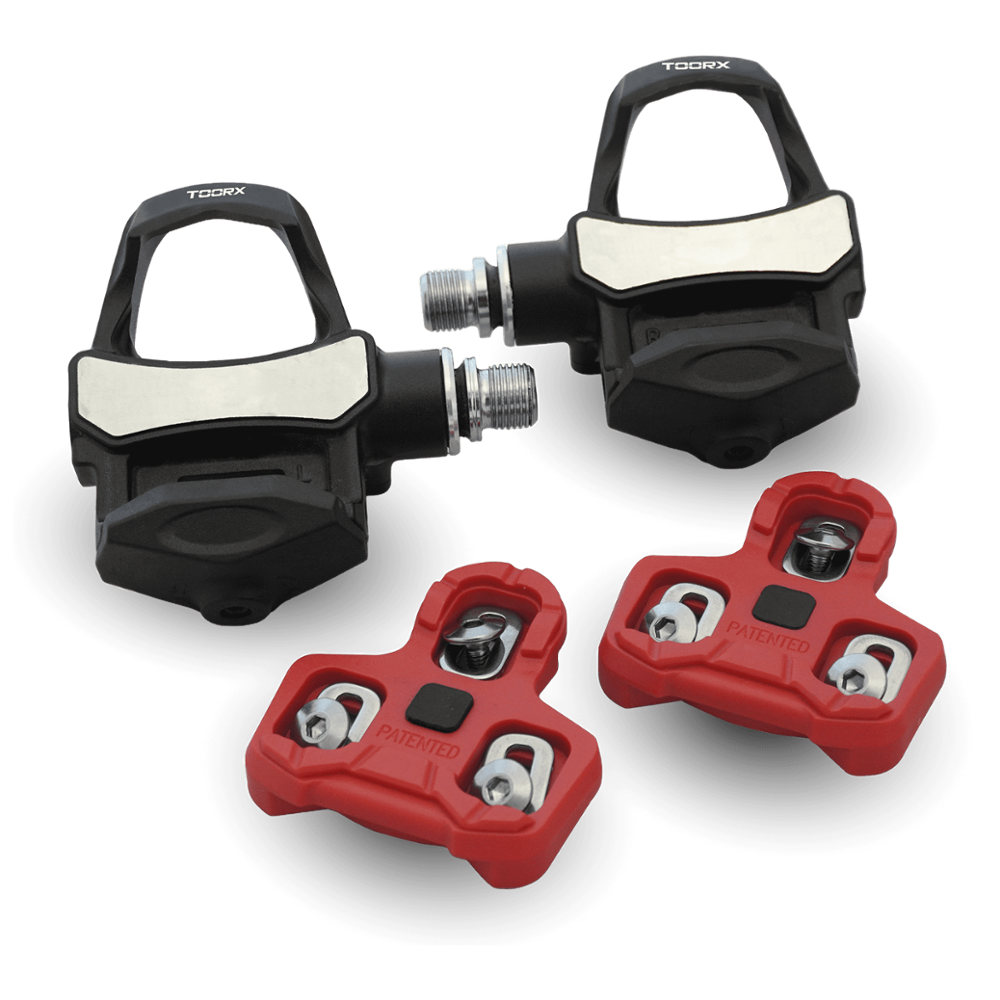 TX-POWER - POWER METER PEDALS KEO SYSTEM
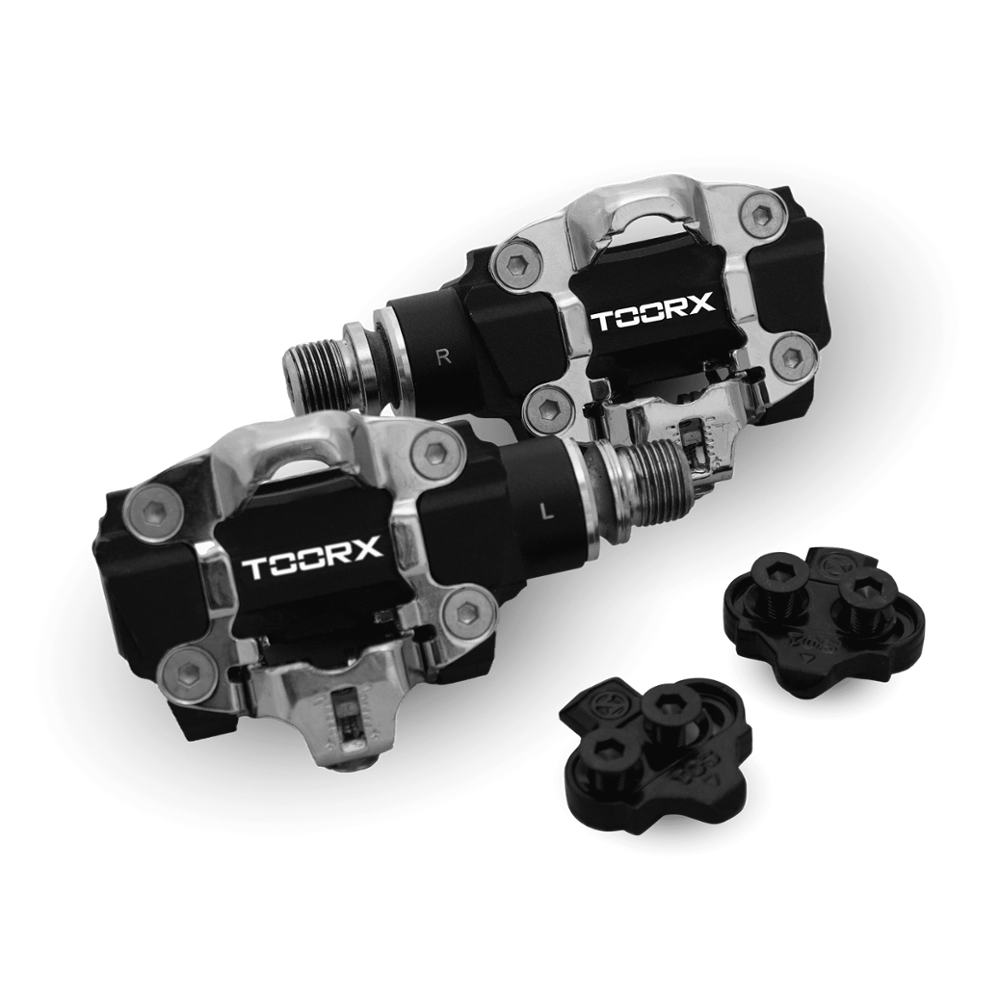 TX-POWER - POWER METER PEDALS SPD SYSTEM
 Sound-absorbing mat
 TRX APP GATE
 TOORX triple-transmission heart rate monitor
 TOORX heart rate monitor
 LUBETECH
 POLAR T34 HEART RATE MONITOR