
















































- November 9, 2022
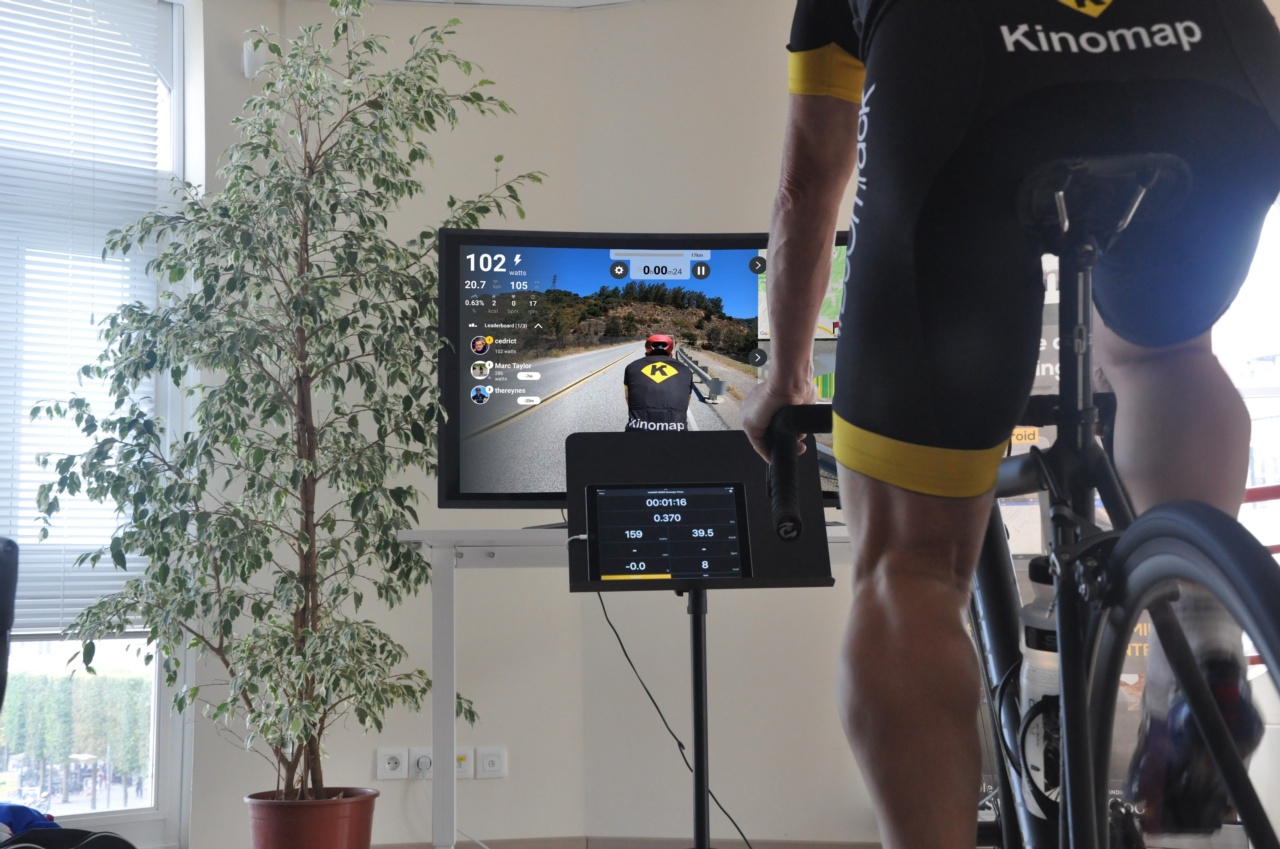
The promotional code FREERIDEgives youthe chance to try Kinomap for a whole month, taking advantage of all the features of this incredible app! But how do you activate it? Here is a quick guide:
Initial phase:
Create your account Go to the website's main page: https://www.kinomap.com/
Then, click on "Log in,"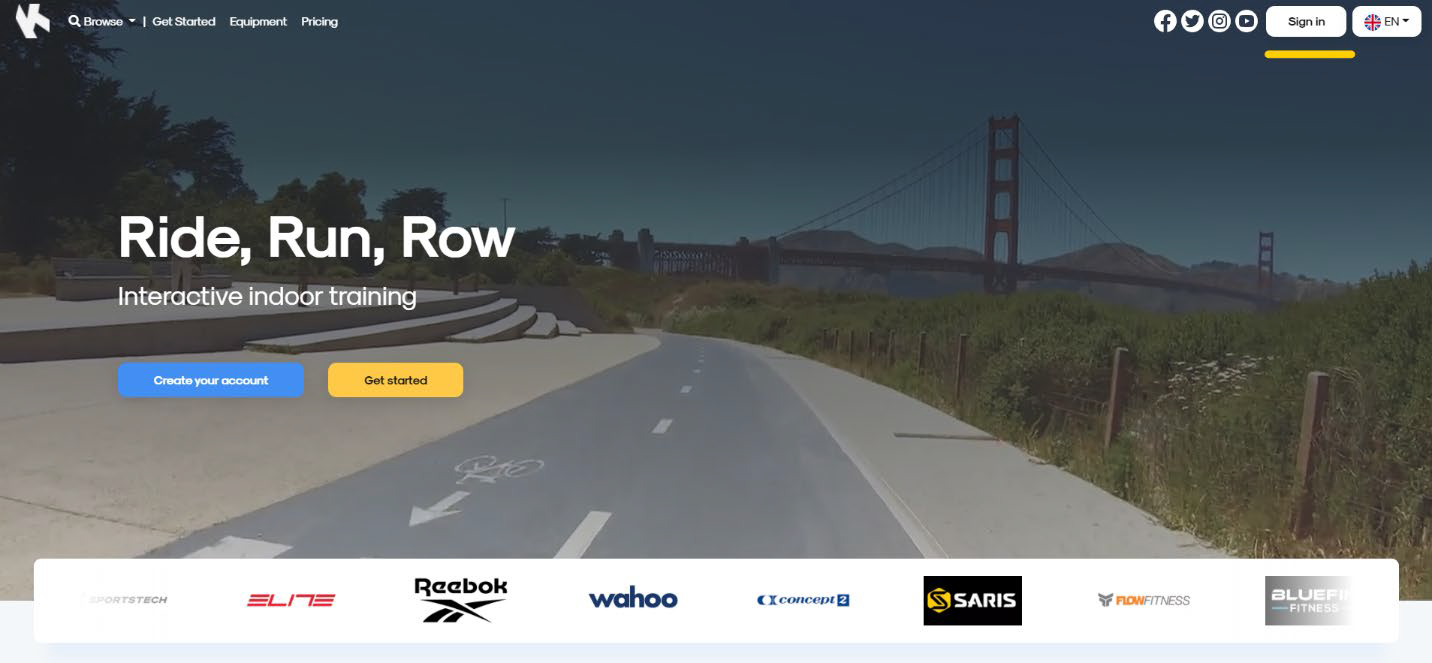
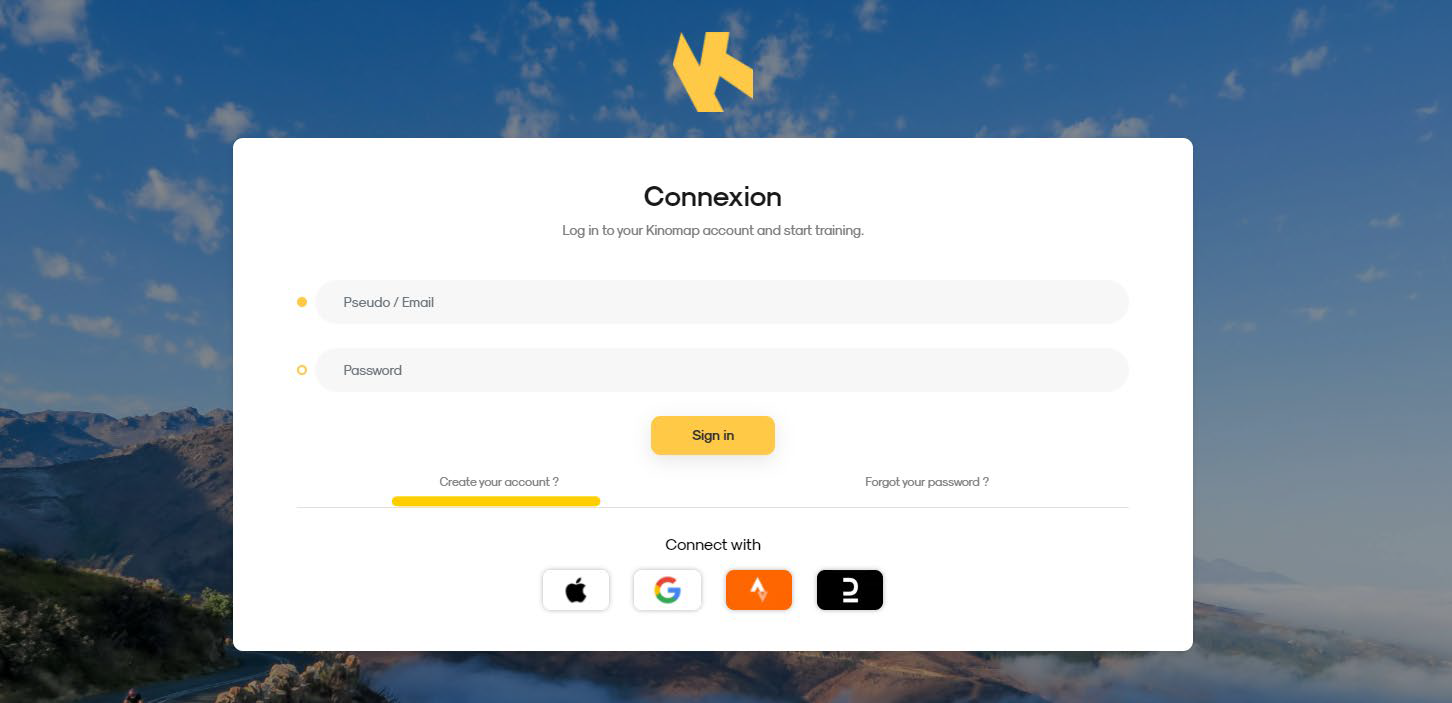
Click on "create my account" and follow the steps.
Step 1 - Click on "My Subscriptions"
Go to the website's main page: https://www.kinomap.com/
Click on your username to display the entire website menu. Then, click on "My Subscriptions."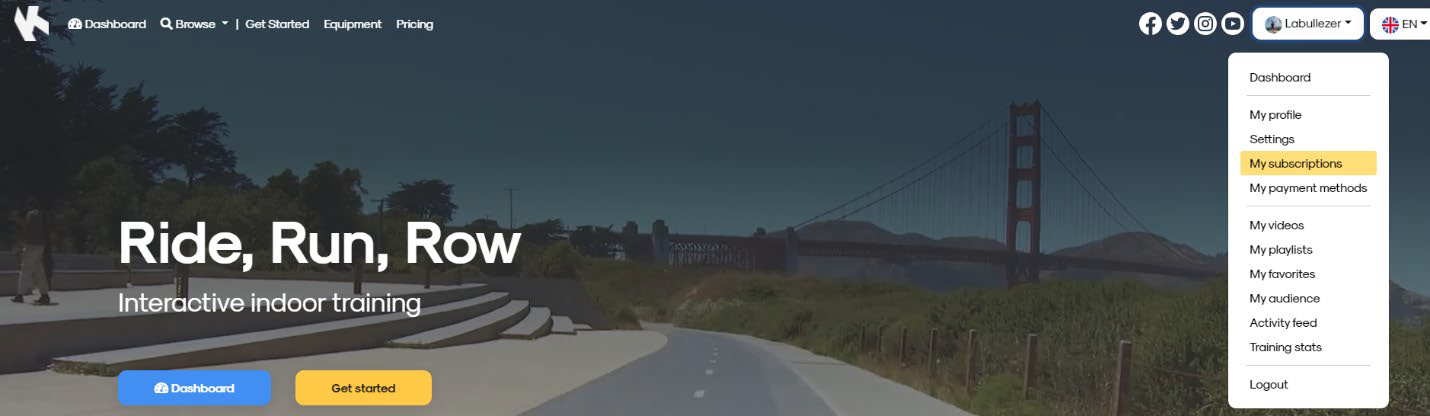
Step 2: Choose your subscription
By clicking on "My subscription," the page will automatically redirect you to the pricing page. For monthly or annual packages, click on "select" under the desired package.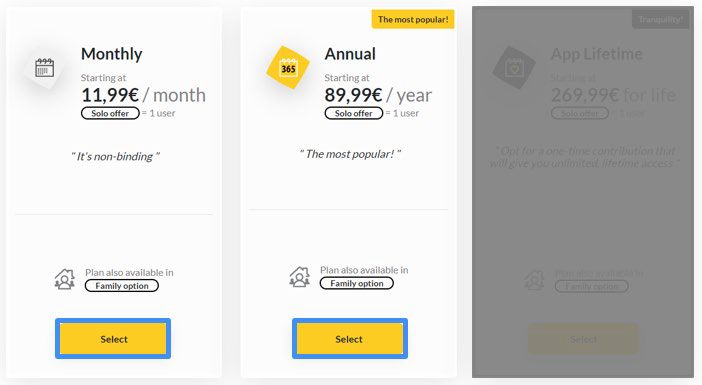
Step 3: Click on "purchase this plan"
This summary page will allow you to purchase your plan (and start the payment process), then you can add your STRIPE CODE, as indicated here in BLUE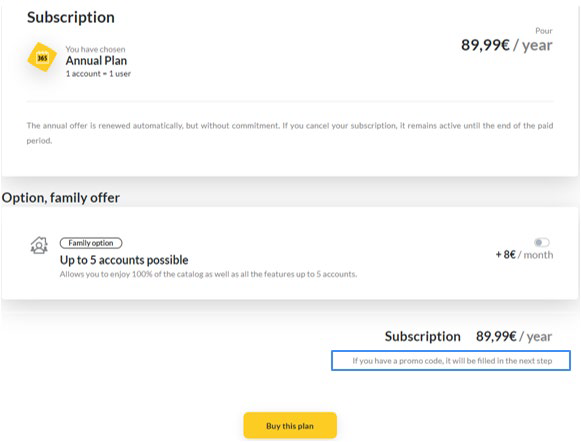
Step 4: Add your coupon or promo code
In the box provided, enter the STRIPE code you were given (FREERIDE). Click "Add." The new price will be displayed in the summary.
#toorx
Tag your photos and videos with #toorx #fitnessinmotion and join the TOORX community!!


NEWSLETTER
Subscribe to the newsletter to receive updates from Toorx


 MIRAGE TFT
 MIRAGE
 MIRAGE
 MIRAGE TFT
 MIRAGE
 MIRAGE
 MIRAGE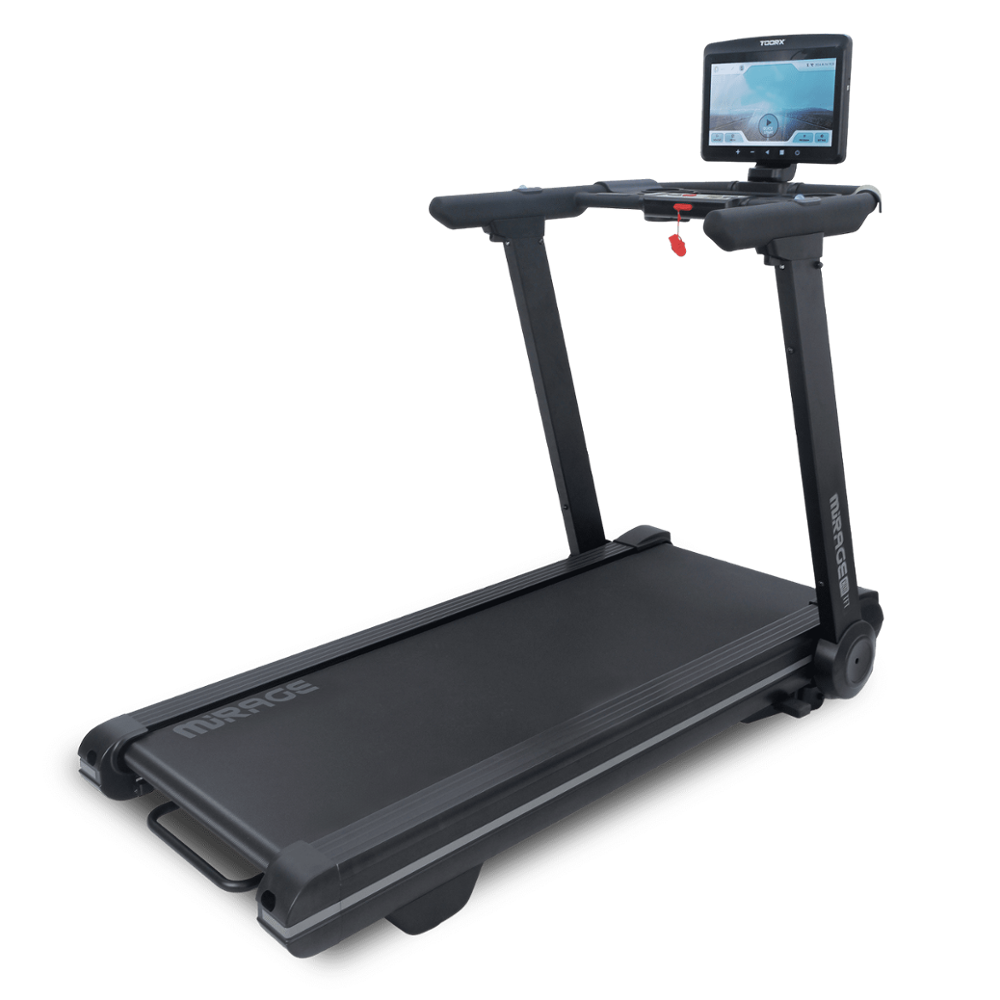
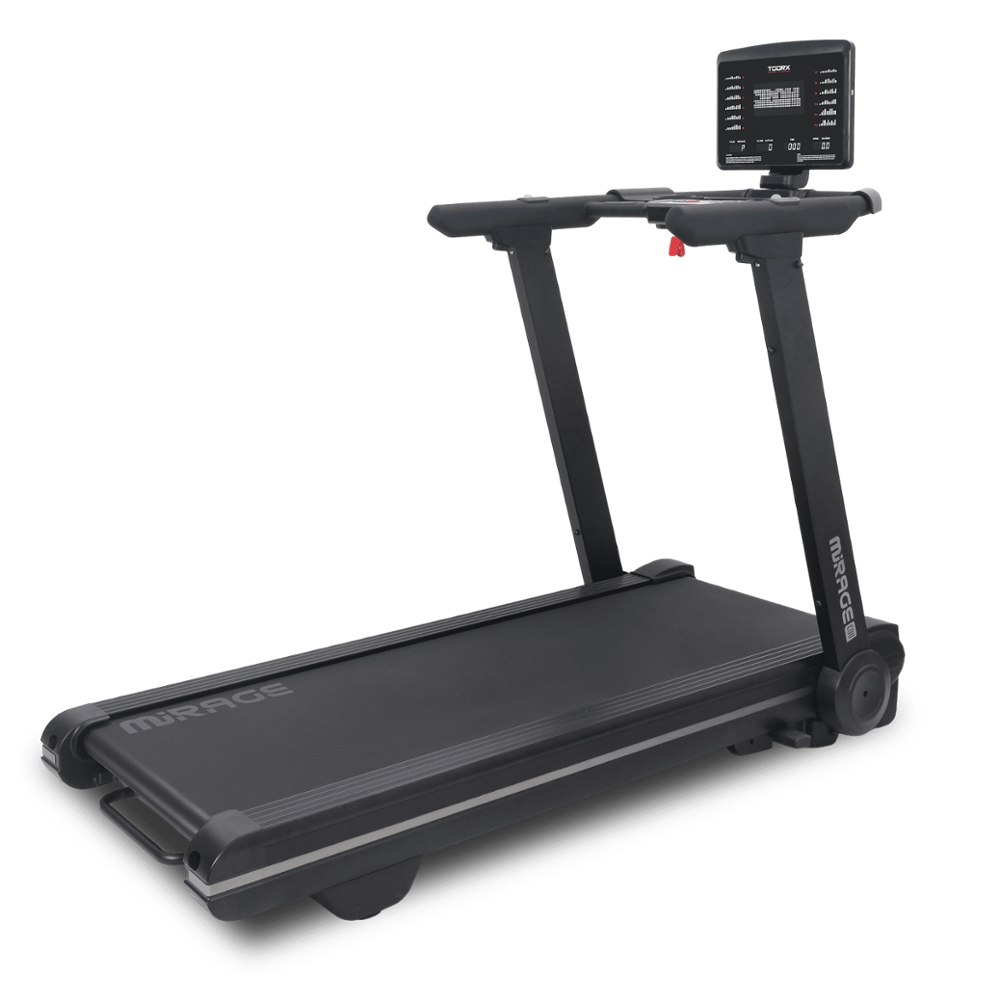
 MIRAGE
 MIRAGE
 TRX-100-3.0
 TRX MARATHON-3.0
 EXPERIENCE PLUS AC
 TOURING-3.0
 EXPERIENCE PLUS TFT
 TRX POWER COMPACT S
 EXPERIENCE PLUS
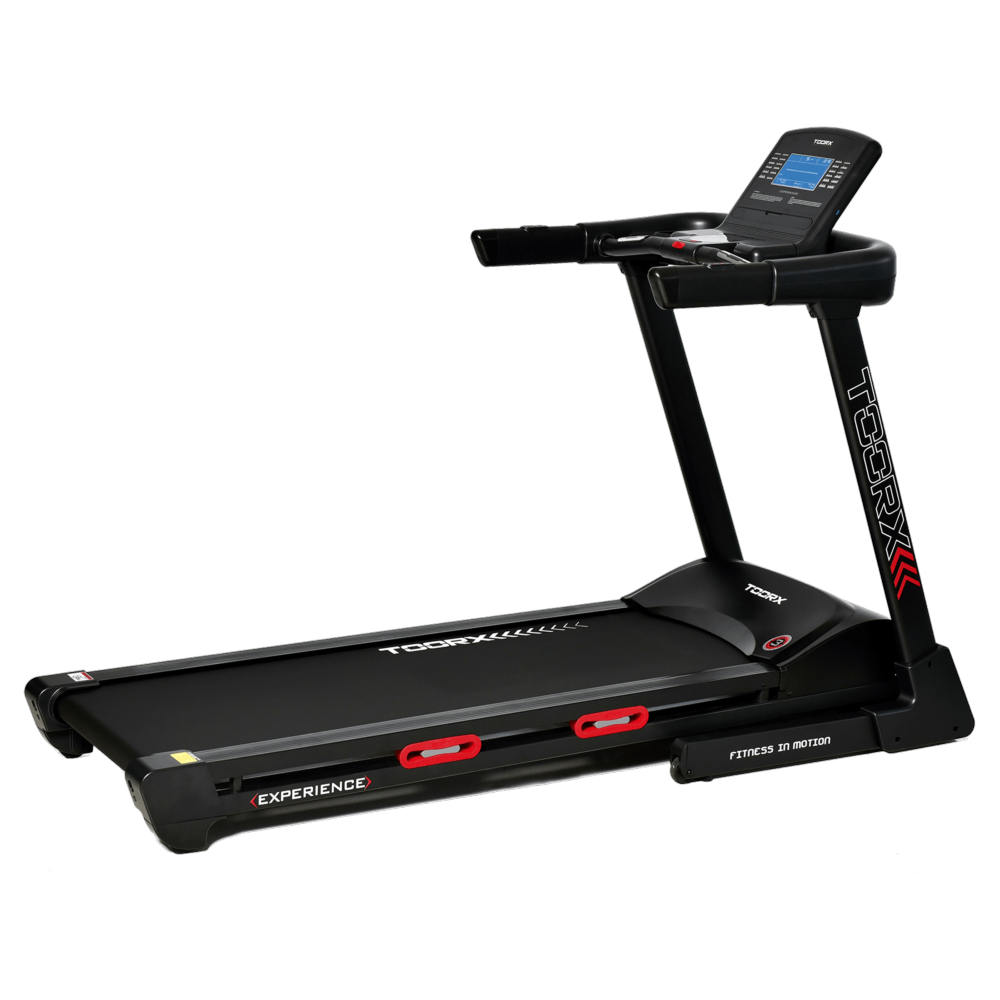 EXPERIENCE
 VOYAGER PLUS
 VOYAGER
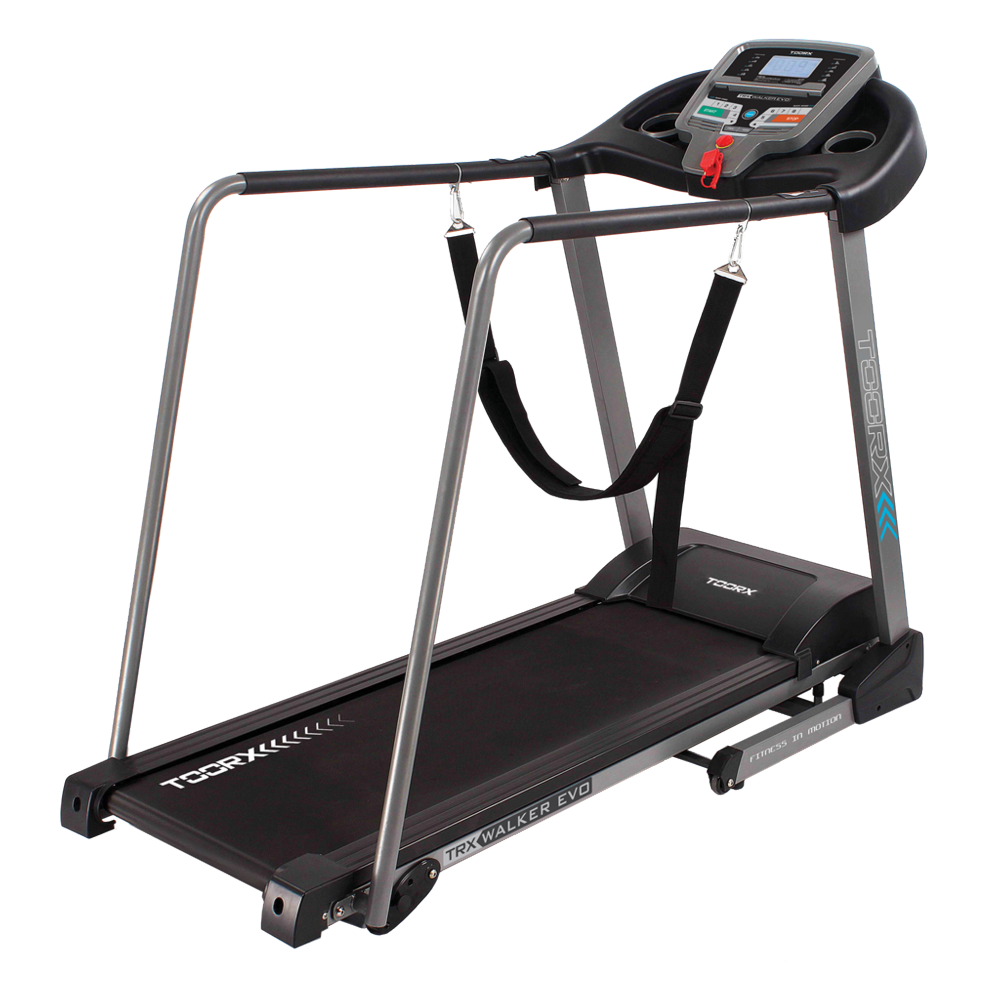 TRX WALKER EVO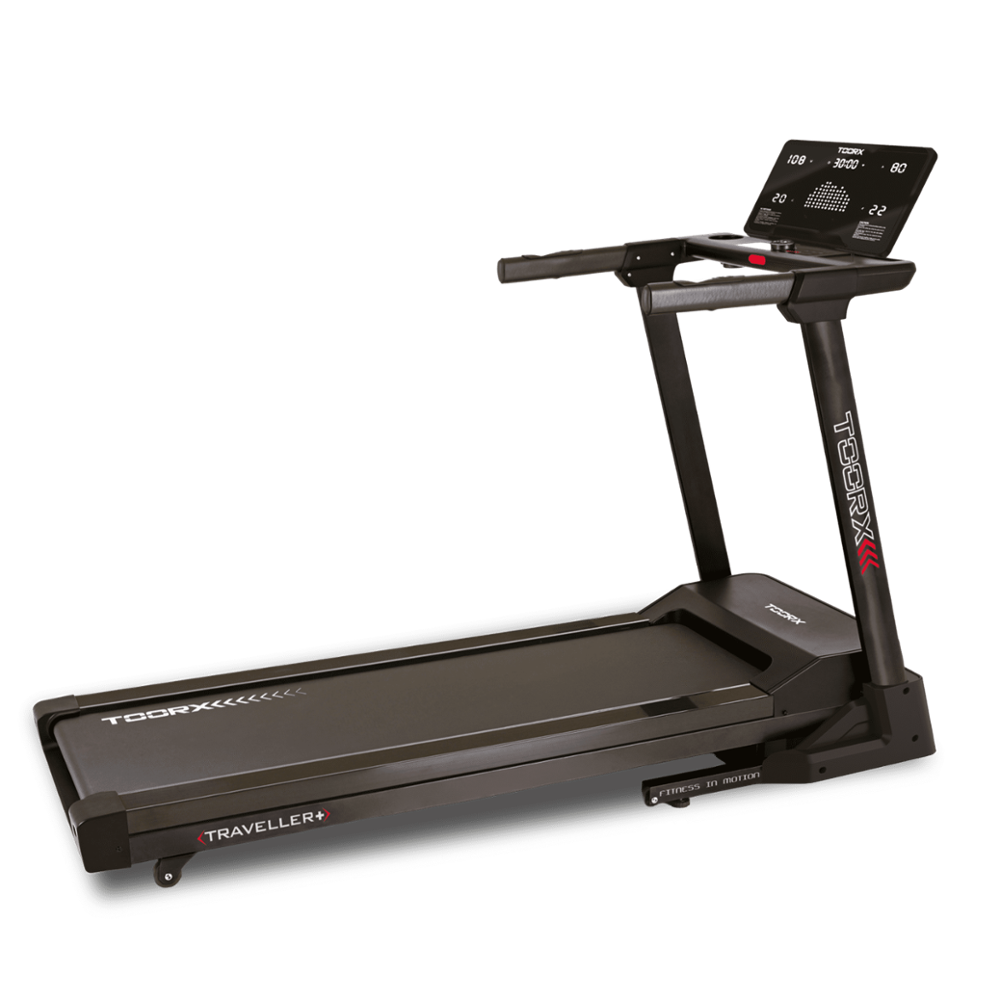
 TRAVELLER
 RAMBLER
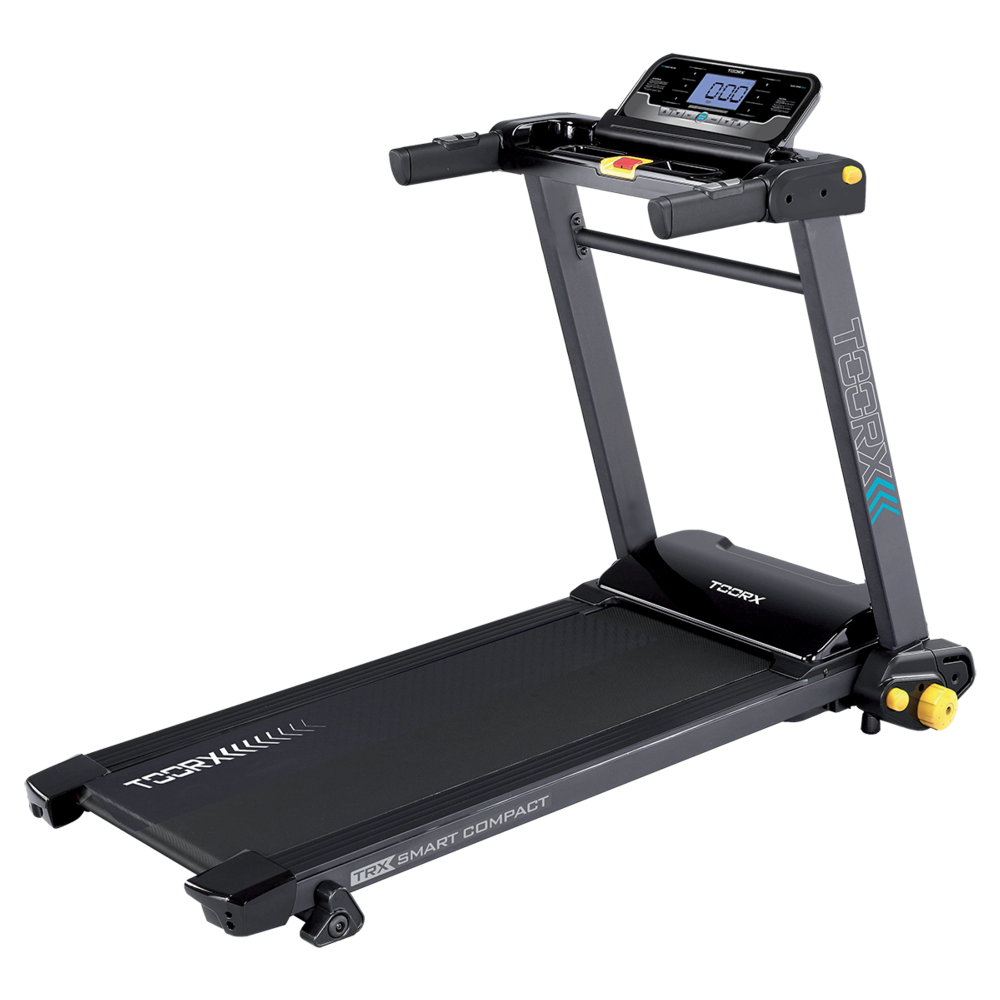 TRX SMART COMPACT
 MOTION
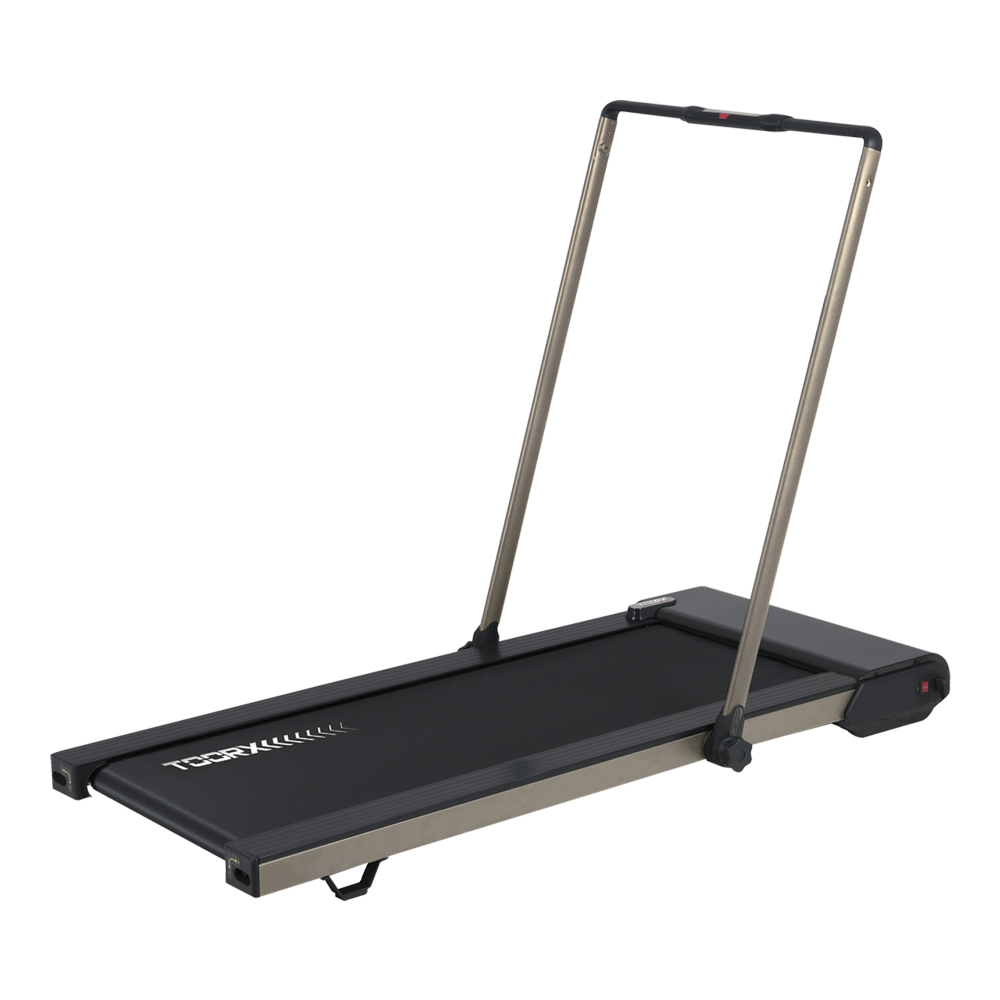 CITY COMPACT
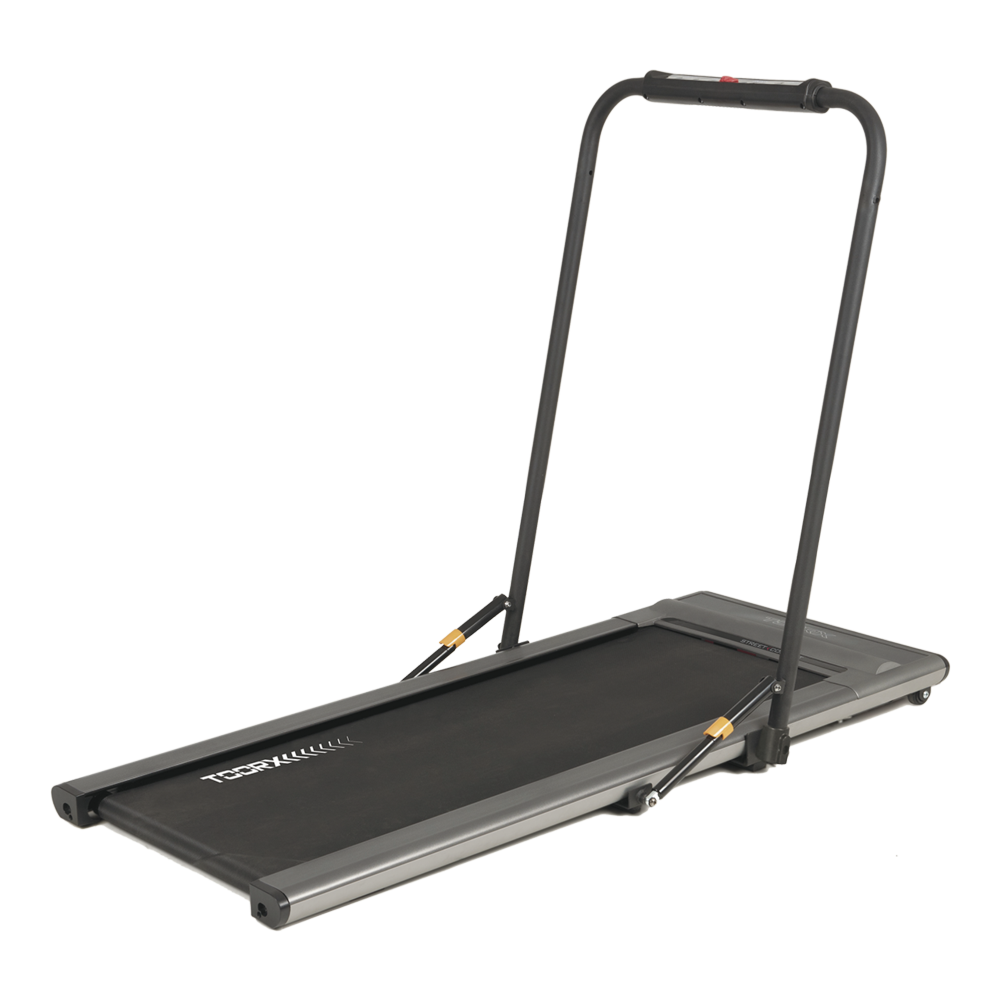 STREET COMPACT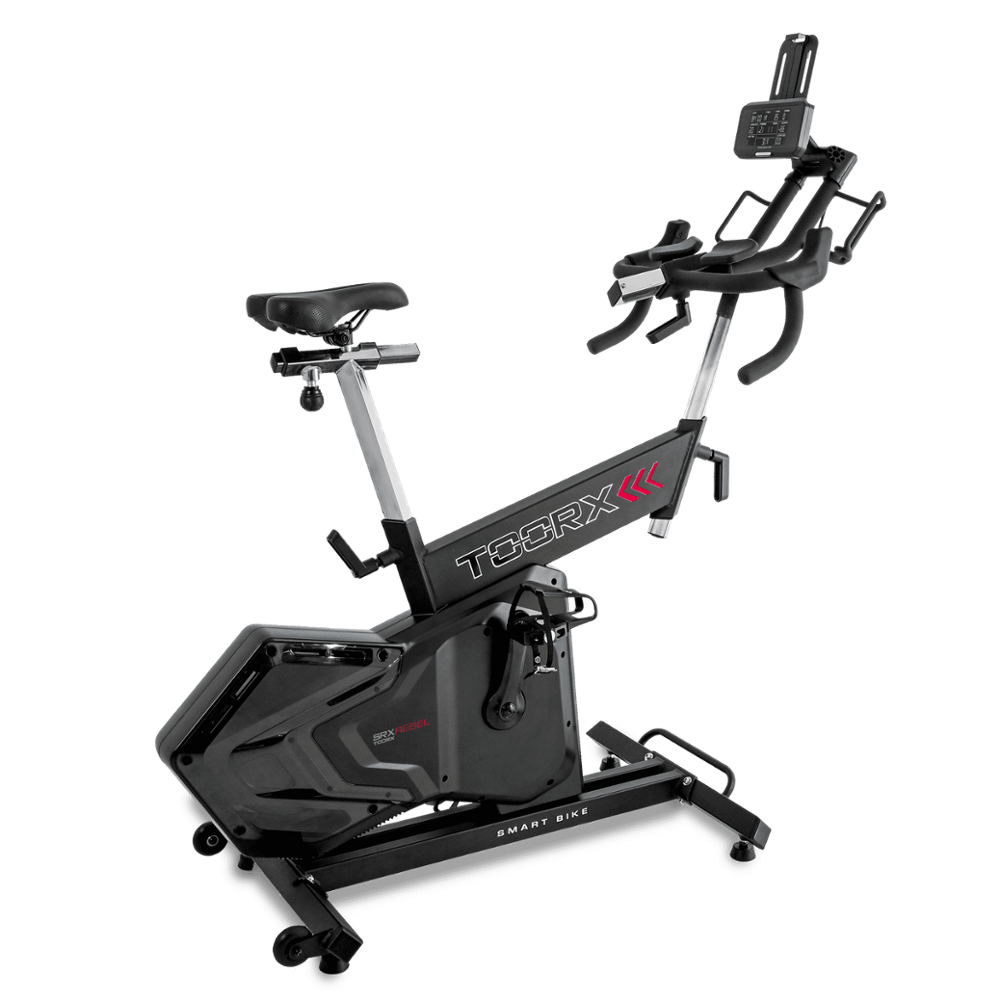
 SRX-500
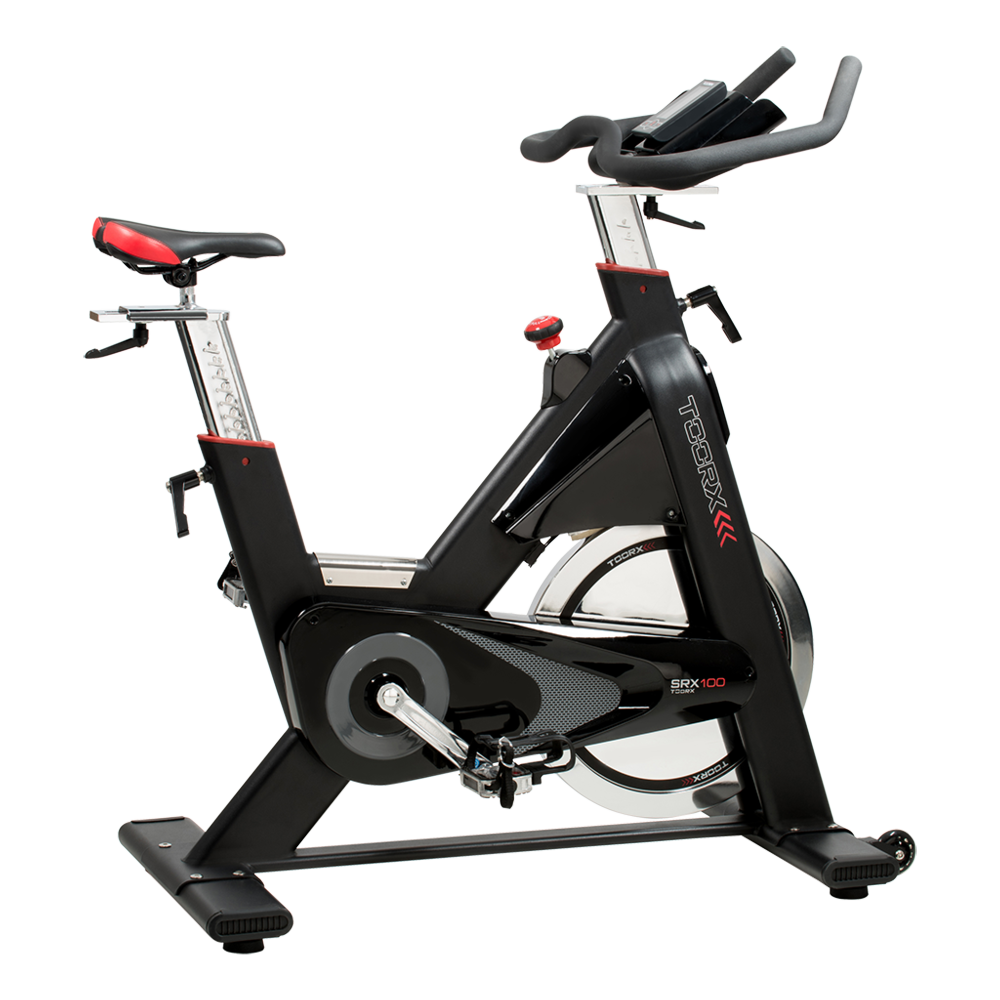 SRX-100
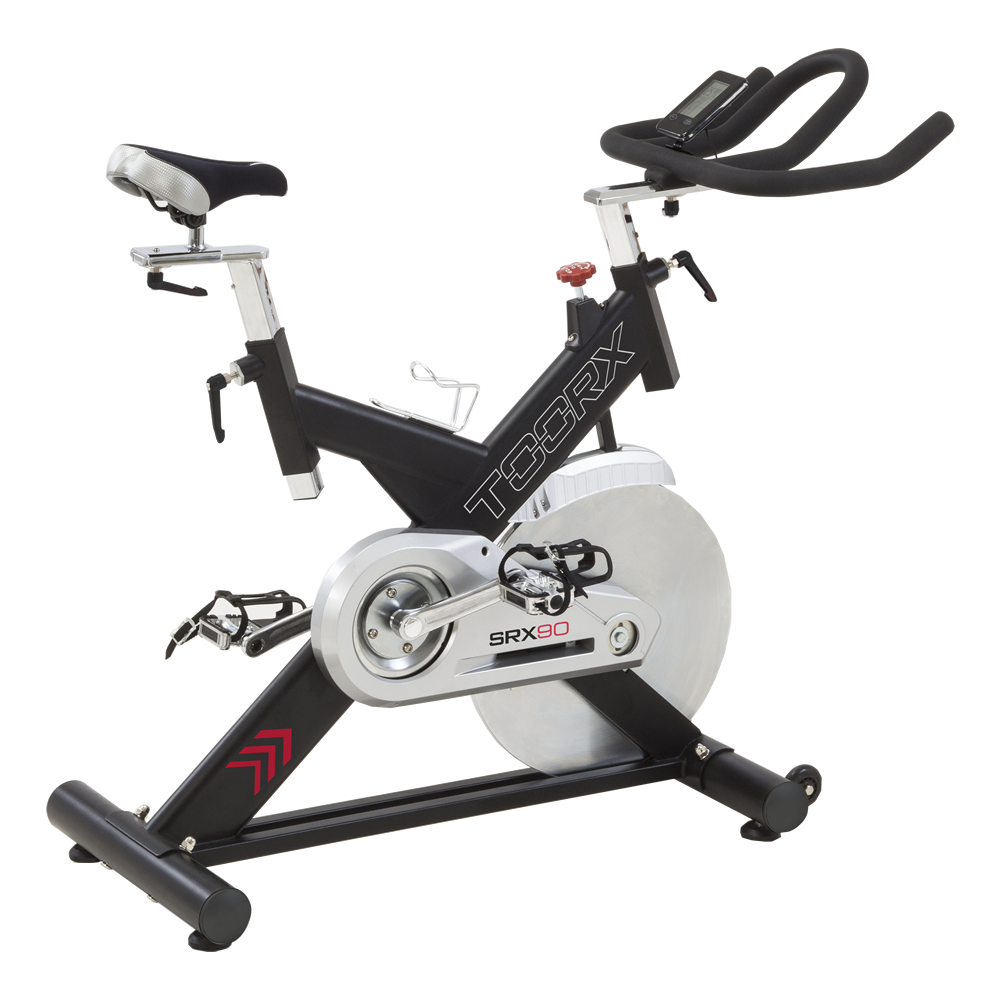 SRX-90
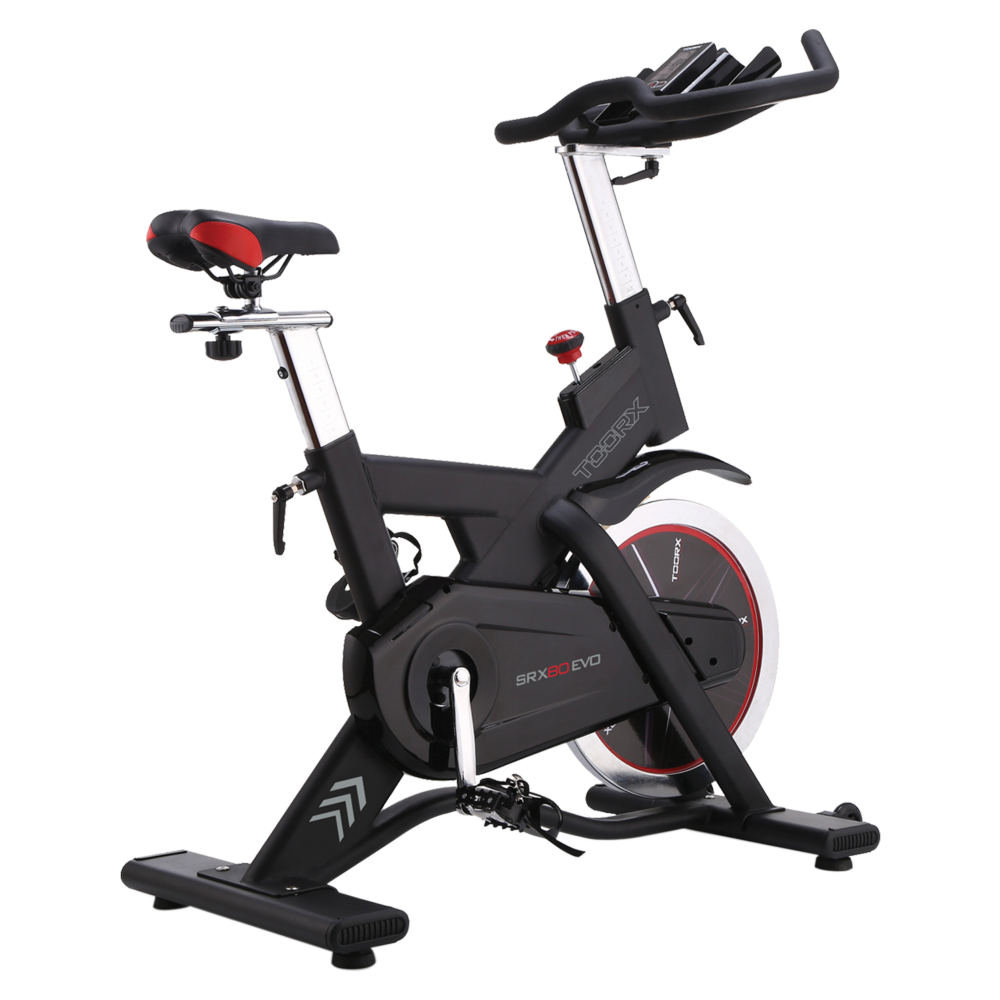 SRX-80 EVO
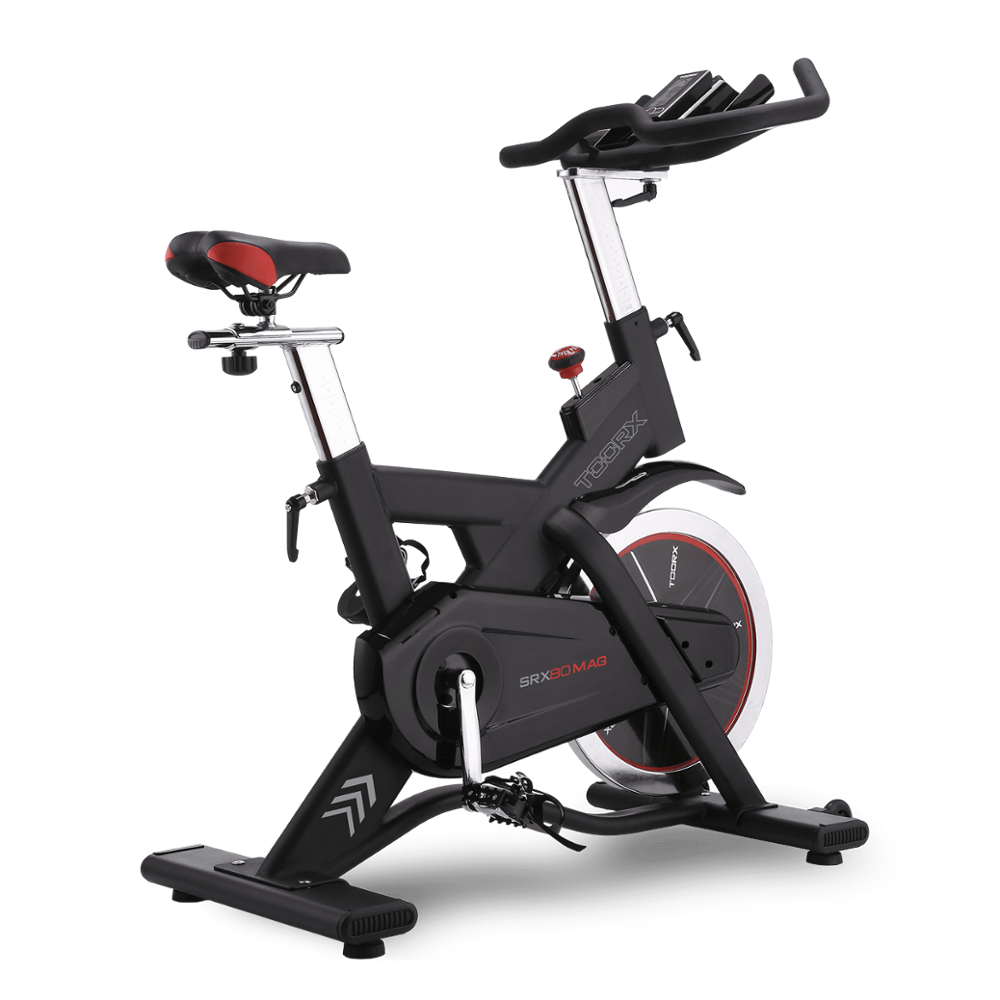 SRX 80 MAG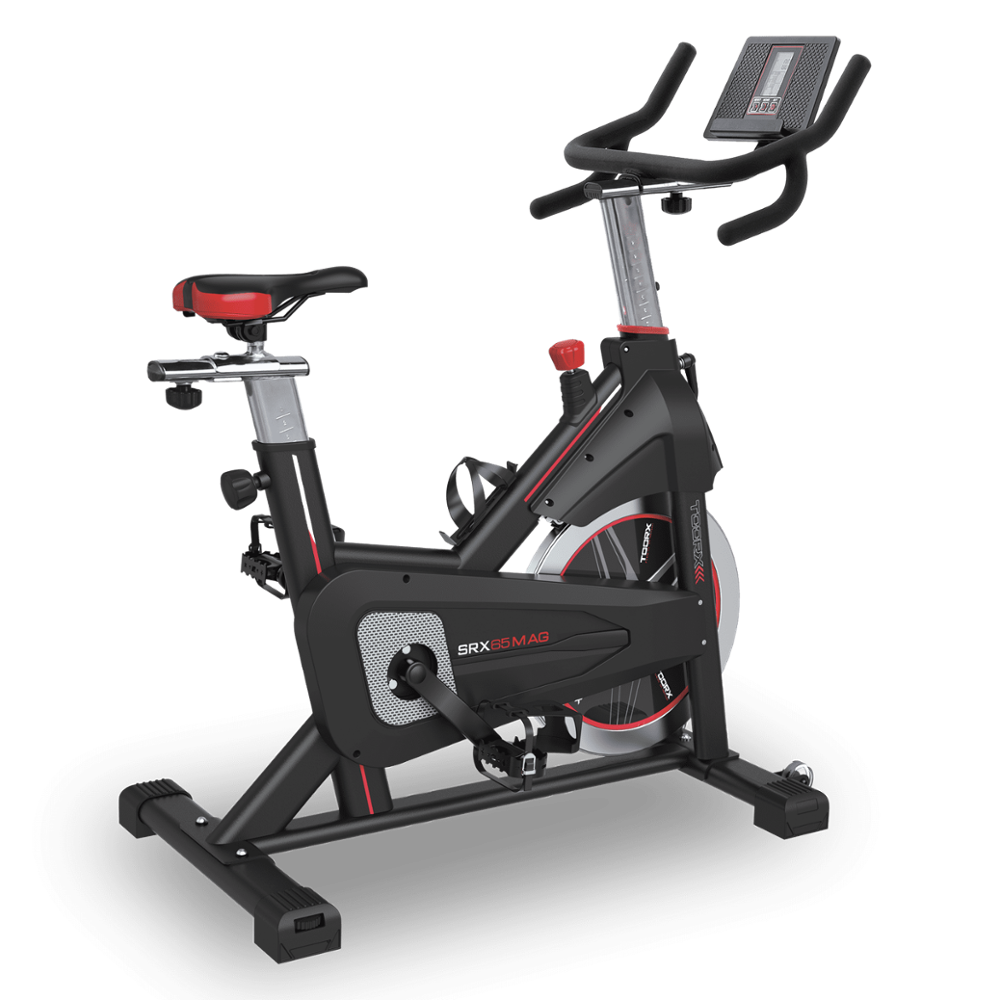
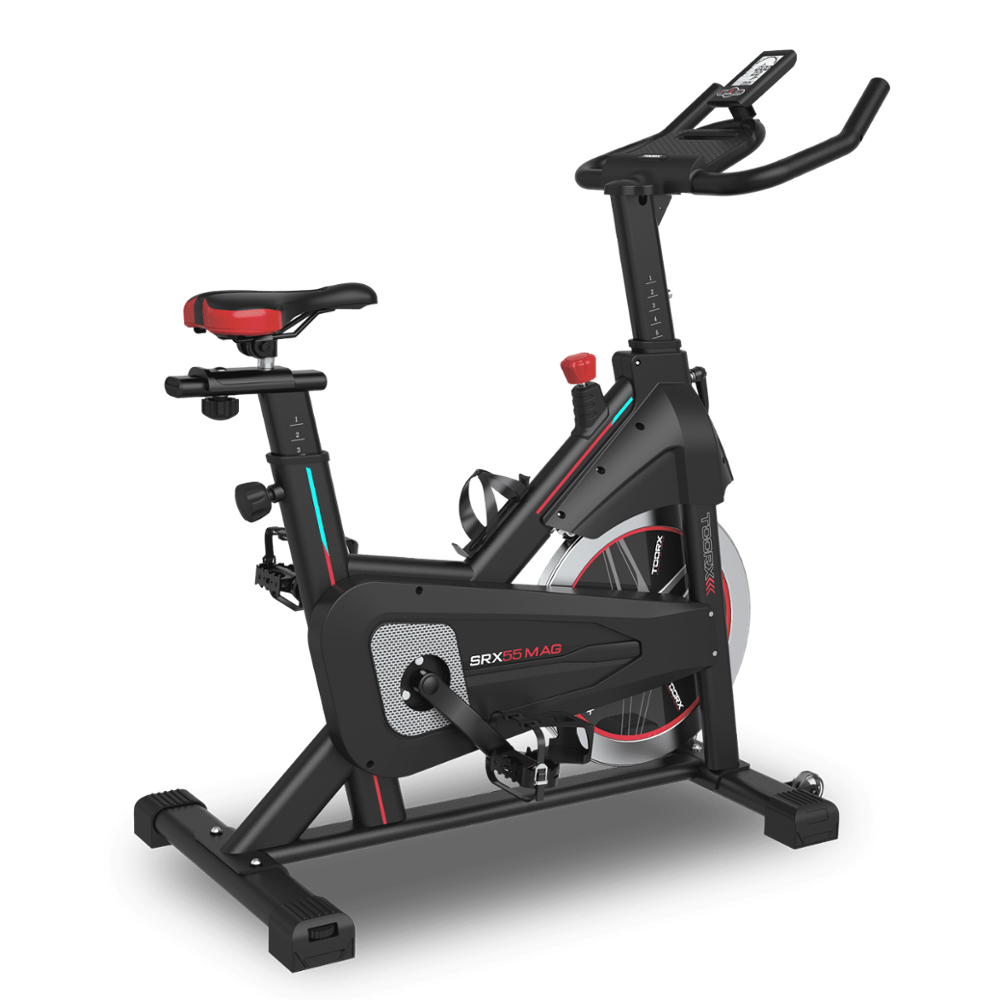
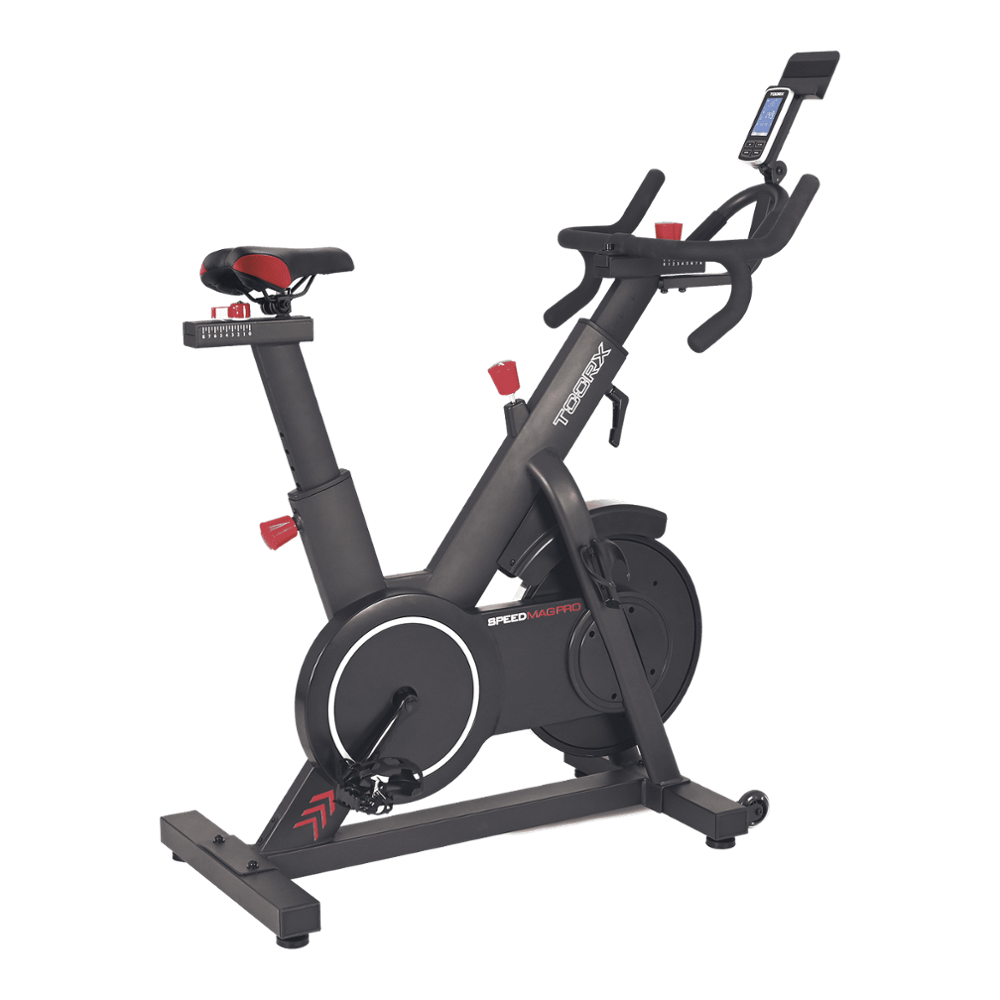 SRX SPEED MAG PRO
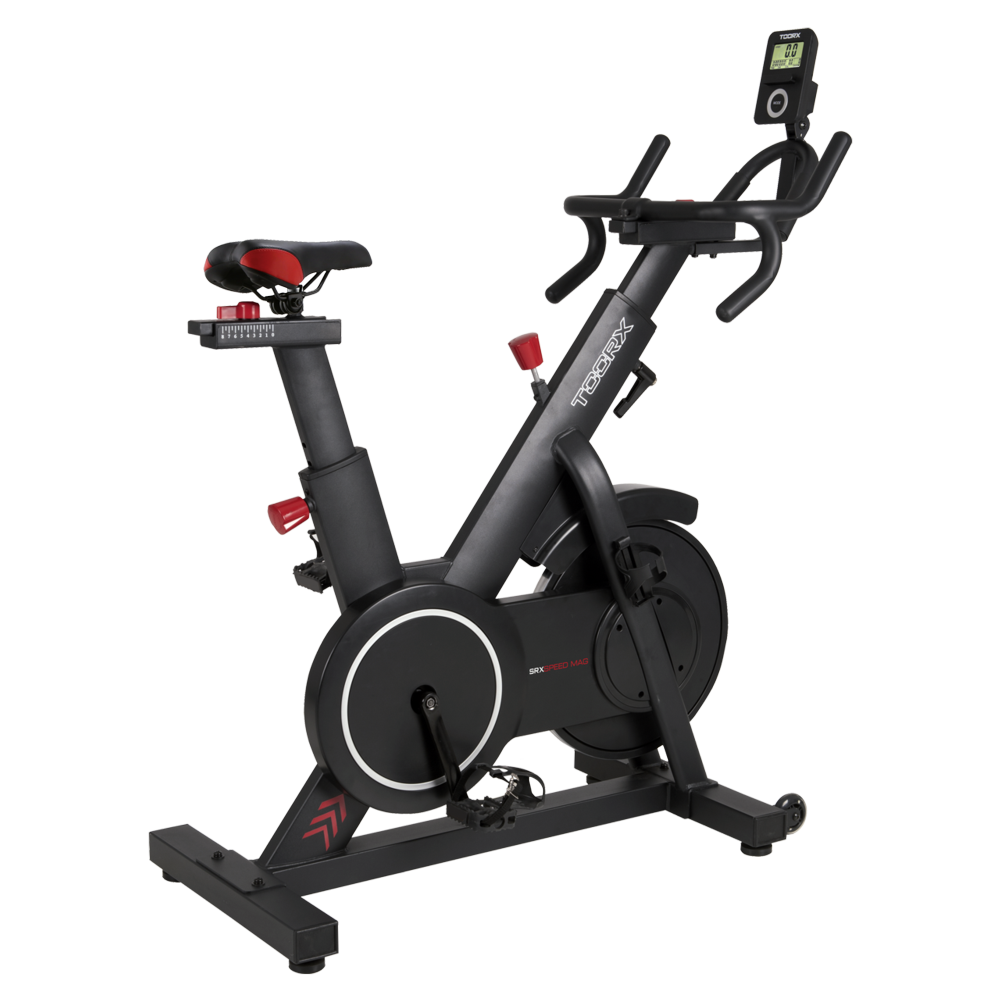 SRX SPEED MAG
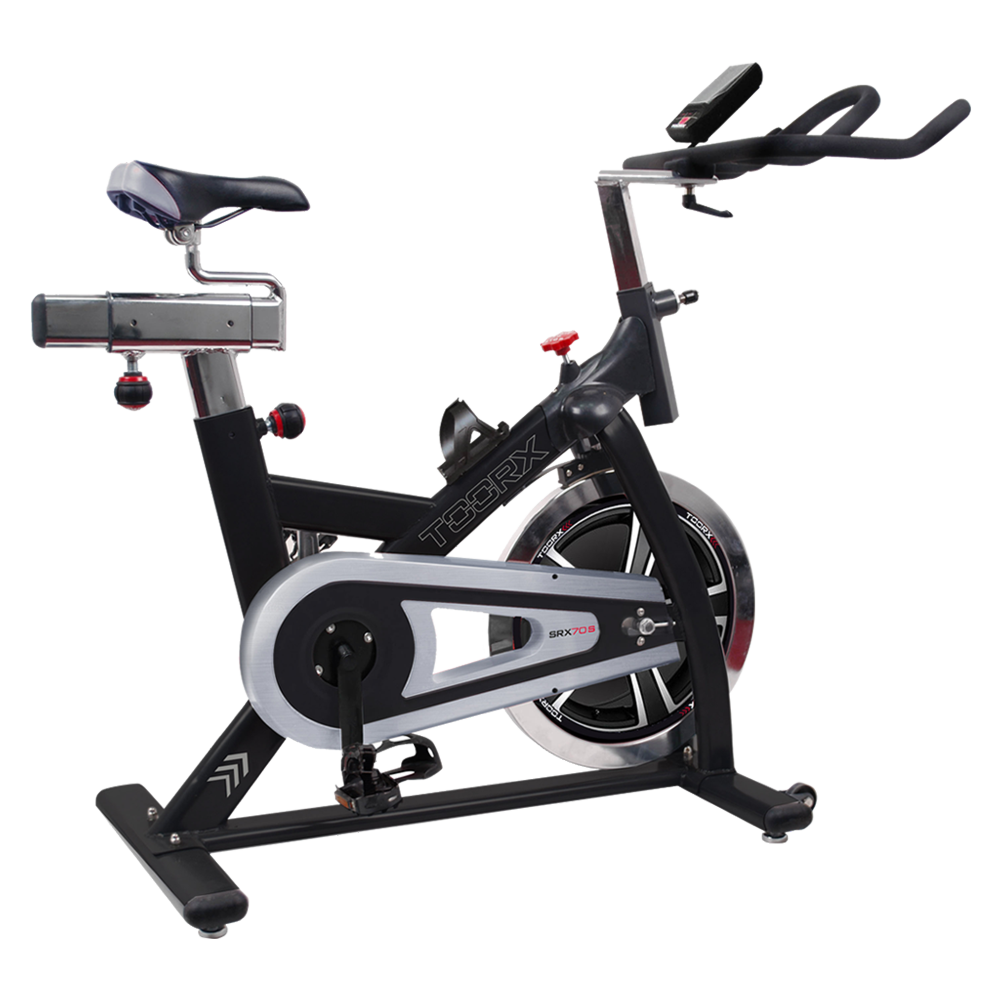 SRX-70 S
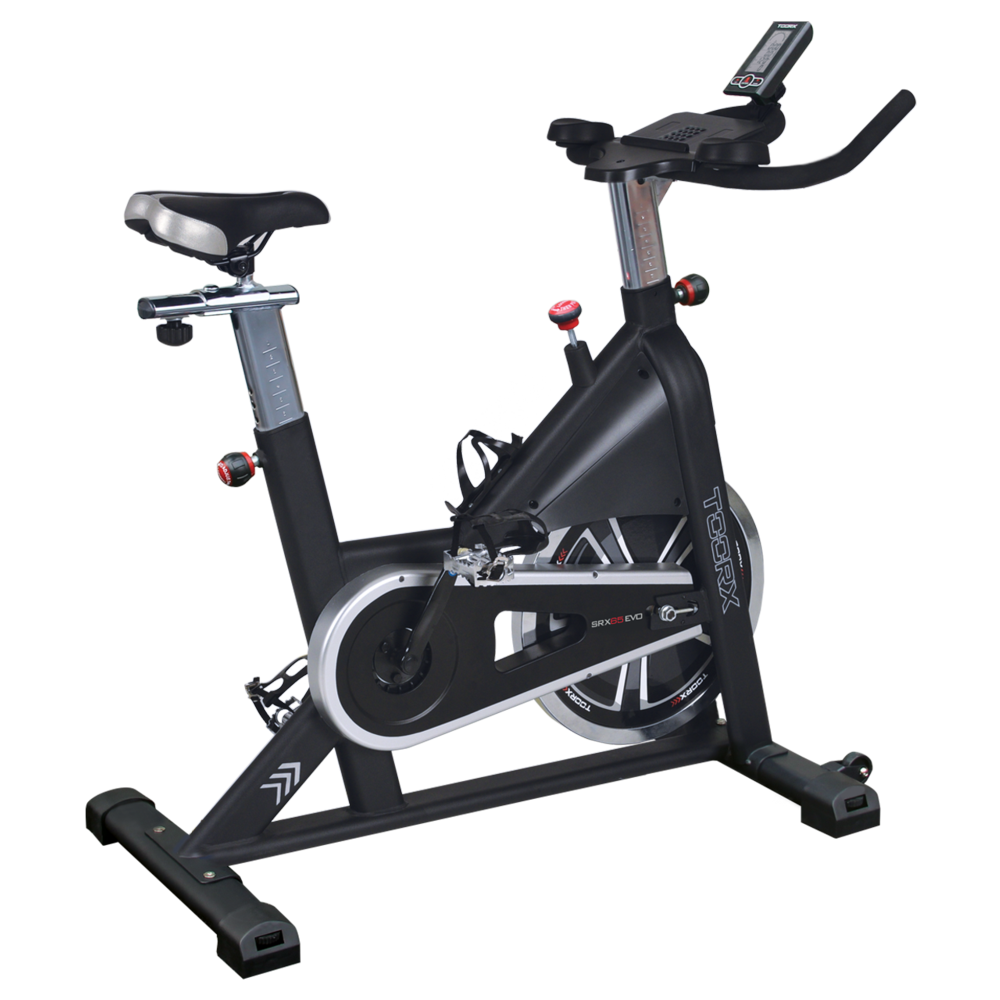 SRX-65 EVO
 SRX-60 EVO
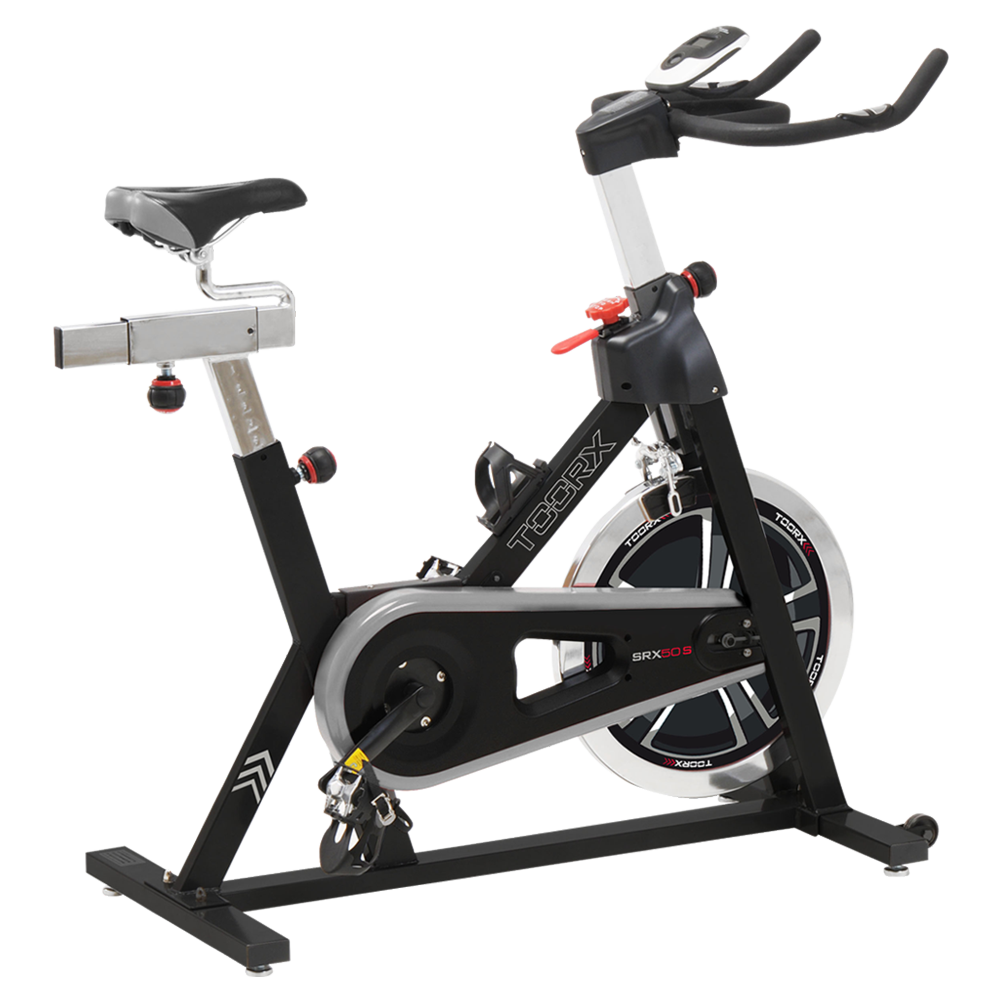 SRX-50 S
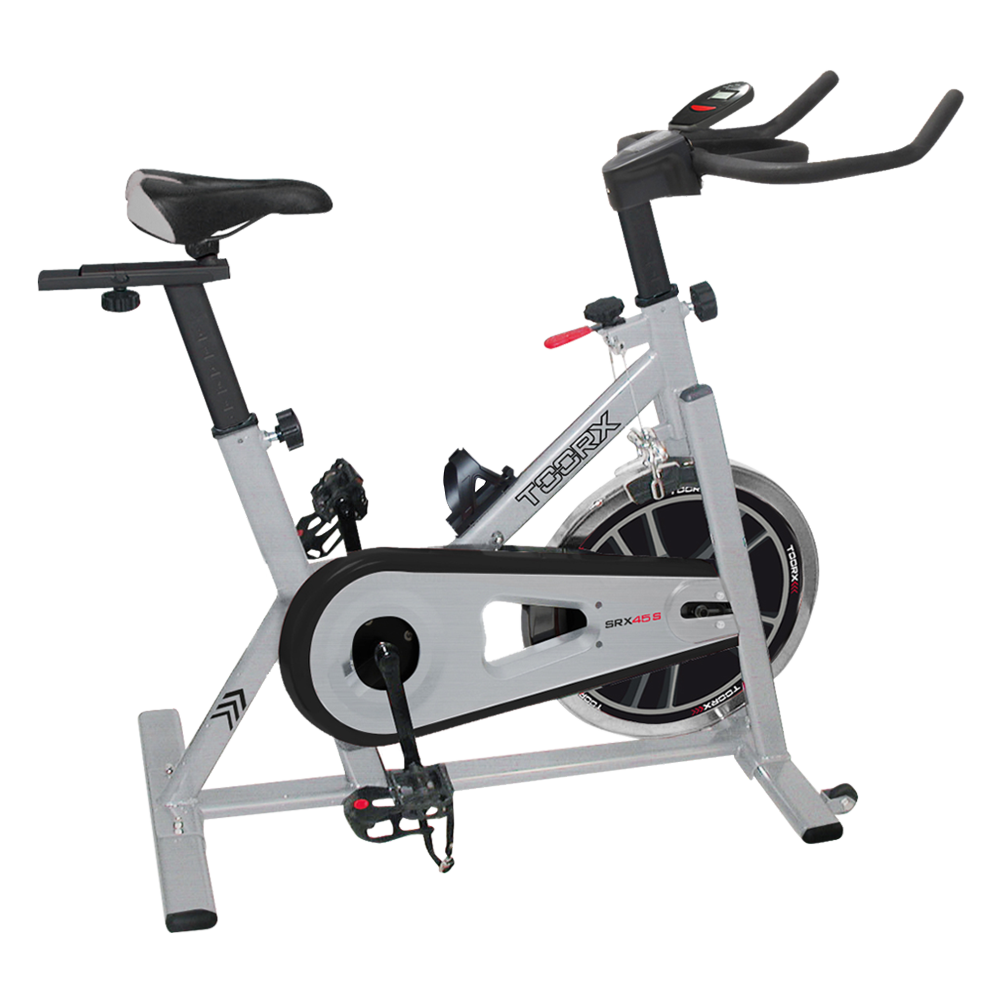 SRX-45 S
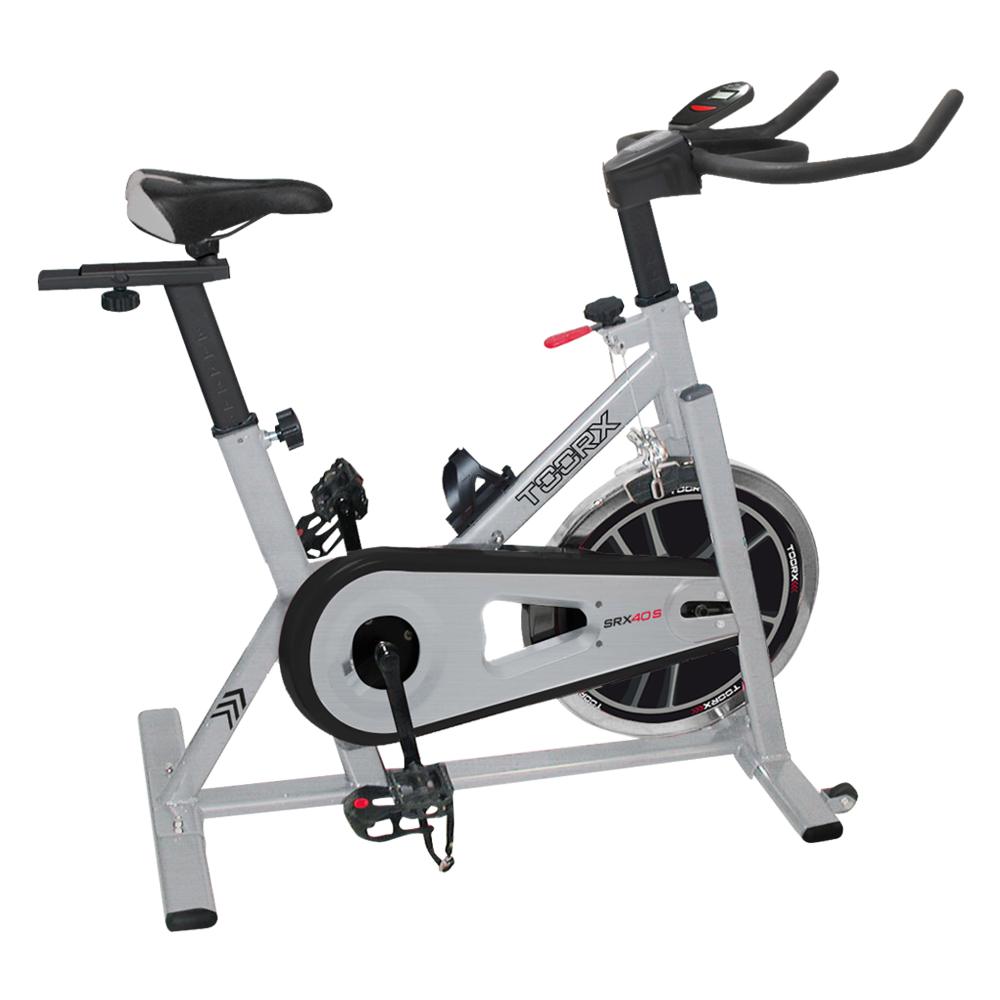 SRX-40 S

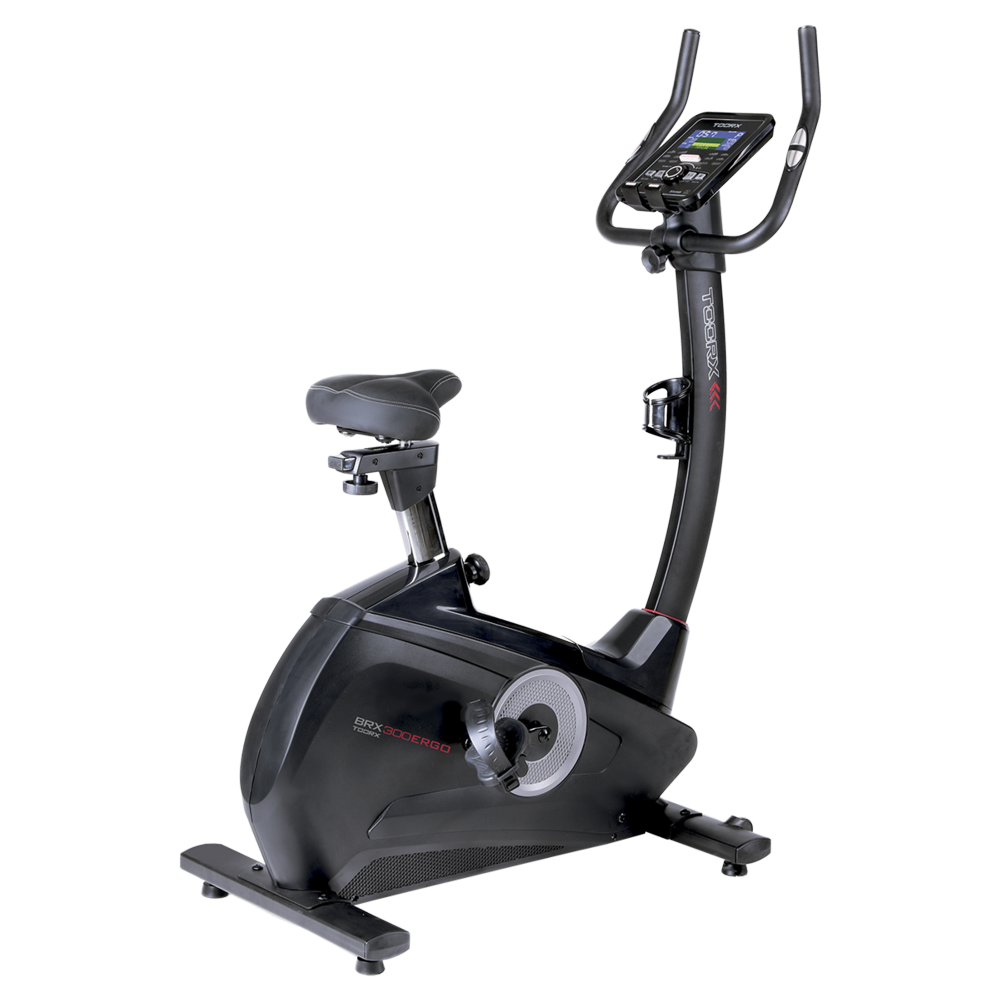 BRX-300 ERGO
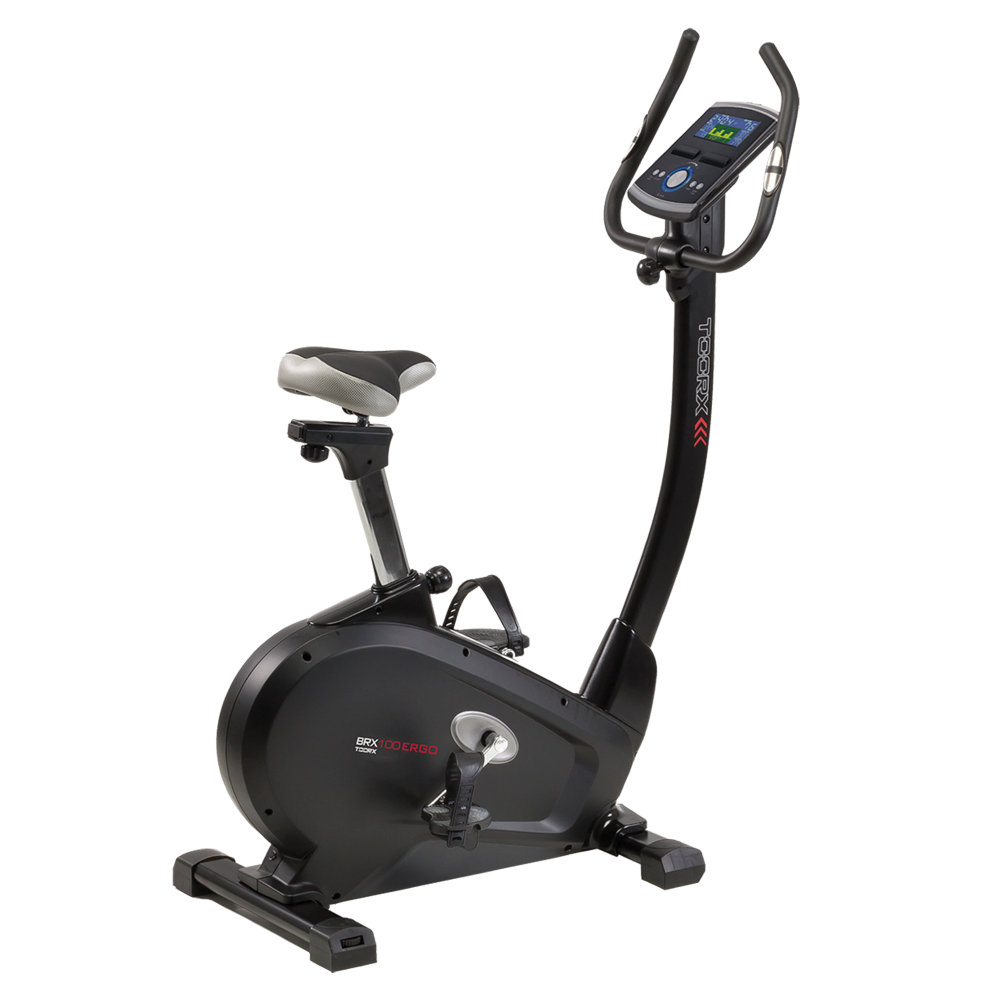 BRX-100 ERGO
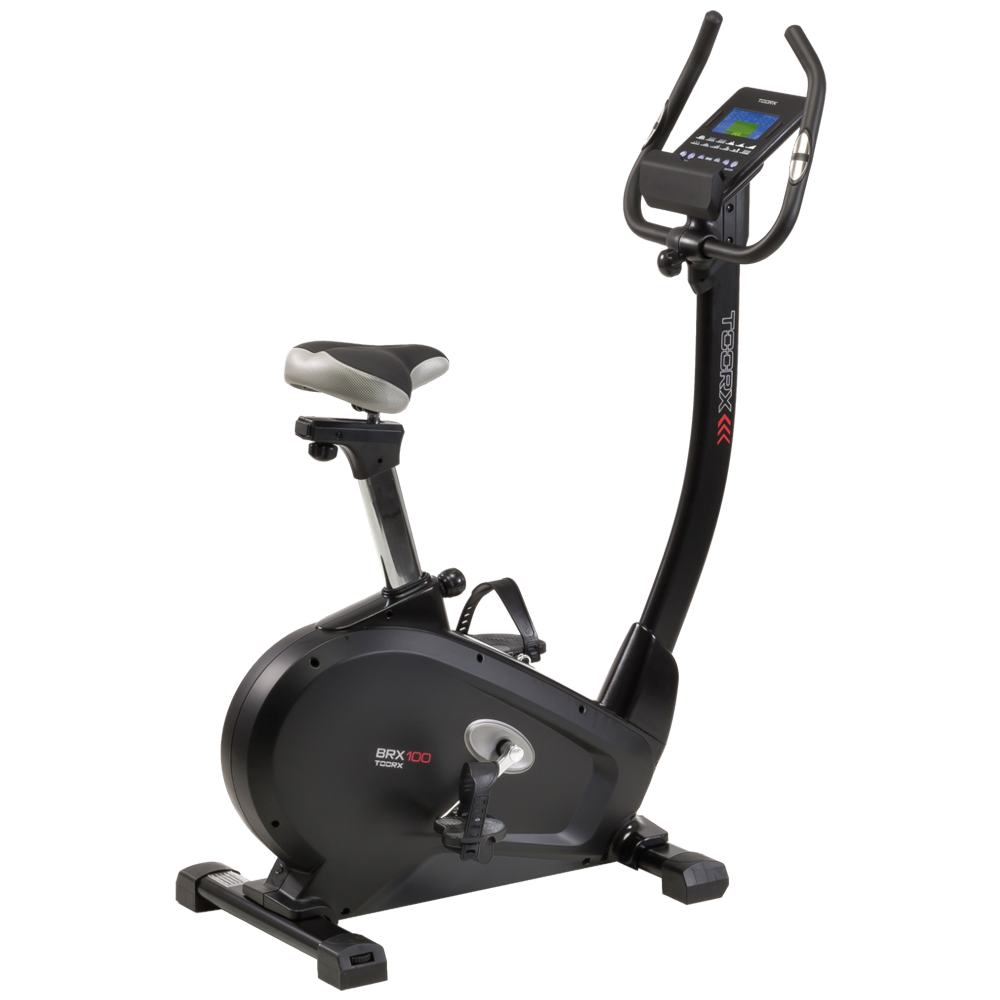 BRX-100
 BRX-90 EVO
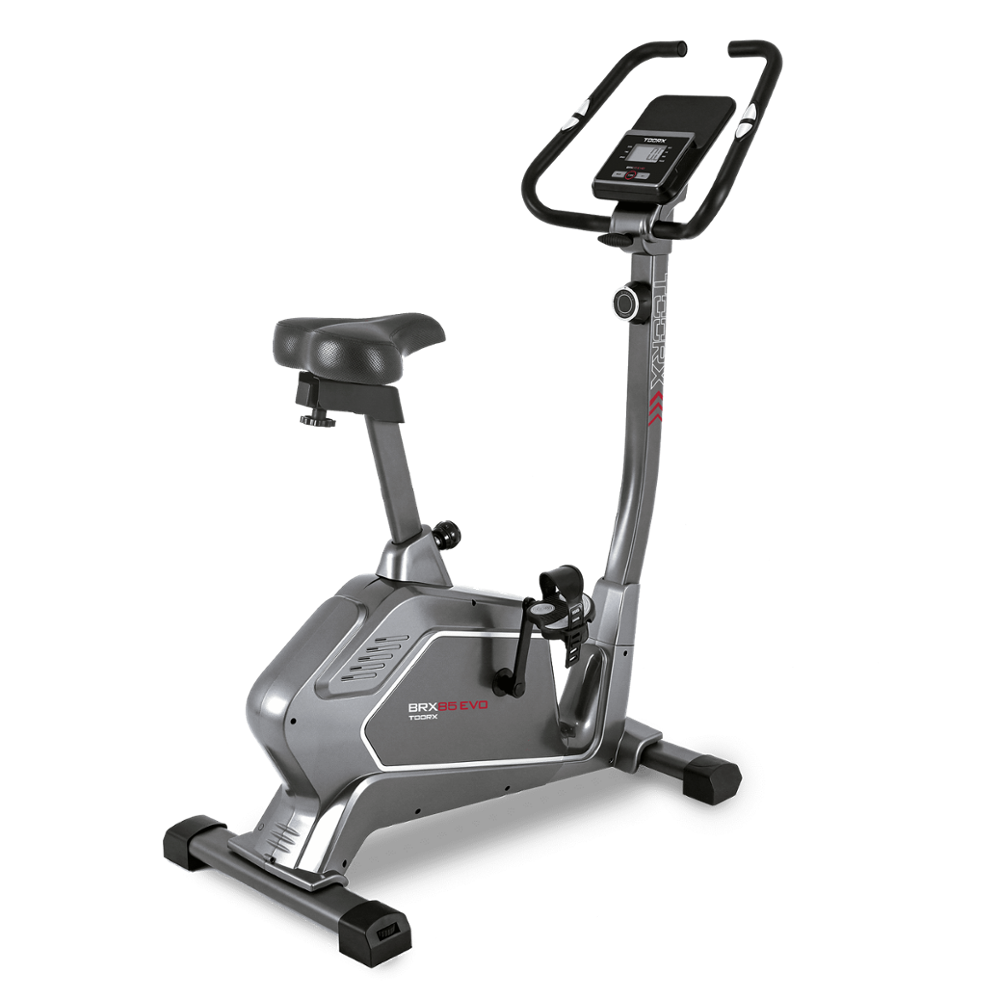 BRX-85 EVO
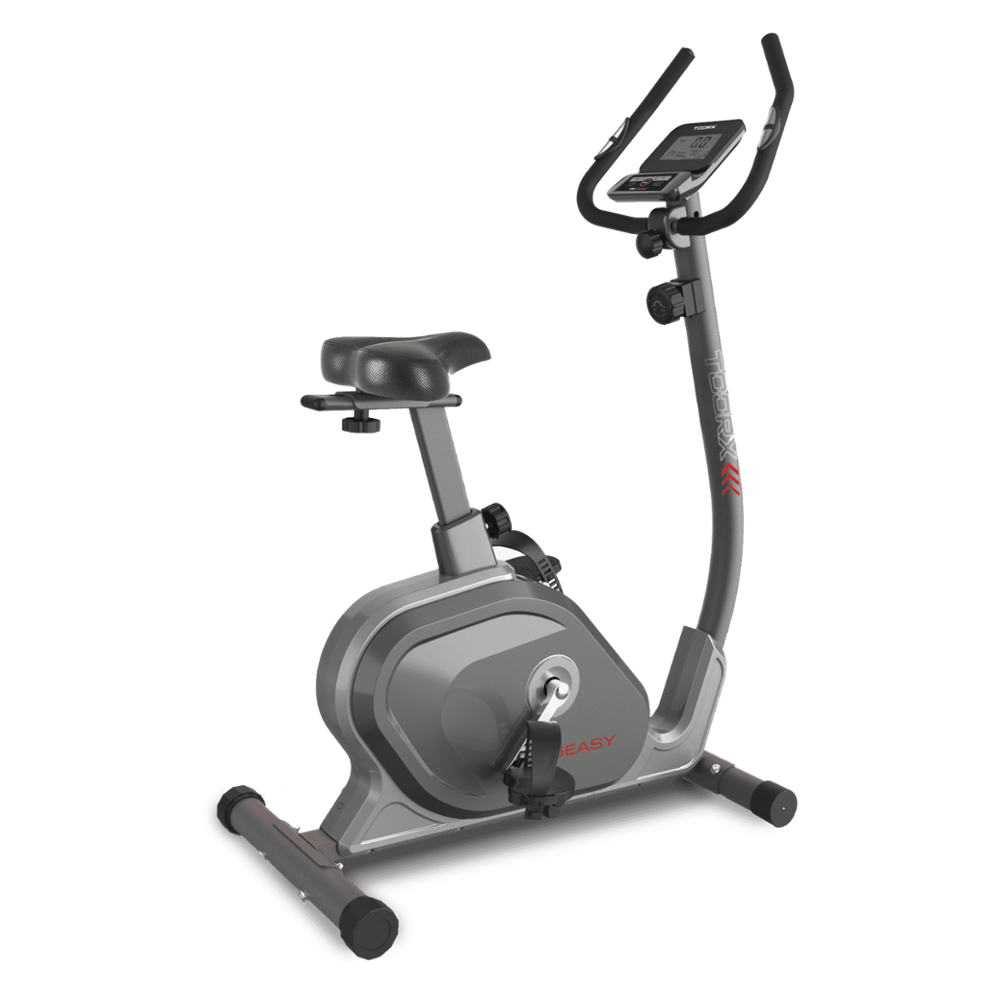 BRX-75 EASY
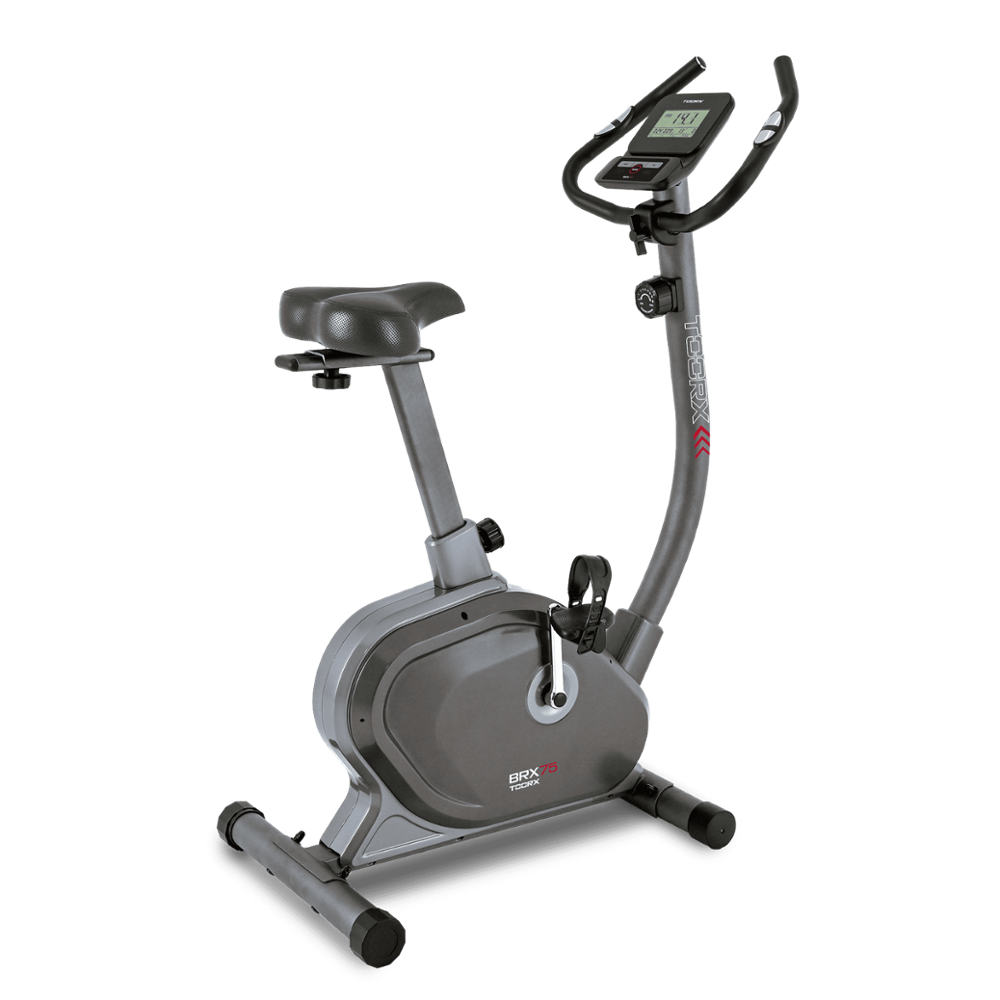 BRX-75
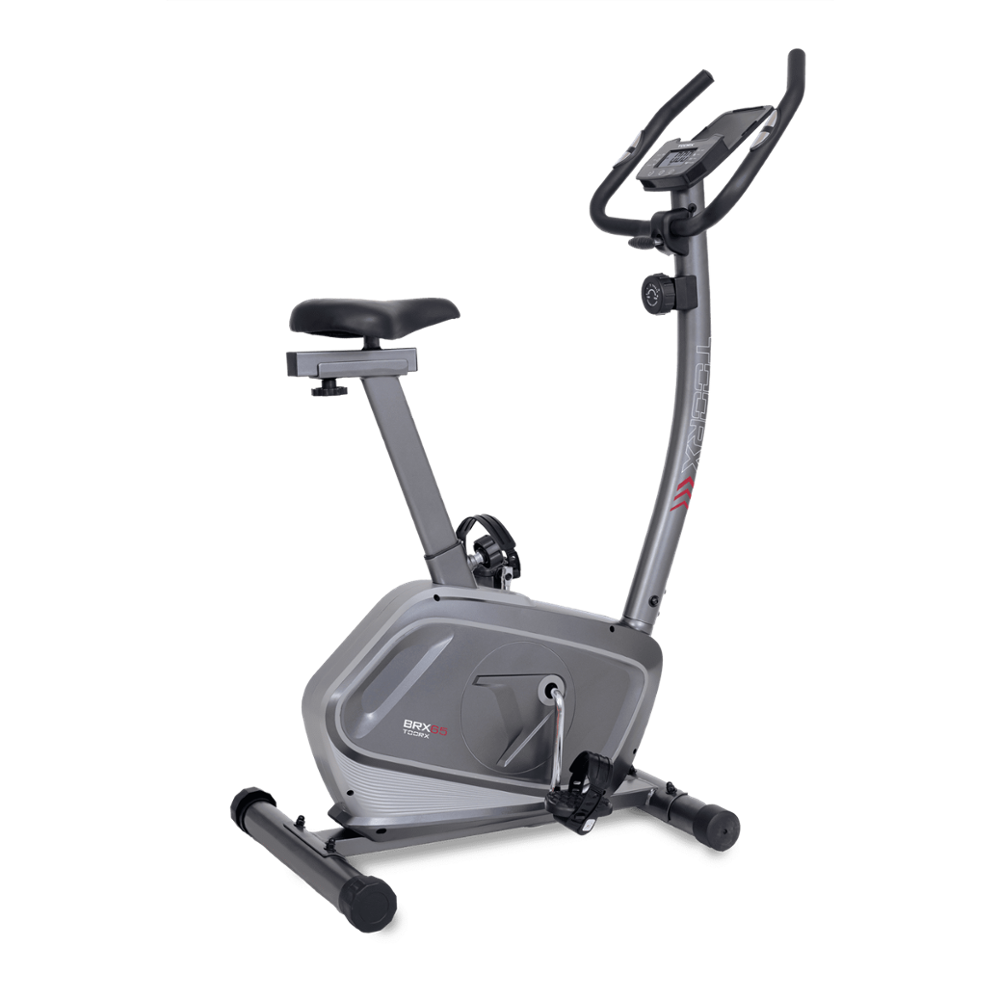 BRX-65
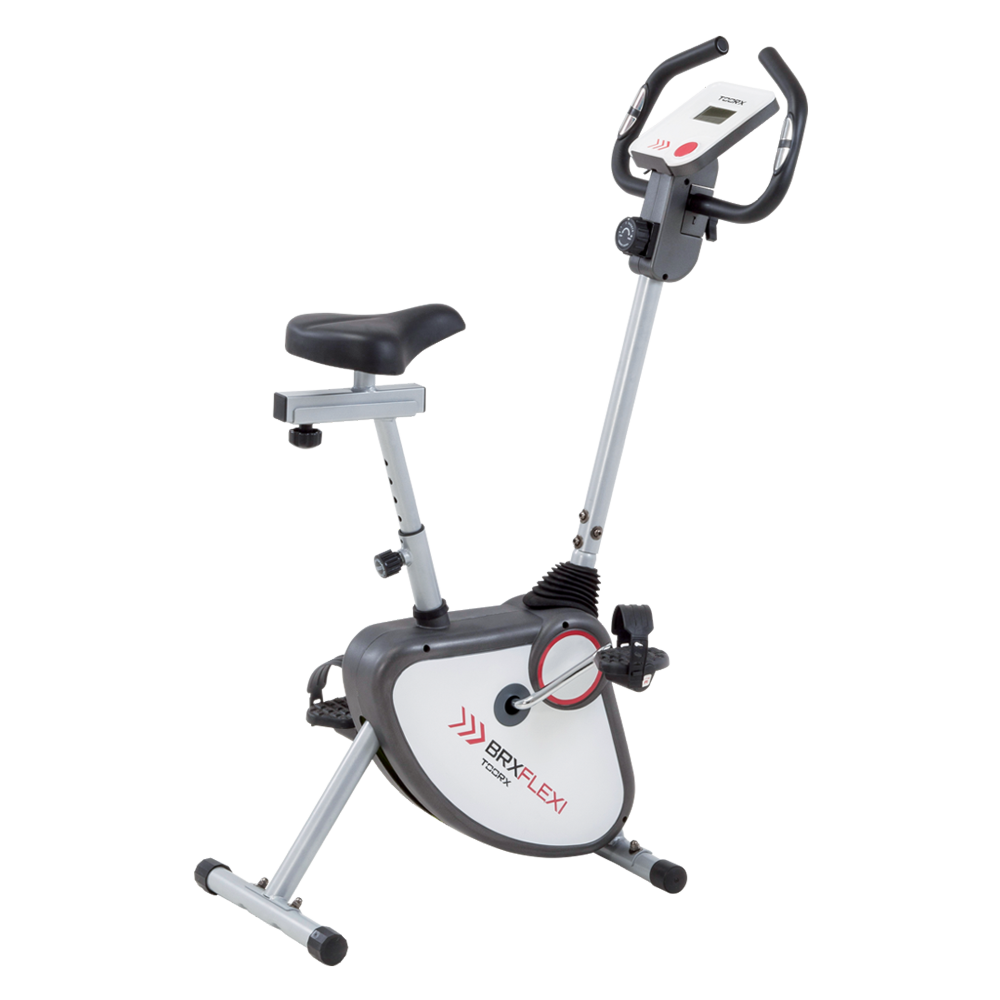 BRX FLEXI
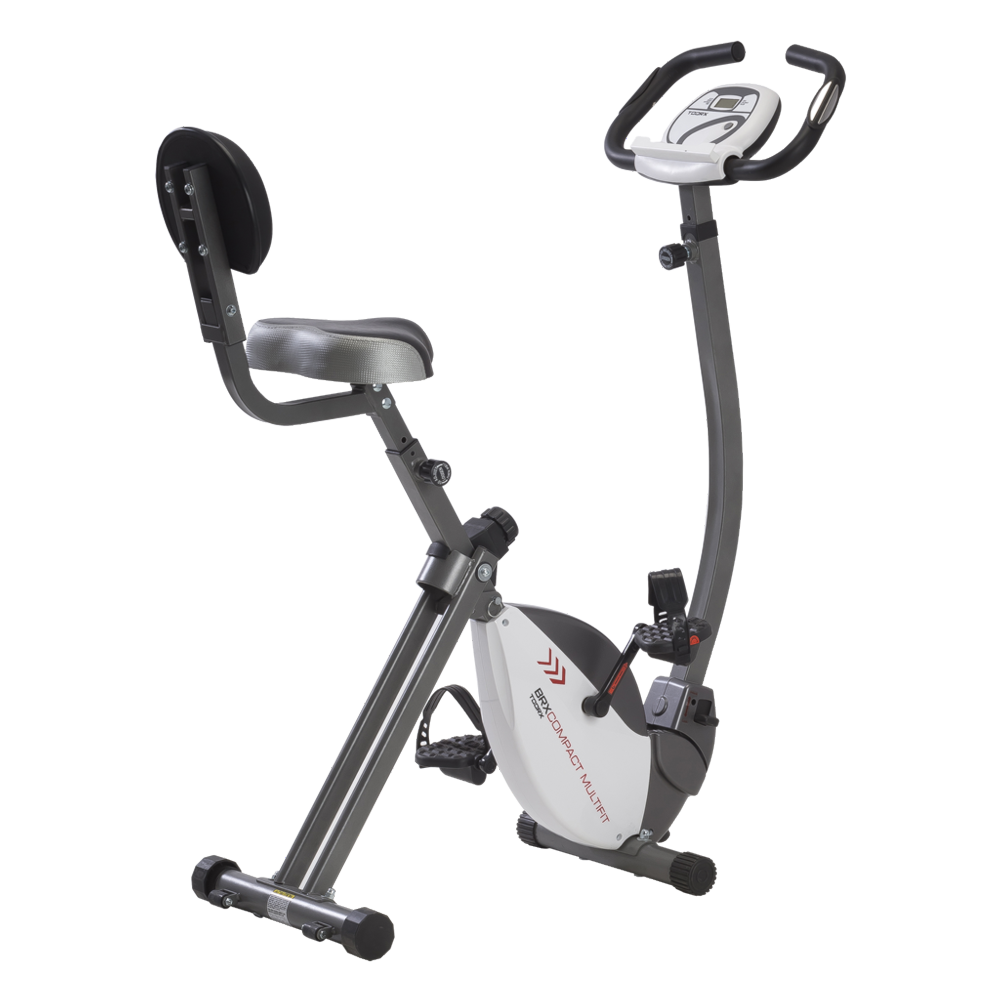 BRX COMPACT MULTIFIT
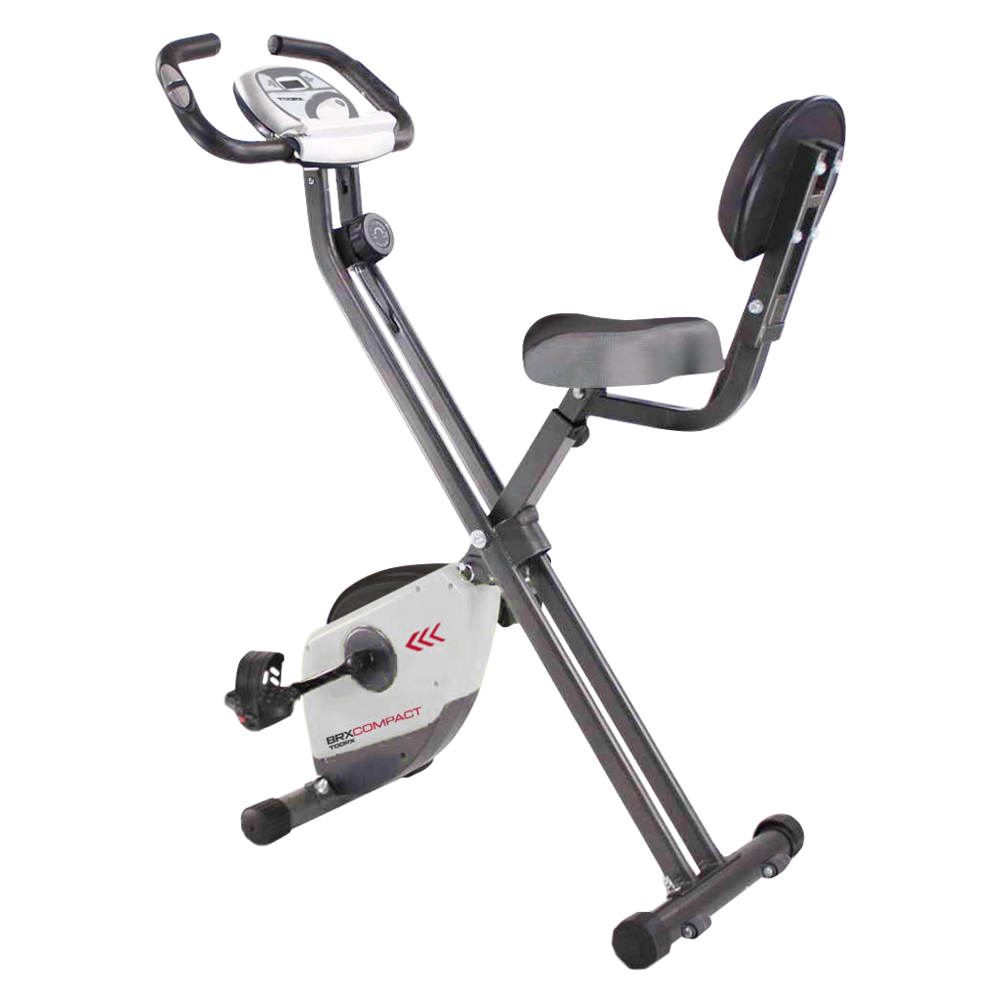 BRX COMPACT
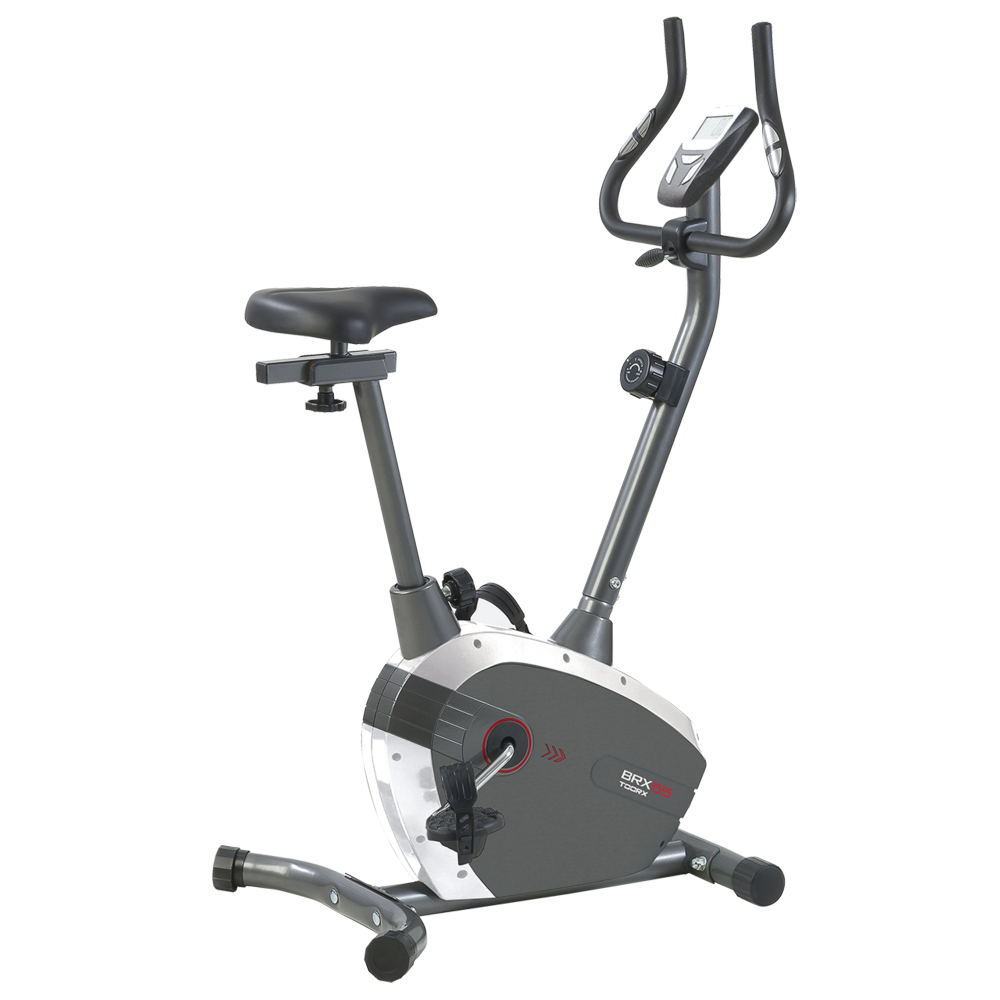 BRX-55
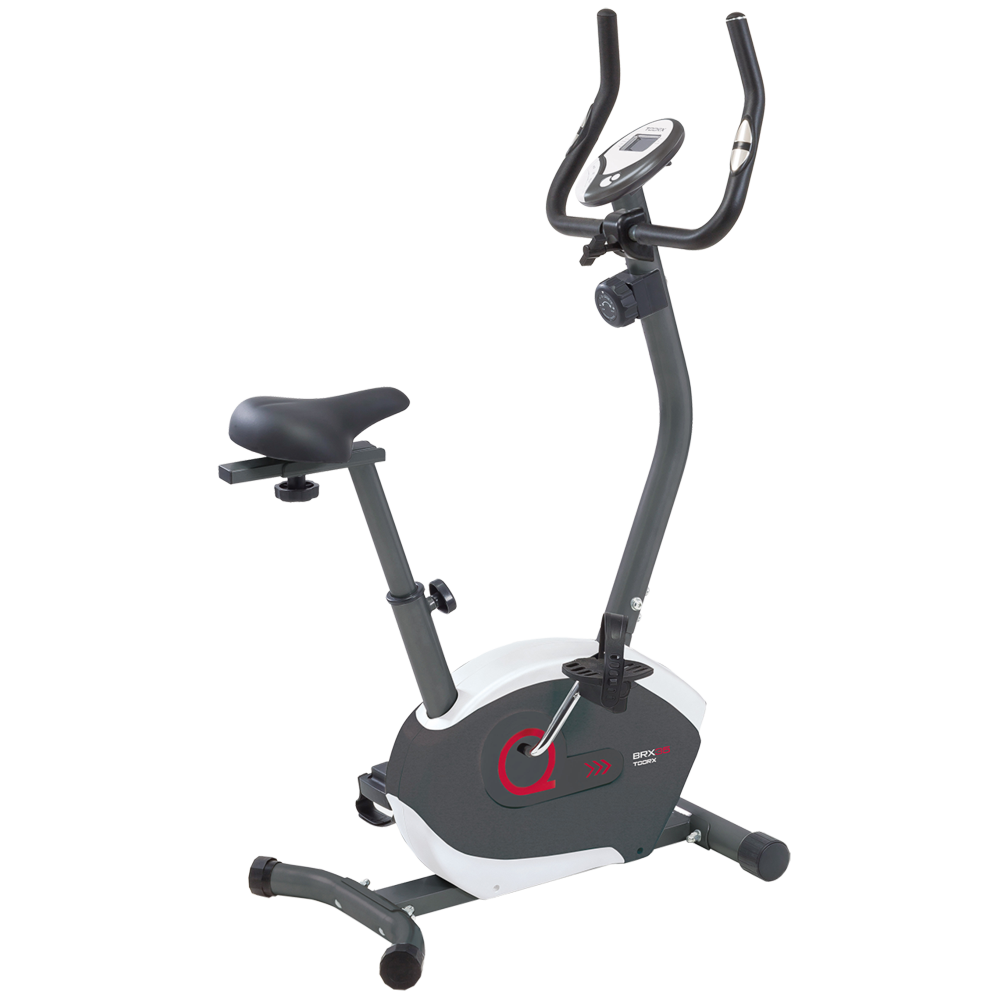 BRX-35
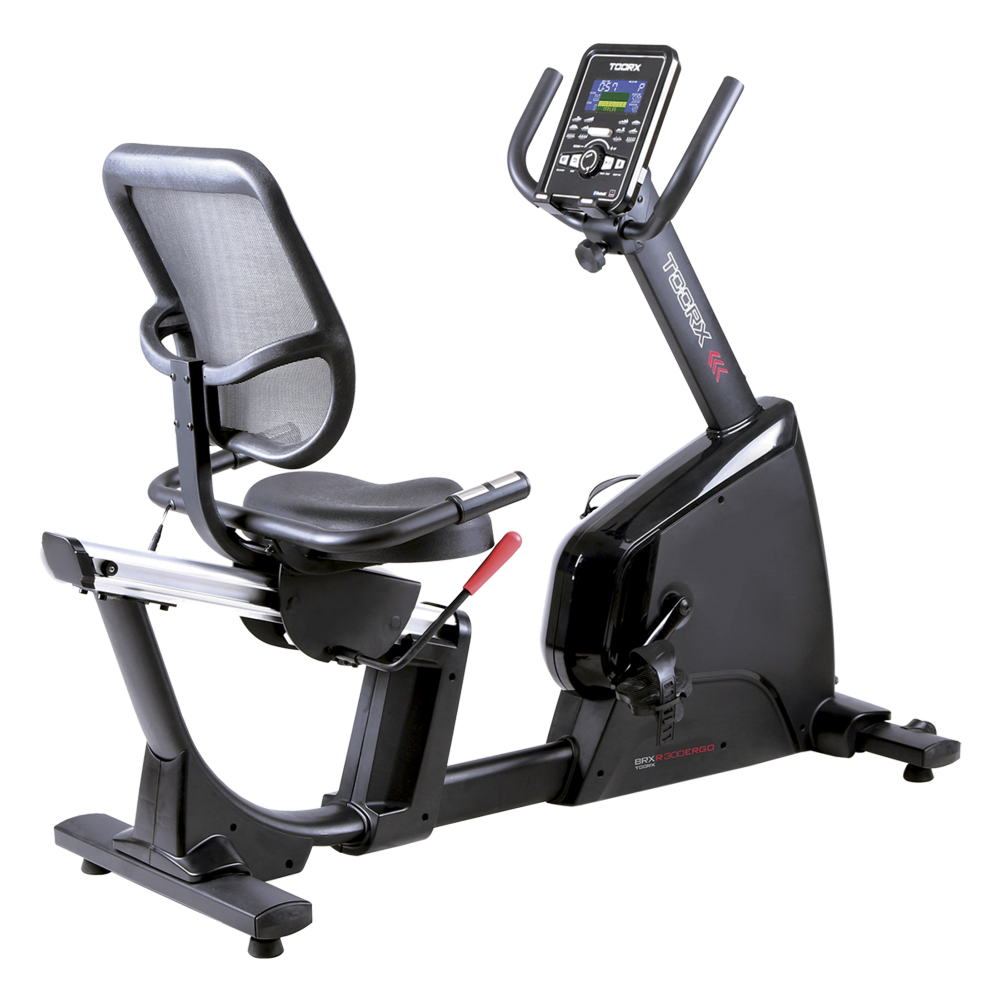 BRX RECUMBENT 300 ERGO
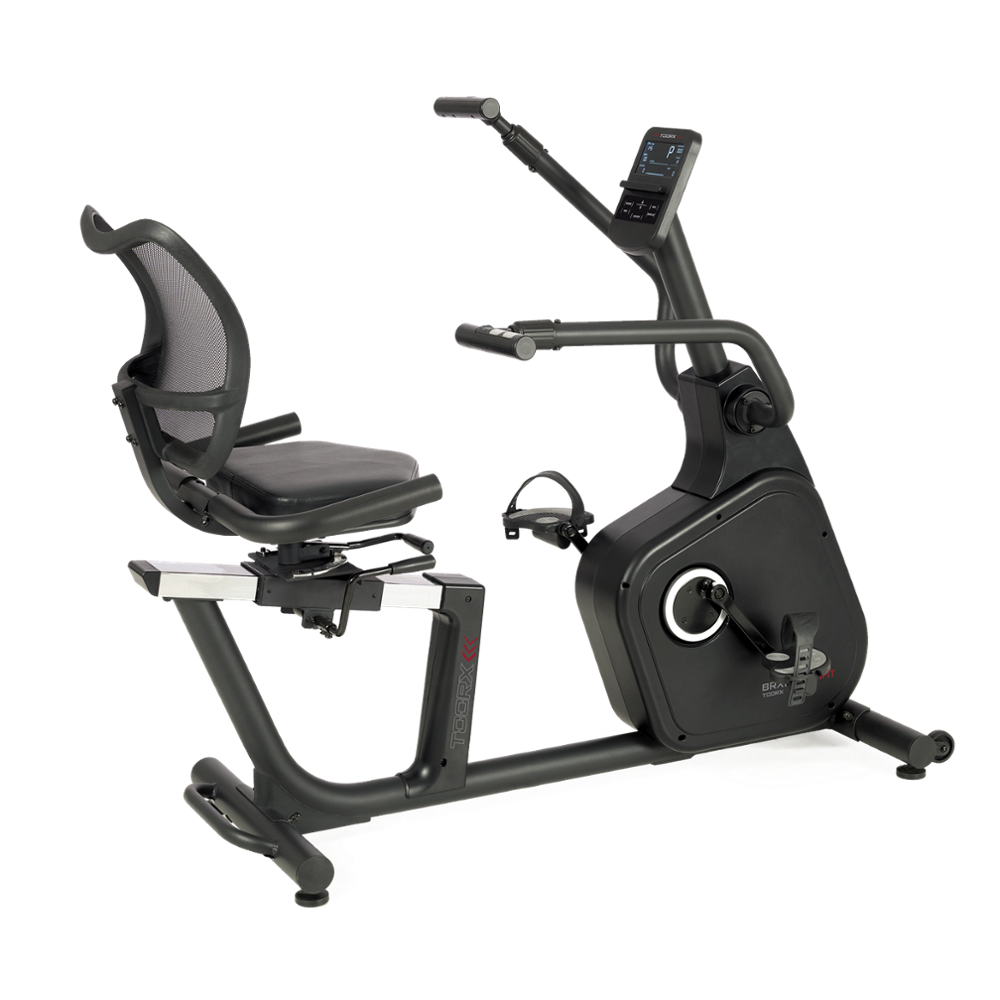 BRX RECUMBENT MULTIFIT
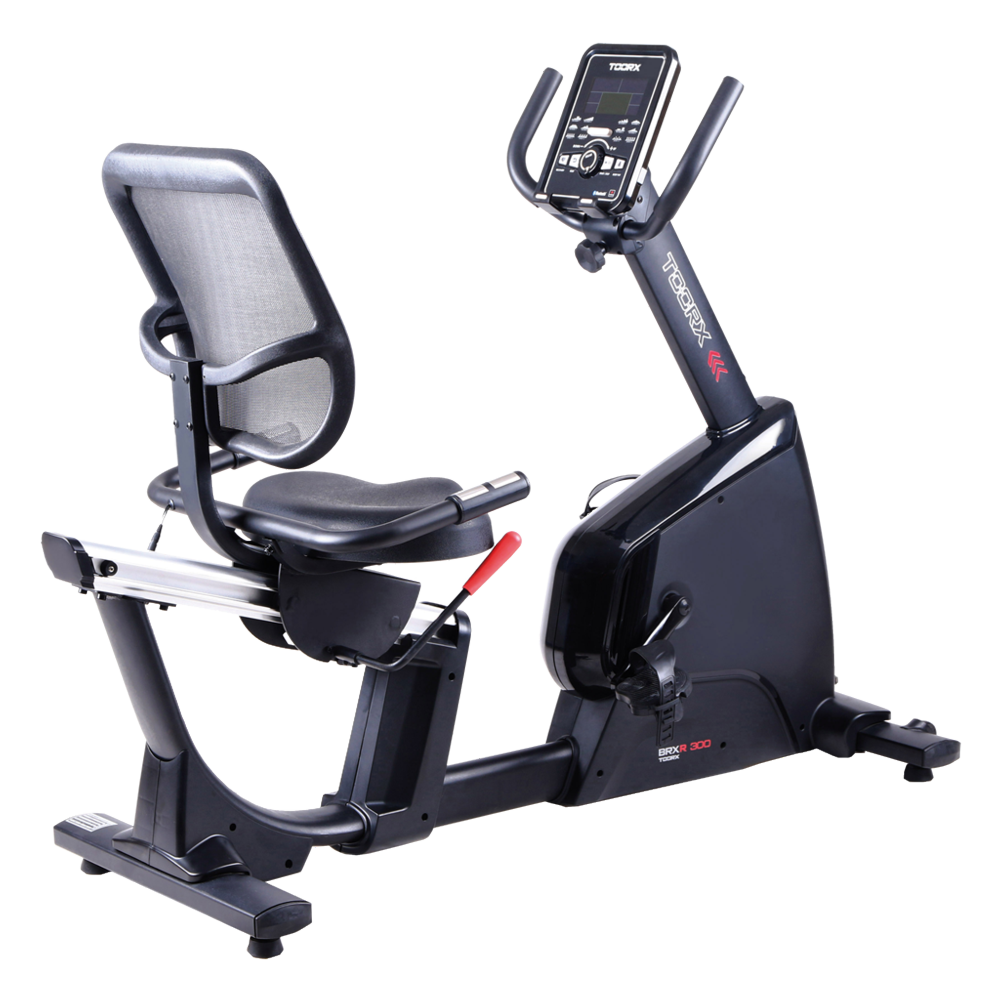 BRX RECUMBENT 300
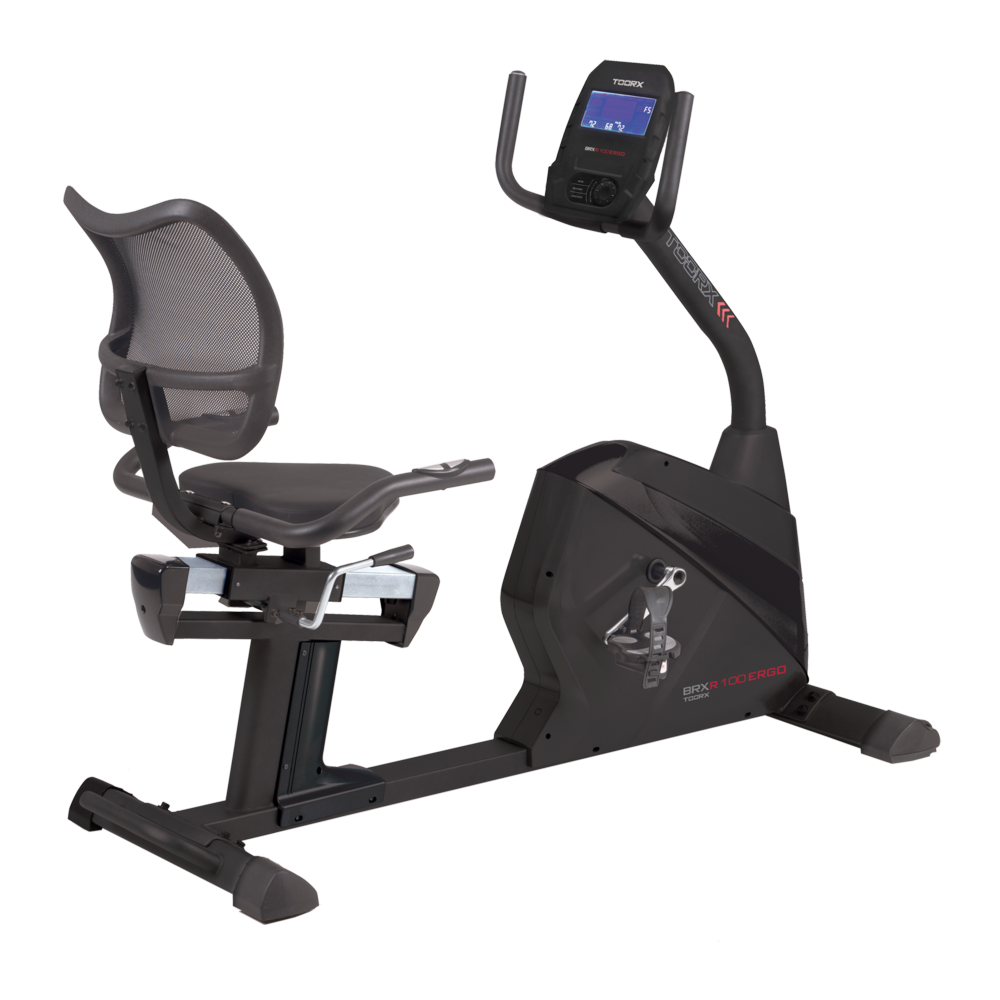 BRX RECUMBENT 100 ERGO
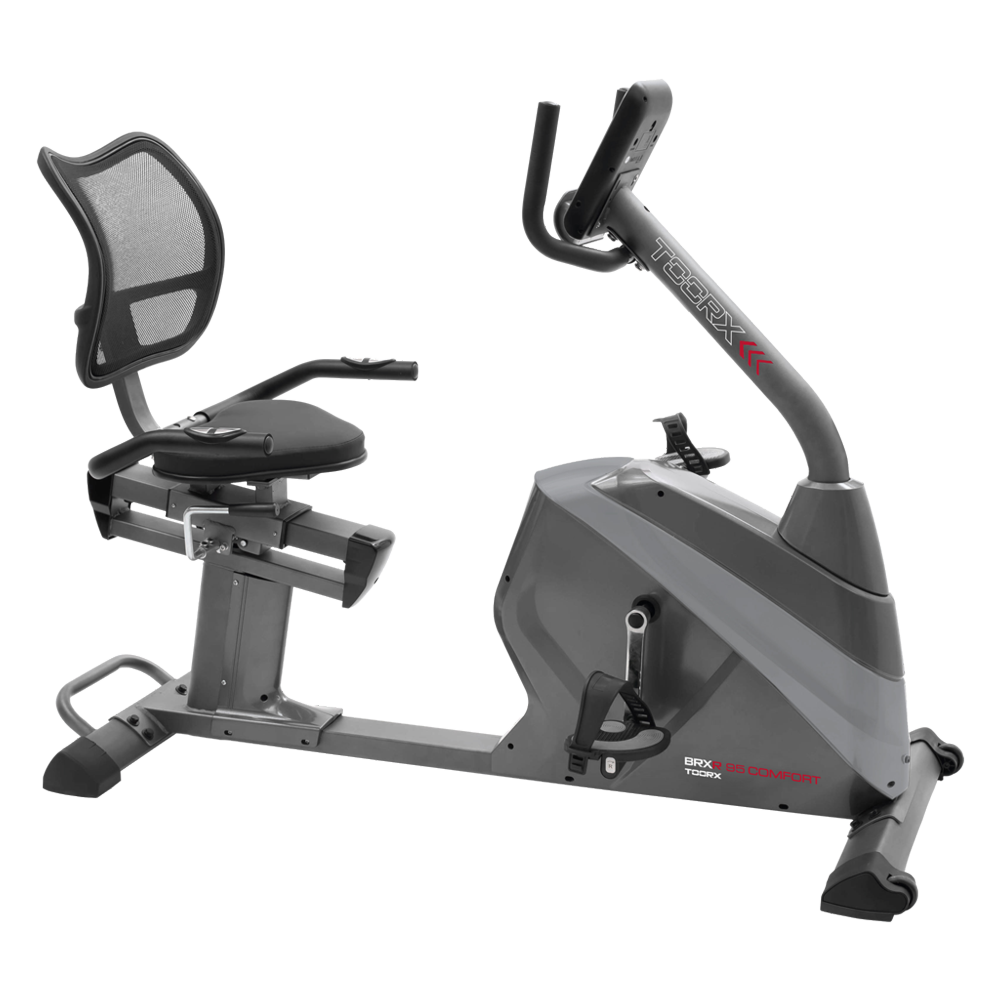 BRX RECUMBENT 95 COMFORT
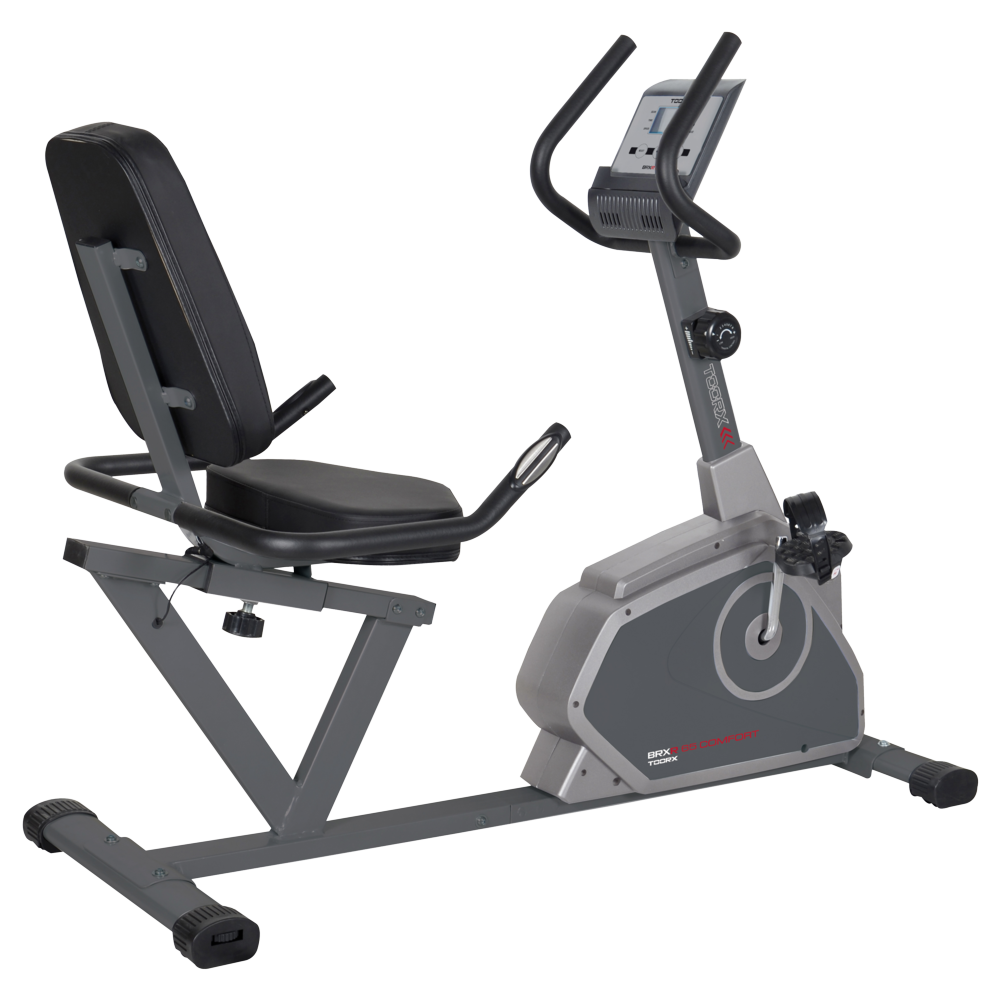 BRX RECUMBENT 65 COMFORT
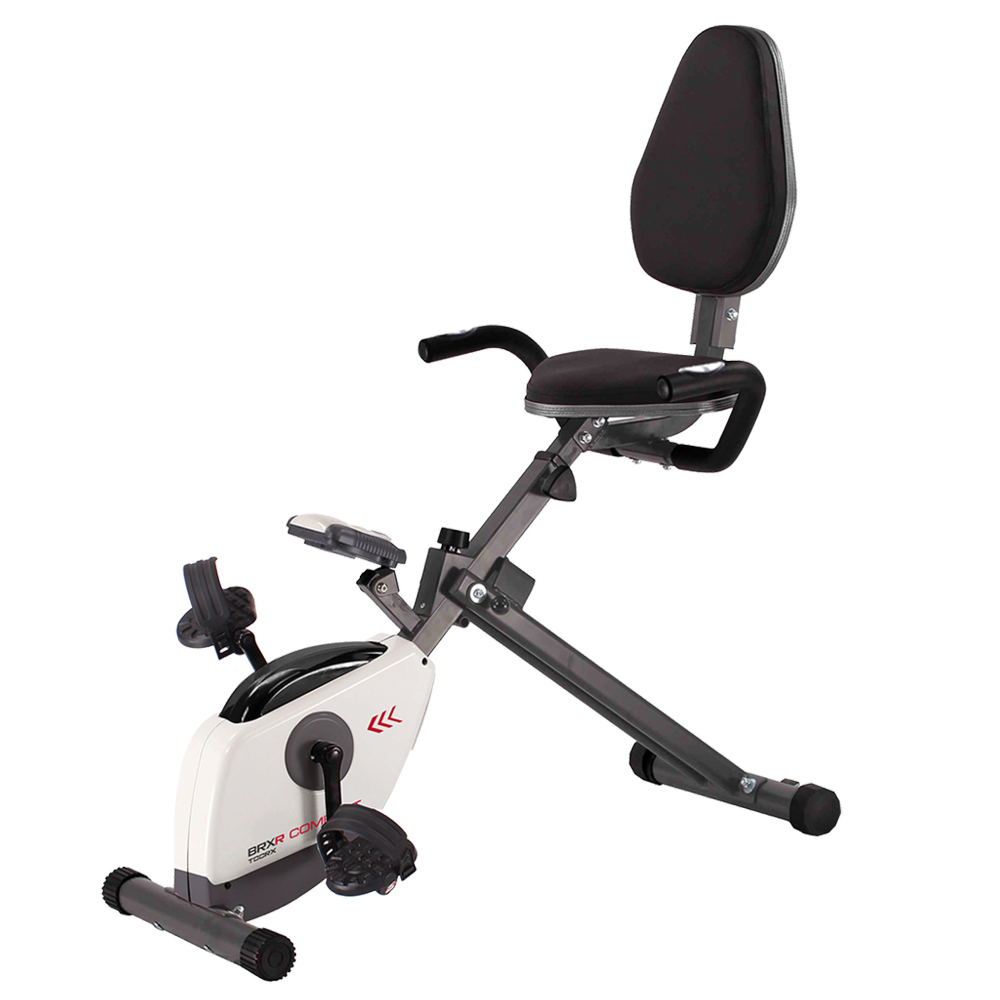 BRX RECUMBENT COMPACT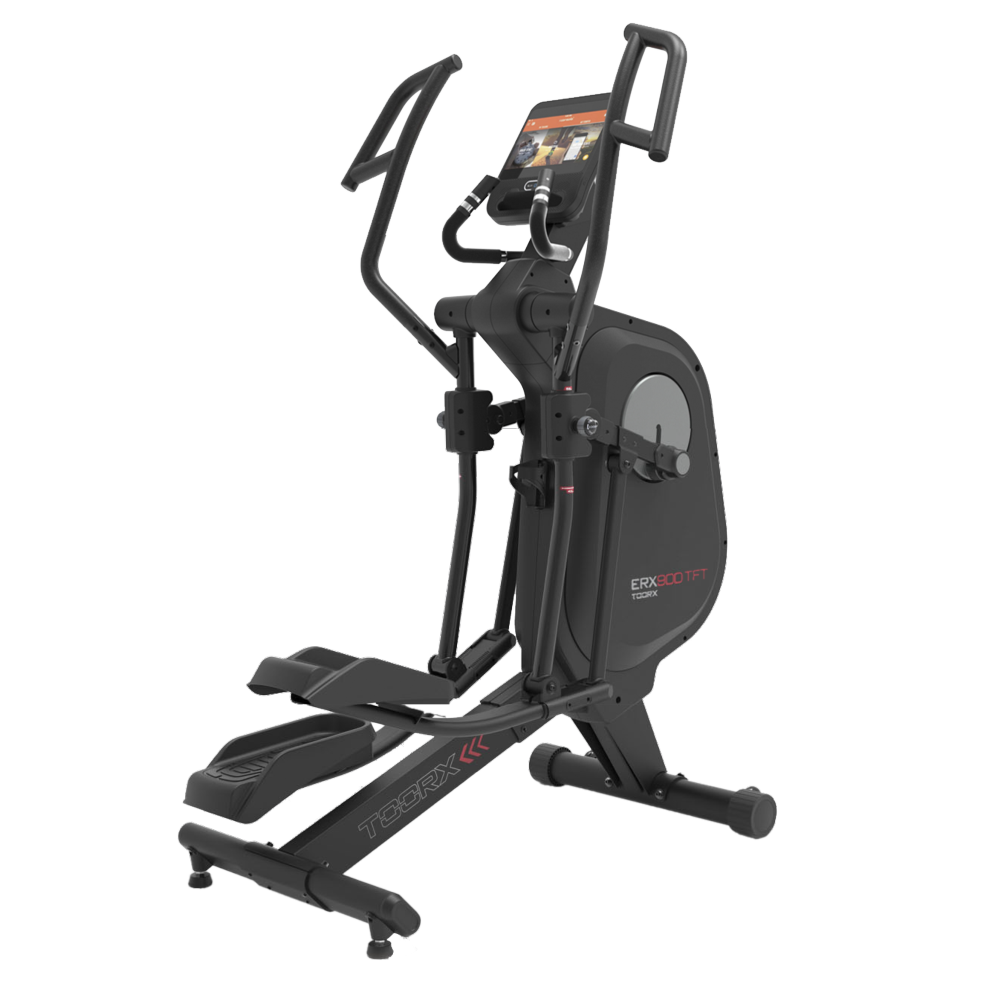
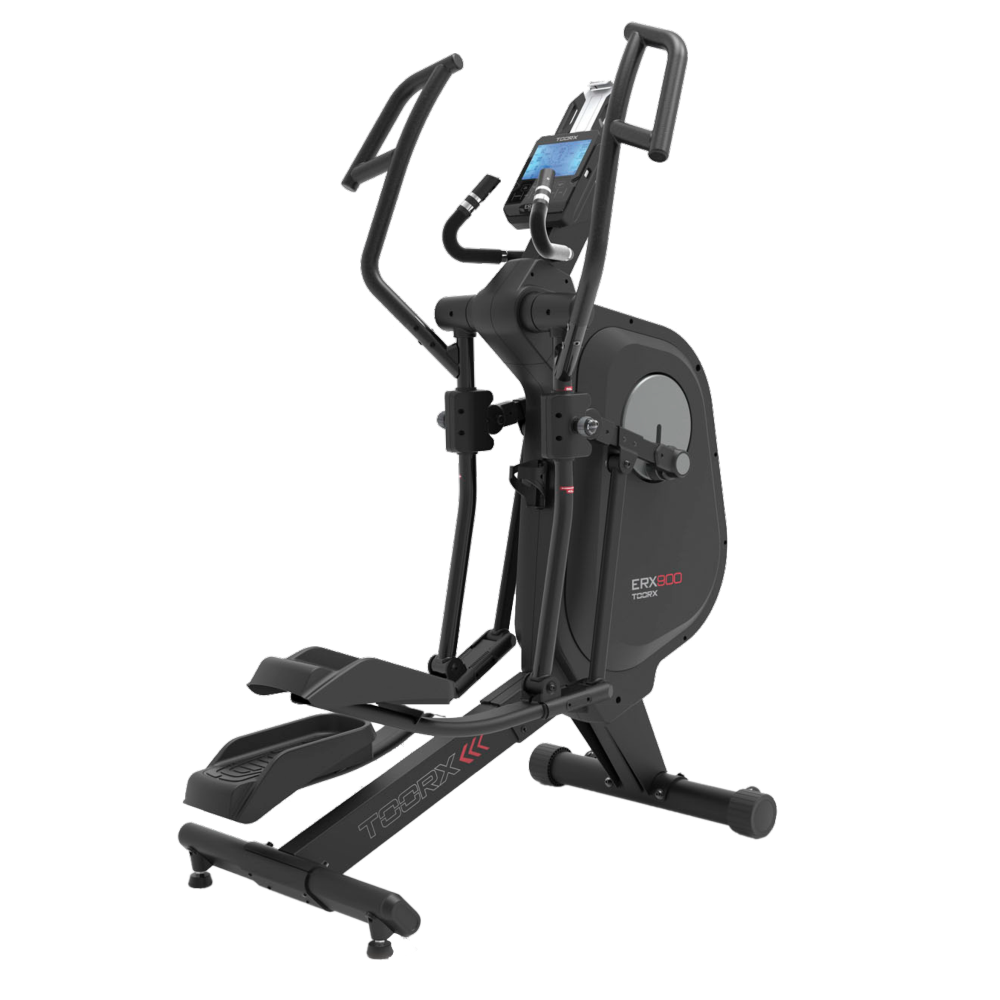 ERX-900
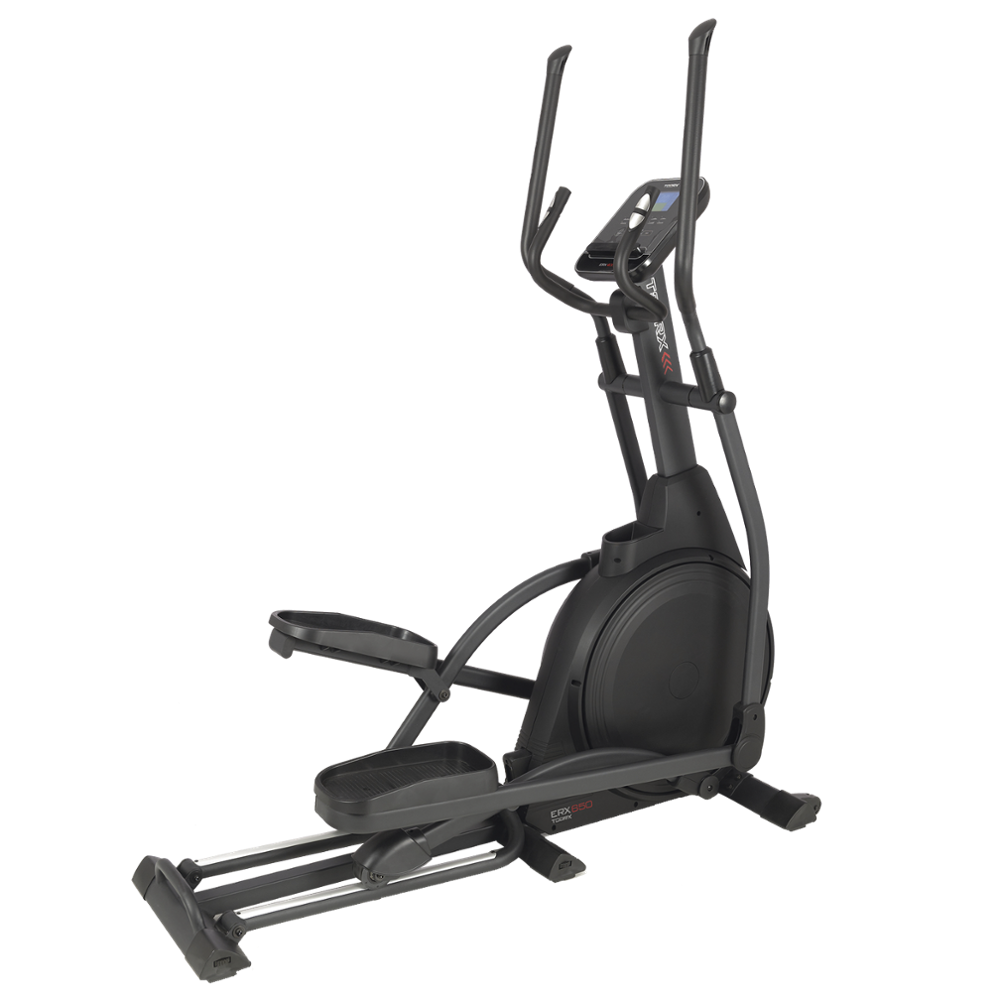 ERX-650
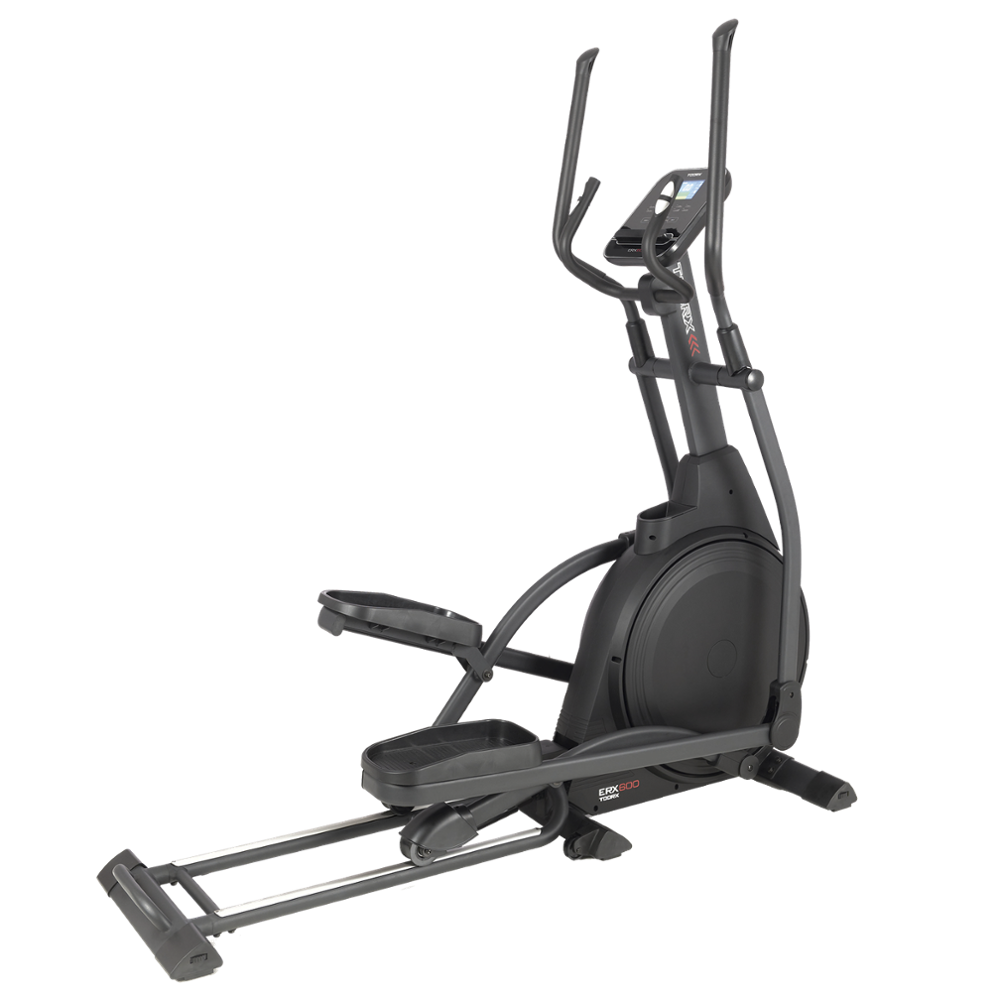 ERX-600
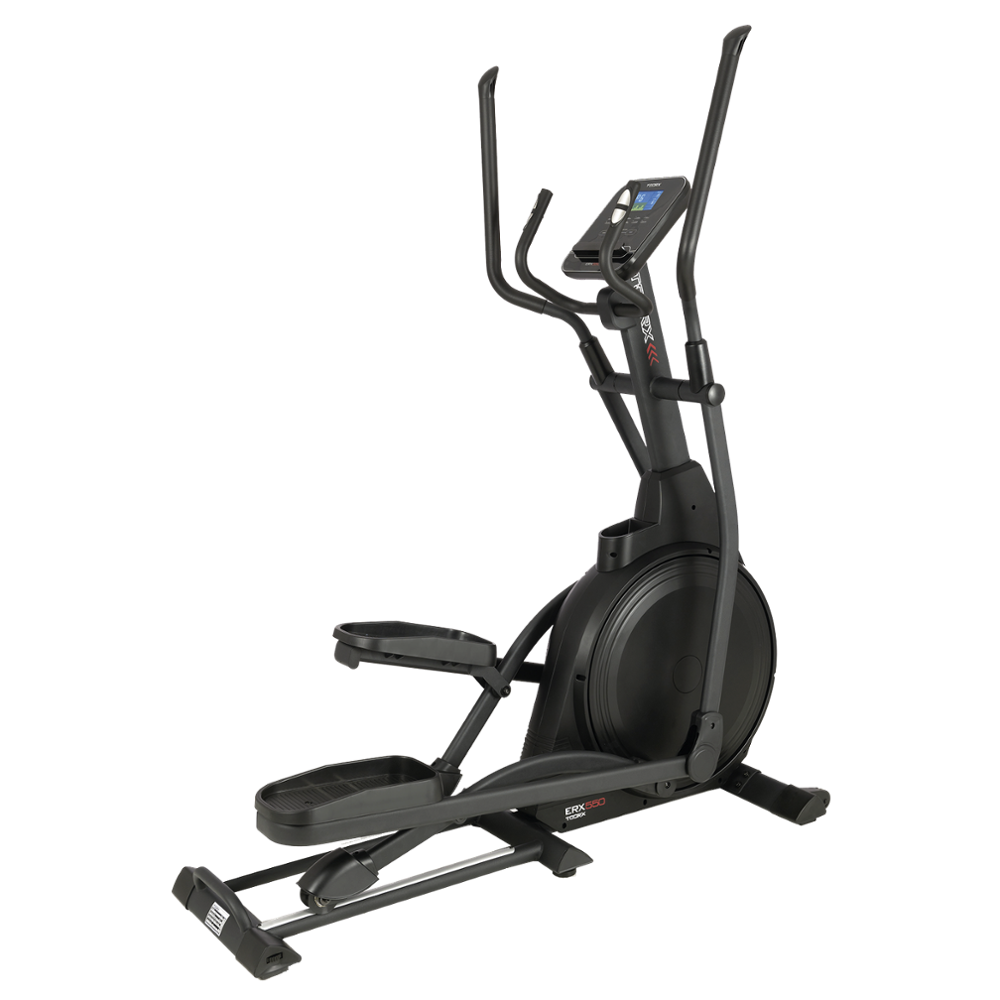 ERX-550
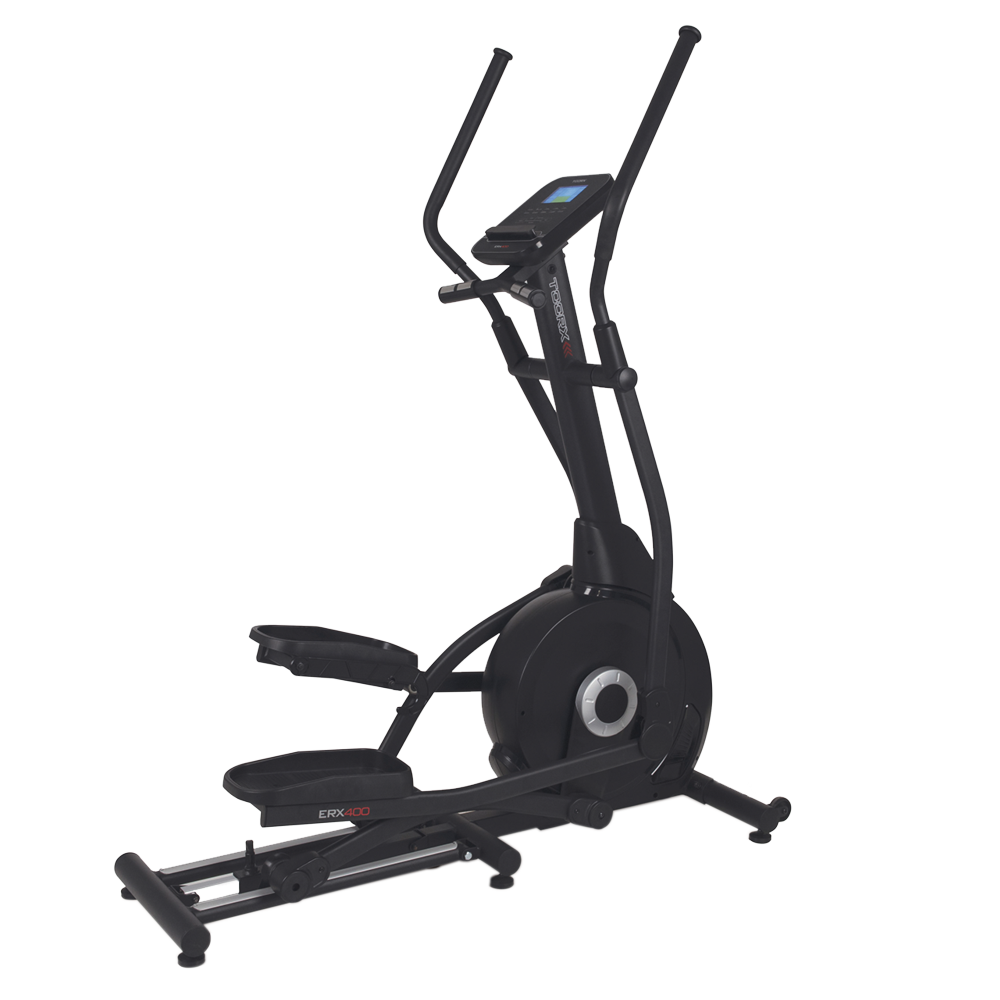 ERX-400
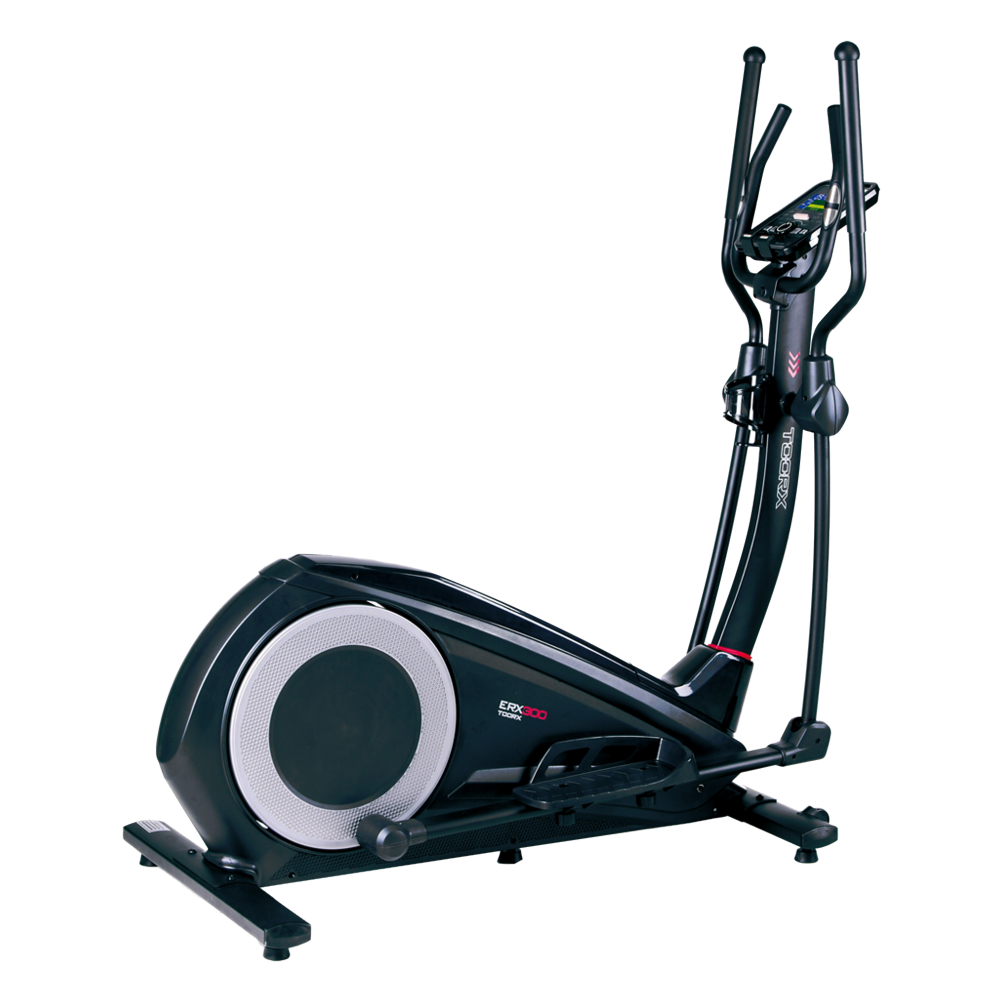 ERX-300
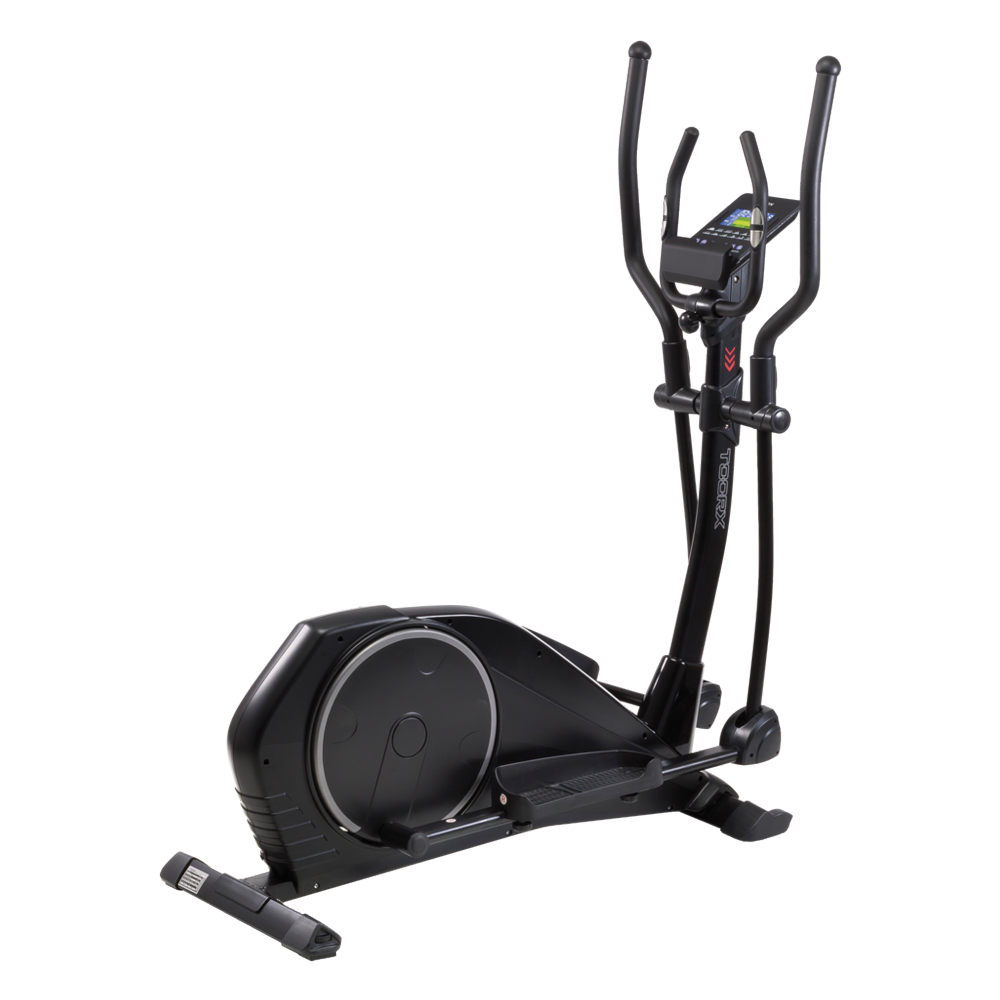 ERX-100
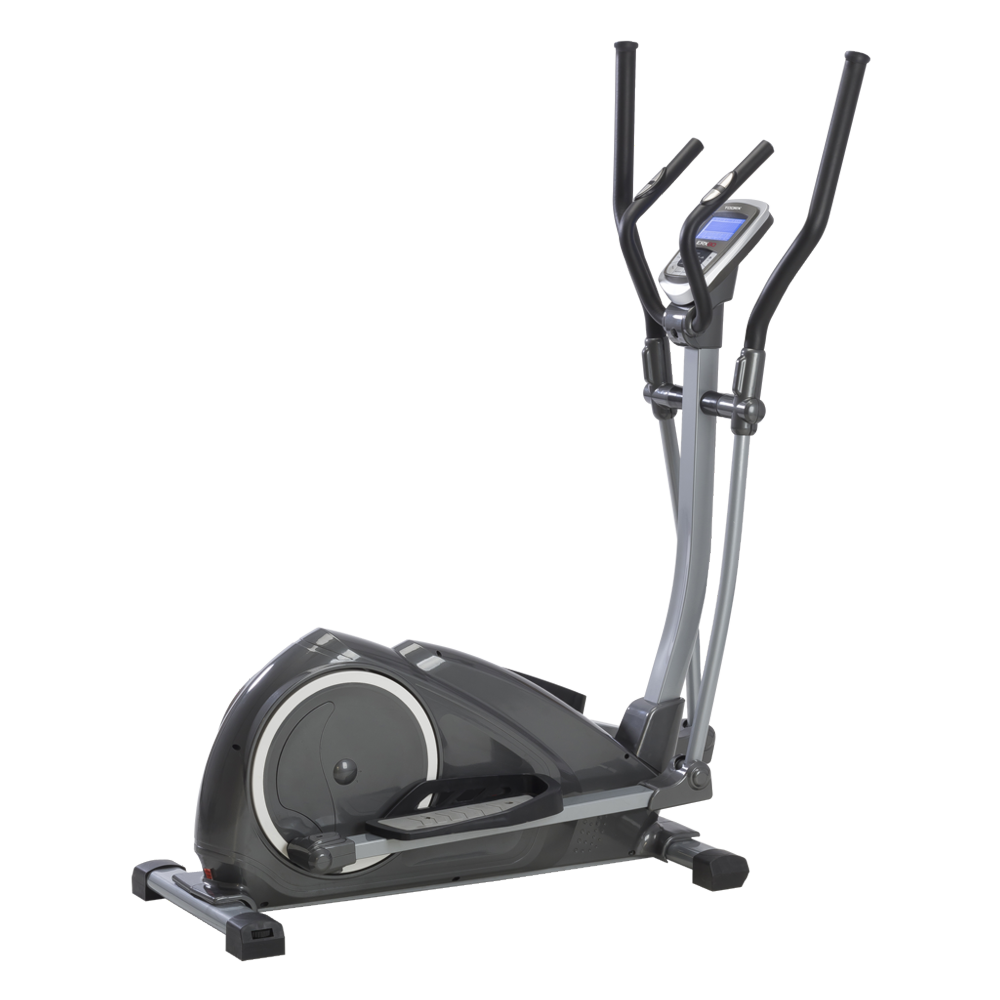 ERX-90
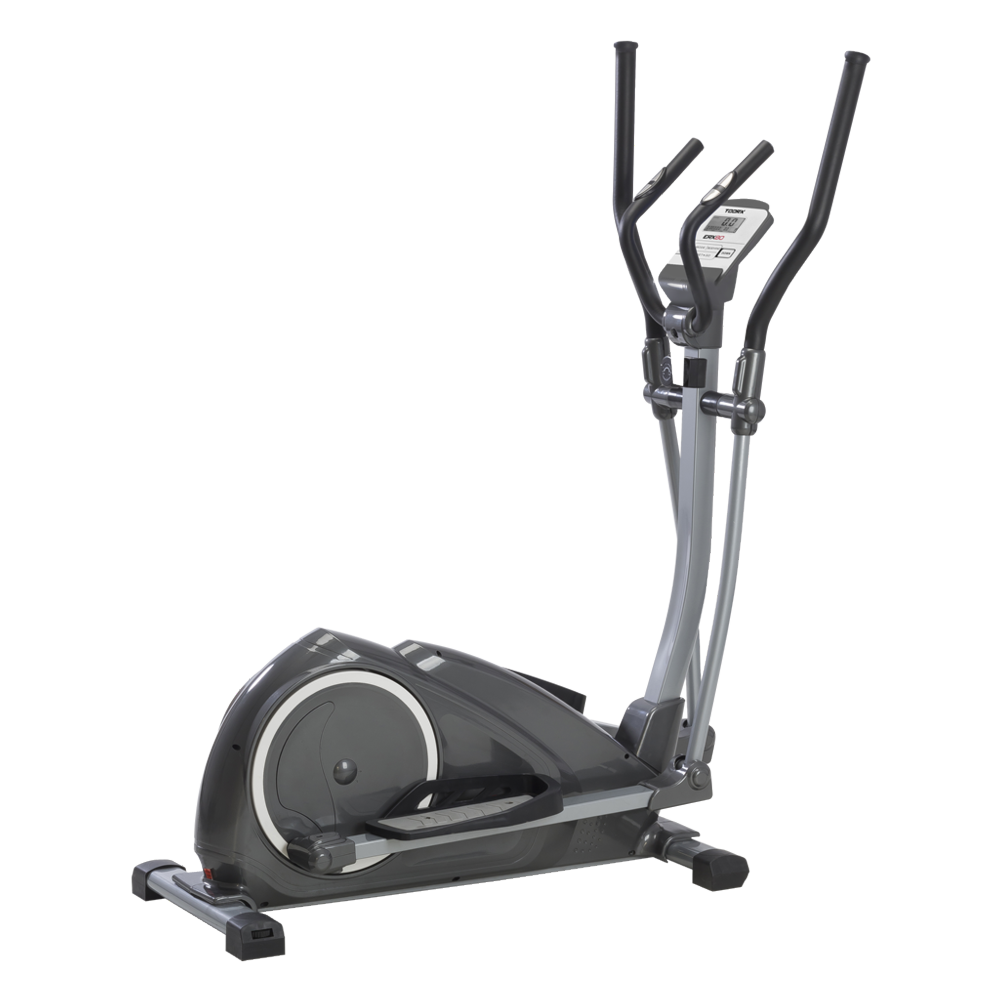 ERX-80
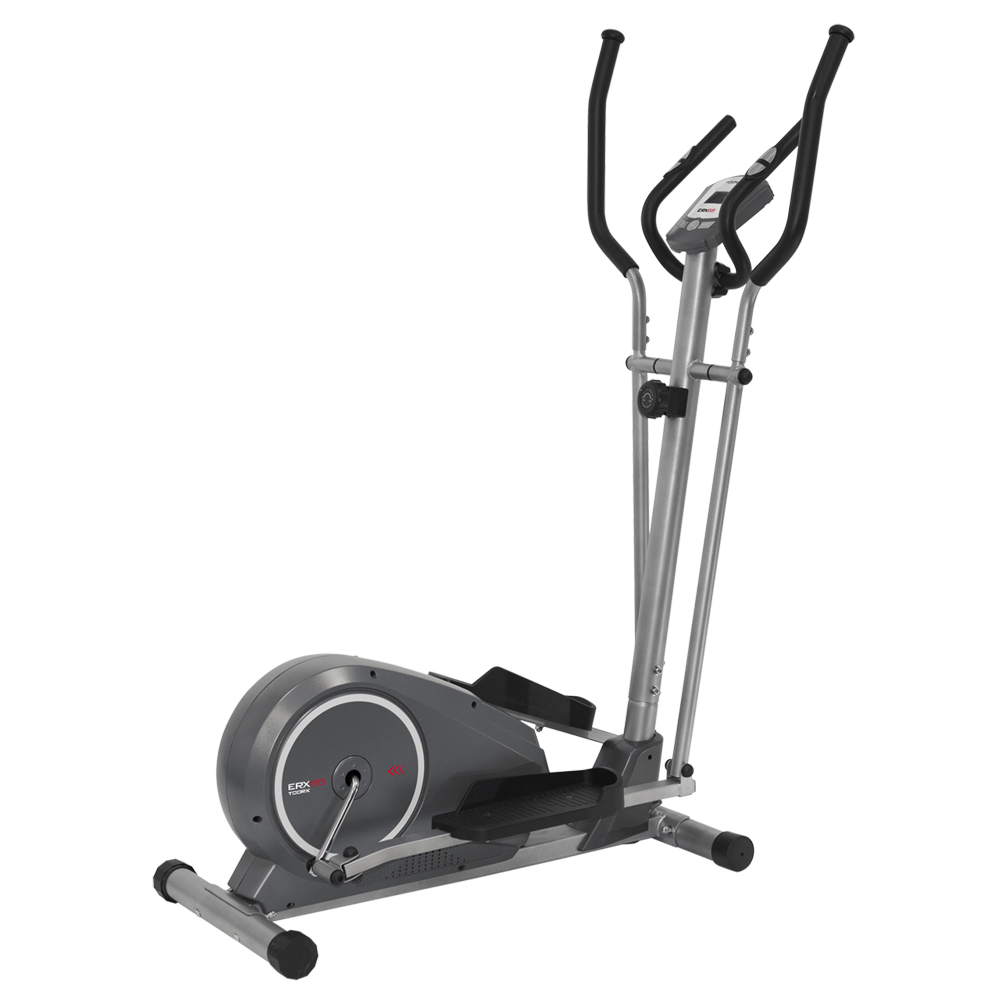 ERX-75
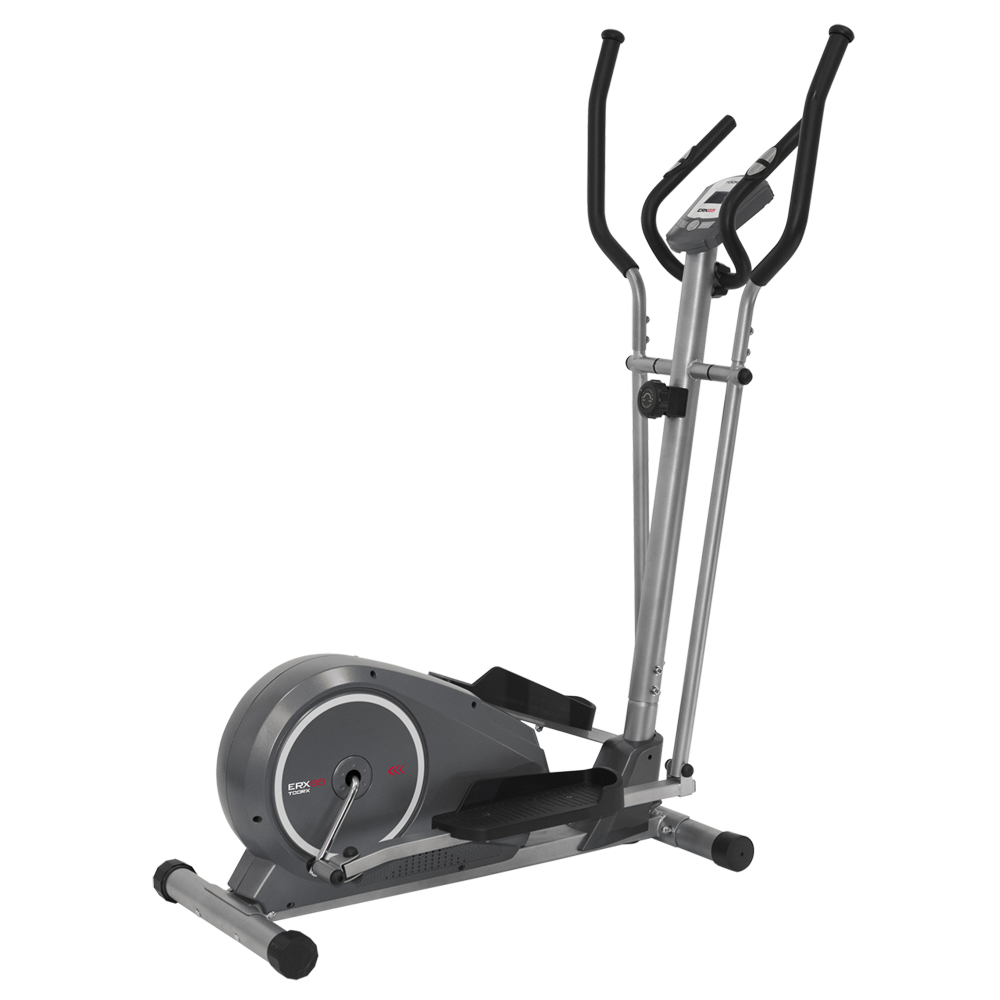 ERX-65

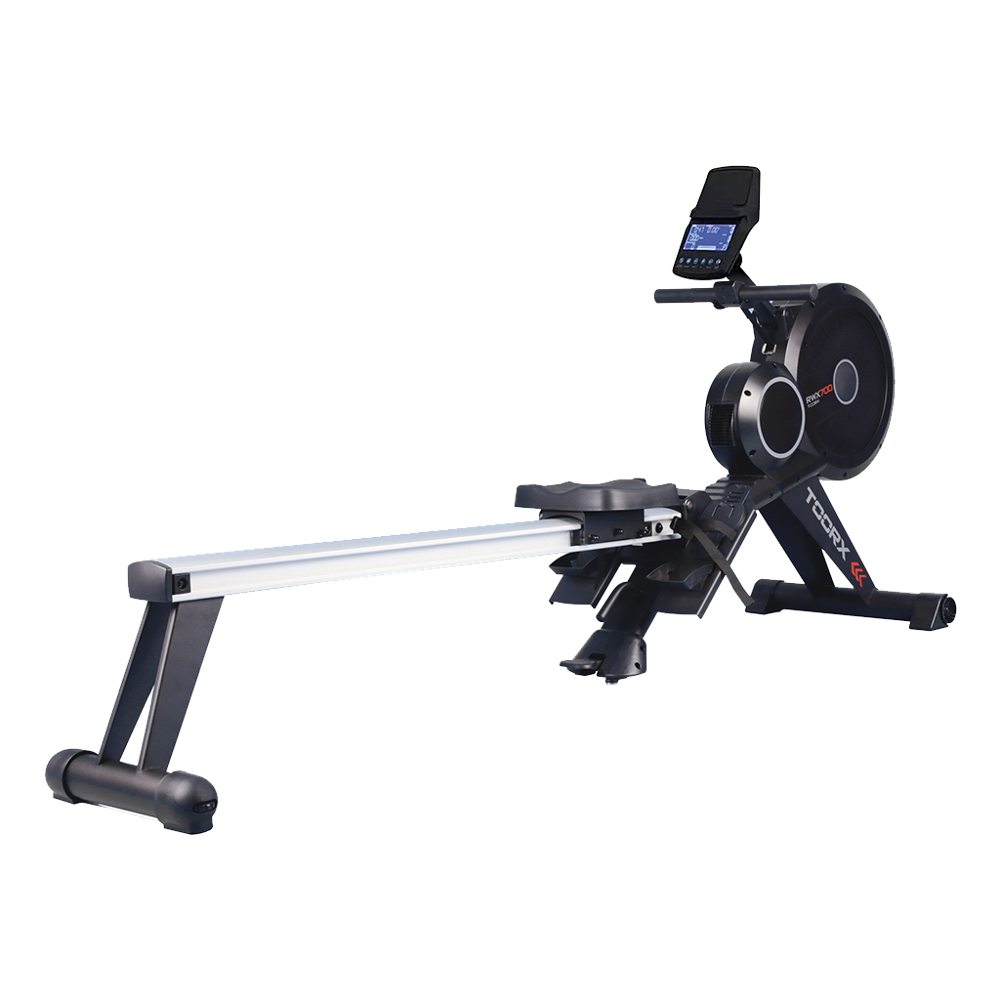 RWX 700
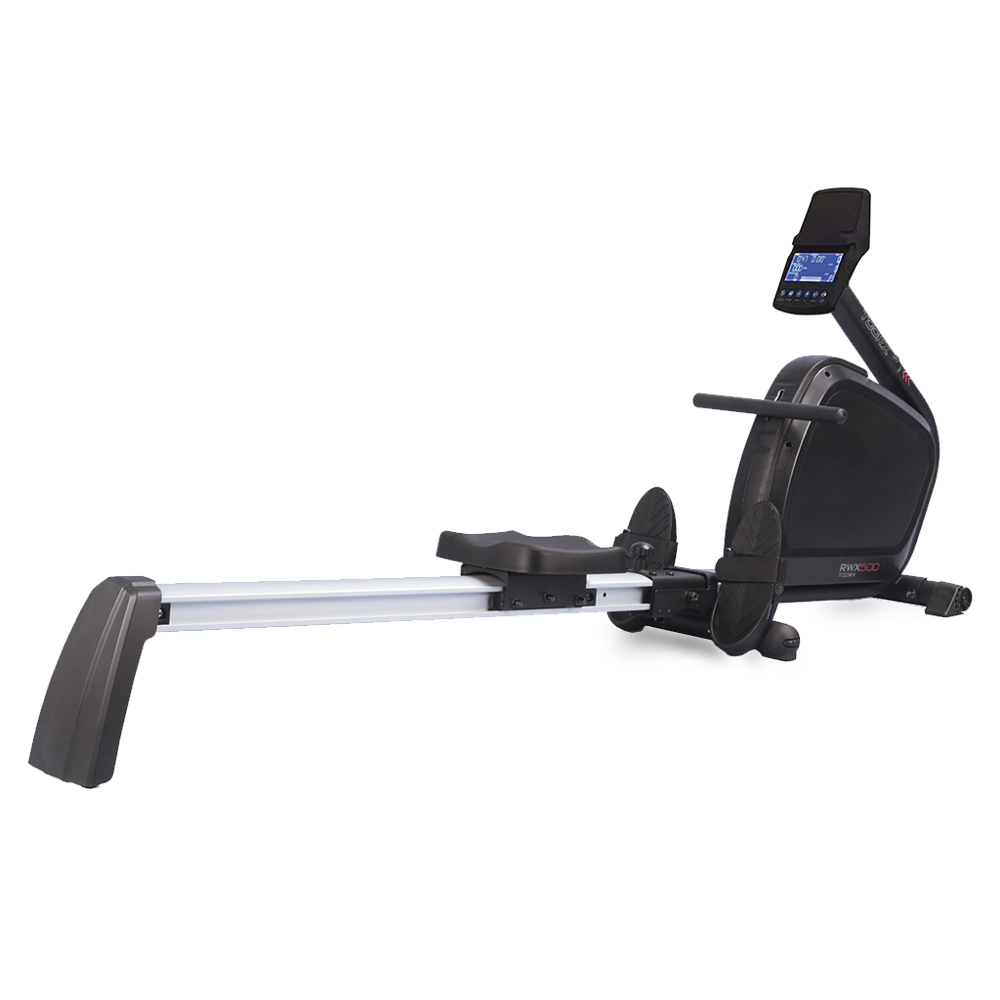 RWX 500
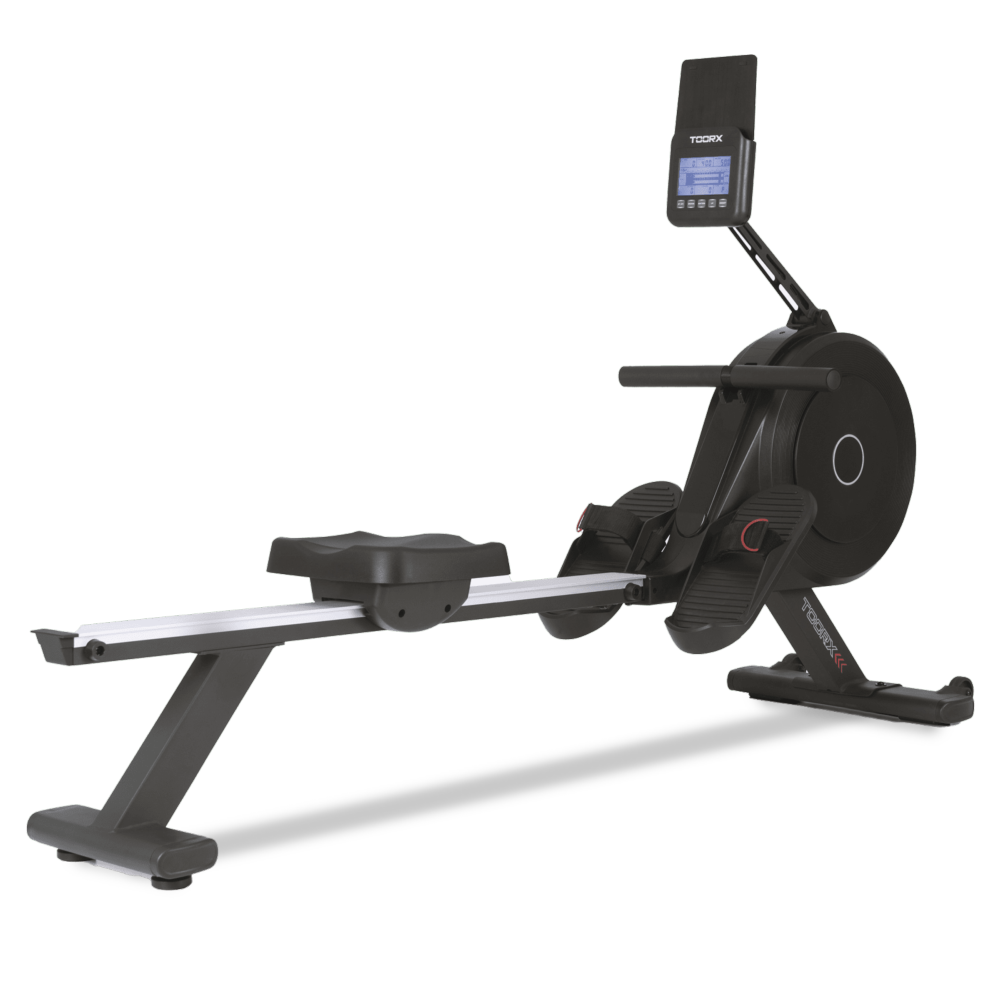 RWX 300
 RWX 200
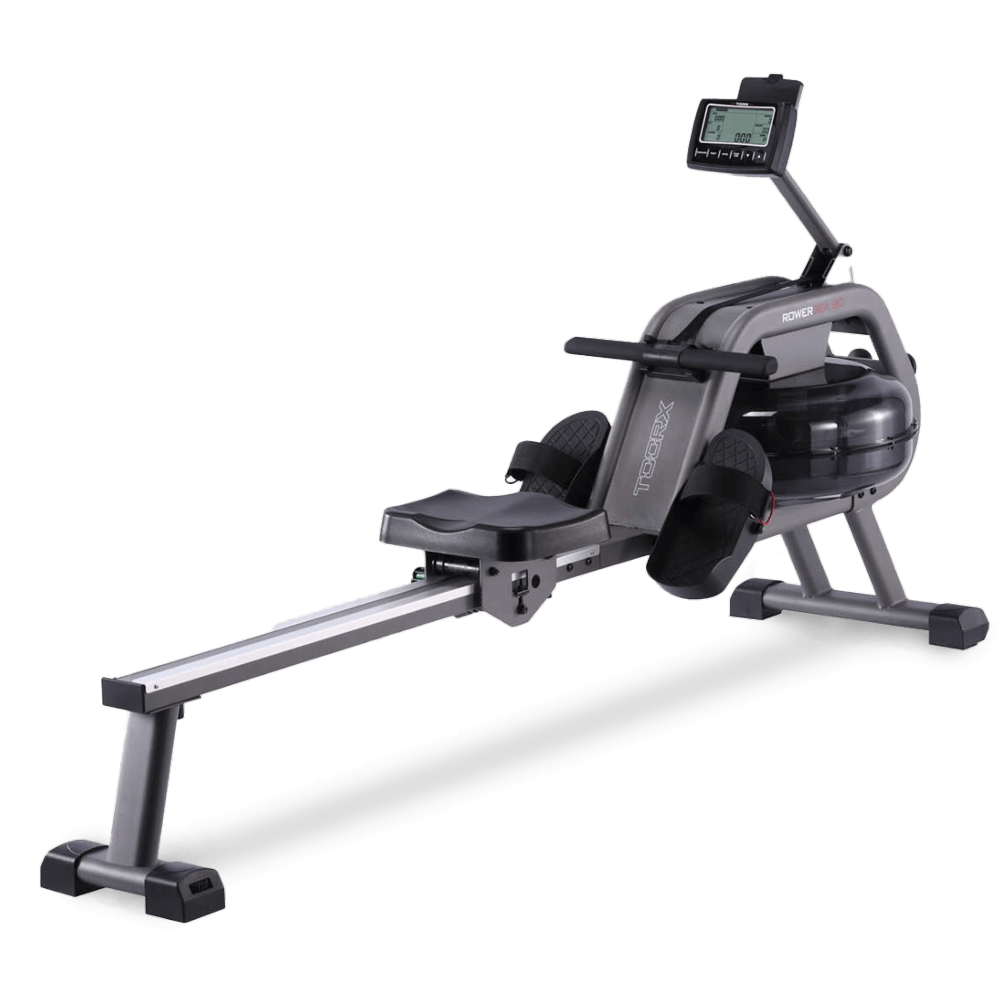 ROWER SEA 90
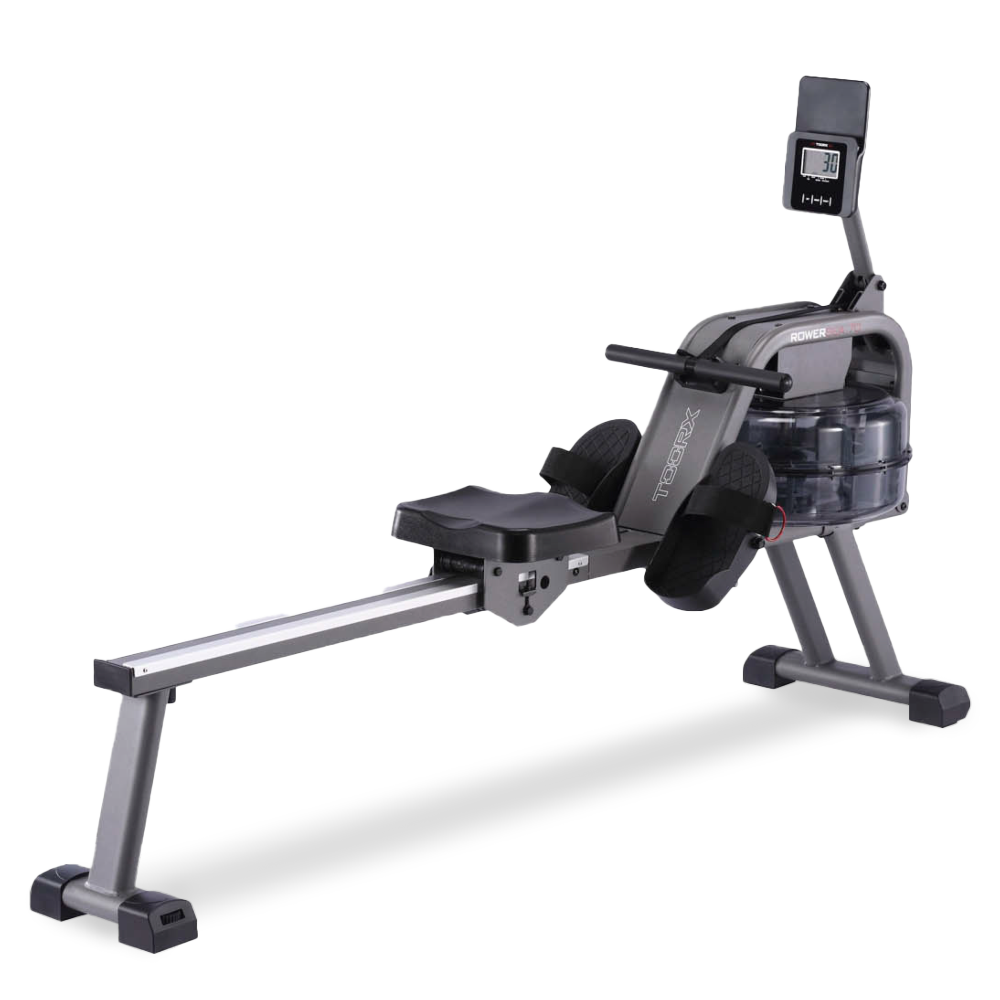 ROWER SEA 70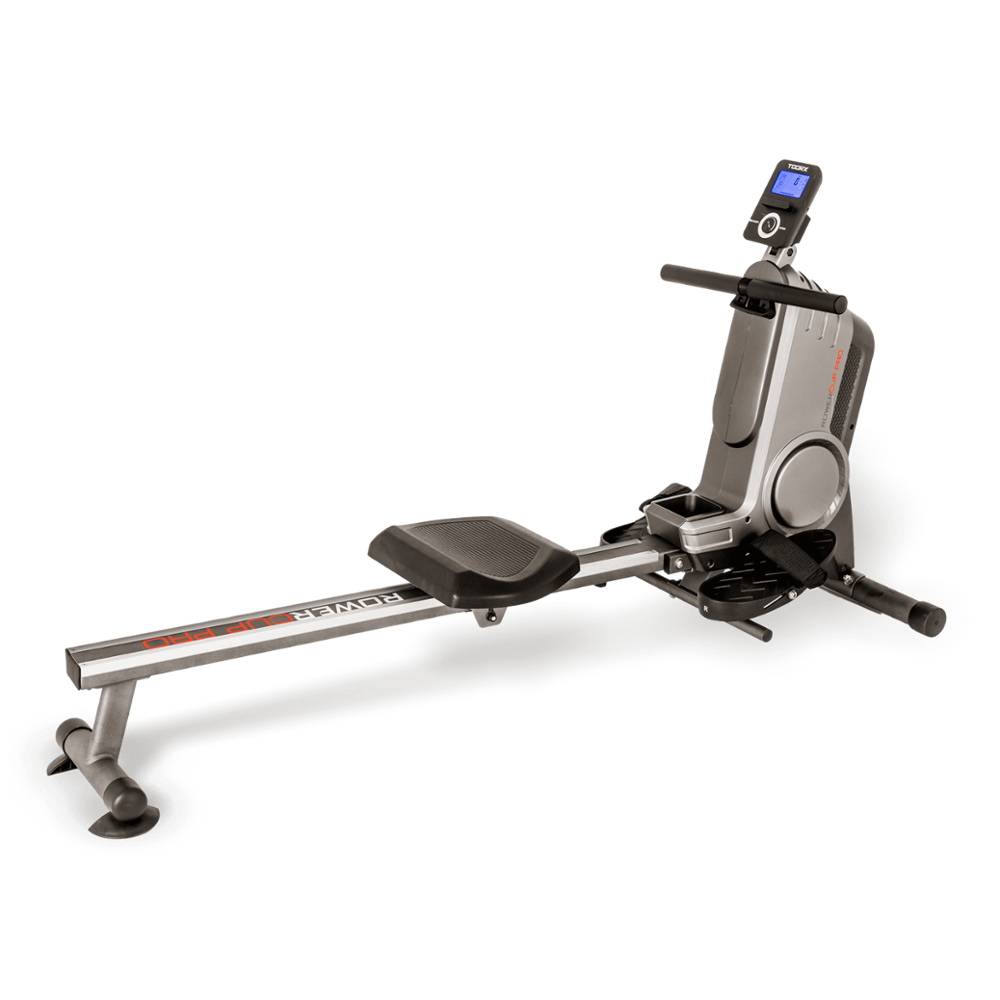
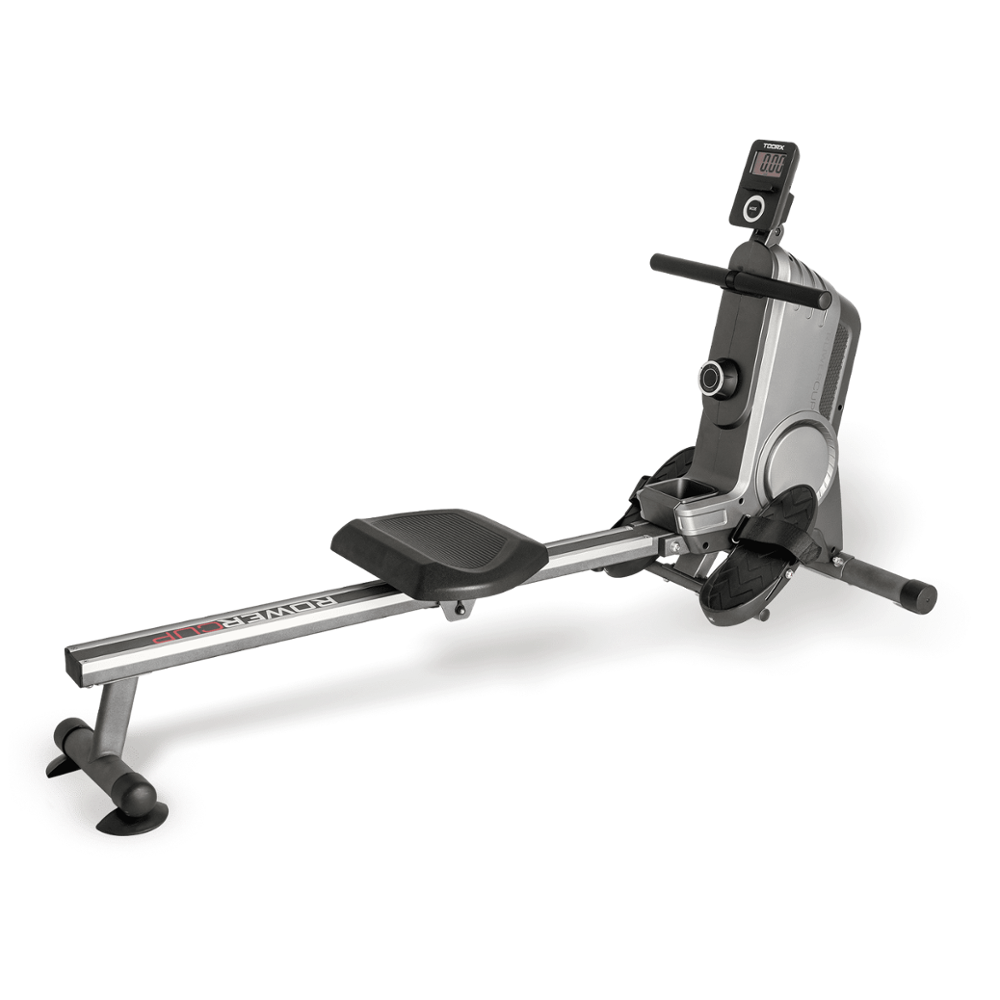
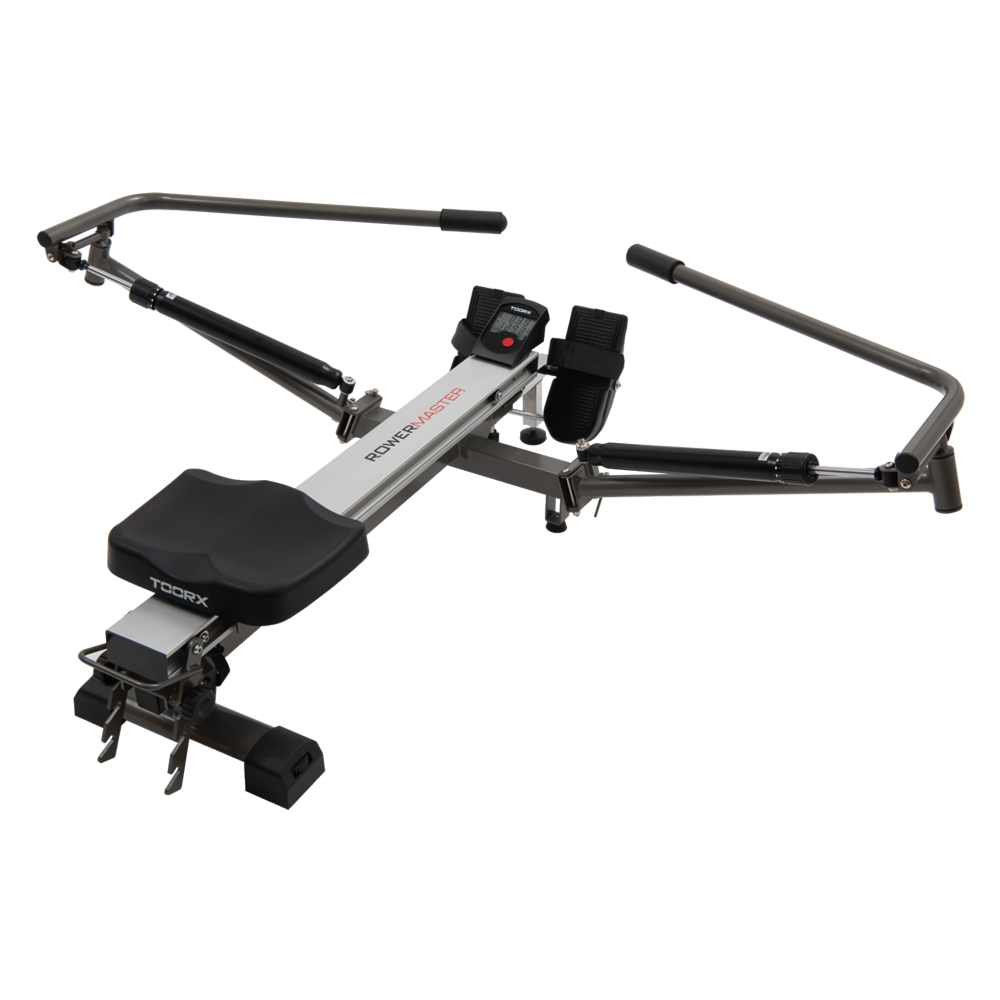 ROWER MASTER
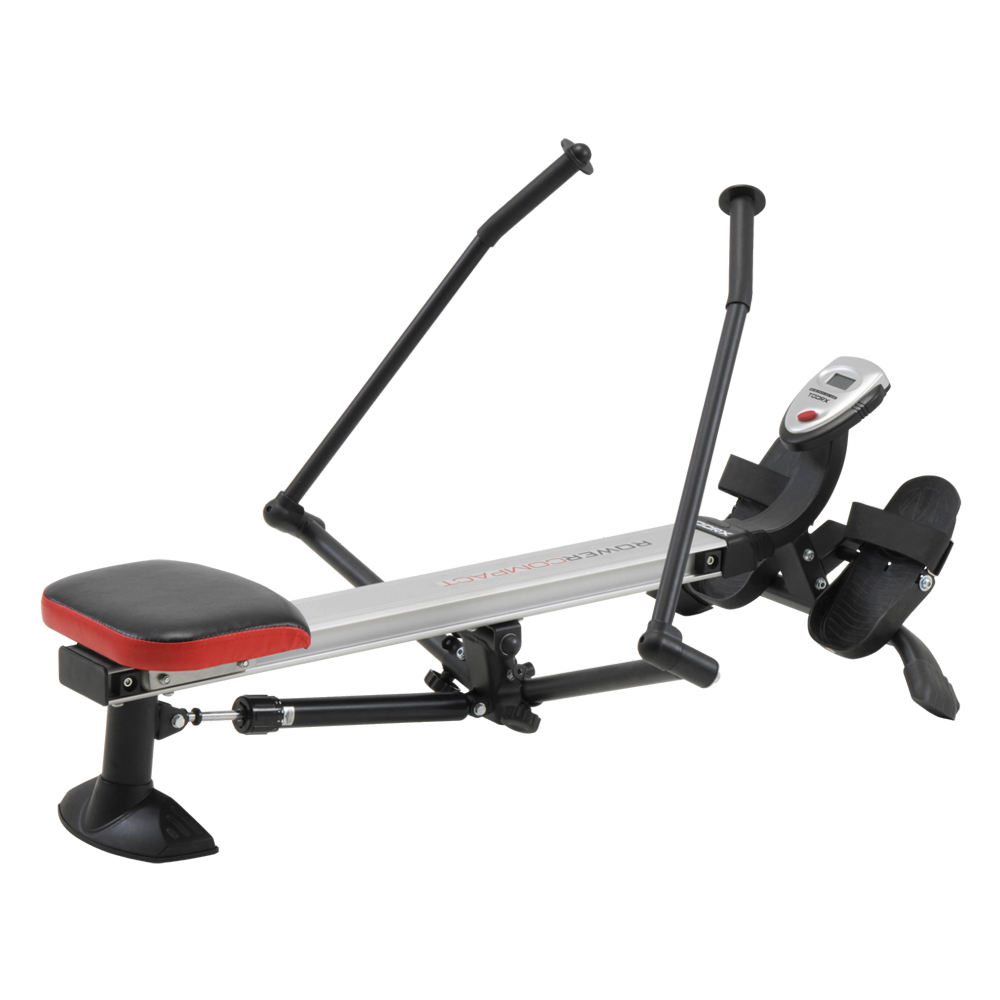 ROWER COMPACT
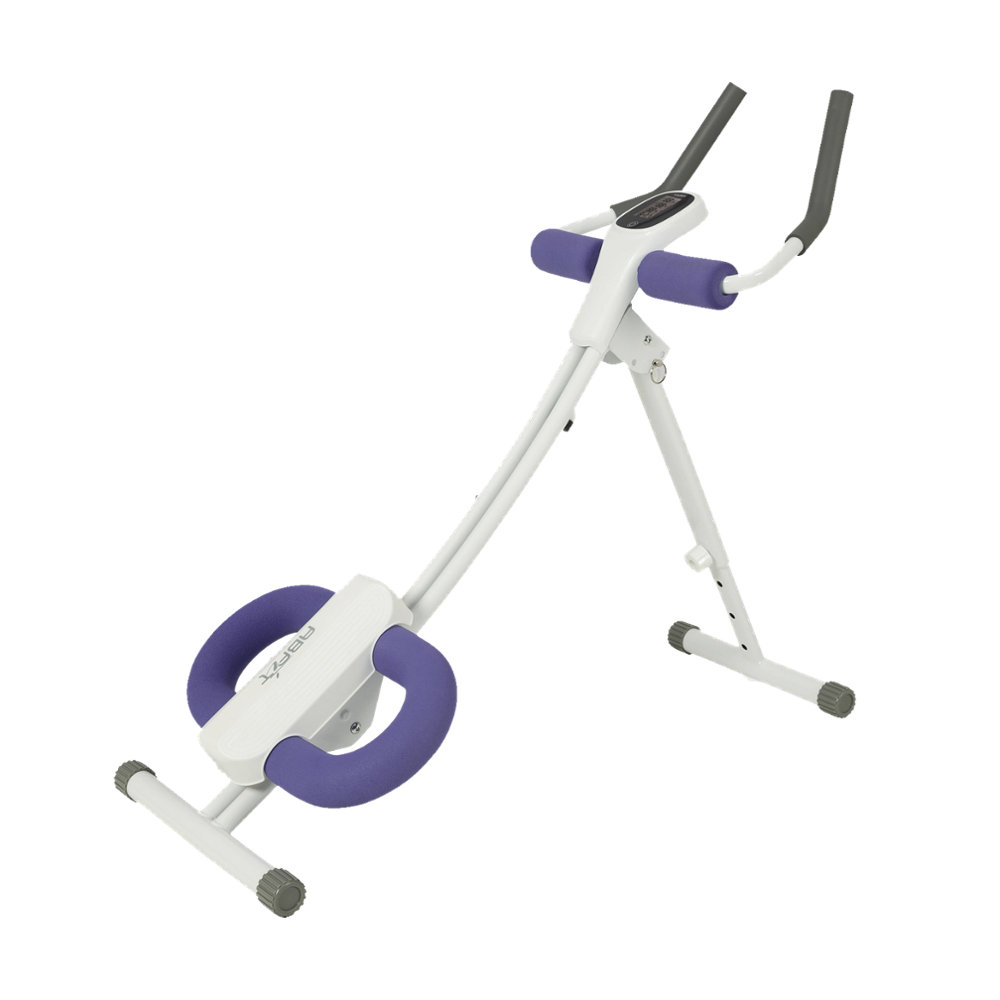
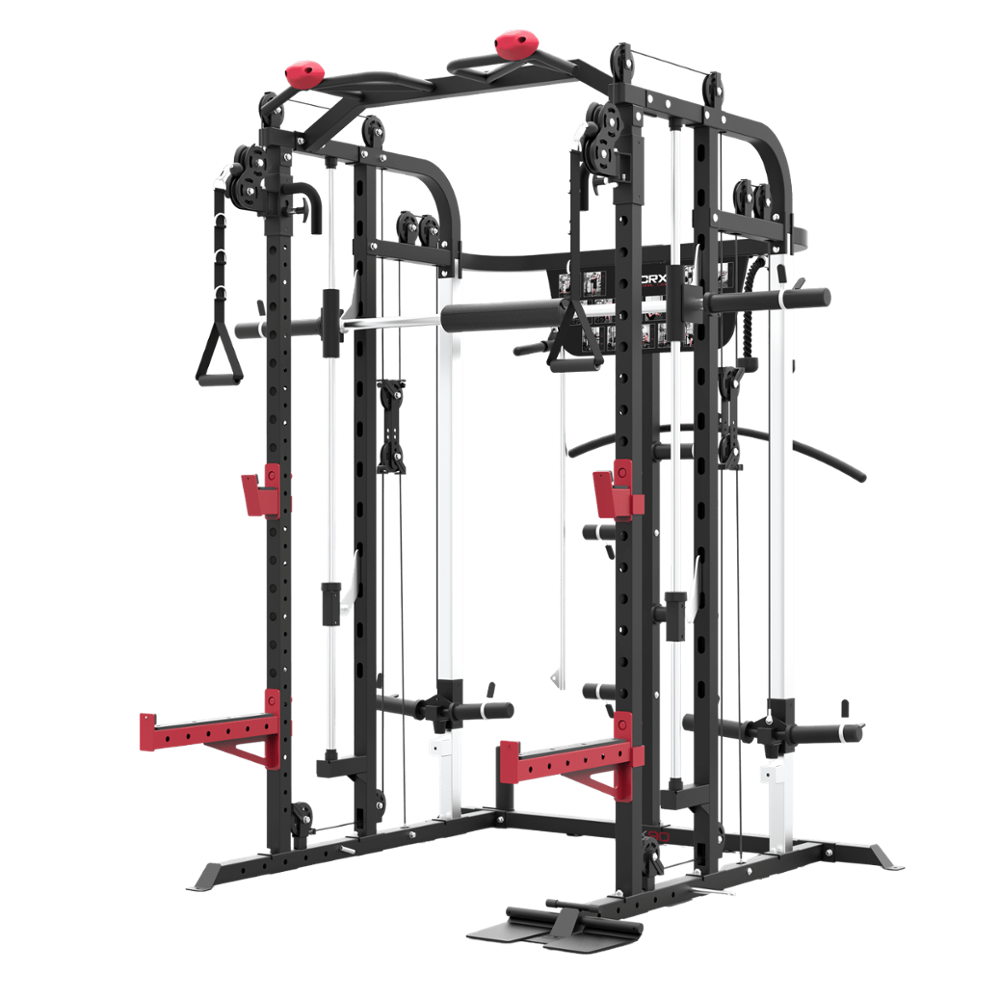

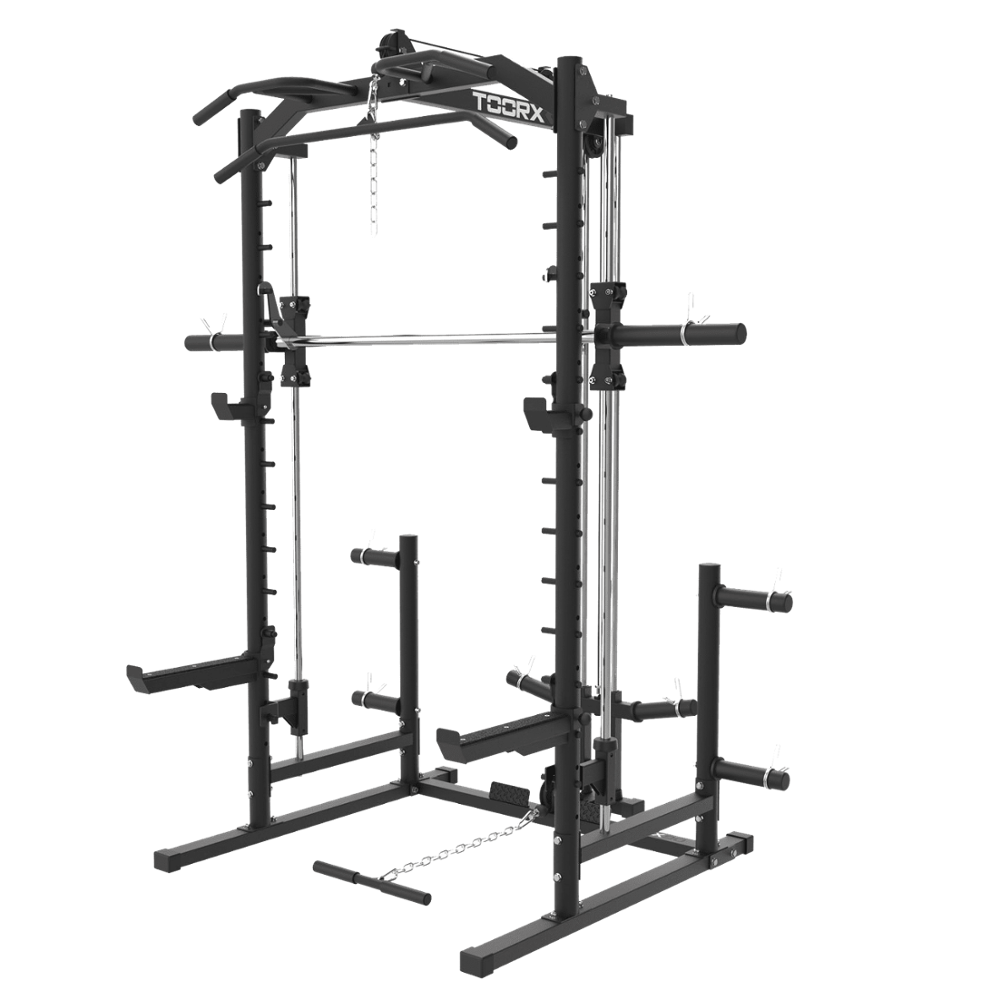 WLX-90
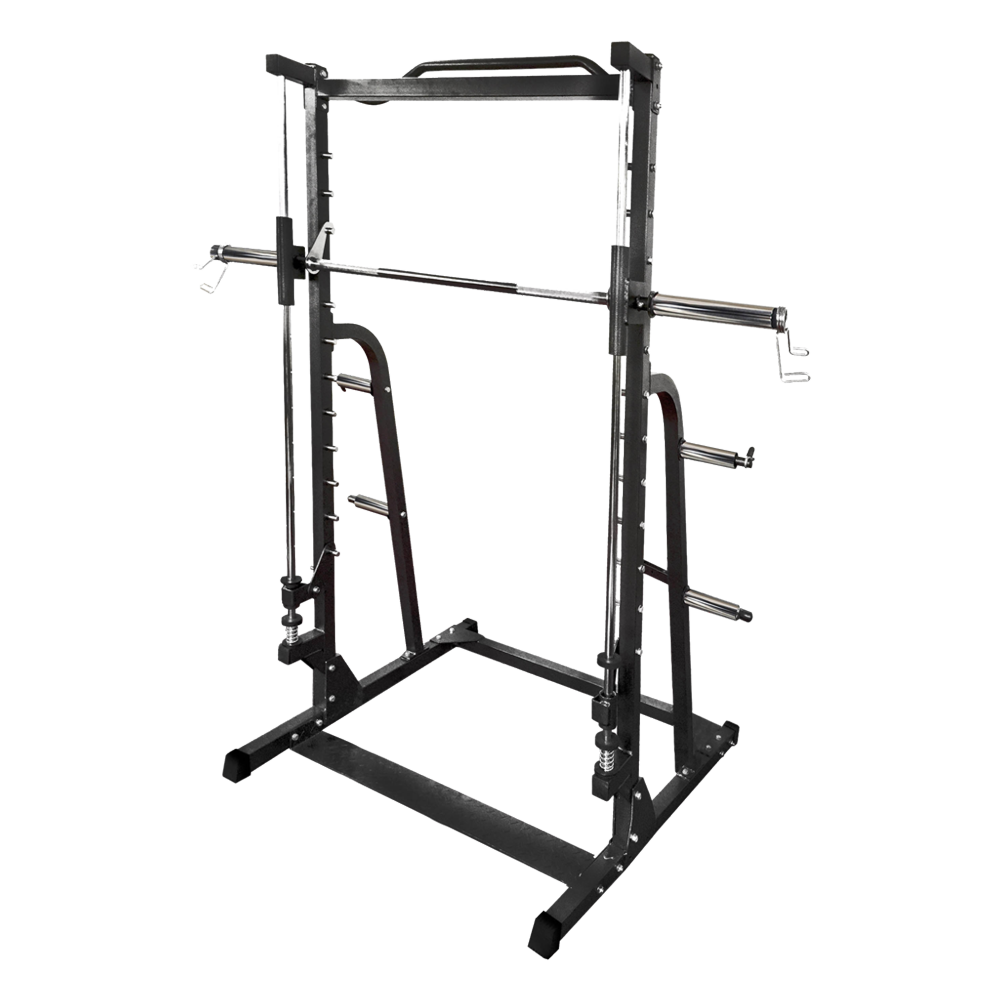 WLX-70
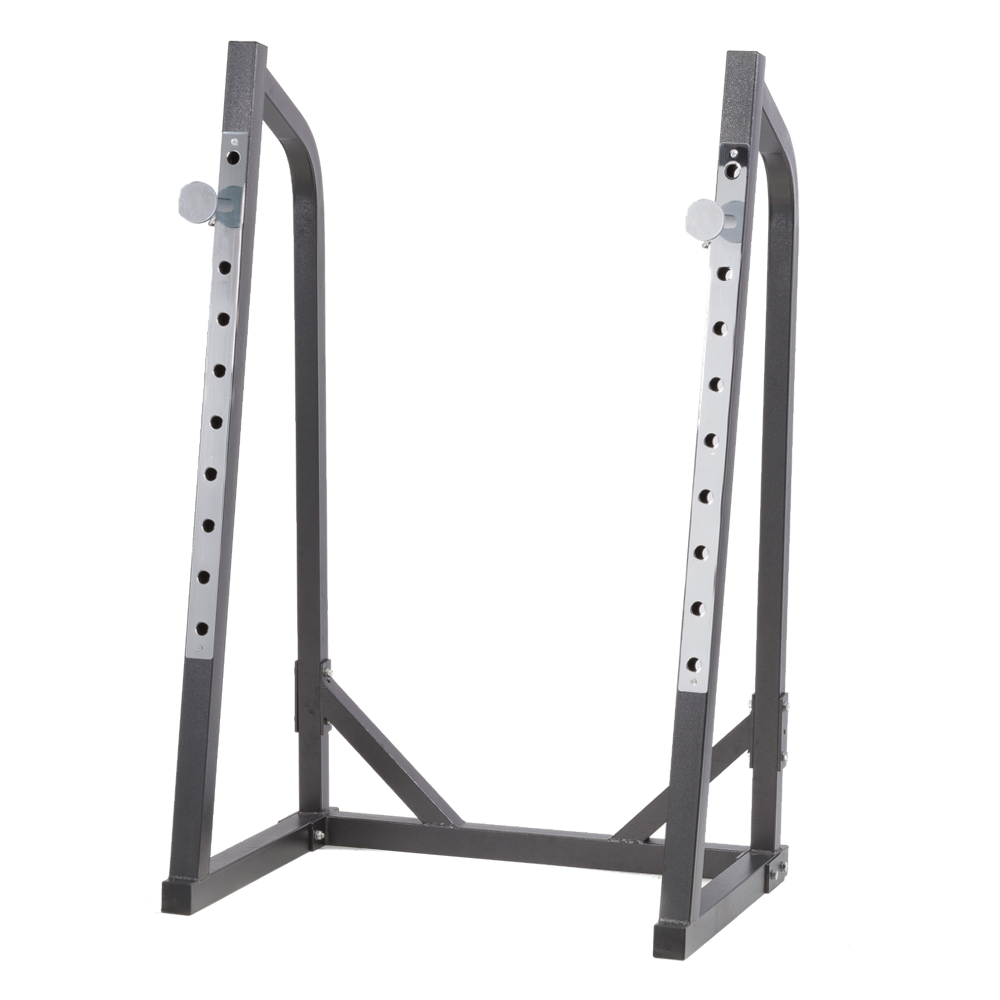 WLX-50
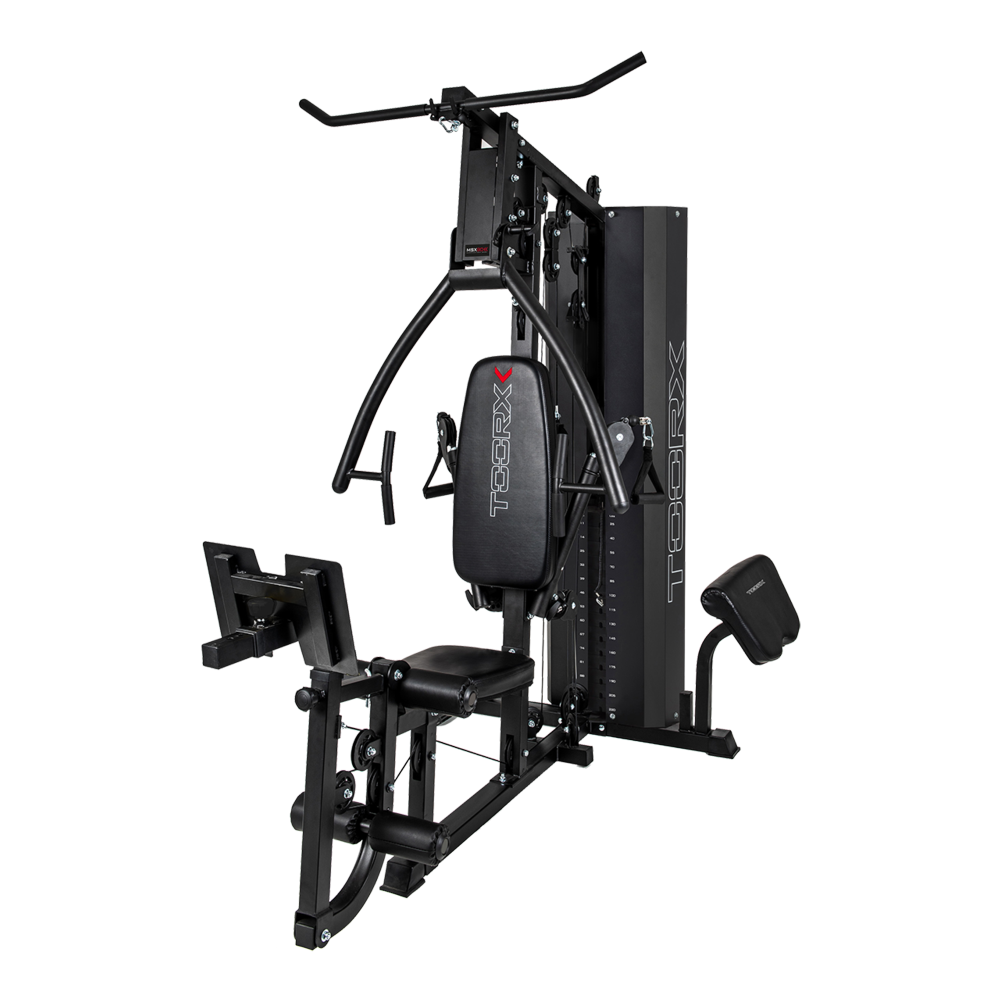 MSX-90
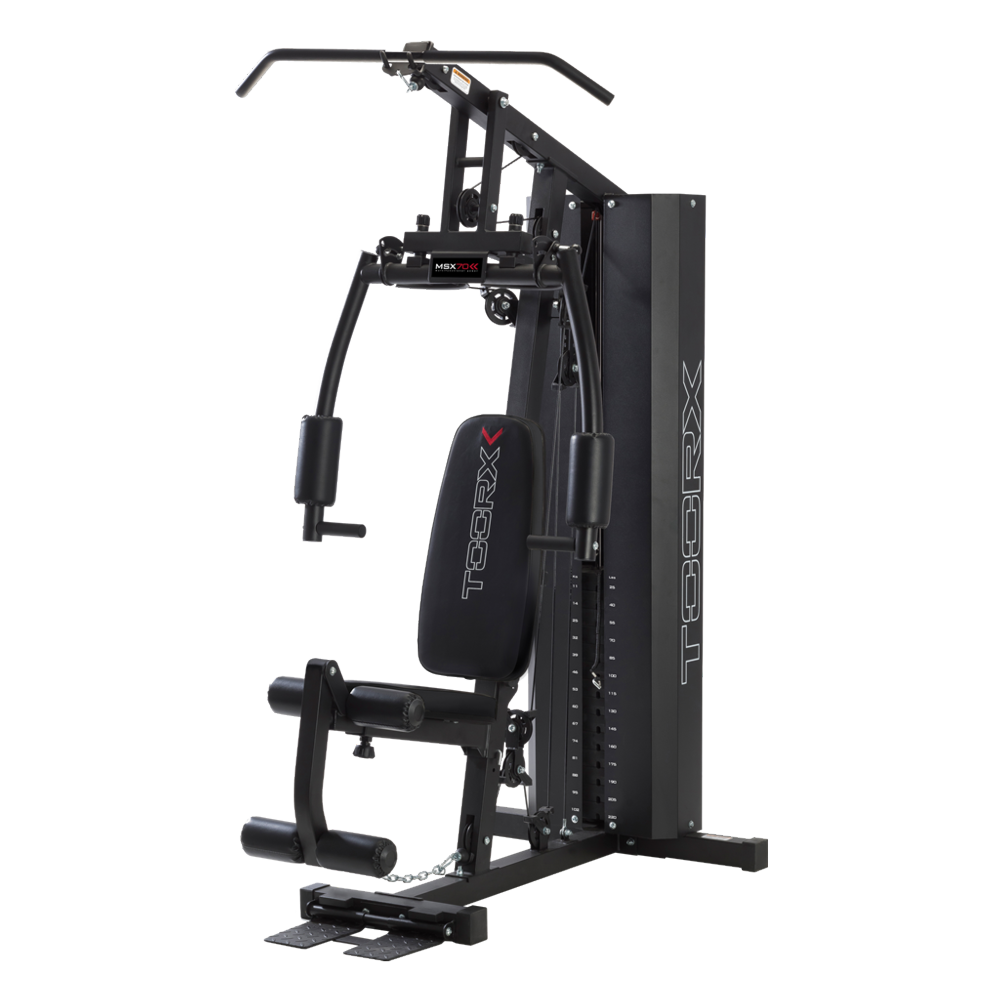 MSX-70
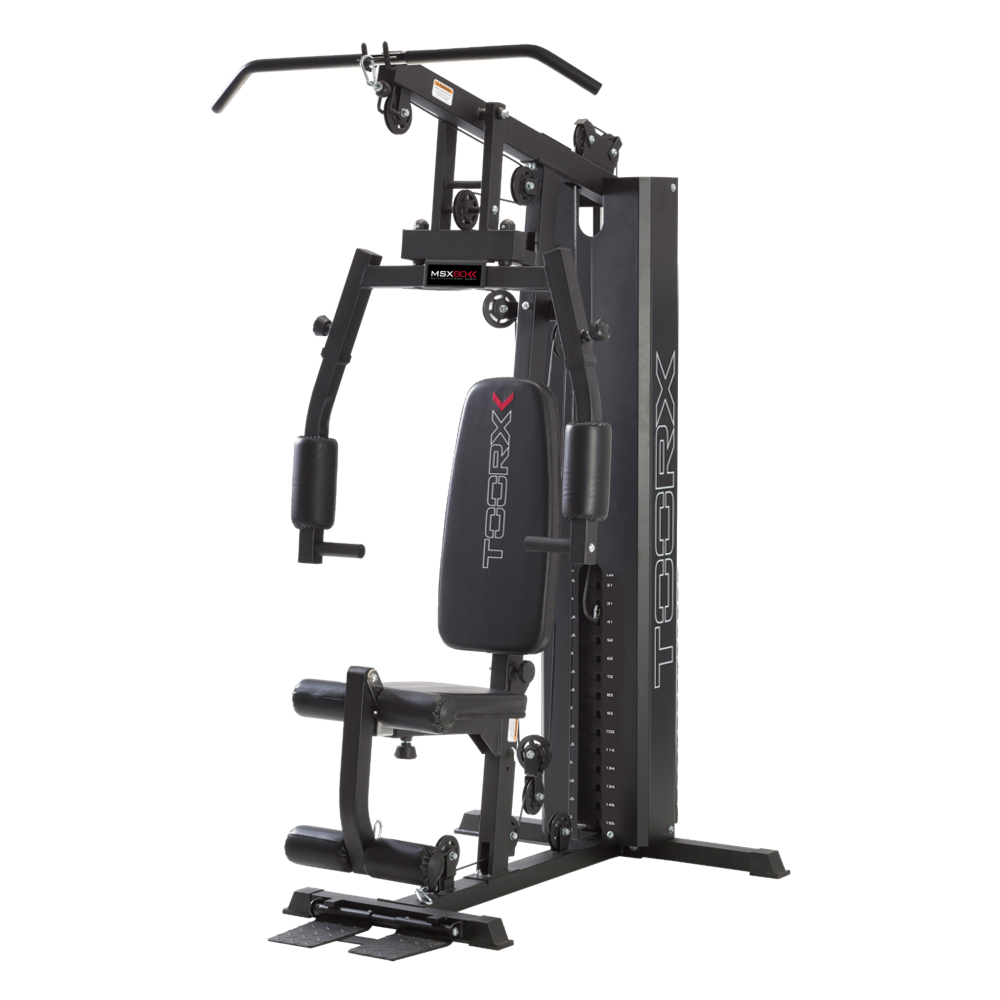 MSX-60
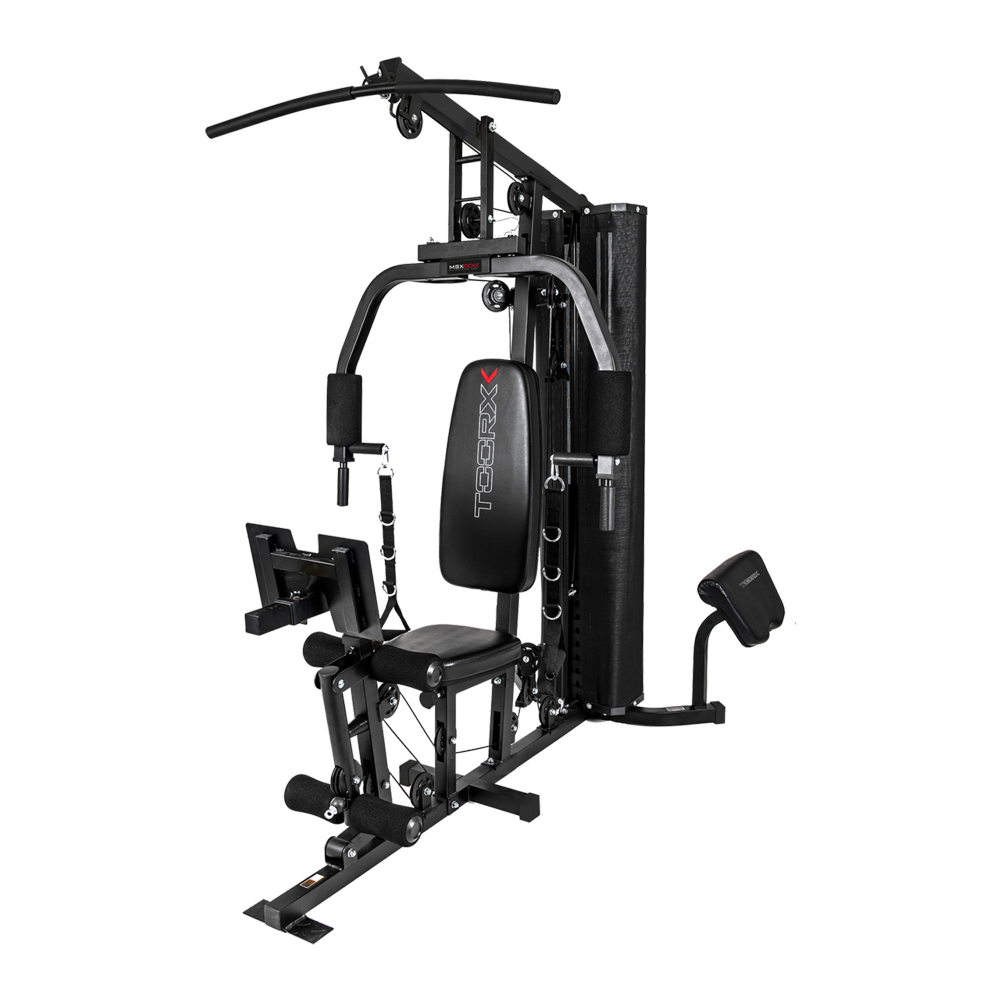 MSX-50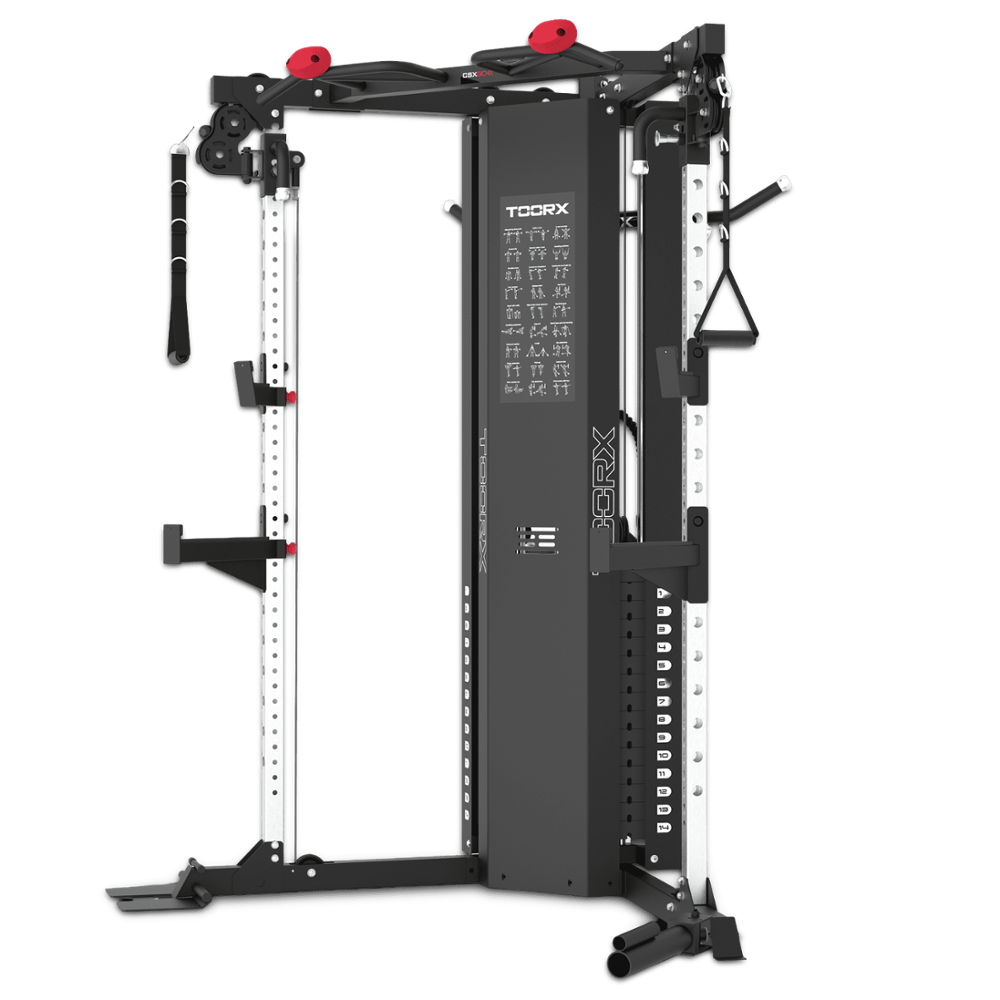
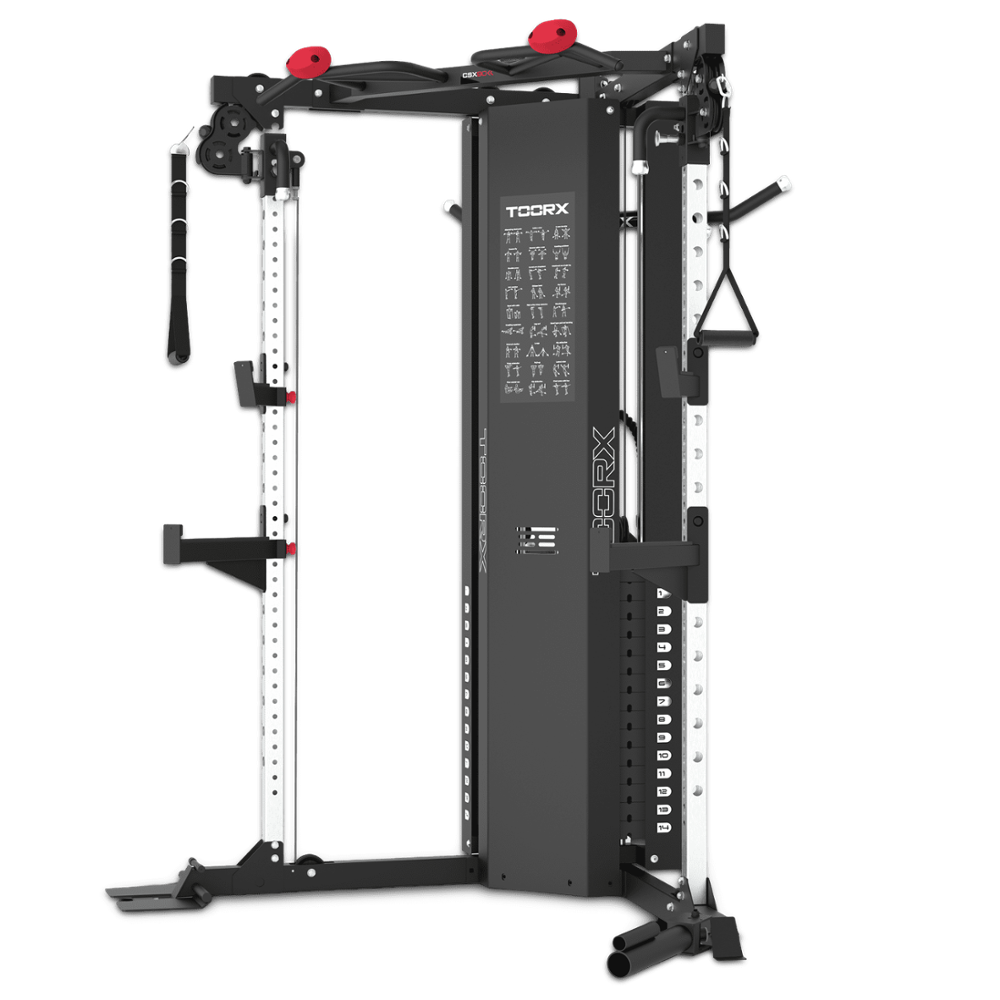
 CSX-70
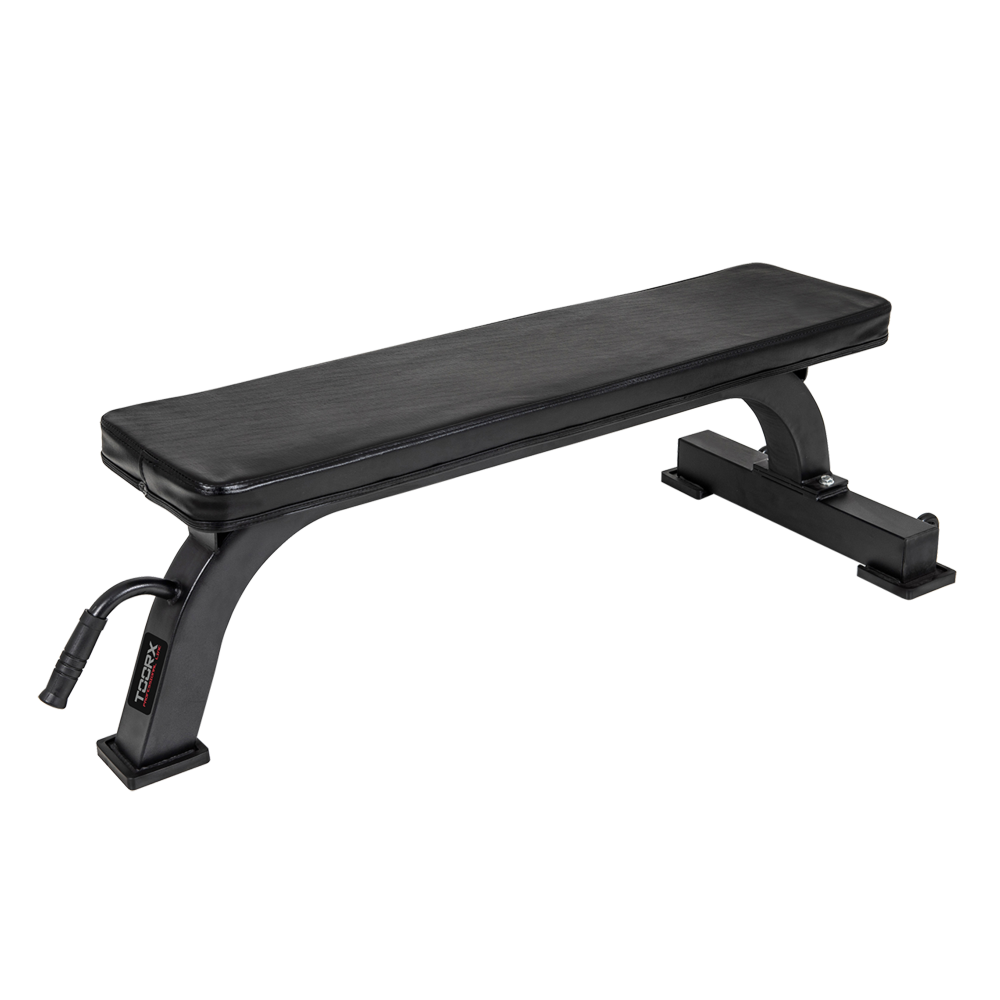 Flat benches
 WBX-100
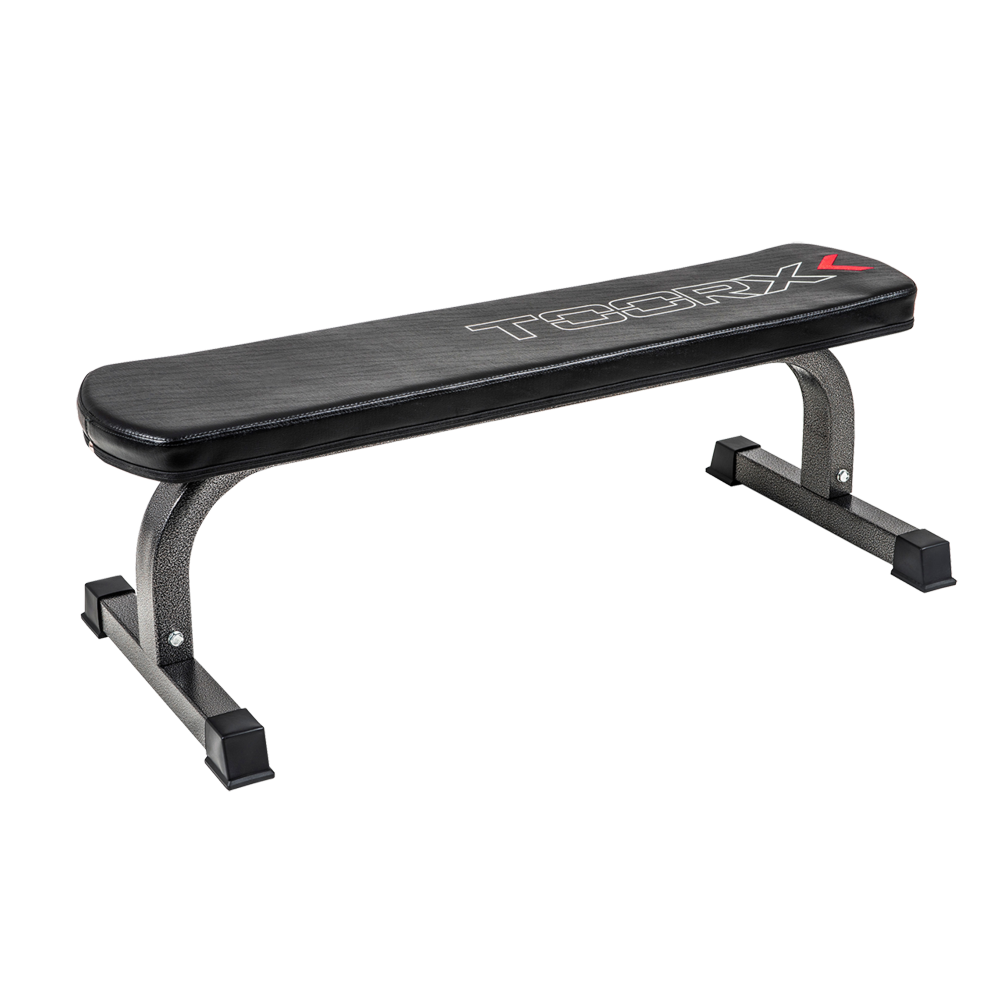 WBX-65
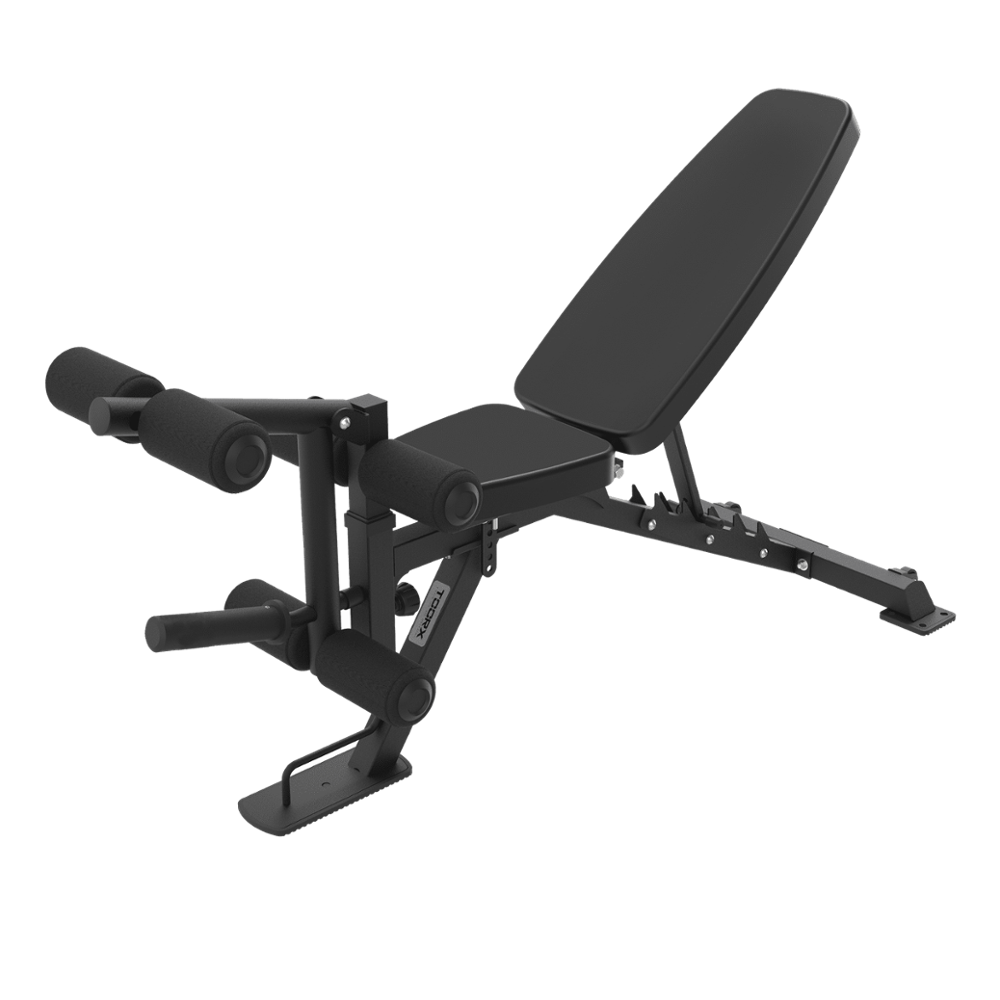 Multi-purpose benches
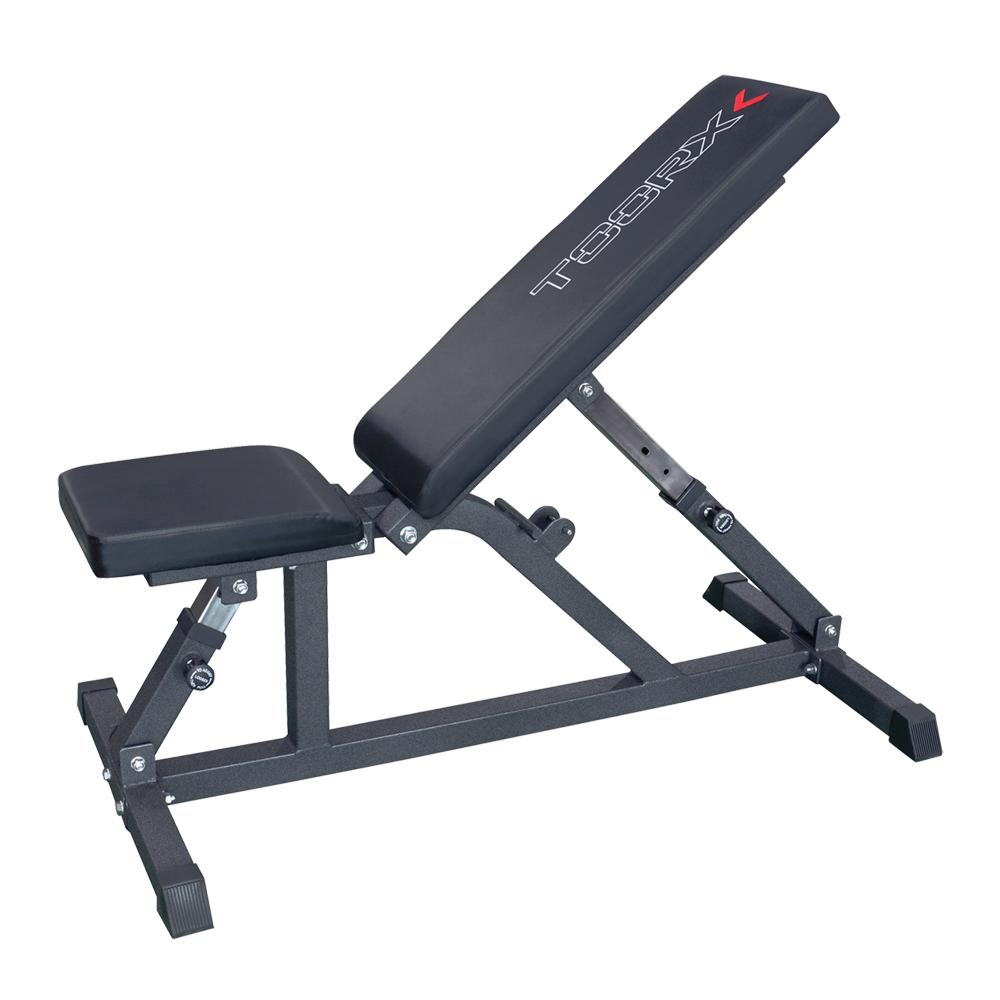 WBX-85
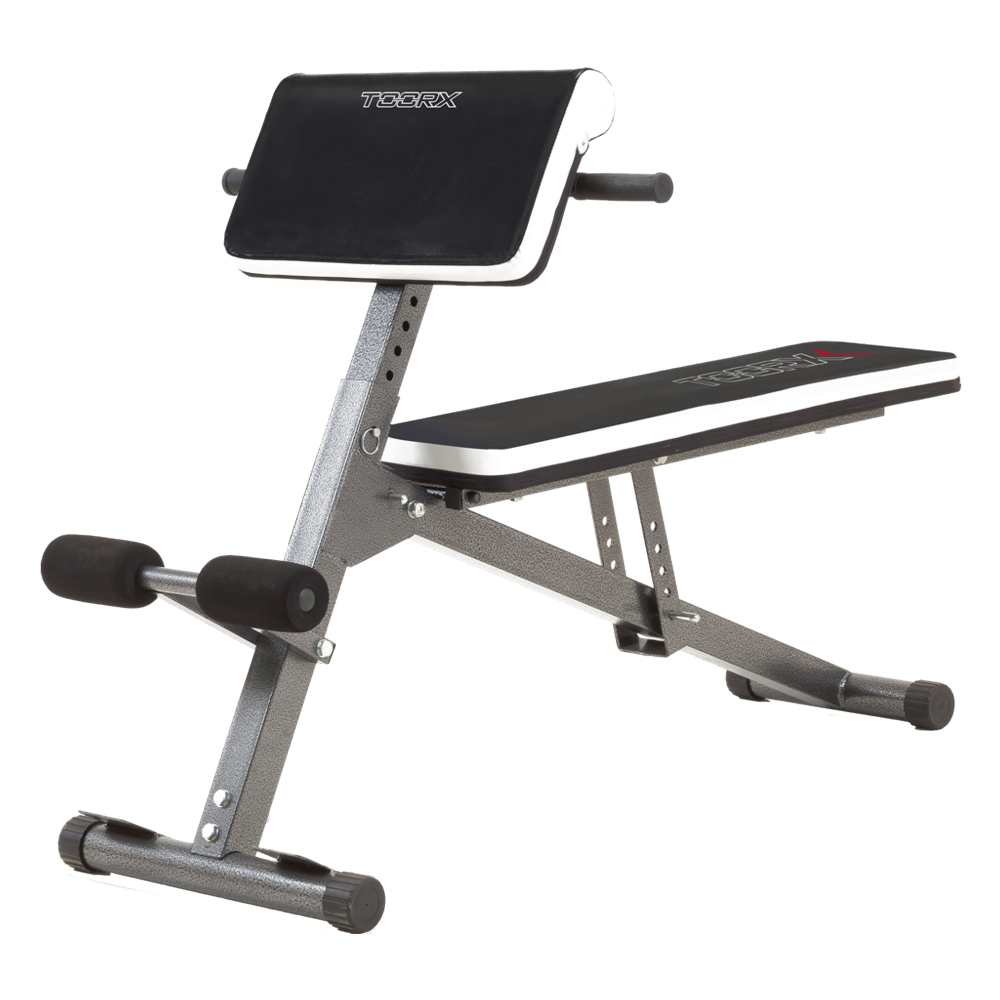 WBX-40 MULTI FIT
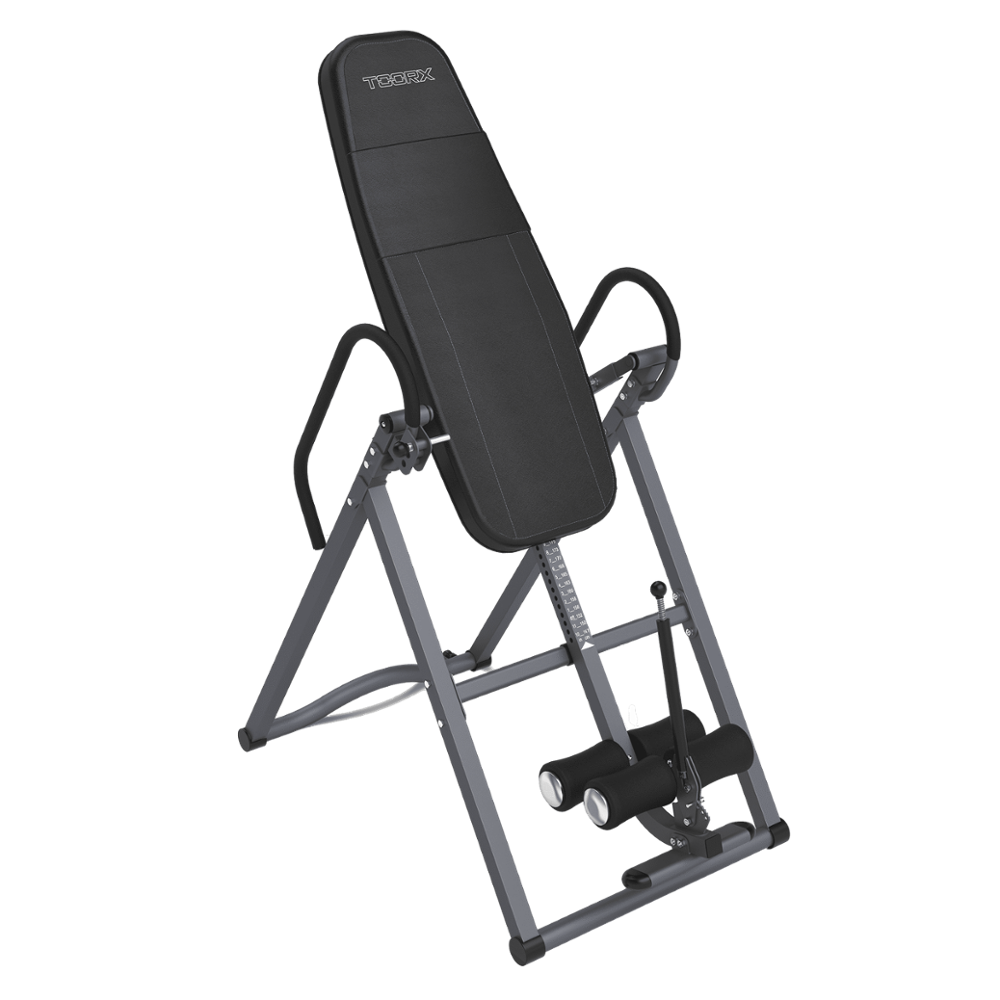 Inversion benches
 Benches with barbell support
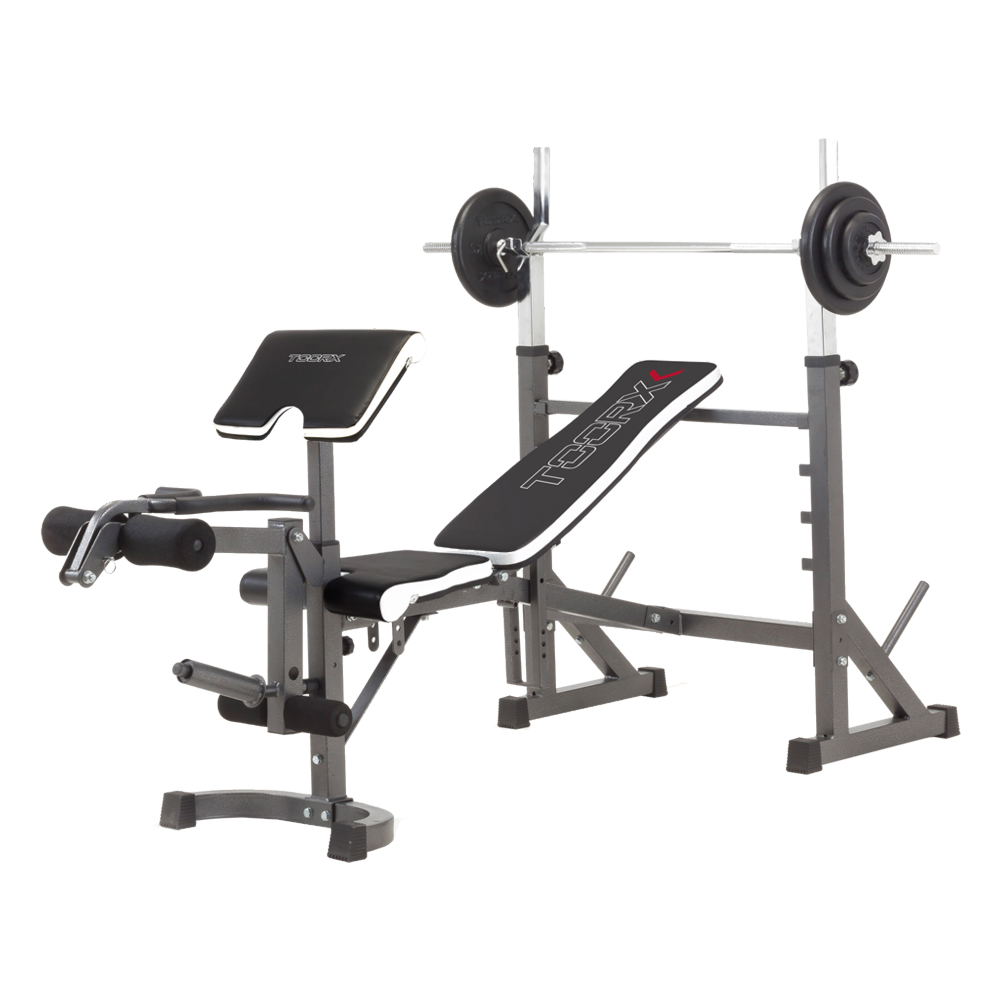 WBX-90
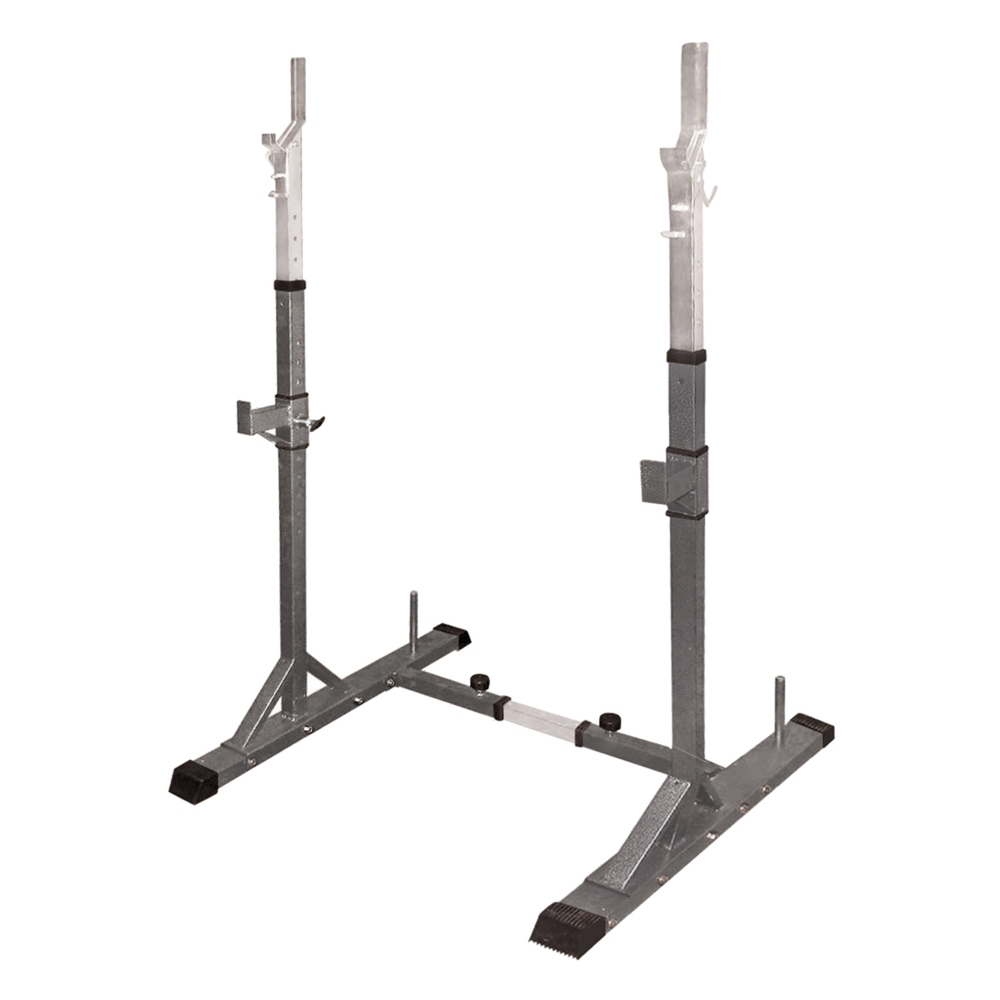 Barbell supports
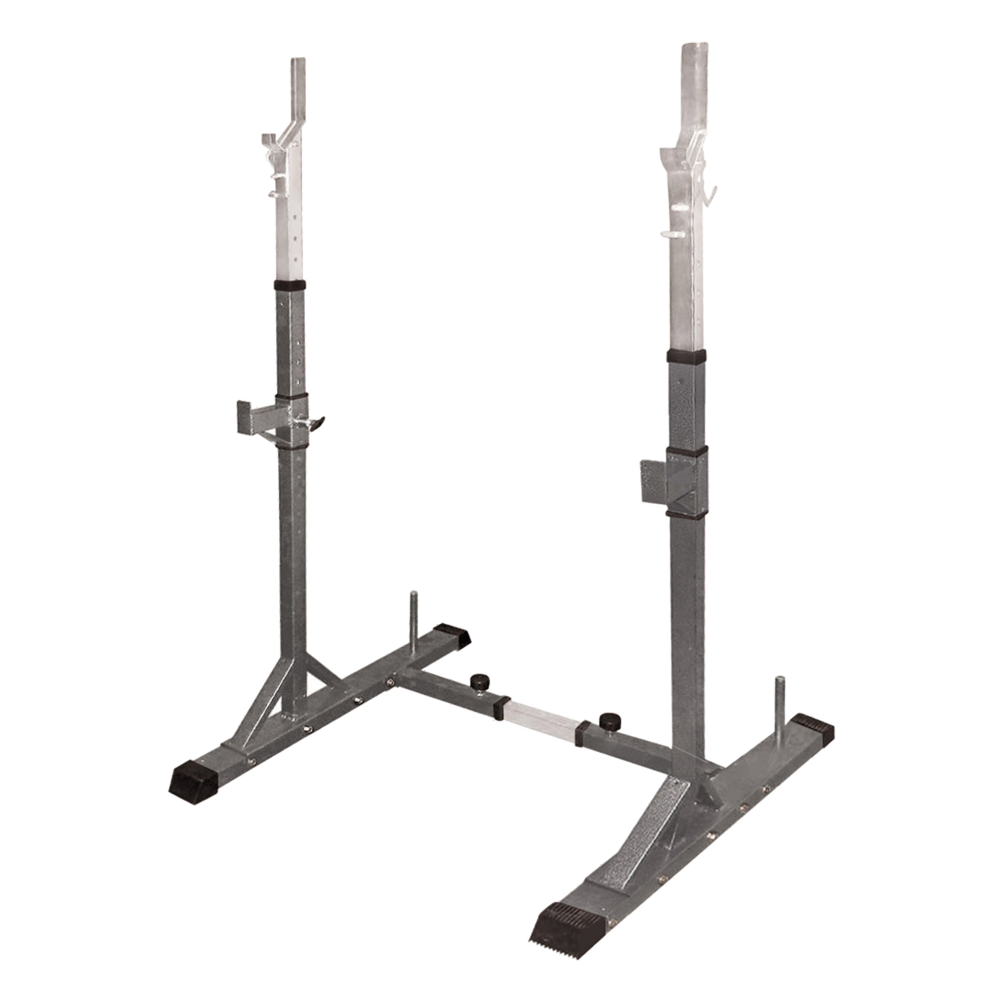 WBX-50
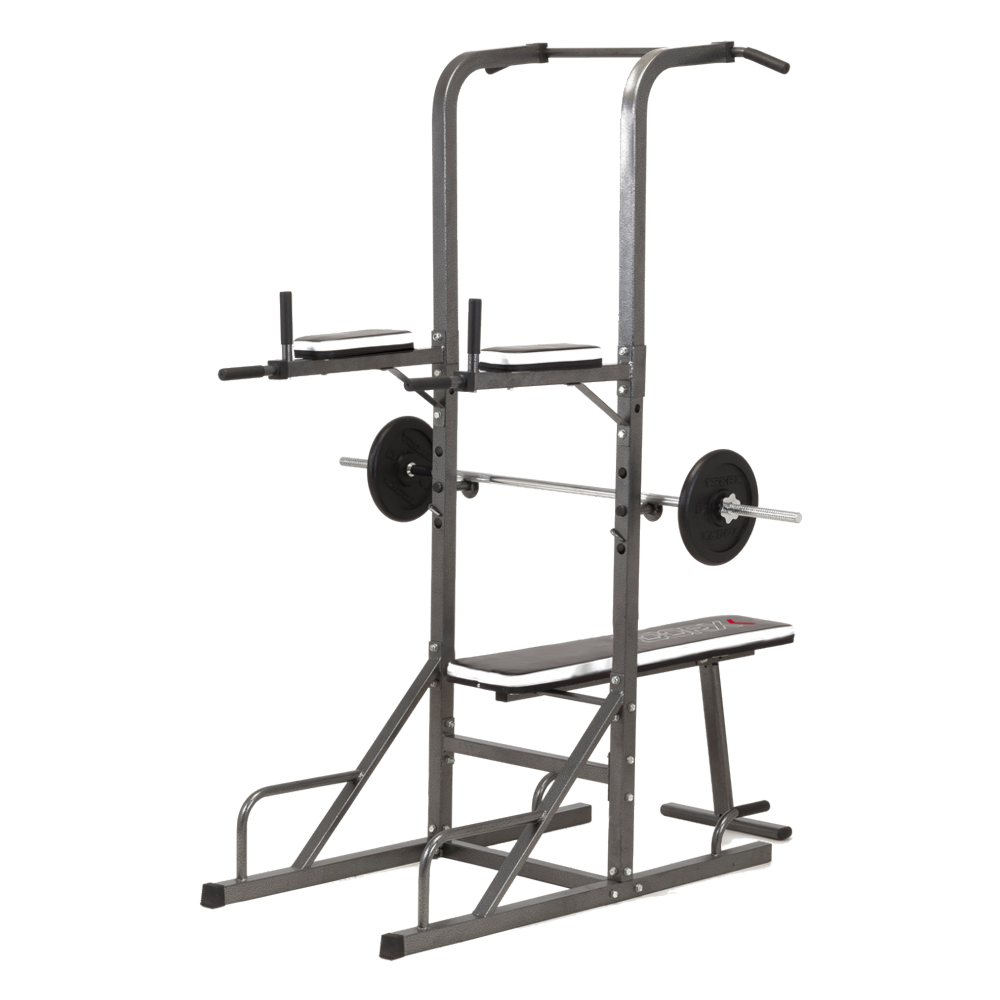 Power Tower
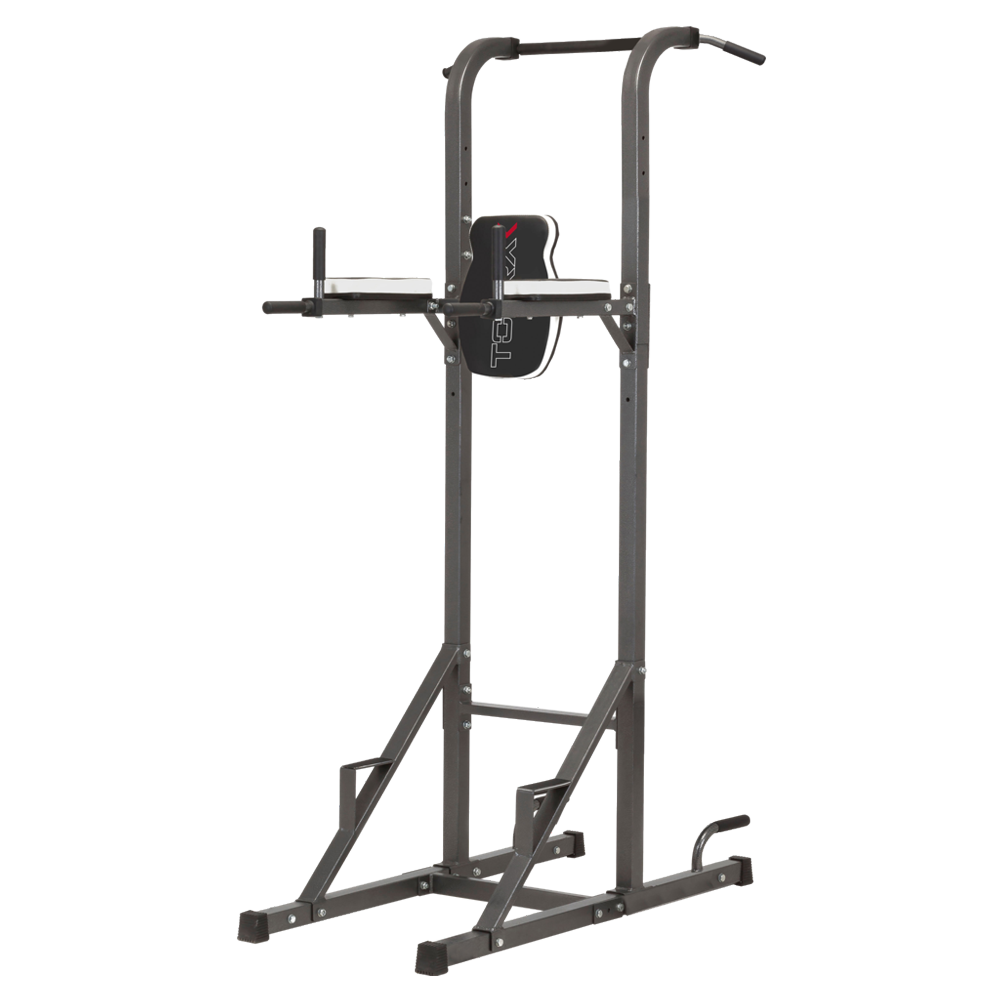 WBX-70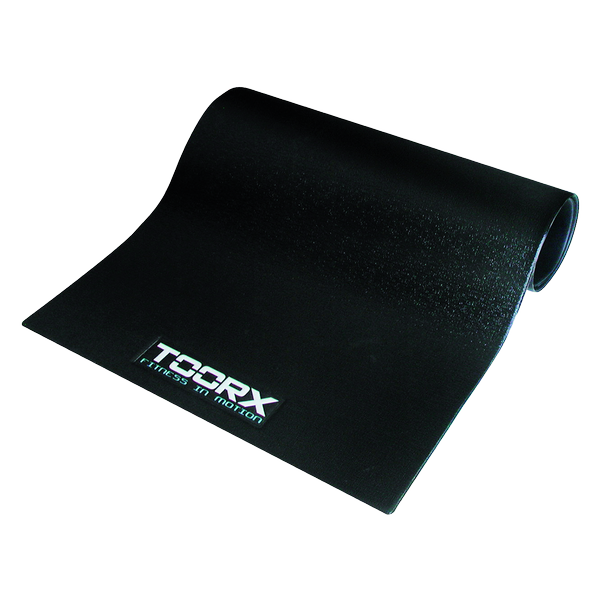
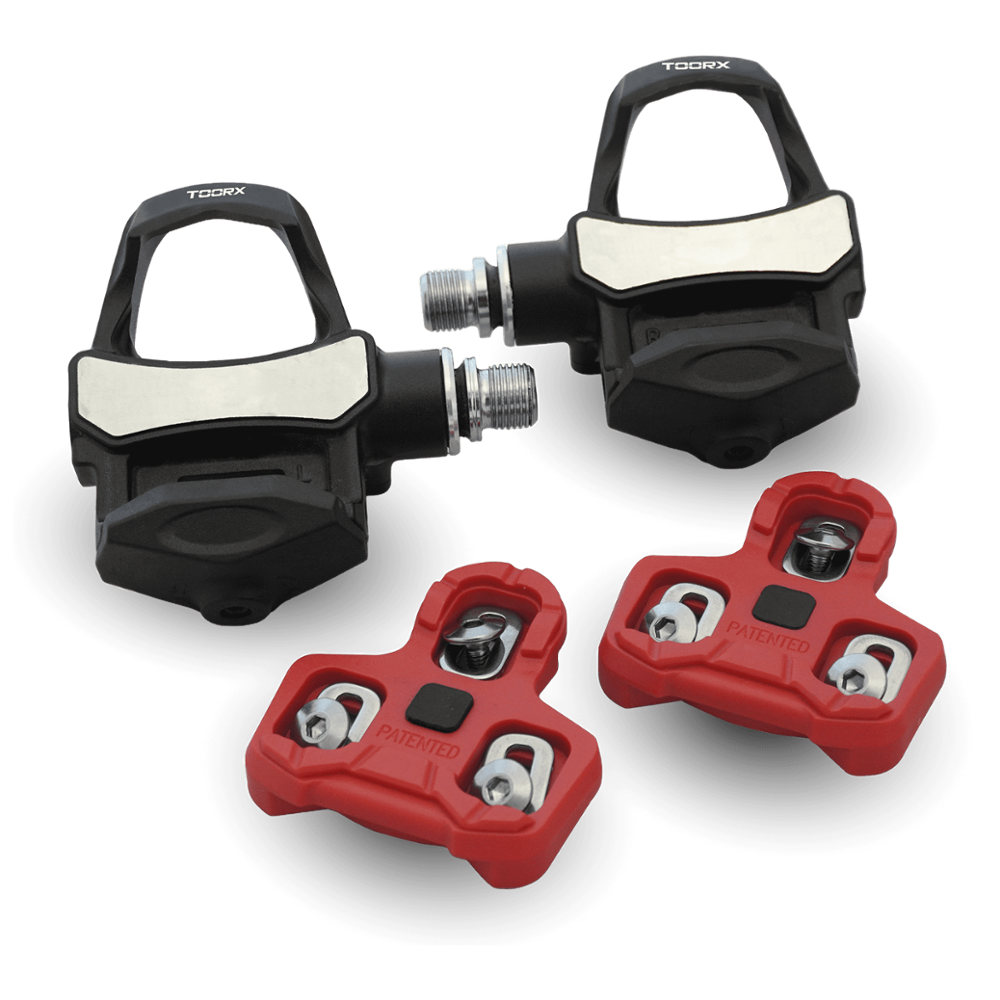 TX-POWER - POWER METER PEDALS KEO SYSTEM
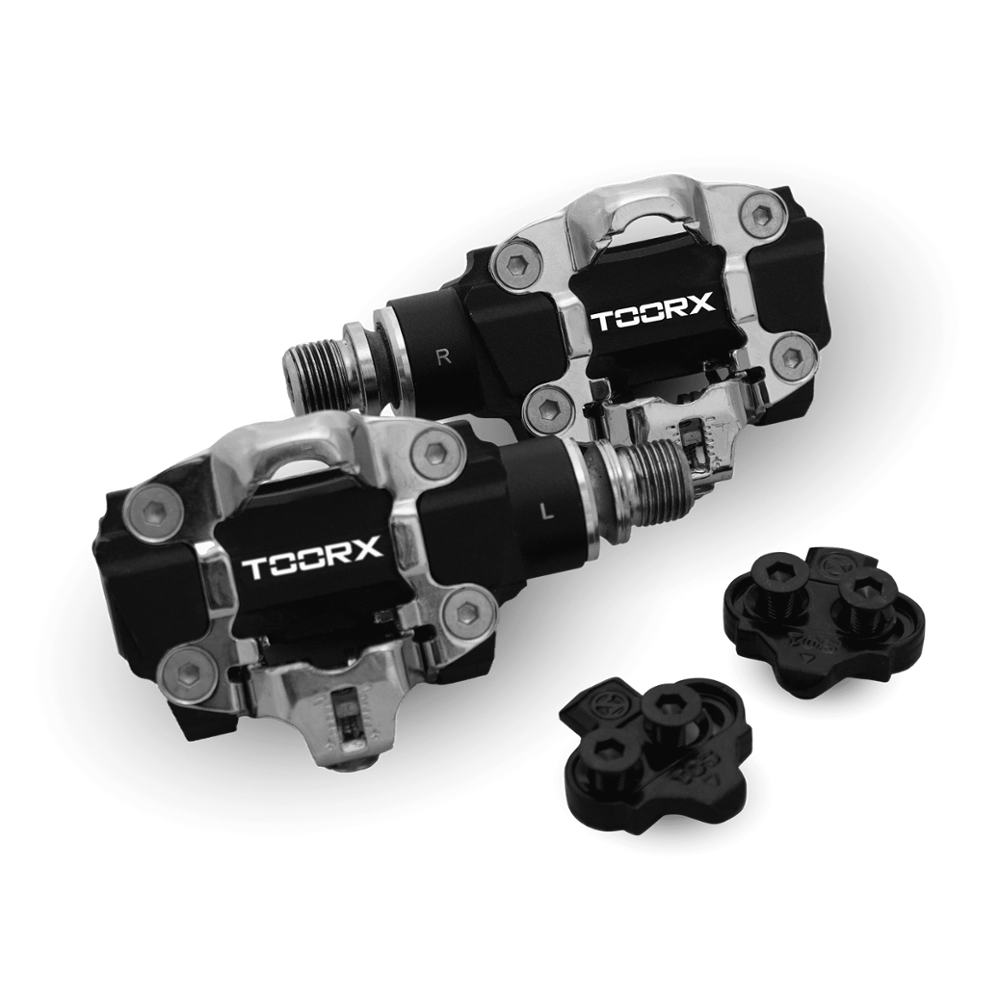 TX-POWER - POWER METER PEDALS SPD SYSTEM
 Sound-absorbing mat
 TRX APP GATE
 TOORX triple-transmission heart rate monitor
 TOORX heart rate monitor
 LUBETECH
 POLAR T34 HEART RATE MONITOR